> Full Neon documentation index: https://neon.com/docs/llms.txt
# Changelog
## Entries
---
### 2026-03-20
## One-command setup for more AI assistants
The **`npx neonctl@latest init`** command, which sets up Neon and configures the Neon MCP Server for you, now supports more AI assistants including **VS Code**, **Claude Code**, **Cursor**, **Claude Desktop**, **Codex**, **OpenCode**, **Antigravity**, **Cline**, **Cline CLI**, **Gemini CLI**, **GitHub Copilot CLI**, **Goose**, **MCPorter**, and **Zed**.
Run it from the root directory of your project:
```bash
npx neonctl@latest init
```
The **`init`** command uses **add-mcp** to configure the [Neon MCP Server](https://neon.com/docs/ai/neon-mcp-server) for your AI assistant. See [Supported agents (add-mcp)](https://neon.com/docs/ai/connect-mcp-clients-to-neon#supported-agents-add-mcp) for the full list of supported agents.
## Request billing support from the Billing page

Paid plans can open **Request billing support** on the **Billing** page. The form lets you choose an invoice and describe your issue.
## New examples and guides
- **[neon-auth-orgs-example](https://github.com/neondatabase/neon-js/tree/main/examples/neon-auth-orgs-example)** in [neondatabase/neon-js](https://github.com/neondatabase/neon-js): A small multi-tenant todo app that demonstrates **Neon Auth's Organization plugin** end to end. [Learn more about the Organization plugin](https://neon.com/docs/auth/guides/plugins/organization). For other Neon Auth samples, browse [`examples/`](https://github.com/neondatabase/neon-js/tree/main/examples) in that repo.
- [**Build your own Full-Stack Cloud Agents with Cloudflare Sandboxes and Neon Database Branching**](https://neon.com/guides/cloudflare-sandbox-neon-branching): Run a Cloudflare Sandbox worker that creates a **Neon branch per task**, runs an agent such as Claude Code with a branch-specific **`DATABASE_URL`**, then commits and opens a pull request.
- [**Triaging pull requests with OpenCode and Neon Database Branching**](https://neon.com/guides/opencode-neon-github-actions): Use **GitHub Actions** with OpenCode and Neon's **`create-branch-action`**, so each issue-triggered run gets its own Postgres branch for schema changes, migrations, and validation before the PR.
---
### 2026-03-13
## Unlimited Neon org members on the Free plan
You can now add **unlimited members** to each organization on the Free plan. Collaborate with teammates, invite others to your org, or keep separate workspaces for personal projects, side projects, and collaborations.

**Info: What are orgs and members?** An **organization** is a workspace that owns Neon projects and where you manage projects and collaborate. **Members** are people you invite to your organization. [Learn more](https://neon.com/docs/manage/orgs-manage).
With unlimited members, listing them efficiently matters. The [API for listing organization members](https://api-docs.neon.tech/reference/getorganizationmembers) now supports **pagination** and **sorting**, and the Console members page supports sorting and pagination. Member objects also include an optional **`has_mfa`** field, and the Console shows a 2FA indicator, following the recent introduction of [two-factor authentication (2FA)](https://neon.com/docs/manage/accounts#two-factor-authentication).
**Organizations API example**
```bash
# First page
curl -X GET \
'https://console.neon.tech/api/v2/organizations/{org_id}/members?limit=20&sort_by=joined_at&sort_order=desc' \
-H 'Authorization: Bearer $NEON_API_KEY'
# Next page (use cursor from response.pagination.next)
curl -X GET \
'https://console.neon.tech/api/v2/organizations/{org_id}/members?limit=20&cursor=...' \
-H 'Authorization: Bearer $NEON_API_KEY'
```
Response includes `pagination.next` for the next page and, per member, a `user` object that may include `has_mfa`:
```json
"user": { "email": "user@example.com", "has_mfa": true }
```
## Neon Auth
We're introducing two new Neon Auth features this week.
**Organization settings.** You can now configure **Organizations** for Neon Auth from the Neon Console. Go to **Auth** > **Configuration** > **Organizations** (per branch) to enable or disable the plugin, set the maximum organization memberships per user and the maximum members per organization, choose the creator role (owner or admin) for new organizations, and control whether invitation emails are sent. These settings support multi-tenant apps where users create and join organizations. See [Organization](https://neon.com/docs/auth/guides/plugins/organization) in the Neon Auth docs.

**Webhooks.** Introducing **Neon Auth webhooks**. Configure webhooks to receive HTTP POST requests when authentication events occur (OTP delivery, magic link delivery, user creation). Use them to replace built-in email delivery with your own channels (SMS, custom email, WhatsApp), validate signups before they complete, or sync new users to CRMs and analytics. The guide covers event types, API configuration, payload structure, signature verification, expected responses, retry behavior, and testing. See [Webhooks](https://neon.com/docs/auth/guides/webhooks).
## New NAT gateway IPs and VPC endpoint services in US East (N. Virginia)
We've expanded infrastructure capacity in the AWS US East (N. Virginia) region (`us-east-1`) with new NAT gateway IP addresses and new VPC endpoint service addresses for Private Networking.
**Tip: Update your IP allowlists** If you have IP allowlists on external systems that Neon connects to, **update those allowlists to include the new NAT gateway addresses**. Connections may be affected intermittently if traffic routes through non-allowlisted NAT gateways.
If you use Private Networking in `us-east-1`, you can now use the additional VPC endpoint service addresses for enhanced capacity and reliability. See the [Regions documentation](https://neon.com/docs/introduction/regions#aws-nat-gateway-ip-addresses) for the complete list of NAT gateway IPs and the [Private Networking guide](https://neon.com/docs/guides/neon-private-networking) for VPC endpoint service addresses by region.
## Stay on top of network transfer costs

**Network transfer** (egress) is data sent from your Neon databases to clients. It's one of the usage metrics that affects your bill on paid plans, and many teams only notice it when it shows up as a line item.
We've added two things to help. First, a **guide** that explains what network transfer is, what typically drives it (queries, pg_dump, logical replication, log export), how to monitor it in the Console and via the Consumption API, and how to manage or reduce usage. See [Reduce network transfer costs](https://neon.com/docs/introduction/network-transfer).
Second, an **agent skill** that guides your AI assistant through diagnosing and fixing application-side query patterns that cause excessive egress. The skill walks through analyzing your codebase for anti-patterns (such as `SELECT *`, missing pagination, high-frequency queries on static data, and application-side aggregation), applying fixes, and verifying with tests. To add it:
```bash
npx skills add neondatabase/agent-skills -s neon-postgres-egress-optimizer
```
---
### 2026-03-06
## Two-factor authentication (2FA)
Neon now supports **two-factor authentication (2FA)** for your account. Once enabled, you enter a 6-digit code from your authenticator app (for example, Google Authenticator, Authy, or 1Password) each time you log in. Set it up from your profile menu: **Account settings** → **Set up two-factor authentication**, then scan the QR code and verify with a code from your app. For details, see [Two-factor authentication](https://neon.com/docs/manage/accounts#two-factor-authentication).

## Data API Advisors
**Data API Advisors** is a new tab on the **Monitoring** page that helps you secure and tune your database when you use the [Neon Data API](https://neon.com/docs/data-api/overview), Neon's HTTP interface for querying your database from browsers, serverless functions, and edge runtimes. Because the Data API exposes your schema directly over HTTP, the RLS policies and security you define on your schema are critical. The advisors scan your database and report security and performance issues (such as missing RLS, sensitive columns exposed, or unindexed foreign keys) with severity levels and recommended fixes.
In the Neon Console, go to **Monitoring > Data API Advisors** for your branch to run a scan and view issues grouped by category.

For details, see [Data API Advisors](https://neon.com/docs/data-api/database-advisor).
## Combine Neon and Vercel MCP servers for powerful workflows
MCP servers make it incredibly easy to integrate tools and platforms. In this guide, learn how to combine the [Neon MCP server](https://neon.com/docs/ai/neon-mcp-server) with the [Vercel MCP server](https://vercel.com/docs/agent-resources/vercel-mcp) so AI agents can diagnose production errors, validate database fixes on a Neon branch, and open pull requests with code changes. Try it with Claude Code or any agent that supports MCP. See [AI-driven incident response with Vercel and Neon MCP](https://neon.com/guides/vercel-neon-mcp).
## Unlimited members on the Free Plan
You can now add **unlimited members** to each organization on the Free plan. Collaborate with teammates, invite others to your org, or keep separate workspaces for personal projects, side projects, and collaborations. No credit card required. For details, see [Manage billing](https://neon.com/docs/manage/orgs-manage#manage-billing) and [Neon plans](https://neon.com/docs/introduction/plans).
**Info: What are orgs and members?** An **organization** is a workspace that owns Neon projects. **Members** are people you invite to the organization. [Learn more](https://neon.com/docs/manage/orgs-manage).
---
### 2026-02-27
## Postgres version updates
We updated supported Postgres versions to [14.21](https://www.postgresql.org/docs/release/14.21/), [15.16](https://www.postgresql.org/docs/release/15.16/), [16.12](https://www.postgresql.org/docs/release/16.12/), [17.8](https://www.postgresql.org/docs/release/17.8/), and [18.2](https://www.postgresql.org/docs/release/18.2/), respectively.
```sql
SELECT version();
PostgreSQL 18.2 (e21737f) on aarch64-unknown-linux-gnu, compiled by gcc (Ubuntu 13.3.0-6ubuntu2~24.04.1) 13.3.0, 64-bit
```
When a new minor version is available on Neon, it is applied the next time your compute restarts. For more about how we handle Postgres version upgrades, refer to our [Postgres version support policy](https://neon.com/docs/postgresql/postgres-version-policy).
## TimescaleDB on Postgres 18
We've added support for the [timescaledb](https://neon.com/docs/extensions/timescaledb) extension on Postgres 18. Install it with:
```sql
CREATE EXTENSION timescaledb;
```
See [The timescaledb extension](https://neon.com/docs/extensions/timescaledb) for setup and usage.
## New Neon Agent Skill: Claimable Postgres (neon.new)
We've added **claimable-postgres** to the [Neon Agent Skills](https://github.com/neondatabase/agent-skills) collection. With this skill, your AI assistant can provide an instant temporary database via [Claimable Postgres by Neon](https://neon.new/) and obtain a connection string autonomously, without human intervention, account creation, or credit card. For details, see [Claimable Postgres by Neon](https://neon.com/docs/reference/claimable-postgres).
**Tip: How to get Neon Agent Skills**
**npx (skills only):**
```bash
npx skills add neondatabase/agent-skills -s claimable-postgres
```
[Neon Agent Skills repository](https://github.com/neondatabase/agent-skills)
## Git worktrees with Neon branching
Run multiple AI coding agents in parallel without collisions by giving each agent its own Git worktree (isolated working directory) and Neon database branch from a single repository. The guide shows how to avoid file, Git, and database conflicts and ties it together with a post-checkout hook so spinning up a new agent with its own database takes one command. See the guide: [Git worktrees with Neon branching](https://neon.com/guides/git-worktrees-neon-branching).
## Google Jules and Neon MCP
Use the Neon MCP Server with [Google Jules](https://jules.google.com/) to give AI agents an isolated database branch for each feature. Connect Jules to Neon MCP so it can spin up branches, apply schema changes and migrations, and open PRs without touching production. See the guide: [Google Jules and Neon MCP](https://neon.com/guides/google-jules-neon-mcp).
## Fixes and improvements
**Data anonymization**
Anonymized branches are now supported on projects with [IP Allow](https://neon.com/docs/manage/projects#configure-ip-allow) or [Private Networking](https://neon.com/docs/guides/neon-private-networking) enabled. You can now create and use anonymized branches for these projects without restriction. For more information, see [Data anonymization](https://neon.com/docs/workflows/data-anonymization).
**Neon Auth**
We fixed an issue where deleting a database with [Neon Auth](https://neon.com/docs/auth/overview) left stale state and caused 500 errors when opening [Neon Auth](https://neon.com/docs/auth/overview) settings (e.g., OAuth or SMTP).
**Neon Console**
The Drizzle Studio integration that powers the [**Tables**](https://neon.com/docs/guides/tables) page in the Neon Console has been updated to version 1.3.2. This release fixes a regression where **Add Column** → **Review and Commit** could produce a zod validation error. For the latest improvements and fixes, see the [Neon Drizzle Studio Integration Changelog](https://github.com/neondatabase/neon-drizzle-studio-changelog/blob/main/CHANGELOG.md).
**PgBouncer**
The PgBouncer version used by Neon to offer [connection pooling](https://neon.com/docs/connect/connection-pooling) support was updated to [version 1.25.1](https://www.pgbouncer.org/changelog.html#pgbouncer-125x) for the latest updates and patches.
**Snapshots**
On paid plans, the snapshot limit (10) now applies only to manual snapshots. Scheduled backup snapshots no longer count toward that limit, so scheduled backups will no longer fail when you've already created your maximum number of manual snapshots. For more information, see [Backup & restore](https://neon.com/docs/guides/backup-restore).
---
### 2026-02-20
## Connect modal defaults to Connection string
Developers told us they want to quickly copy the database connection string to drop into their application. Based on that feedback, the **Connect** modal on the project dashboard now defaults to **Connection string** in the snippet dropdown instead of the psql command. You can still choose any snippet from the dropdown (e.g., psql), and your preferred option is saved for the next time you open the **Connect** modal.

## Cursor plugin for Neon
The **Neon Cursor plugin** is now available. It adds Neon Skills and MCP integration to Cursor so your assistant can use workflow guidance (connection methods, ORMs, branching) and run database operations from natural language, including listing projects, creating branches, running SQL, and more. In Cursor chat, run `/add-plugin neon-postgres`, or run `/add-plugin` and search for **neon**. The plugin appears as **Neon Postgres** in the Add Plugin menu:

After installation, prompt with "Get started with Neon" to complete authentication. For setup and usage, see [Cursor plugin for Neon](https://neon.com/docs/ai/ai-cursor-plugin).
## Expanded infrastructure capacity in AWS Europe (Frankfurt)
We've expanded infrastructure capacity in the AWS Europe (Frankfurt) region (`aws-eu-central-1`). If you have IP allowlists on external systems that Neon connects to, or if you use Private Networking in this region, **update your allowlists or VPC endpoint configuration** to include any new addresses. See our [Regions documentation](https://neon.com/docs/introduction/regions#aws-nat-gateway-ip-addresses) for the complete list of NAT gateway IPs and the [Private Networking guide](https://neon.com/docs/guides/neon-private-networking) for VPC endpoint service addresses by region.
## Neon CircleCI Orb: a Postgres branch for every pipeline run
A new community-contributed [Neon CircleCI Orb](https://circleci.com/developer/orbs/orb/dhanushreddy291/neon) provisions a Neon database branch per job, so your CI database is production-like in behavior with fewer "works in CI, breaks in prod" surprises. Each run gets an isolated, ephemeral branch. You can branch from a pre-migrated base to skip running migrations from scratch. The orb handles cleanup and TTL when the job ends. Because each run has its own branch, tests stay deterministic and parallel runs don't share state. Example:
```yaml
version: 2.1
orbs:
neon: dhanushreddy291/neon@1.0
workflows:
test_workflow:
jobs:
- neon/run_tests:
migrate_command: npm run db:migrate
test_command: npm test
```
See the [Automate branching with CircleCI](https://neon.com/docs/guides/branching-circleci) guide to get started. The guide covers the `neon/run_tests` job and the `neon/create_branch`, `neon/delete_branch`, and `neon/reset_branch` commands.
---
### 2026-02-13
## Add organization members by domain
You can now add members to your organization by email domain. Organization admins can add and verify one or more domains (for example, `yourcompany.com`) in your Neon organization **Settings**, under **Domains**.
When a user signs up or logs in to Neon with an email that matches a verified domain, they're automatically added to your Neon organization as a Member, no invite email required. They see your organization in the org switcher in the Neon Console.
This is useful for teams that want everyone within the company email domain to have access without needing to send individual invites. You simply add your domain in the Neon Console, add a TXT record at your DNS provider to verify ownership, then click **Verify** in the Neon Console.

Colleagues who already have Neon accounts are added to the organization the next time they log in. For the full flow and behavior (roles, multiple domains), see [Add members by domain](https://neon.com/docs/manage/orgs-add-members-by-domain).
## Neon MCP Server updates
This week's Neon MCP Server release brings new tools for pulling Neon documentation and setup guidance into your development environment, plus a new guide for connecting [Google Jules](https://jules.google.com) to the Neon MCP Server.
**New documentation retrieval tools**
The MCP Server now includes two tools so your AI agent or MCP client can fetch Neon docs on demand:
- **`list_docs_resources`** – Lists all available Neon documentation pages from the docs index. Returns page URLs and titles so you can choose which page to load.
- **`get_doc_resource`** – Fetches a specific Neon documentation page as markdown. Use `list_docs_resources` first to discover page slugs, then pass the slug to this tool to load the content.
Together, these tools let your agent or assistant look up setup, configuration, and how-to content from the Neon docs without leaving the chat.
**Neon MCP Server on Google Jules**
The Neon MCP Server is now available in [Google Jules](https://jules.google.com), Google's AI-powered coding assistant. Create a Neon API key, add the server in Jules settings, and you're set. Full setup steps are in [Connect MCP clients to Neon](https://neon.com/docs/ai/connect-mcp-clients-to-neon#jules).

## Compute Autoscaling Report
We've published a [Compute Autoscaling Report](https://neon.com/autoscaling-report) that breaks down how Neon's autoscaling compute compares to provisioned, fixed compute sizes, based on real production workloads that run on Neon.
**Coming Soon: Key Findings**
- Production databases on Neon use 2.4x less compute and 50% less cost than if they were running on provisioned, fixed compute sizes.
- Putting the same production workloads on provisioned, fixed compute sizes would result in 55 performance degradations per database per month.
- Read replicas on Neon use 4x less compute than if they were running on provisioned, fixed compute sizes.
- Running the same small scale-to-zero workloads on provisioned, fixed compute sizes would cost 7.5x more.
The report walks through what happens when you use provisioned, fixed compute sizes vs. autoscaling compute, and how that impacts cost and performance. If you've ever wondered how much autoscaling actually saves you (or how it behaves under real traffic), the report lays it out with real data and the full methodology.

To learn more about Neon's autoscaling feature and how to enable it for your projects, see [Autoscaling](https://neon.com/docs/introduction/autoscaling).
## Custom API key header for OpenTelemetry
You can now specify a custom header name for API key authentication when configuring OpenTelemetry integrations. The header defaults to `X-API-Key` if not specified. This makes it easier to integrate with services like Honeycomb that expect a different header name for API keys.

---
### 2026-02-06
## Track your usage programmatically on paid plans
A new consumption history API for current usage-based plans is now available on all paid plans, including Launch. The metrics returned align directly with [usage-based billing](https://neon.com/docs/introduction/plans), so what you query matches what you see on your invoice.
Use this API to build custom dashboards, integrate with your reporting tools, or set up usage alerts. Query at hourly, daily, or monthly granularity for metrics like compute usage, storage (root and child branches), instant restore, data transfer, and extra branches.
This example retrieves month-to-date usage for all metrics:
```bash
curl --request GET \
--url 'https://console.neon.tech/api/v2/consumption_history/v2/projects?from=2026-02-01T00:00:00Z&to=2026-02-06T00:00:00Z&granularity=daily&org_id=$ORG_ID&metrics=compute_unit_seconds,root_branch_bytes_month,child_branch_bytes_month,instant_restore_bytes_month,public_network_transfer_bytes,private_network_transfer_bytes,extra_branches_month' \
--header 'Accept: application/json' \
--header 'Authorization: Bearer $NEON_API_KEY' | jq
```
For API details, see [Retrieve project consumption metrics](https://api-docs.neon.tech/reference/getconsumptionhistoryperprojectv2). For more information, see [Querying consumption metrics](https://neon.com/docs/guides/consumption-metrics).
**Try it with your AI agent:**
## Simpler MCP Server setup
You can now configure the Neon MCP Server for all detected AI agents and editors in your workspace with a single command:
```bash
npx add-mcp https://mcp.neon.tech/mcp
```
This adds the MCP config to your editor; restart your editor (or enable the MCP server in settings). When you use the connection, an OAuth window will open in your browser to authorize access. For the full setup (MCP server plus agent skills and VS Code extension), use `npx neonctl@latest init` instead. It configures the MCP server for Cursor, VS Code, Claude Code, and others using API key authentication.
With OAuth, the MCP server uses your personal Neon account by default. To use organization projects, provide `org_id` or `project_id` in your prompt. For API key-based authentication (e.g., remote agents), use:
```bash
npx add-mcp https://mcp.neon.tech/mcp --header "Authorization: Bearer $NEON_API_KEY"
```
For more setup options (including global vs project-level), see [Connect MCP clients to Neon](https://neon.com/docs/ai/connect-mcp-clients-to-neon) and the [add-mcp repository](https://github.com/neondatabase/add-mcp).
## Postgres extension updates
We've expanded extension support for Postgres 18:
| Extension | Version | Description |
| :--------------------------------------------------------- | :------ | :-------------------------------------------------------------------------- |
| [pg\_graphql](https://neon.com/docs/extensions/pg_graphql) | 1.5.12 | Adds a GraphQL API layer directly to your Postgres database |
| [pgx\_ulid](https://github.com/pksunkara/pgx_ulid) | 0.2.2 | Generates universally unique lexicographically sortable identifiers (ULIDs) |
To install these extensions, run:
```sql
CREATE EXTENSION pg_graphql;
CREATE EXTENSION pgx_ulid;
```
For a complete list of Postgres extensions supported by Neon, see [Postgres extensions](https://neon.com/docs/extensions/pg-extensions).
**Neon API**
- You can now set your project's default branch using the [Update Project API](https://api-docs.neon.tech/reference/updateproject) by passing the `default_branch_id` parameter. This makes it easier to automate branch management in CI/CD pipelines and scripts, for example, after a recovery operation or when promoting a development branch to production. The previous default branch is automatically unset.
```bash
curl --request PATCH \
--url 'https://console.neon.tech/api/v2/projects/{project_id}' \
--header 'Authorization: Bearer $NEON_API_KEY' \
--header 'Content-Type: application/json' \
--data '{"project": {"default_branch_id": "br-example-123456"}}'
```
**Tables page**
- The Drizzle Studio integration that powers the **Tables** page in the Neon Console has been updated to version 1.3.0. This release fixes issues with uppercase letters in enum column types and adding foreign keys. For the full list of improvements, see the [Neon Drizzle Studio Integration Changelog](https://github.com/neondatabase/neon-drizzle-studio-changelog/blob/main/CHANGELOG.md).
_The **Tables** page lets you view, edit, and manage your database tables and data directly from the console. For more, see [Tables page](https://neon.com/docs/guides/tables)._
---
### 2026-01-30
## Neon Auth SDK simplified
We've released a major update to the server-side Neon Auth SDK (`@neondatabase/auth/next/server`) for Next.js applications.
**Unified entry point**
The SDK now uses a single `createNeonAuth()` function that replaces the previous separate functions (`neonAuth()`, `authApiHandler()`, `neonAuthMiddleware()`, `createAuthServer()`). Configure authentication once and access all functionality from a single object:
```typescript
// lib/auth/server.ts
import { createNeonAuth } from '@neondatabase/auth/next/server';
export const auth = createNeonAuth({
baseUrl: process.env.NEON_AUTH_BASE_URL!,
cookies: { secret: process.env.NEON_AUTH_COOKIE_SECRET! },
});
// Use everywhere in your app
export const { GET, POST } = auth.handler(); // API routes
export default auth.middleware({ loginUrl: '...' }); // Middleware
const { data: session } = await auth.getSession(); // Server components
await auth.signIn.email({ email, password }); // Server actions
```
**Explicit configuration**
Configuration is now explicit rather than implicit. You must pass `baseUrl` and `cookies.secret` directly to `createNeonAuth()` instead of relying on automatic environment variable reading, making dependencies clear and eliminating "magic" behavior.
**Session caching**
Session data is now automatically cached in a signed cookie, reducing API calls to the Auth Server by 95-99%. Sessions are cached for 5 minutes by default (configurable) and automatically refresh as needed.
**Breaking changes**
This release includes breaking changes. If you're using Neon Auth and want to upgrade to the latest SDK version, you will need to update your application code. Key changes include replacing separate auth functions with the unified `createNeonAuth()` API, adding a required `NEON_AUTH_COOKIE_SECRET` environment variable, and adding `dynamic = 'force-dynamic'` to server components that use auth methods.
For detailed migration instructions, see the [migration guide](https://neon.com/docs/auth/migrate/from-auth-v0.1). For complete API documentation, see the [Next.js Server SDK reference](https://neon.com/docs/auth/reference/nextjs-server).
**Getting started**
To see the latest SDK in action, check out the [demo applications](https://github.com/neondatabase/neon-js/tree/main/examples), including a Next.js demo with server components, a React + Vite demo with external UI, and a React demo with the full `neon-js` SDK. The repository also includes [AI coding assistant skills](https://github.com/neondatabase/neon-js/tree/main/skills) for Cursor and Claude Code with updated setup guides and code examples. See the [Neon Auth quick start](https://neon.com/docs/auth/quick-start/nextjs-api-only) and [Server SDK reference](https://neon.com/docs/auth/reference/nextjs-server) to get started.
_Neon Auth is a managed authentication service that branches with your database. See the [Neon Auth overview](https://neon.com/docs/auth/overview) to learn more._
## Claimable Postgres by Neon adds REST API
[Claimable Postgres by Neon](https://neon.new/) now offers a REST API for programmatic database provisioning, making it easy to integrate Postgres into your platform, CI/CD pipelines, testing frameworks, and automation workflows.
The new API enables you to create databases with a single HTTP request:
```bash
curl -X POST https://neon.new/api/v1/database \
-H 'Content-Type: application/json' \
-d '{"ref": "your-app-name"}'
```
The API returns the ID, status, Neon project ID, connection string, claim URL, expiration timestamp, and creation/update timestamps. You can also retrieve database details using `GET /api/v1/database/:id`. Unclaimed databases have a 100 MB storage limit and expire after 72 hours. Claim your database to a Neon account to remove the expiration and get full Free plan limits.
The `neon-new` CLI also adds a new `--logical-replication` flag to enable logical replication for real-time sync with tools like [ElectricSQL](https://electric-sql.com/).
**Update:** The CLI was `get-db` at the time of this release; it's now `neon-new`.
_Claimable Postgres provides instant cloud-hosted Postgres that spins up in seconds. No signup or registration required. See the [Claimable Postgres documentation](https://neon.com/docs/reference/claimable-postgres) for more information._
## New NAT gateway IP addresses
We've added new NAT gateway IP addresses in the AWS US East (N. Virginia), US East (Ohio), and US West (Oregon) regions to expand infrastructure capacity. If you have IP allowlists on external systems that Neon connects to, **update those allowlists to include the new addresses**. Connections may be affected intermittently if traffic routes through non-allowlisted NAT gateways.
See our [Regions documentation](https://neon.com/docs/introduction/regions#aws-nat-gateway-ip-addresses) for the complete list of NAT gateway IPs for all regions.
## New VPC endpoint services for Private Networking
We've added new VPC endpoint service addresses for Private Networking in the AWS US East (N. Virginia), US East (Ohio), and US West (Oregon) regions. If you've set up Private Networking in these regions, you can now use the additional endpoint service addresses for enhanced infrastructure capacity and reliability.
For the complete list of VPC endpoint service addresses by region, see our [Private Networking guide](https://neon.com/docs/guides/neon-private-networking).
**Data anonymization**
- You can now anonymize columns that are part of primary keys when creating [anonymized branches](https://neon.com/docs/workflows/data-anonymization). Neon automatically handles foreign key constraints during the anonymization process, ensuring referential integrity is maintained across related tables.
**Neon CLI**
- The `neon init` command now requires authentication before running. If you're not already authenticated, the CLI will automatically open your browser to log in. Additionally, `neon init` now installs agent skills from the [Neon skills repository](https://github.com/neondatabase/agent-skills) for Cursor, Claude, and Copilot, providing AI agent capabilities for database development workflows.
To access these new features, upgrade to the latest version of the Neon CLI (version 2.20.2). For upgrade instructions, see [Neon CLI upgrade](https://neon.com/docs/reference/cli-install#upgrade).
**Neon MCP Server**
- The `provision_neon_auth` tool in the [Neon MCP Server](https://neon.com/docs/ai/ai-mcp-neon) is now idempotent and returns your Neon Auth configuration details (base URL and JWKS URL) even when Neon Auth is already provisioned. This makes it easier to retrieve your authentication configuration without needing to make separate API calls.
**Neon Skills**
- You can now install Neon agent skills as a Claude Code plugin, which bundles both the skills and the Neon MCP Server for natural language database management. See [Neon Agent Skills](https://github.com/neondatabase/agent-skills).
```bash
/plugin marketplace add neondatabase/agent-skills
/plugin install using-neon@neon-agent-skills
```
_Agent Skills are resources that AI agents can discover and reference to help you work more accurately and efficiently with Neon_.
**Neon VS Code Extension**
- The [Neon VS Code Extension](https://neon.com/docs/local/vscode-extension) now automatically focuses on the Databases view after connecting to a branch, making it easier to immediately see your database schema and objects. The extension also includes performance improvements with smart caching and background data refresh for faster load times. Upgrade to the latest version to access these improvements.
**OpenTelemetry integration**
- The [OpenTelemetry monitoring integration](https://neon.com/docs/guides/opentelemetry) now validates gRPC OTLP endpoints when configuring an integration. Previously, only HTTP/HTTPS endpoints were validated before saving the configuration.
**SQL Editor**
- Added a copy button to the [SQL Editor](https://neon.com/docs/get-started-with-neon/query-with-neon-sql-editor) that lets you copy query results as JSON directly to your clipboard without downloading a file. The copy button appears alongside the download button in the query results view.
**Fixes**
- Fixed an issue in the Neon consumption history API endpoint that caused errors when retrieving project consumption data.
- Fixed an issue where deleting a Postgres role would fail if the role had been granted specific privileges (such as SELECT or INSERT) by another role. Role deletion now properly revokes all individual privileges before removing the role, ensuring successful deletion in all scenarios.
---
### 2026-01-23
## Give your AI assistant Neon expertise
Install our [Agent Skills](https://github.com/neondatabase/agent-skills) to teach your AI coding assistant about Neon best practices, connection methods, ORM setup, and branching workflows. Works across Claude Code, Cursor, VS Code, and other AI tools.
```bash
npx skills add neondatabase/agent-skills
```
Agent Skills work alongside the [Neon MCP Server](https://neon.com/docs/ai/connect-mcp-clients-to-neon). The skill provides reasoning and guidance while the MCP server provides capabilities like creating branches and running queries. Learn more in our [blog post on Agent Skills](https://neon.com/blog/agent-skills-in-2026).
### MCP Server provisions Data API
The [Neon MCP Server](https://neon.com/docs/ai/neon-mcp-server) now supports provisioning the [Neon Data API](https://neon.com/docs/data-api/overview) for your databases with optional JWT authentication. Ask your AI assistant:
```bash
Can you provision Data API access for my database with Neon Auth authentication?
```
The `provision_neon_data_api` tool enables HTTP-based access to your Neon databases and supports multiple authentication options: unauthenticated access, Neon Auth, or external providers (Clerk, Auth0, Stytch, and others). This makes it easier to set up [Data API](https://neon.com/docs/data-api/overview) access directly from your AI assistant without switching to the Neon Console.
To get started with the Neon MCP Server, run `npx neonctl@latest init` to install and configure it automatically. Learn more in [Neon MCP Server](https://neon.com/docs/ai/neon-mcp-server).
## Postgres protocol 3.2 support
Neon now supports [Postgres 18's protocol 3.2](https://www.postgresql.org/docs/current/protocol-overview.html#PROTOCOL-VERSIONS) with enhanced cancellation keys. This protocol support applies retroactively to all Postgres versions (14, 15, 16, 17, and 18). Clients that support the new protocol will automatically benefit from these improvements without any configuration changes needed.
## Get started with Neon faster
We've added quick actions to the [Neon docs](https://neon.com/docs/introduction). Everything you need to go from docs to working code is now just a click away.
Quick actions available on every doc page:
- Copy page as markdown
- Open in ChatGPT or Claude
- Copy `neon init` command for MCP Server setup
- Connect MCP on Cursor or VS Code
Find the prompts on the [documentation homepage](https://neon.com/docs/introduction#quickstart-prompts) or try them here:
**AI Coding Prompts:**
- [Next.js prompt](https://neon.com/prompts/nextjs-prompt.md)
- [Django prompt](https://neon.com/prompts/django-prompt.md)
- [Drizzle prompt](https://neon.com/prompts/drizzle-prompt.md)
- [React Router prompt](https://neon.com/prompts/react-router-prompt.md)
- [TanStack Start prompt](https://neon.com/prompts/tanstack-start-prompt.md)
- [Express prompt](https://neon.com/prompts/express-prompt.md)
- [NestJS prompt](https://neon.com/prompts/nestjs-prompt.md)
- [Astro prompt](https://neon.com/prompts/astro-serverless-prompt.md)
- [SvelteKit prompt](https://neon.com/prompts/sveltekit-prompt.md)
- [Nuxt prompt](https://neon.com/prompts/nuxt-neon-prompt.md)
- [Laravel prompt](https://neon.com/prompts/laravel-prompt.md)
- [Rails prompt](https://neon.com/prompts/ruby-on-rails-prompt.md)
- [Python prompt](https://neon.com/prompts/python-prompt.md)
- [Go prompt](https://neon.com/prompts/golang-prompt.md)
- [Java prompt](https://neon.com/prompts/java-prompt.md)
- [Rust prompt](https://neon.com/prompts/rust-prompt.md)
- [.NET prompt](https://neon.com/prompts/dotnet-prompt.md)
- [Elixir prompt](https://neon.com/prompts/elixir-prompt.md)
- [Phoenix prompt](https://neon.com/prompts/phoenix-prompt.md)
- [Prisma prompt](https://neon.com/prompts/prisma-prompt.md)
- [Kysely prompt](https://neon.com/prompts/kysely-prompt.md)
- [TypeORM prompt](https://neon.com/prompts/typeorm-prompt.md)
- [SQLAlchemy prompt](https://neon.com/prompts/sqlalchemy-prompt.md)
- [Hono prompt](https://neon.com/prompts/hono-prompt.md)
- [SolidStart prompt](https://neon.com/prompts/solidstart-prompt.md)
- [Reflex prompt](https://neon.com/prompts/reflex-prompt.md)
- [JavaScript prompt](https://neon.com/prompts/javascript-prompt.md)
- [Symfony prompt](https://neon.com/prompts/symfony-prompt.md)
- [Quarkus prompt](https://neon.com/prompts/quarkus-jdbc-prompt.md)
- [Micronaut prompt](https://neon.com/prompts/micronaut-kotlin-prompt.md)
- [Redwood prompt](https://neon.com/prompts/redwood-sdk-prompt.md)
**Consumption API**
- We increased the burst limit for our [Consumption API](https://neon.com/docs/guides/consumption-metrics) endpoints. The higher limit allows for temporary spikes in request volume, making it easier to handle periods of high activity without hitting rate limits.
_The Consumption API lets Neon Scale and Enterprise plan users track resource usage (compute time, storage, data transfer) across projects programmatically._
**Import Data Assistant**
- Fixed an issue where the [Import Data Assistant](https://neon.com/docs/import/import-data-assistant) would get stuck after creating a new project, preventing users from completing their database import.
_The Import Data Assistant, available from the Neon Console, helps you move an existing Postgres database to Neon using just a connection string._
**Neon VS Code Extension**
- Added support for configuring the Neon MCP Server in read-only mode. You can now restrict the MCP Server to read-only tools and read-only SQL transactions directly from the VS Code extension settings. See [Neon VS Code Extension](https://neon.com/docs/local/vscode-extension).
---
### 2026-01-16
## Neon Auth on Vercel previews
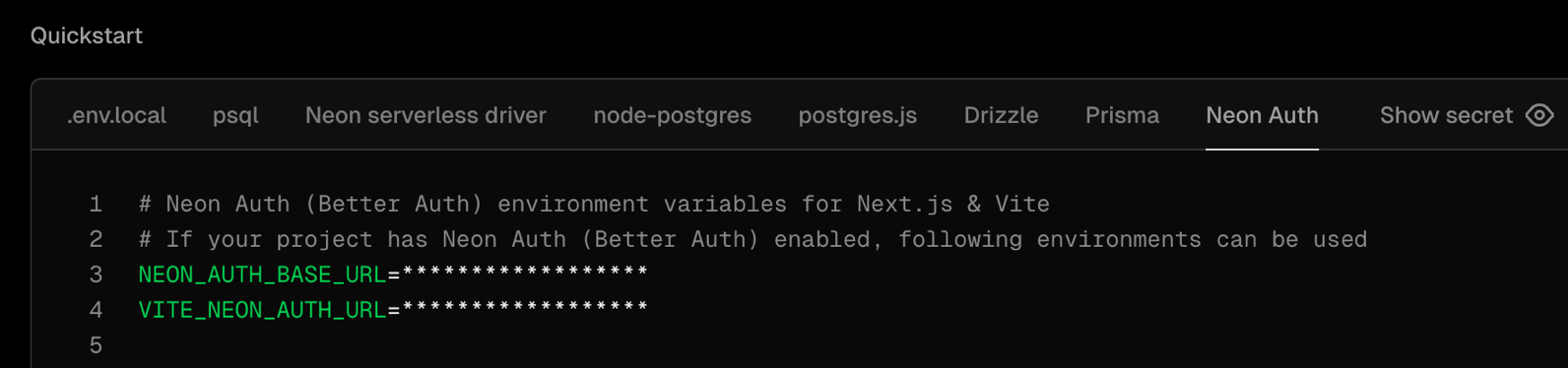
Both the [Vercel-managed](https://neon.com/docs/guides/vercel-managed-integration) and [Neon-managed](https://neon.com/docs/guides/neon-managed-vercel-integration) integrations now automatically provision Neon Auth on preview branches when enabled on your production branch. Preview deployments get the `NEON_AUTH_BASE_URL` and `VITE_NEON_AUTH_URL` environment variables configured automatically.
Neon Auth provides managed authentication that stores user profiles in your database. When your database branches, auth data branches with it, making it easy to test authentication in isolated preview environments. [Learn more](https://neon.com/docs/auth/overview).
To see this in action, check out this new end-to-end guide: [Testing Auth Changes Safely with Vercel and Neon Branching](https://neon.com/guides/vercel-neon-auth-branching).
## One command for Neon MCP Server and VS Code Extension
The `neon init` command now configures both the Neon MCP Server and the Neon VS Code Extension in a single step:
```bash
npx neonctl@latest init
```
This command authenticates via OAuth, creates a Neon API key, and sets up:
- **Neon MCP Server**: Lets AI assistants manage your Neon projects, branches, and databases through natural language commands
- **Neon VS Code Extension**: Brings database schema browsing, SQL editing, and table data management directly into your IDE
Previously introduced as separate features (MCP Server setup [in December](https://neon.com/changelog/2025-12-19#easier-setup-for-neon-mcp-server) and VS Code Extension [in January](https://neon.com/changelog/2026-01-09#introducing-the-new-neon-vs-code-extension)), you can now get your complete AI-powered database development environment configured with one command in Cursor or VS Code.
For more information, see [Connect MCP clients to Neon](https://neon.com/docs/ai/connect-mcp-clients-to-neon) and [Get started with the Neon VS Code Extension](https://neon.com/docs/local/vscode-extension).
## New Neon logo
You might notice a new Neon logo across the site, dashboard, and docs. Same Neon. New mark.
The logo is refreshed while staying true to the elephant and N we founded the company with. This update brings Neon's visual identity into the Databricks universe as we continue growing together, helping more than a million developers ship faster with Postgres.
If you reference Neon in your product, docs, or integrations, download the official assets at [neon.com/brand](https://neon.com/brand). The page includes logo files, usage guidelines, and brand-safe variants for light and dark backgrounds.
For more on the design thinking behind the new logo, see the [blog post](https://neon.com/blog/new-neon-logo).
**Data anonymization**
- [Data anonymization](https://neon.com/docs/workflows/data-anonymization) now supports custom masking rules defined via SQL or the Neon API. Custom masking rules appear as text in the data anonymization UI and are preserved when running anonymization, allowing you to safely mix Console, API, and SQL workflows.
- Foreign key columns can no longer be masked directly to maintain referential consistency. Instead of showing masking rule suggestions, the data anonymization UI now displays an alert with an action to navigate to the corresponding primary key column. Clicking "Go to primary key" scrolls to and highlights the relevant primary key where you can set masking rules.
**Data API**
- Fixed an issue where project-scoped API keys could not read [Data API](https://neon.com/docs/data-api/overview) status on organization-owned projects. The endpoint now uses project-level permissions instead of requiring organization-level access.
**Monitoring integrations**
- Error messages returned by Neon's [monitoring integrations](https://neon.com/docs/guides/integrations) now display on integration cards on the Integrations page in your Neon project, making it easier to identify and troubleshoot integration issues.
**Neon Auth**
- Added a toggle in the Create Project dialog in the Neon Console that lets you enable [Neon Auth](https://neon.com/docs/auth/overview) when creating new projects.
- OAuth provider credentials (client ID and client secret) are now hidden from organization members and collaborators. Only admin users can view these credentials in the Console.
**Neon MCP Server**
- Fixed read-only mode detection in OAuth flows for the [Neon MCP Server](https://neon.com/docs/ai/ai-intro). Read-only mode now properly restricts access based on OAuth scopes.
- Added scope selection UI to the OAuth authorization flow, letting users optionally deselect write permissions when authorizing MCP clients.
- Fixed account resolution when using project-scoped API keys. Previously, project-scoped API keys would cause errors when attempting to access account-level endpoints since these keys are restricted to project-level operations.
- Fixed OAuth token verification regression that was causing authentication failures for users who authenticated via OAuth. The server now correctly checks OAuth tokens before falling back to API key verification.
---
### 2026-01-09
## New graphs for monitoring pooled connections
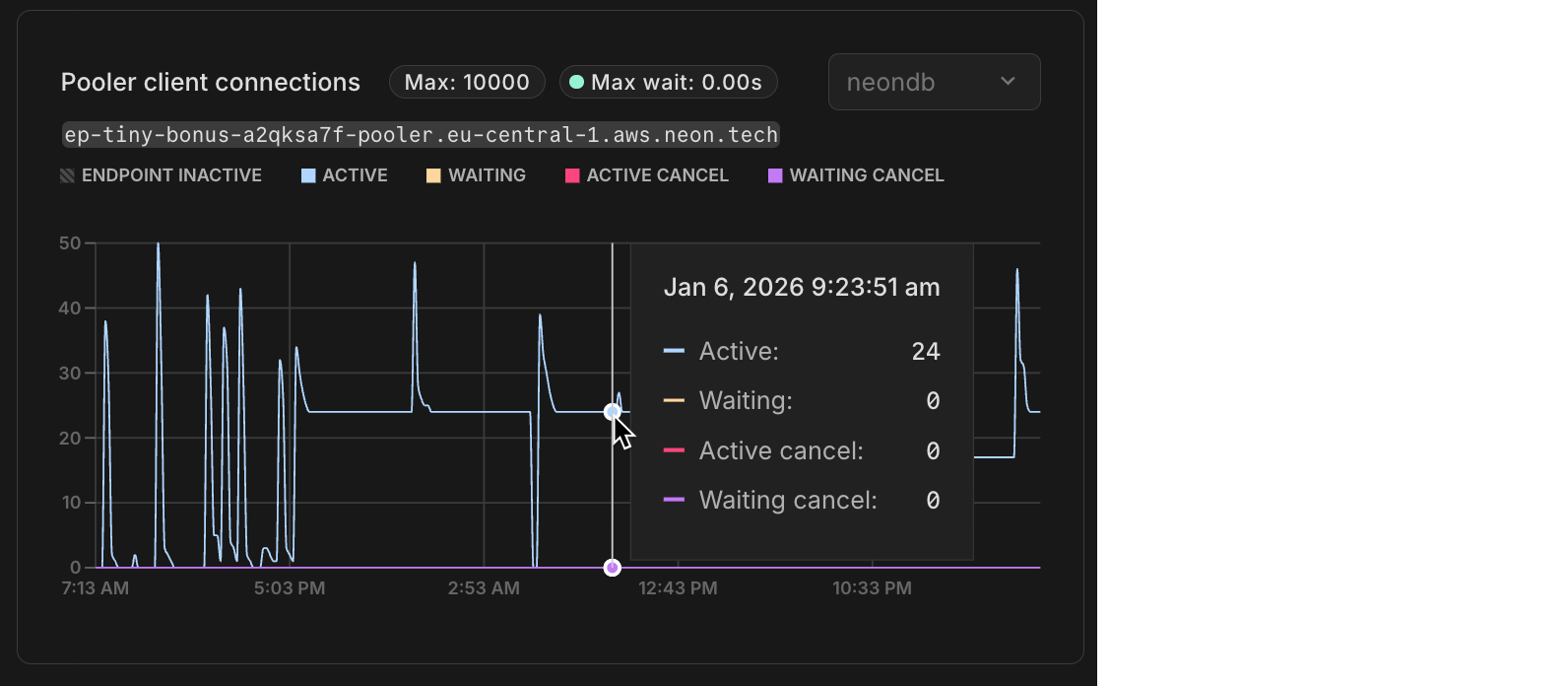
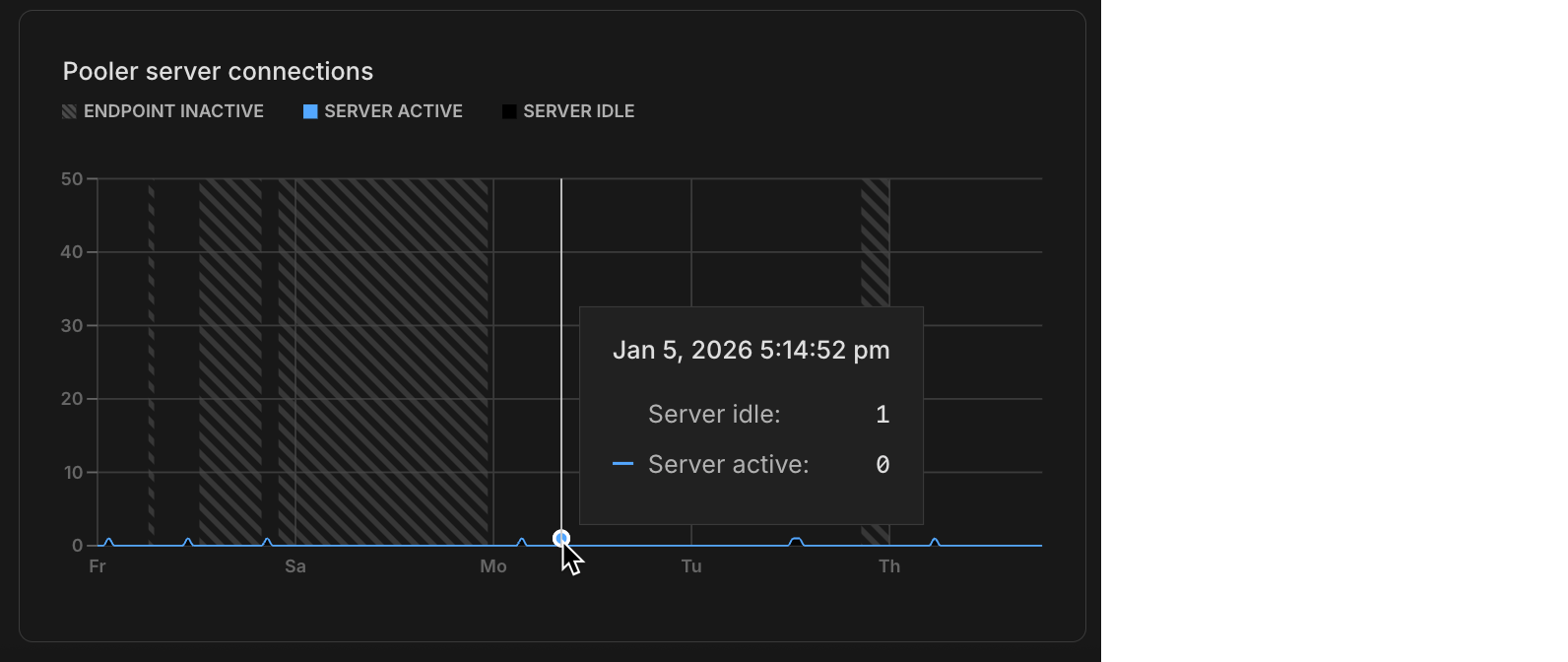
Neon uses PgBouncer for [connection pooling](https://neon.com/docs/connect/connection-pooling), allowing thousands of client connections to share a smaller pool of actual Postgres connections. The monitoring page in the Neon Console now includes **Pooler client connections** and **Pooler server connections** graphs (these display data when you use a pooled connection). The **Pooler client connections** graph shows connections from your applications to PgBouncer, while **Pooler server connections** displays the actual connections from PgBouncer to Postgres. These graphs help you understand connection usage patterns, identify bottlenecks, and determine when to adjust your pool size or compute resources. For more information, see [Monitoring dashboard](https://neon.com/docs/introduction/monitoring-page).
Tab: Pooler client connections
Tab: Pooler server connections
Additionally, the [OpenTelemetry](https://neon.com/docs/guides/opentelemetry) and [Datadog](https://neon.com/docs/guides/datadog) integrations now export PgBouncer connection pooling metrics, giving you visibility into pooler client and server connections in your observability platform alongside the new charts in the Neon Console. New integrations automatically include these metrics. To enable them for existing integrations, you can either edit the integration settings to trigger a collector upgrade or delete and recreate the integration.
## GitHub Action support for Neon Auth and Data API
The [Neon Create Branch GitHub Action](https://github.com/marketplace/actions/neon-create-branch-github-action) now supports retrieving branch-specific URLs for Neon Auth and the Neon Data API. This makes it easy to run integration tests against isolated branch environments with the same auth and data access patterns you use in production. Set `get_auth_url: true` or `get_data_api_url: true` in your workflow to access the `auth_url` and `data_api_url` outputs for your test branch.
```yaml
- name: Create Neon Branch
uses: neondatabase/create-branch-action@v6
id: create-branch
with:
project_id: ${{ vars.NEON_PROJECT_ID }}
branch_name: feature-branch
api_key: ${{ secrets.NEON_API_KEY }}
get_auth_url: true
get_data_api_url: true
- name: Use outputs
run: |
echo "Auth URL: ${{ steps.create-branch.outputs.auth_url }}"
echo "Data API URL: ${{ steps.create-branch.outputs.data_api_url }}"
```
## Introducing the new Neon VS Code Extension
The Neon VS Code Extension brings a revamped database development experience directly into your IDE. Connect to your Neon organizations, projects, and branches, browse schemas in a rich tree view, run SQL queries, and view or edit table data in a spreadsheet-like interface, all without leaving your editor.
This release replaces the previous Neon Local extension. The new extension no longer uses a local proxy or localhost connection strings. Instead, it helps you manage direct Neon connection strings for your branches.
The extension also automatically configures the Neon MCP Server, enabling AI-powered workflows for managing projects, branches, and databases from your coding agent.
Available for VS Code, Cursor, Windsurf, and other VS Code-compatible editors. [Get started with the Neon VS Code Extension](https://neon.com/docs/local/vscode-extension).
**Claimable Postgres**
- Added a `logical_replication` option to [Claimable Postgres](https://neon.com/docs/reference/claimable-postgres) databases (default is `false`). This lets sync engines spin up Postgres databases with logical replication enabled without needing to sign up for a Neon account to manually enable it.
**Monitoring**
- Fixed monitoring graph x-axis labels to dynamically adjust based on the selected time range. When you zoom into a custom range on the graph, the labels now show more granular time information (hours instead of just day names) making it easier to read detailed metrics.
- Fixed an issue on the monitoring page where clicking once on a chart would cause empty charts to display. Clicking on a chart now has no effect, preventing unintended empty range selections.
**Neon CLI**
- Fixed a misleading "org_id is required" error in the Neon CLI when running `neon branches list` without specifying a project. The CLI now provides clearer guidance when you have multiple projects, and automatically selects your project if you only have one. Upgrade your Neon CLI installation to get this fix. See [upgrade instructions](https://neon.com/docs/reference/cli-install#upgrade).
**Neon Console**
- Added a project count display to the Projects page in the Neon Console, making it easier to see how many projects you have at a glance.
- Projects created from the Neon Console are now created with a production branch only. Previously, projects created in the Neon console included both production and development branches. Projects created via the Neon CLI or API are unaffected by this change.
**OpenTelemetry**
- You can now edit endpoint and authentication credentials for existing [OpenTelemetry integrations](https://neon.com/docs/guides/opentelemetry), enabling you to fix configuration issues without having to delete and recreate the integration.
**Postgres extensions**
- Updated the `anon` extension (PostgreSQL Anonymizer) to version 2.5.1, which fixes a table name escaping bug that could cause anonymization failures.
---
### 2026-01-02
## Help shape what we build in 2026
From the Neon team, we'd like to extend a warm and heartfelt Happy New Year to every member of our community.
What a year 2025 was. In May, [Neon joined Databricks](https://www.databricks.com/company/newsroom/press-releases/databricks-agrees-acquire-neon-help-developers-deliver-ai-systems), but our mission hasn't changed. We're still focused on delivering the best Postgres experience for developers and AI agents.
Beyond that, we shipped a ton of features in 2025. You can see [everything we built here](https://neon.com/docs/introduction/roadmap#what-weve-shipped-recently).
Here's the thing though, none of this happens without you. Your feedback, whether you chat with us in Discord, ping us on Twitter, or drop it in the console, that's what shapes what we build. Every suggestion, bug report, and feature request matters to us.
So as we kick off 2026, we want to ask **What should we ship next?**
Got a feature you're waiting for? A bug that's causing you trouble? An idea that would take things to the next level? We want to hear it.
You can share your feedback on [Discord](https://discord.com/channels/1176467419317940276/1176788564890112042), [Twitter/X](https://x.com/neondatabase), or via the **Send Feedback** modal in the Neon Console.
Thank you for being part of this journey with us. Let's build great things together in 2026! 🚀
---
### 2025-12-19
## Project recovery
Accidentally deleted a project? You can now recover it within **7 days** of deletion. This feature restores your entire project infrastructure, including all branches, endpoints, compute configurations, and project settings. Your connection strings, collaborators, and snapshots all come back exactly as they were.
Recovery is available through the CLI and API. There are no storage costs or recovery fees during the 7-day recovery window.
For more information, see [Recover a deleted project](https://neon.com/docs/manage/projects#recover-a-deleted-project).
## 100 Free plan projects
Another week, yet another increase: The Neon Free plan now includes:
- ~~80 projects~~
- **100 projects**
That's 100 separate database projects you can spin up, experiment with, and build on. Whether you're prototyping ideas, learning Postgres, or running multiple side projects, you've got plenty of room to work.
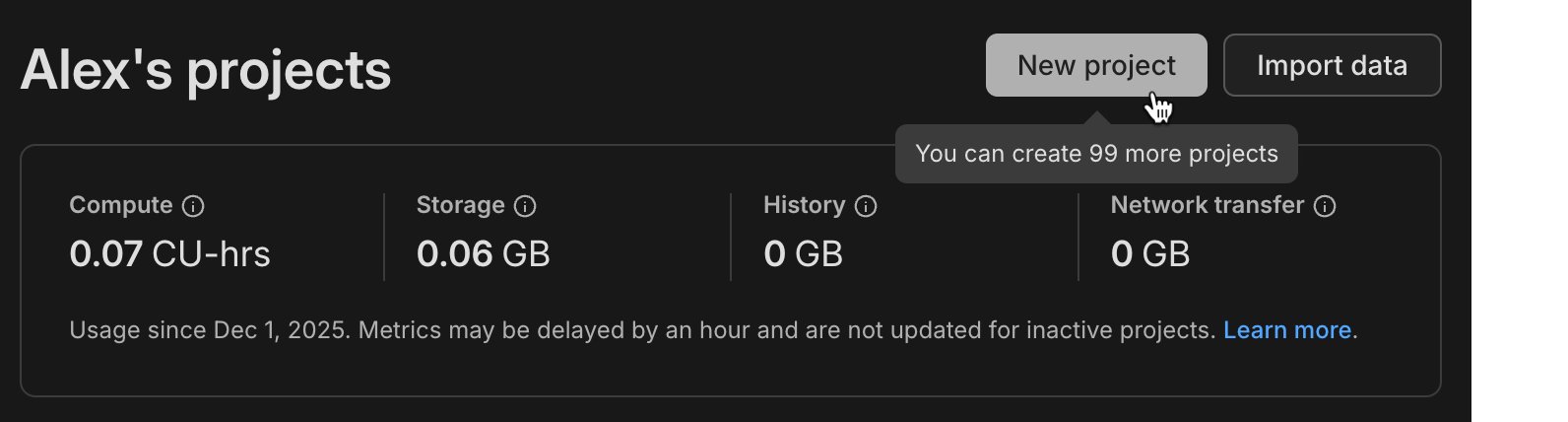
This change applies automatically to all Free plan users. No action required. For more information about plan limits, see [Neon plans](https://neon.com/docs/introduction/plans).
_Learn about [why we're increasing project limits on the Free plan](https://neon.com/blog/why-so-many-projects-in-the-neon-free-plan)_
## Easier setup for Neon MCP Server
Connecting AI editors to the Neon MCP Server is now a single command:
```bash
npx neonctl@latest init
```
This command authenticates via OAuth, automatically creates a Neon API key, and configures Cursor, VS Code, or Claude Code CLI to connect to Neon. It handles all the setup steps that previously required manual configuration file edits and API key management. Once configured, you can immediately ask your AI assistant to create projects, manage branches, or query your database.
If you're an existing Neon MCP user, setting up the MCP Server this way means you won't be prompted to repeatedly reconnect through browser-based OAuth flows. Your local configuration and API key are created and saved for reuse.
For more information, see [Connect MCP clients to Neon](https://neon.com/docs/ai/connect-mcp-clients-to-neon#cursor).
## Data masking enhancements
We've added address-specific masking functions to data masking in the Neon Console. These functions provide specialized handling for text fields like street addresses, cities, and postal codes, letting you mask location data while preserving geographic patterns.
As well, all masking functions are now organized into categories (Names, Email Addresses, Phone Numbers, and Addresses).
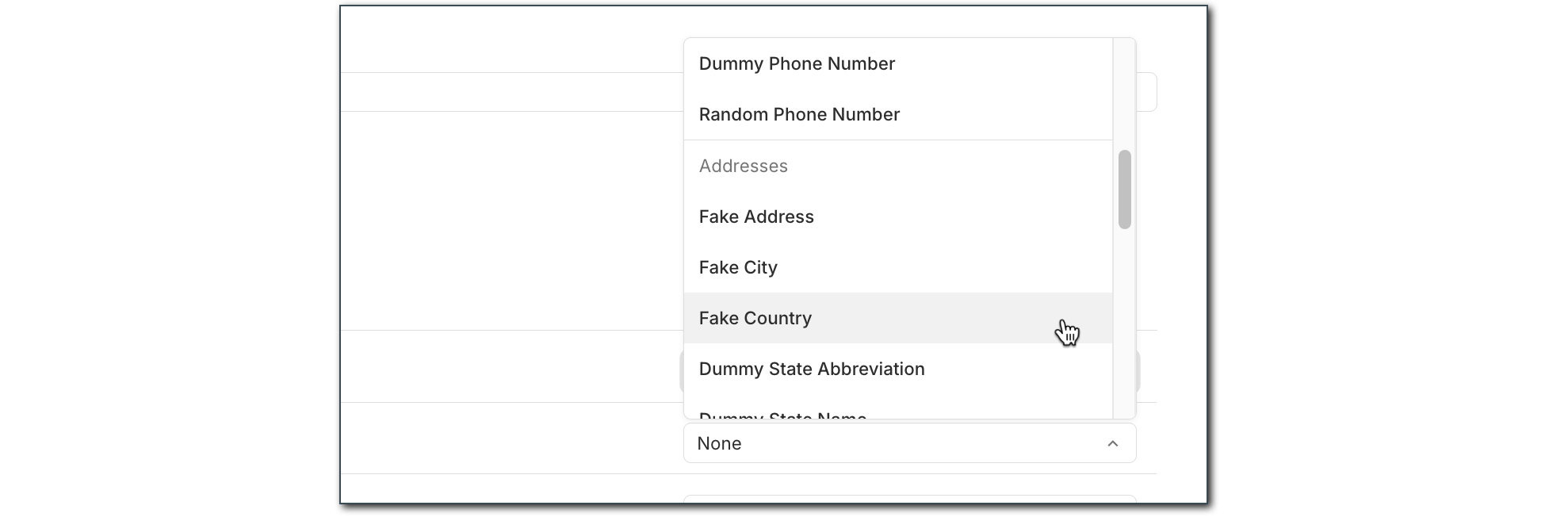
For more information about data masking, see [Data anonymization](https://neon.com/docs/workflows/data-anonymization).
## AI-powered Neon Auth setup
Your AI editor can now scaffold complete authentication flows with Neon Auth. We've published AI rules, MCP prompt templates, and a Claude skill that teach AI assistants how to integrate Neon Auth into your apps. These tools detect your framework, install the right packages, create the necessary files, and follow best practices automatically.
The setup includes:
- [AI rules](https://github.com/neondatabase-labs/ai-rules)
- [MCP prompt templates](https://github.com/neondatabase/ai-rules/blob/main/mcp-prompts/neon-js-setup.md)
- [Claude skill](https://github.com/neondatabase/ai-rules/blob/main/neon-plugin/skills/neon-auth/SKILL.md)
This means you can open Cursor, Claude, or VS Code, ask your AI assistant to "add Neon Auth," and let it handle the implementation.
Learn more in our blog post, [Teaching AI to Do Auth (So You Don't Have To)](https://neon.com/blog/teaching-ai-how-to-do-auth).
**Data anonymization**
- Materialized views are now automatically refreshed after data anonymization to prevent stale un-anonymized data from remaining in views.
- [GitHub Actions](https://neon.com/docs/workflows/data-anonymization#automate-data-anonymization-with-github-actions) now supports creating anonymized branches directly in your CI/CD workflows using the new `masking_rules` input to specify which columns to mask.
**Documentation**
- Added an [Encore framework integration guide](https://neon.com/docs/guides/encore) showing how to build backend applications with automatic infrastructure provisioning and Neon Postgres.
**Neon Auth**
- Added Vercel as an OAuth provider, enabling you to integrate Vercel authentication into your applications.
- Now works with [branch expiration](https://neon.com/docs/guides/branch-expiration).
**SQL Editor**
- SQL Editor commands like `\d` and `\h` now fully support all Postgres 18 features through an updated psql-describe package.
**Vercel**
- Added support for Vercel Marketplace to trigger database credential rotation for enhanced security.
- Deleted Vercel integrations are now handled gracefully without triggering errors during operations.
---
### 2025-12-12
## Neon Auth: branchable identity in your database
We've rebuilt Neon Auth using [Better Auth](https://www.better-auth.com/) as the foundation. Auth was the last part of Neon that didn't yet branch. Now it does. All authentication data lives directly in your Neon database, so when you branch, your entire auth state branches with it.
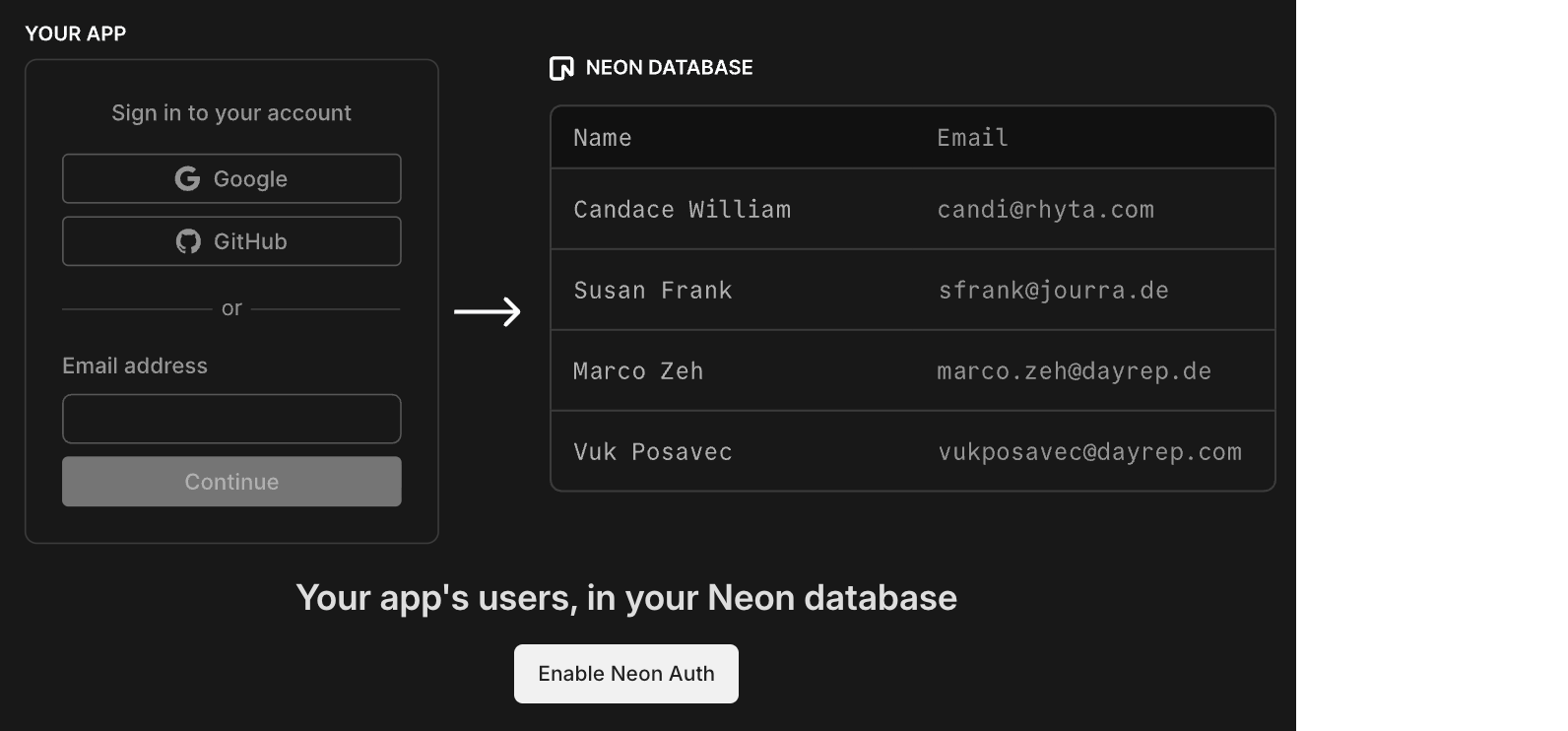
Users, sessions, organizations, configuration, and JWKS are stored in a dedicated `neon_auth` schema. Each branch gets its own isolated auth endpoint. No more external identity provider, no webhook syncing, no drift between environments.
**What branchable auth enables:**
- **Preview environments that actually work.** Spin up a branch that mirrors production exactly: same users, same roles, same permissions. Test full signup, login, password reset, and OAuth flows before release.
- **Safe multi-tenant testing.** Clone your environment, invite test organizations, modify access rules, and confirm permissions propagate correctly without risking production data.
- **Real auth in CI/CD.** Test the complete user lifecycle in automated pipelines with real authentication, not mocked tokens.
**How it works:**
- **Auth lives in your database.** Your user model sits in Postgres, evolving with your migrations and integrating naturally with your schema.
- **Works with RLS automatically.** Your Row-Level Security policies can reference the authenticated user directly, without duplicate identity tables.
- **Data API integration.** JWTs from Neon Auth are validated by the Data API, so authenticated queries work with your RLS policies out of the box.
- **One SDK for everything.** The new [`@neondatabase/neon-js`](https://neon.com/docs/reference/javascript-sdk) package brings Neon Auth, Data API, and database access together:
```tsx
import { createAuthClient } from '@neondatabase/neon-js/auth';
import { NeonAuthUIProvider, AuthView } from '@neondatabase/neon-js/auth/react/ui';
const authClient = createAuthClient(import.meta.env.VITE_NEON_AUTH_URL);
export default function App() {
return (
);
}
```
Neon Auth is available on all plans, including Free. Get started with [Next.js](https://neon.com/docs/auth/quick-start/nextjs-api-only), [React](https://neon.com/docs/auth/quick-start/react), or [TanStack](https://neon.com/docs/auth/quick-start/tanstack-router).
> _"Owning your auth means keeping your user model inside your architecture. Neon users now get that ownership while letting Better Auth take care of the parts that make authentication hard."_
> – Bereket Engida, creator of Better Auth
_Read more: [Meet the New Neon Auth: Branchable Identity in Your Database](https://neon.com/blog/neon-auth-branchable-identity-in-your-database) and [The Case for Owning Your Auth](https://neon.com/blog/the-case-for-owning-your-auth)_
## More projects on the Free plan
Another week, another increase: The Neon Free plan now includes:
- ~~70 projects~~
- **80 projects**
More projects means more room to experiment, prototype, and build without worrying about limits.
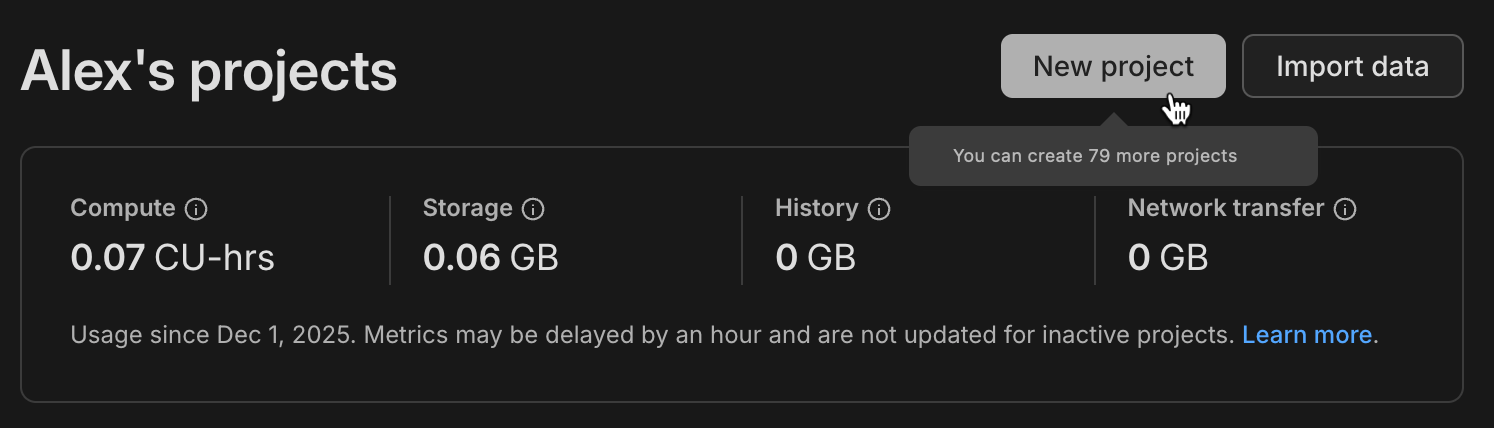
This change applies automatically to all Free plan users. No action required. For more information about plan limits, see [Neon plans](https://neon.com/docs/introduction/plans).
_Learn about [why we're increasing project limits on the Free plan](https://neon.com/blog/why-so-many-projects-in-the-neon-free-plan)_
## Purely usage-based billing
We've removed the $5 monthly minimum from our paid plans. Neon is now purely usage-based: if you use $3 one month, that's the bill you'll receive.
For more details, see [Neon plans](https://neon.com/docs/introduction/plans).
**AI Rules**
- Updated the Neon Auth AI rules prompt for the new Neon Auth.
**Data anonymization**
- Fixed an issue where materialized views retained stale data after anonymization. Materialized views are now automatically refreshed after anonymizing tables.
**MCP Server**
- The [Neon MCP Server](https://neon.com/docs/ai/neon-mcp-server) now supports the new Neon Auth with an updated `provision_neon_auth` tool and a new `setup-neon-auth` prompt, an interactive guide for setting up Neon Auth in Vite+React projects.
**Neon Console**
- Fixed an issue where the projects list failed to load when a project was unavailable.
**Postgres extensions**
- Updated the [pg_mooncake](https://neon.com/docs/extensions/pg_mooncake) extension to version 0.1.3. If you installed this extension previously and want to upgrade to the latest version, please refer to [Update an extension version](https://neon.com/docs/extensions/pg-extensions#update-an-extension-version) for instructions.
**Schema-only branches**
- Fixed an issue where roles with custom attributes were incorrectly recreated with elevated privileges in schema-only branches.
**Vercel**
- Fixed an issue where deleted Vercel integrations could cause unexpected errors. These cases are now handled gracefully.
---
### 2025-12-05
## 70 projects on the Free plan
We've increased the project limit on the Free plan to **70 projects**.
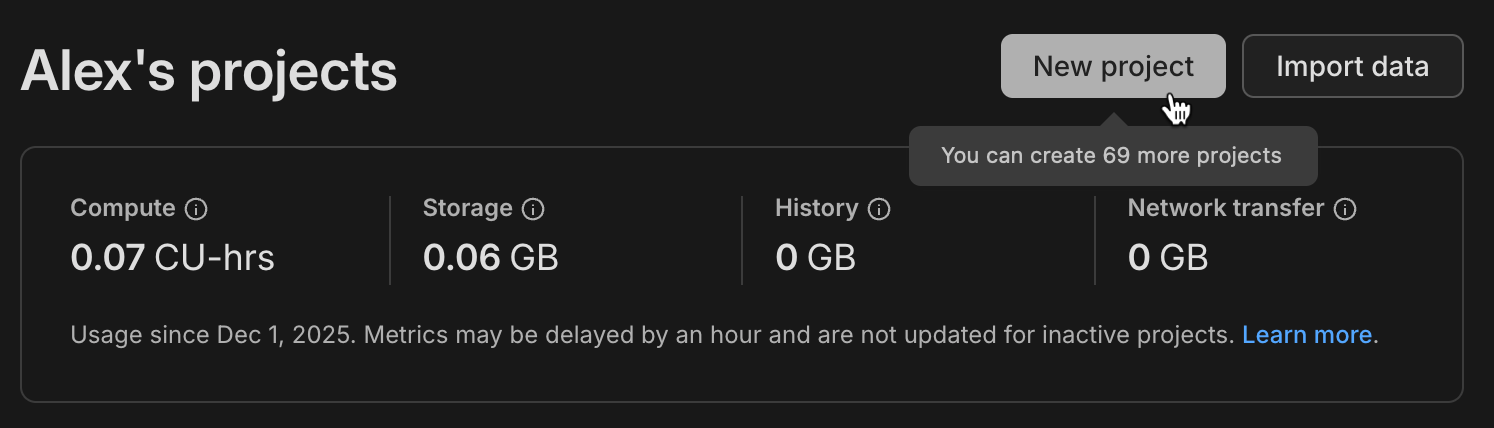
That's 70 separate database projects you can spin up, experiment with, and build on. Whether you're prototyping ideas, learning Postgres, or running multiple side projects, you've got plenty of room to work.
This change applies automatically to all Free plan users. No action required. For more information about plan limits, see [Neon plans](https://neon.com/docs/introduction/plans).
_Learn about [why we increased project limits on the Free plan](https://neon.com/blog/why-so-many-projects-in-the-neon-free-plan)_
## Postgres version updates
We updated supported Postgres versions to [14.20](https://www.postgresql.org/docs/release/14.20/), [15.15](https://www.postgresql.org/docs/release/15.15/), [16.11](https://www.postgresql.org/docs/release/16.11/), [17.7](https://www.postgresql.org/docs/release/17.7/), and [18.1](https://www.postgresql.org/docs/release/18.1/), respectively.
When a new minor version is available on Neon, it is applied the next time your compute restarts. For more about how we handle Postgres version upgrades, refer to our [Postgres version support policy](https://neon.com/docs/postgresql/postgres-version-policy).
## New Data API advanced settings
The [Neon Data API](https://neon.com/docs/data-api/get-started) provides a ready-to-use REST API for your Neon database, letting you query tables, views, and functions using standard HTTP requests. We've added two new options to the **Advanced settings** panel:
- **OpenAPI mode**: Enables automatic generation of an OpenAPI schema for your Data API. Use it to generate API documentation, build typed client libraries, import your API into Postman, or integrate with API gateways.
- **Enable server timing headers**: Adds `Server-Timing` headers to API responses, showing how long different parts of each request took to process. Use this to debug slow queries, measure performance, and troubleshoot latency issues.
To learn more about Data API advanced settings, see [Manage Data API](https://neon.com/docs/data-api/manage).
## Neon is now a Kiro Power
[Kiro](https://kiro.dev/) announced **powers** at **AWS re:Invent**, a new way for developers to access curated tools directly from the IDE. Neon is one of the first launch partners, alongside Figma, Stripe, and Postman.
With the Neon power, you can manage your Postgres databases without leaving Kiro:
- **Deploy instantly**: Provision a Neon database in seconds whenever your workflow needs a Postgres backend.
- **Branch for safe testing**: Create lightweight, isolated copies of your database to test migrations, validate queries, or run integration tests without touching production.
- **Time-travel and restore**: Roll back to any past state, inspect historical data, or restore from a previous point in time.
_Read more: [Just Launched: Neon Is Now a Kiro Power](https://neon.com/blog/just-launched-neon-is-now-a-kiro-power)_
## Custom Neon agents for GitHub Copilot
GitHub Copilot now supports custom agents, and we've built two specialized agents that bring Neon's branching workflow directly into your IDE:
- [**Neon Migration Specialist**](https://github.com/github/awesome-copilot/blob/main/agents/neon-migration-specialist.agent.md): Safe Postgres migrations with zero downtime. Test schema changes in isolated database branches, validate, then apply to production, all automated with support for Prisma, Drizzle, or your favorite ORM.
- [**Neon Performance Analyzer**](https://github.com/github/awesome-copilot/blob/main/agents/neon-optimization-analyzer.agent.md): Identify and fix slow Postgres queries automatically. Analyzes execution plans, tests optimizations in isolated branches, and provides clear before/after performance metrics with actionable code fixes.
Both agents leverage Neon's instant branching to give you a safe environment for testing database changes before they hit production.
To learn more about using these agents, see [Neon agents for GitHub Copilot](https://neon.com/docs/ai/ai-github-copilot-agents).
**Computes**
- Scale to zero is no longer available for computes larger than 16 CU. To ensure best performance, large computes remain always active. For more information, see [Configuring Scale to Zero](https://neon.com/docs/guides/scale-to-zero-guide).
- The default minimum autoscaling compute size for new projects is now 0.25 CU across all Neon plans (Free, Launch, and Scale). This change does not affect existing projects. You can update your default compute size settings in your [project settings](https://neon.com/docs/manage/projects#change-your-projects-default-compute-settings).
**Data masking**
- Added new masking options: **random unique email** for columns with uniqueness constraints, **random int/bigint/date between** for customizable value ranges (also supports timestamp columns), and **dummy name**, **fake IBAN**, and **dummy credit card number** for generating realistic fake data.
- The "Replace with NULL" masking option is no longer shown for non-nullable columns.
- Fixed an issue where the **Apply masking rules** button on the **Data masking** page showed an infinite loading spinner for branches with no applied masking rules.
**Neon API**
- The [Retrieve role details](https://api-docs.neon.tech/reference/getprojectbranchrole) endpoint now returns an `authentication_method` field indicating how the role authenticates (`password`, `oauth`, or `no_login`).
**Vercel**
- Fixed an issue where data transfer quota exceeded errors were not properly reported when creating branches through the Vercel integration.
- Added safety checks to prevent accidental deletion of default branches, protected branches, and branches with children during Vercel deployment cleanup.
- Fixed an issue where project deletion failed when removing a Vercel native integration if the project had protected branches. Protected branches are now automatically unprotected before deletion.
- Fixed an issue where the wrong database role was selected in Vercel integration settings when switching between different Neon projects.
---
### 2025-11-28
## More projects on the Free plan
Another week, another increase: The Neon Free plan now includes:
- ~~50 projects~~
- **60 projects**
More projects means more room to experiment, prototype, and build without worrying about limits.
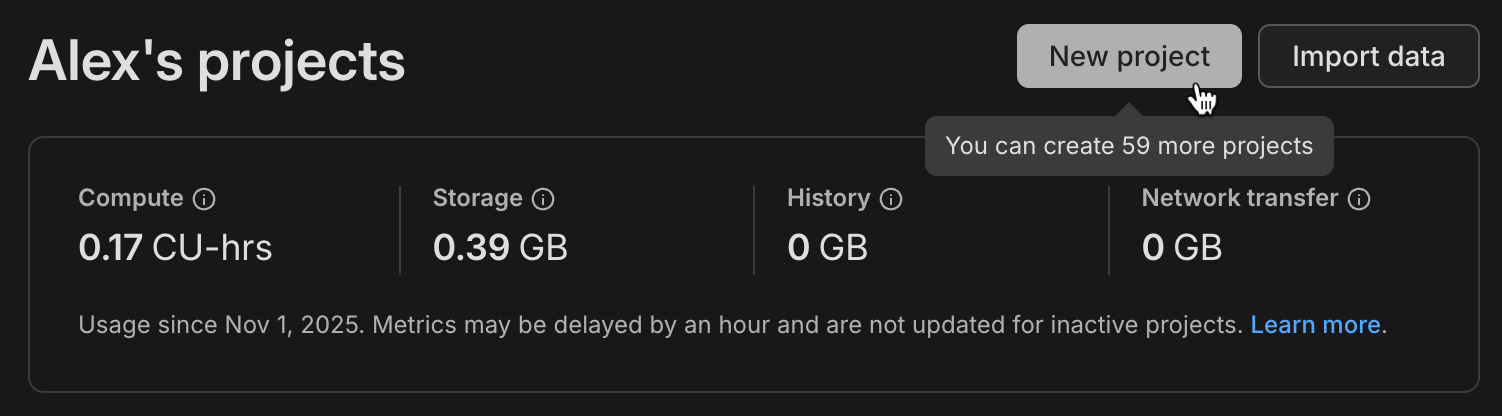
This change applies automatically to all Free plan users. No action required. For more information about plan limits, see [Neon plans](https://neon.com/docs/introduction/plans).
_Learn about [why we're increasing project limits on the Free plan](https://neon.com/blog/why-so-many-projects-in-the-neon-free-plan)_
## AI-powered Neon setup expands to VS Code and Claude
The one-command Neon setup, which configures the Neon MCP Server for AI-assisted project onboarding, now supports **VS Code with GitHub Copilot** and **Claude Code CLI** in addition to Cursor.
Run this command in your project directory:
```bash
npx neonctl@latest init
┌ Adding Neon to your project
│
◆ Which editor(s) would you like to configure? (Space to toggle each option, Enter to confirm your selection)
│ ◼ Cursor
│ ◼ VS Code
│ ◻ Claude CLI
│
◒ Authenticating
┌────────┬──────────────────┬────────┬────────────────┐
│ Login │ Email │ Name │ Projects Limit │
├────────┼──────────────────┼────────┼────────────────┤
│ alex │ alex@domain.com │ Alex │ 60 │
└────────┴──────────────────┴────────┴────────────────┘
◇ Authentication successful ✓
│
◇ Installed Neon MCP server
│
◇ Success! Neon is now ready to use with Cursor / VS Code.
│
│
◇ What's next? ─────────────────────────────────────────────────────────────╮
│ │
│ Restart Cursor / VS Code and type in "Get started with Neon" in the chat │
│ │
├────────────────────────────────────────────────────────────────────────────╯
```
After setup, ask your AI assistant to **"Get started with Neon"** to launch an interactive onboarding guide. The guide analyzes your codebase and walks you through selecting or creating a project, configuring connection strings, installing dependencies, and more, all with contextual recommendations.
For more details about this feature, see our [blog post](https://neon.com/blog/one-command-to-bridge-cursor-and-neon).
## HIPAA support now available for Postgres 18
HIPAA compliance is now supported for Postgres 18 projects in AWS regions. You can now create Postgres 18 projects in HIPAA-enabled Neon organizations and enable HIPAA compliance on existing Postgres 18 projects.
For more information, see [HIPAA compliance](https://neon.com/docs/security/hipaa).
## Four ways platforms integrate with Neon
Whether you're building an agent platform, a developer tool that needs instant Postgres, or a SaaS that offers databases to users, there's a [platform integration path](https://neon.com/docs/guides/platform-integration-overview) designed for your use case:
☑ **AI Agents integration**: For codegen and agent platforms that need database versioning and isolated environments (platforms like [Replit](https://neon.com/blog/replit-app-history-powered-by-neon-branches) and CMS systems like [Strapi](https://strapi.io))
☑ **Claimable database flow**: For plugins and platforms that want instant Postgres as part of their developer experience, with no signup required upfront (see [TanStack](https://neon.com/blog/neon-joins-tanstack-instant-postgres-integration-for-faster-javascript-development), [Netlify DB](https://www.netlify.com/blog/netlify-db-database-for-ai-native-development/), or try [Claimable Postgres](https://neon.new/))
☑ **Embedded Postgres**: For SaaS platforms offering Postgres to users (platforms like [Retool](https://neon.com/blog/how-retool-uses-retool-and-the-neon-api-to-manage-300k-postgres-databases), which manages 300k+ databases, and [Koyeb](https://www.koyeb.com/blog/serverless-postgres-public-preview), which offers serverless Postgres)
☑ **OAuth integration**: For tools that interact with existing Neon accounts (platforms like [Hasura Cloud](https://hasura.io/), which uses OAuth for authentication and database provisioning)
If you're building an agent platform, check out the [Neon Agent Plan](https://neon.com/use-cases/ai-agents), designed specifically for platforms that need to manage large fleets of databases with flexible resource limits and instant provisioning. Early-stage startups can also apply to the [Neon Startup Program](https://neon.com/startups) for startup credits.
**Backup & restore**
- The backup schedule dialog on the **Backup & Restore** page in the Neon Console now displays validation errors for the snapshot retention period field when invalid values are entered.
**Data anonymization**
- Improved the search functionality on the **Data anonymization** page. When you search for a column name, matching tree view branches are now automatically expanded to show tables containing those columns. If no results match your search, an informational message appears below the search input.
- Fixed an issue where anonymization failed for tables with non-lowercase names. Table names are now properly quoted to handle uppercase and mixed-case identifiers.
- Added a banner alert that appears on branch pages when viewing a branch with masked data. The alert displays "This branch contains masked data" with a link to the **Data masking** page, helping you stay aware of which branches contain anonymized data.
**Neon Auth**
- Fixed an issue where the **Enable Neon Auth** button was hidden from view in all environments due to incorrect region and platform comparison logic.
**Point-in-time restore**
- Fixed point-in-time restore to correctly select the target branch. Previously, the restore operation incorrectly used the source branch as both the source and target, which could lead to unexpected results. The restore modal now also shows clearer information about the restore operation.
**Postgres extensions**
- The `pg_session_jwt` extension has been updated to version 0.4.0. This extension provides JWT session management functionality used by the [Data API](https://neon.com/docs/data-api/get-started).
**Project creation**
- Added protection against accidental duplicate project creation. The **Create Project** button is now disabled during submission to prevent creating multiple projects when clicking repeatedly on slow network connections.
**Support tickets**
- The **Create support ticket** dialog now prompts users to allowlist `help@databricks.com`. If you're a Neon support user, be sure to add this address to your email allowlist to ensure support responses don't end up in spam or junk folders.
**Tables page**
- Fixed an unexpected error that users encountered when accessing the **Tables** page in the Neon Console after reaching usage limits.
---
### 2025-11-21
## More projects on the Free plan
We've increased the Free plan project limit again! The Neon Free plan now includes:
- ~~30 projects~~
- **50 projects**
This gives you even more room for side projects, prototypes, experiments, and learning new stacks.
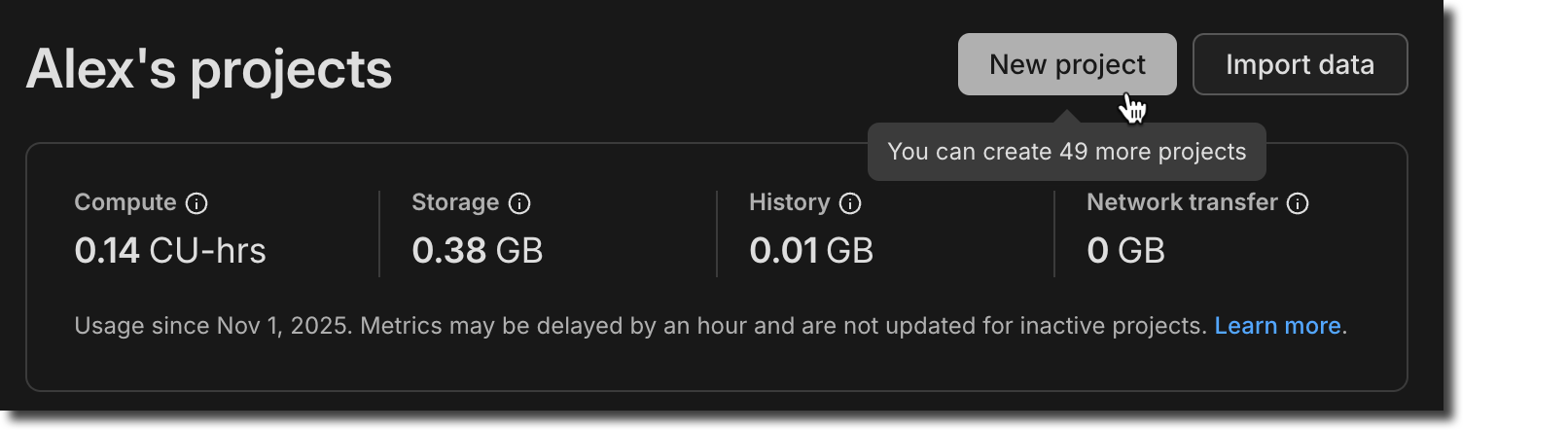
This change applies automatically to all Free plan users. No action required. For more information about plan limits, see [Neon plans](https://neon.com/docs/introduction/plans).
## Branch anonymization APIs
Last week, we announced [Data masking](https://neon.com/docs/workflows/data-anonymization) for creating anonymized branches (see the [November 14 changelog](https://neon.com/docs/changelog/2025-11-14)). This week, you'll find the APIs for this feature available in the [Neon API reference](https://api-docs.neon.tech/reference/getting-started-with-neon-api).
**Example request:**
```bash
curl -X POST \
'https://console.neon.tech/api/v2/projects/{project_id}/branch_anonymized' \
-H 'Authorization: Bearer $NEON_API_KEY' \
-H 'Accept: application/json' \
-H 'Content-Type: application/json' \
-d '{
"masking_rules": [
{
"database_name": "neondb",
"schema_name": "public",
"table_name": "users",
"column_name": "email",
"masking_function": "anon.dummy_free_email()"
},
{
"database_name": "neondb",
"schema_name": "public",
"table_name": "users",
"column_name": "age",
"masking_function": "anon.random_int_between(25,65)"
}
],
"start_anonymization": true
}'
```
The new APIs include:
- [Create anonymized branch](https://api-docs.neon.tech/reference/createprojectbranchanonymized)
- [Get masking rules](https://api-docs.neon.tech/reference/getmaskingrules)
- [Update masking rules](https://api-docs.neon.tech/reference/updatemaskingrules)
- [Start anonymization](https://api-docs.neon.tech/reference/startanonymization)
- [Get anonymization status](https://api-docs.neon.tech/reference/getanonymizedbranchstatus)
For usage examples and request/response details, see [Data anonymization APIs](https://neon.com/docs/workflows/data-anonymization#data-anonymization-apis).
## Neon status page migration
We've migrated [neonstatus.com](https://neonstatus.com/) to a new provider. The domain remains the same and all historical incident data has been preserved.
> If you've previously subscribed to the Neon Status page via RSS, you'll need to update your feed. For instructions, see [Neon status](https://neon.com/docs/introduction/status).
**API parameter deprecation**
- A redundant `name` query parameter in the [Restore snapshot](https://api-docs.neon.tech/reference/restoresnapshot) API endpoint has been deprecated. Use the `name` field in the request body instead.
**Data masking**
- The **Apply masking rules** button on the **Data masking** page is now disabled when no masking rules have been changed, preventing unnecessary reapplication of masking rules.
- Added placeholder text to the search field on the **Data masking** page to clarify that it searches for columns to anonymize.
**Drizzle Studio**
- The Drizzle Studio integration that powers the **Tables** page in the Neon Console has been updated to version 1.2.9. For the latest improvements and fixes, see the [Neon Drizzle Studio Integration Changelog](https://github.com/neondatabase/neon-drizzle-studio-changelog/blob/main/CHANGELOG.md).
**Fixes**
- The **Restore branch from** modal displayed before completing a restore operation now only shows an expiration date extension message for branches that have an expiration date set. Previously, the message was shown for all branches, even those without an expiration date.
- Fixed an issue where timestamps shown on the **Restore branch from** modal were formatted inconsistently, alternating between UTC and local timezone. Timestamps now consistently display in your local timezone.
- For the Neon Data API, we fixed an issue where PostgreSQL custom types (such as ENUMs) containing capital letters in their names were not handled correctly.
---
### 2025-11-14
## Data masking (Beta)
Neon now offers a data masking feature that makes it easy to create anonymized branches for development and testing. Define masking rules through the Neon Console or API to protect sensitive data like email addresses, names, phone numbers, and other personally identifiable information. Apply these rules to create a branch with production-like data that's safe to share with your team.
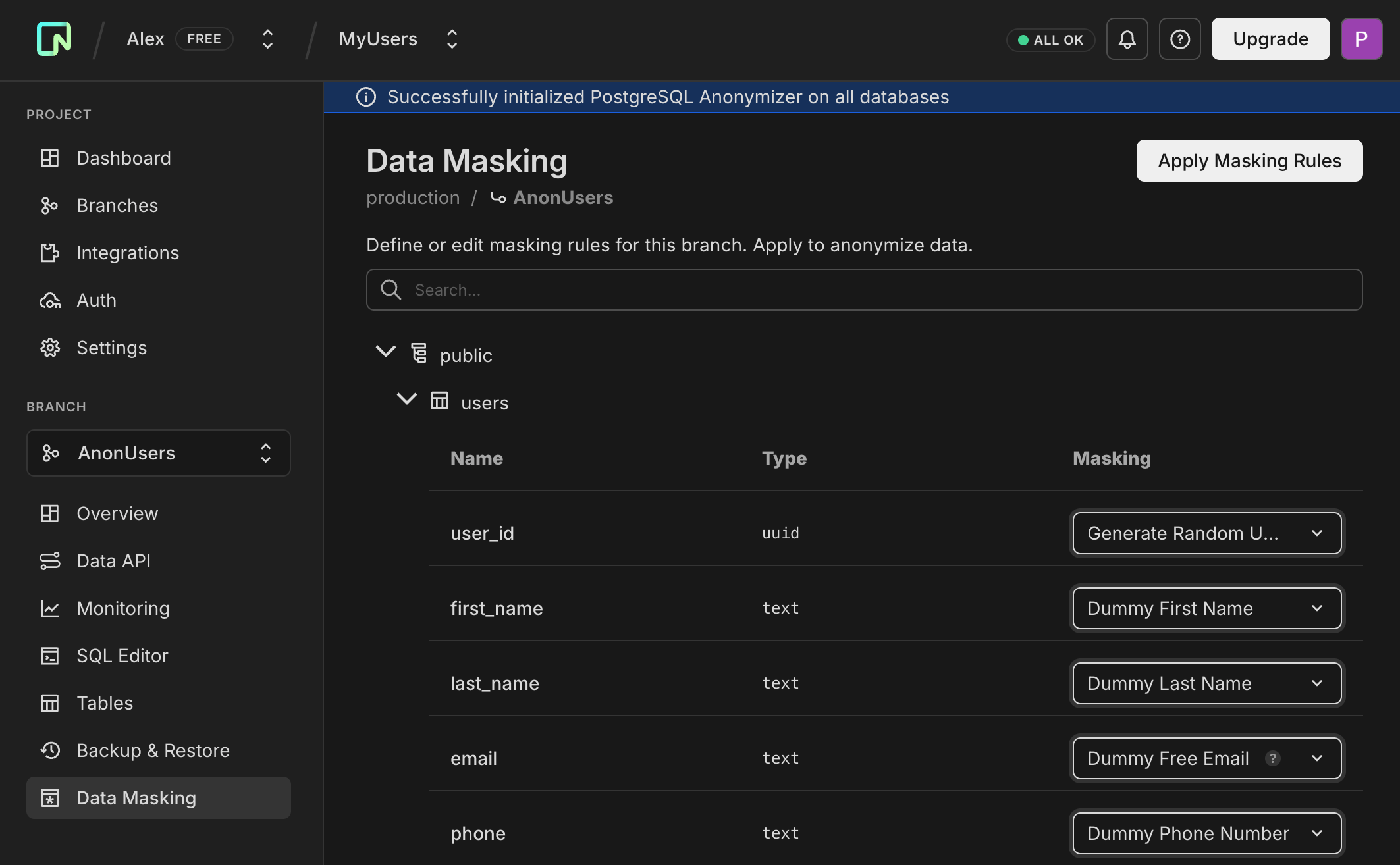
This feature uses the PostgreSQL Anonymizer extension (`anon`) under the hood.
For more information, see [Data anonymization](https://neon.com/docs/workflows/data-anonymization).
## Branch auto-deletion enabled by default
When creating a branch in the Neon Console, auto-delete is now enabled by default (set to 1 day). You can uncheck this option or adjust the timeframe as needed. This new default helps reduce storage costs and prevent the accumulation of unused branches.

**Console only:** This change only affects branches created through the Neon Console. Branches created via API or CLI are unaffected.
This change will be rolled out to all Console users in the coming days.
For more information, see [Branch expiration](https://neon.com/docs/guides/branch-expiration).
## More MCP Server tools
We've added several new capabilities to the Neon MCP Server:
- **Search across resources** - You can now search across all your Neon resources with a single query. Ask your AI assistant:
```
Can you search for "production" across my Neon resources?
```
The assistant will search through organizations, projects, and branches, returning structured results with direct links to the Neon Console. Use the companion `fetch` tool to get detailed information about any resource.
- **Read-only mode** - We've added read-only mode for safe operation in cloud and production environments. Enable it by adding the `x-read-only: true` header to your MCP configuration:
```json
{
"mcpServers": {
"Neon": {
"url": "https://mcp.neon.tech/mcp",
"headers": {
"x-read-only": "true"
}
}
}
}
```
When enabled, the server restricts all operations to read-only tools. Only list and describe tools are available, and SQL queries automatically run in read-only transactions, providing a safe method for querying and analyzing production databases without any risk of accidental modifications.
- **Guided onboarding** - The new `load_resource` tool provides comprehensive getting-started guidance directly through your AI assistant. Ask "Get started with Neon" or "Help me set up my first project," and the assistant will load detailed instructions covering organization setup, project configuration, connection strings, schema creation, and migrations. This works in IDEs that don't fully support MCP resources and ensures onboarding guidance is explicitly loaded when you need it.
For more information, see [Neon MCP Server](https://neon.com/docs/ai/neon-mcp-server).
## WebSocket connection reliability improvements
WebSocket connections are now more stable during long-running queries and in edge runtime environments. The serverless proxy now prevents connection timeouts during idle periods, particularly benefiting applications with long-duration queries, analytics workloads, or deployments on edge runtimes like Vercel Edge Runtime.
**Drizzle Studio**
- The Drizzle Studio integration that powers the **Tables** page in the Neon Console has been updated to version 1.2.7. For the latest improvements and fixes, see the [Neon Drizzle Studio Integration Changelog](https://github.com/neondatabase/neon-drizzle-studio-changelog/blob/main/CHANGELOG.md).
**Neon Console**
- The AI assistant and support options are now separated in the Resources menu for easier navigation, with support resources tailored to your plan.
- The usage metrics panel on the **Branch overview** page now shows more accurate network transfer data for that branch.
- Backup schedule improvements: schedule setup now provides clearer error messages to help you avoid invalid configurations, and the snapshot hour is now explicitly shown in UTC to eliminate timezone confusion. The **Edit schedule** button no longer appears for child branches since backup schedules can only be configured on root branches.
---
### 2025-11-07
## Reduced compute pricing across Launch, Scale, and Agent plans
We've reduced compute pricing by up to 25% across our plans:
- **Launch plan**: Now $0.106 per CU-hour (previously $0.14)
- **Scale plan**: Now $0.222 per CU-hour (previously $0.26)
- **Agent plan**: Now $0.106 per CU-hour (previously $0.14)
These price reductions apply immediately to all usage going forward. No action is required; you'll automatically benefit from the new lower rates on your next billing cycle.
For detailed pricing information and usage examples, see [Neon plans](https://neon.com/docs/introduction/plans). To learn more about these price reductions, see our [blog post](https://neon.com/blog/major-compute-price-reduction-on-neon).
## More projects on the Free plan
We're pleased to announce that the Neon Free plan now includes:
- ~~20 projects~~
- **30 projects**
This means more room for side projects, prototypes, experiments, and learning new stacks.
This change applies automatically to all Free plan users; no action required. For more information about plan limits, see [Neon plans](https://neon.com/docs/introduction/plans).
## Connect your app to Neon with a single command
We've introduced a new command that configures the Neon MCP (Model Context Protocol) Server, giving your AI assistant full context about your Neon project (including connection details, schema, and best practices). Run this command in your app's root directory:
```bash
npx neonctl@latest init
```
The command walks you through an interactive setup:
```bash
npx neonctl@latest init
┌ Adding Neon to your project
│
◒ Authenticating.
┌────────┬──────────────────┬────────┬────────────────┐
│ Login │ Email │ Name │ Projects Limit │
├────────┼──────────────────┼────────┼────────────────┤
│ alex │ alex@domain.com │ Alex │ 20 │
└────────┴──────────────────┴────────┴────────────────┘
◇ Authentication successful ✓
│
◇ Installed Neon MCP server
│
◇ Success! Neon is now ready to use with Cursor.
│
│
◇ What's next? ────────────────────────────────────────────────────────────────────────────╮
│ │
│ Restart Cursor and ask Cursor to "Get started with Neon using MCP Resource" in the chat │
│ │
├───────────────────────────────────────────────────────────────────────────────────────────╯
│
└ Have feedback? Email us at feedback@neon.tech
```
After setup, restart Cursor and ask your AI assistant to "Get started with Neon using MCP Resource" to launch an interactive 7-step onboarding guide. The guide analyzes your codebase and walks you through selecting or creating a project, configuring connection strings, installing dependencies (`@neondatabase/serverless` or `pg`), setting up an ORM like Prisma or Drizzle, and creating your database schema, all with contextual recommendations tailored to your environment.
This feature is currently in beta for Cursor, with VS Code and Claude Code support coming soon. For more details, see our [blog post](https://neon.com/blog/one-command-to-bridge-cursor-and-neon).
## Backup schedule API (Beta)
You can now manage automated backup schedules via the Neon API. Previously, backup schedules could only be configured through the Console. With the new API endpoints, you can programmatically view and update backup schedules for your branches, enabling infrastructure-as-code workflows and automated backup management.
**Available endpoints:**
- `GET /projects/{project_id}/branches/{branch_id}/backup_schedule`: View the current backup schedule for a branch
- `PUT /projects/{project_id}/branches/{branch_id}/backup_schedule`: Update the backup schedule configuration
This makes it easier to standardize backup policies across projects and integrate backup scheduling into your deployment pipelines.
For more information, see [Backup & restore](https://neon.com/docs/guides/backup-restore#create-backup-schedules).
## Vercel integration now supports current Neon pricing plans
Vercel integration users now have full access to Neon's current usage-based pricing plans (Free, Launch, and Scale). Previously, Vercel integration users were limited to Neon's legacy plans. Free plan Vercel users have been automatically migrated to the new Neon Free plan. This change gives you access to all the latest features and pricing options, including:
- Usage-based pricing with $5/month minimum on paid plans
- Enhanced compute options and autoscaling
- Advanced features like database branching for preview deployments
- Flexible project and branch limits
To upgrade your plan, visit the **Storage** tab in your Vercel Dashboard, select your database, navigate to **Settings** > **Update Configuration**, click the **integration settings** link, and click **Change Plan**.
For more information, see [Neon plans](https://neon.com/docs/introduction/plans).
**Backup & restore**
- Fixed an issue where the source branch selector was empty on non-root branches, preventing point-in-time restore and preview data from working
- Fixed snapshot list sorting on the Backup & Restore page: snapshots within each time group (Today, This week, This month) now show most recent first
- Added a "Configure" link on the Backup & Restore page that takes you directly to the Storage settings page where you can adjust your PITR retention window
- Changed default retention period for daily backup schedules from 1 to 14 days
**Data API**
- The `authenticated` and `anonymous` roles created by the Data API are now granted to `neondb_owner`, allowing you to test RLS policies by switching roles (e.g., `SET ROLE authenticated`)
**Vercel**
- Added automatic cleanup of deployment records on the Deployments tab in Vercel when branches are deleted
---
### 2025-10-31
## Snapshots now in Beta with automated scheduling
The [Backup & Restore](https://neon.com/docs/guides/backup-restore) page in the Neon Console is now available to all users. It combines **instant point-in-time restore** with **snapshots** to help you protect your data and recover from accidental changes, data loss, or schema issues. The **snapshots feature is now in Beta** with new capabilities for automated snapshot management. Use the **Enhanced view** toggle to access the new Backup & Restore page with snapshot capabilities, or toggle it off to return to the previous Restore page.

**Snapshots (Beta):**
- **Scheduled snapshots**: Automate snapshots with daily, weekly, or monthly backup schedules (available on paid plans, excluding the Agent plan)
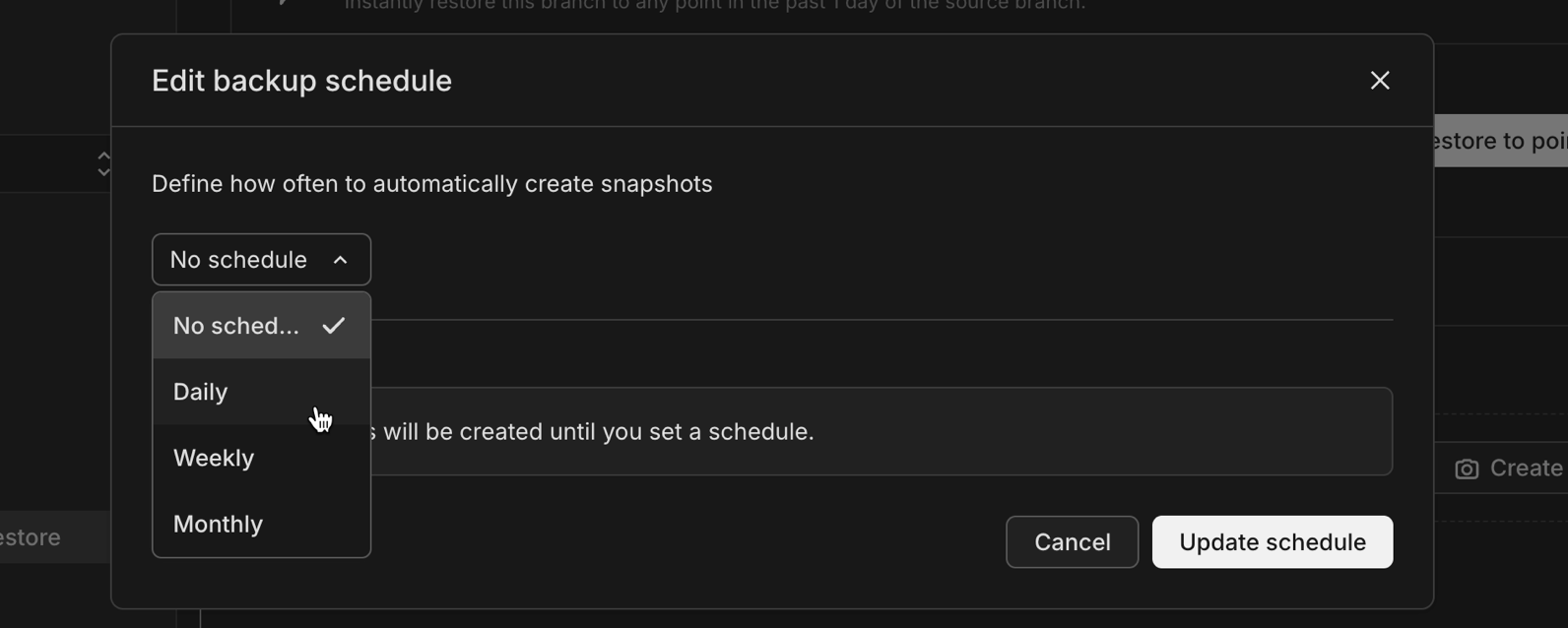
- **Flexible retention**: Configure how long to keep automated snapshots before they're automatically deleted
**Limits and pricing:** The Free plan includes 1 snapshot, while paid plans include 10 snapshots. Snapshots are provided free of charge during beta, and will be charged based on GB-month storage at a rate lower than standard project storage after GA.
**Instant restore improvements:**
- **Preview data before restoring**: The instant point-in-time restore feature now includes a **Preview data** button that lets you browse tables, run queries, and compare schemas at the selected restore point before committing to the restore operation
- **Improved timezone display**: The date/time picker for instant restore now shows times in your project's region timezone, and snapshot names include the region timezone for clarity
Together, these features help you maintain reliable recovery points for your production databases without manual intervention.
## Postgres extension updates
We've expanded extension support for Postgres 18.
**Now available on Postgres 18:**
| Extension | Version |
| :---------------- | :------ |
| hll | 2.19 |
| pgcrypto | 1.4 |
| pgjwt | 0.2.0 |
| pg\_hashids | 1.2.1 |
| rdkit | 4.8.0 |
| pg\_roaringbitmap | 0.5 |
For a complete list of Postgres extensions supported by Neon, see [Postgres extensions](https://neon.com/docs/extensions/pg-extensions).
## 100x smaller Docs pages served to LLMs
We've updated the serving logic in our documentation, guides, and PostgreSQL Tutorial sites to serve raw markdown in response to web requests from user-agents we can identify as LLM Agents (like ChatGPT, Claude, Copilot, etc...)
The result is 80-100x smaller page sizes, 6x speed-up, and most importantly fewer tokens costing you money and occupying your context windows as you work with codegen agents to ship faster.

## AI-ready prompts for faster setup
We've added pre-built AI prompts to our integration guides to help you get started with Neon faster in your AI-enabled code editor. Simply copy a prompt from any guide and paste it into your AI assistant (Cursor, GitHub Copilot, Claude Code, etc.) for step-by-step setup assistance tailored to your stack.

**Guides with AI prompts:**
- **ORMs & Drivers**: [TypeORM](https://neon.com/docs/guides/typeorm), [SQLAlchemy](https://neon.com/docs/guides/sqlalchemy), [Neon Serverless Driver](https://neon.com/docs/serverless/serverless-driver), [Prisma](https://neon.com/docs/guides/prisma)
- **JavaScript/TypeScript Frameworks**: [Next.js](https://neon.com/docs/guides/nextjs), [Astro](https://neon.com/docs/guides/astro), [SvelteKit](https://neon.com/docs/guides/sveltekit), [Nuxt](https://neon.com/docs/guides/nuxt), [Solid Start](https://neon.com/docs/guides/solid-start), [Express](https://neon.com/docs/guides/express), [NestJS](https://neon.com/docs/guides/nestjs), [Hono](https://neon.com/docs/guides/hono), [RedwoodJS](https://neon.com/docs/guides/redwoodsdk), [Node.js](https://neon.com/docs/guides/node)
- **Python Frameworks**: [Django](https://neon.com/docs/guides/django), [Reflex](https://neon.com/docs/guides/reflex)
- **PHP Frameworks**: [Laravel](https://neon.com/docs/guides/laravel), [Symfony](https://neon.com/docs/guides/symfony)
- **Ruby**: [Ruby on Rails](https://neon.com/docs/guides/ruby-on-rails)
- **Java Frameworks**: [Quarkus (JDBC)](https://neon.com/docs/guides/quarkus-jdbc), [Quarkus (Reactive)](https://neon.com/docs/guides/quarkus-reactive), [Micronaut (Kotlin)](https://neon.com/docs/guides/micronaut-kotlin)
- **Languages**: [Python](https://neon.com/docs/guides/python), [JavaScript](https://neon.com/docs/guides/javascript), [Go](https://neon.com/docs/guides/go), [Java](https://neon.com/docs/guides/java), [Rust](https://neon.com/docs/guides/rust), [Elixir](https://neon.com/docs/guides/elixir), [Elixir with Ecto](https://neon.com/docs/guides/elixir-ecto), [.NET](https://neon.com/docs/guides/dotnet-npgsql), [.NET Entity Framework](https://neon.com/docs/guides/dotnet-entity-framework)
Each prompt provides your AI assistant with the context it needs to configure dependencies, set up environment variables, establish database connections, and create working examples.
We're actively improving these prompts based on your feedback. Share your experience through the [Feedback](https://console.neon.tech/app/projects?modal=feedback) form in the Neon Console or join the conversation on [Discord](https://discord.gg/92vNTzKDGp).
## Neon Open Source Program
We've recently launched a [Neon Open Source Program](https://neon.com/blog/neon-open-source-program) to support Postgres-powered open source projects. If your open source project uses Postgres and is ready to grow, we'd love to hear from you.
Visit the [Neon Open Source Program page](https://neon.com/blog/neon-open-source-program) to learn more about the benefits and apply.
**Postgres extensions**
- Fixed an issue that prevented installing the [postgis_sfcgal](https://neon.com/docs/extensions/postgis-related-extensions#postgis-sfcgal) extension.
**Private networking**
- Fixed an issue in the VPC endpoint restrictions view in project settings where assigned VPC endpoints were incorrectly shown as "Connection allowed: No" even when they were actively assigned to the project.
**Project dashboard**
- The **Network transfer** metric in the usage widget on the **Project dashboard** now displays usage in GB instead of KB for improved readability on paid plans.
**Vercel**
- Fixed an issue in the [Vercel-Managed Integration](https://neon.com/docs/guides/vercel-managed-integration) where exceeding the data transfer limit returned a generic error. The error message is now clear and actionable.
- Fixed an issue in the [Vercel-Managed Integration](https://neon.com/docs/guides/vercel-managed-integration) where removed Vercel team members were not automatically synchronized with Neon organizations. Member removals and role changes are now properly synchronized by a periodic job.
---
### 2025-10-24
## Claude Code plugin for Neon
We've launched a new plugin that brings Neon's capabilities directly into Claude Code. The new plugin includes:
- **Claude Skills** to streamline key workflows:
- **neon-drizzle**: Set up Drizzle ORM with Neon
- **neon-serverless**: Configure connections with Neon's serverless Postgres driver
- **neon-toolkit**: Manage databases, projects, and branches using the Neon API
- **add-neon-knowledge**: Access Neon documentation snippets and usage examples
- **Neon MCP server integration** that lets Claude interact with Neon in real time to query projects, manage databases and branches, and run SQL or migrations
- **Context rules (.mdc files)** that can be used in other AI tools like Cursor
Install it from our marketplace:
```bash
/plugin marketplace add neondatabase-labs/ai-rules
/plugin install neon-plugin@neon
```
For more information, see [Claude Code plugin for Neon](https://neon.com/docs/ai/ai-claude-code-plugin).
## MCP server: Schema diff and migration generation
Our MCP server now supports schema diff generation and zero-downtime migration creation. Ask your AI assistant:
```
Can you generate a schema diff for branch br-feature-auth in project my-app?
```
The assistant will compare the branch schema with its parent, show what changed, and offer to generate a zero-downtime migration to apply those changes to the parent branch.
This makes it easier to develop schema changes on feature branches and promote them when ready. For more information, see [Neon MCP Server](https://neon.com/docs/ai/neon-mcp-server).
## Storage quota doubled to 16TB
We've doubled our default storage quota from 8TB to 16TB. This means you can now run databases up to 16TB without contacting us to increase your limit. If you need to run larger databases, please [use the feedback form in console](https://console.neon.tech/app/settings?modal=feedback\&modalparams=%22Storage%20limit%20increase%22).
## Branch navigation improvements
We've added breadcrumb navigation to branch pages, making it easier to understand and navigate your branch hierarchy. When viewing a child branch, you'll now see the full lineage path (e.g., `production / development / feature-branch`) with visual branch indicators. The page heading has also been updated to "Child branch overview" for better clarity when working with nested branches.

## Postgres extension updates
We've expanded extension support for Postgres 18 and updated several extension versions.
**Now available on Postgres 18:**
| Extension | Version |
| :------------------------------ | :------ |
| anon | 2.4.1 |
| address\_standardizer | 3.6.0 |
| address\_standardizer\_data\_us | 3.6.0 |
| h3 | 4.2.3 |
| h3\_postgis | 4.2.3 |
| pg\_cron | 1.6 |
| pg\_ivm | 1.12 |
| pg\_uuidv7 | 1.6 |
| pgrag | 0.0.0 |
| postgis\_raster | 3.6.0 |
| postgis\_sfcgal | 3.6.0 |
| postgis\_tiger\_geocoder | 3.6.0 |
| postgis\_topology | 3.6.0 |
| postgres\_fdw | 1.2 |
**Version updates across all supported Postgres versions:**
| Extension | Old Version | New Version |
| :-------- | :---------- | :---------- |
| anon | 2.1.0 | 2.4.1 |
To upgrade from a previous version of an extension, follow the instructions in [Update an extension version](https://neon.com/docs/extensions/pg-extensions#update-an-extension-version).
For a complete list of Postgres extensions supported by Neon, see [Postgres extensions](https://neon.com/docs/extensions/pg-extensions).
**Child branch storage**
- We've introduced a storage billing cap for child branches. Previously, child branch storage cost was based on all data changes over time. Now, you're billed for the minimum of accumulated changes or your actual data size, ensuring you never pay more than the logical size of your data on a child branch. This change makes child branch storage costs more predictable and helps avoid charges from long-lived branches.
**Instagres**
- Instagres packages were renamed: `neondb` → `get-db` (CLI) and `vite-plugin-postgres` → `vite-plugin-db` (Vite plugin). Use `npx get-db` to initiate Instagres. **Update:** The packages have since been renamed again: `get-db` → `neon-new` (CLI) and `vite-plugin-db` → `vite-plugin-neon-new` (Vite plugin). Use `npx neon-new` to initiate Claimable Postgres.
- _Instagres enables instant provisioning of a Postgres database without configuration or account creation. See [Claimable Postgres](https://neon.com/docs/reference/claimable-postgres) to learn more._
---
### 2025-10-17
## Configure scale to zero in the console
Scale plan users can now adjust their scale to zero timeout directly in the Neon Console. Simply select **Edit compute** from the menu on the **Compute** tab to set a custom timeout. The Scale plan allows you to set this as low as 1 minute, a setting that was previously only available via the Neon API.
Scale to zero helps minimize costs by automatically placing inactive databases in an idle state. The timeout setting controls how fast that happens. To learn more, refer to our [Scale to zero](https://neon.com/docs/introduction/scale-to-zero) guide.

## Quick presets for branch expiration
Managing your project's branches is now easier with convenient preset options. When creating or configuring a branch, choose to automatically expire it after 1 hour, 1 day, or a week. No need to manually calculate and select a specific date and time.
Setting branch expiration times can help reduce costs. To learn more, check out our [Branch expiration](https://neon.com/docs/guides/branch-expiration) guide.
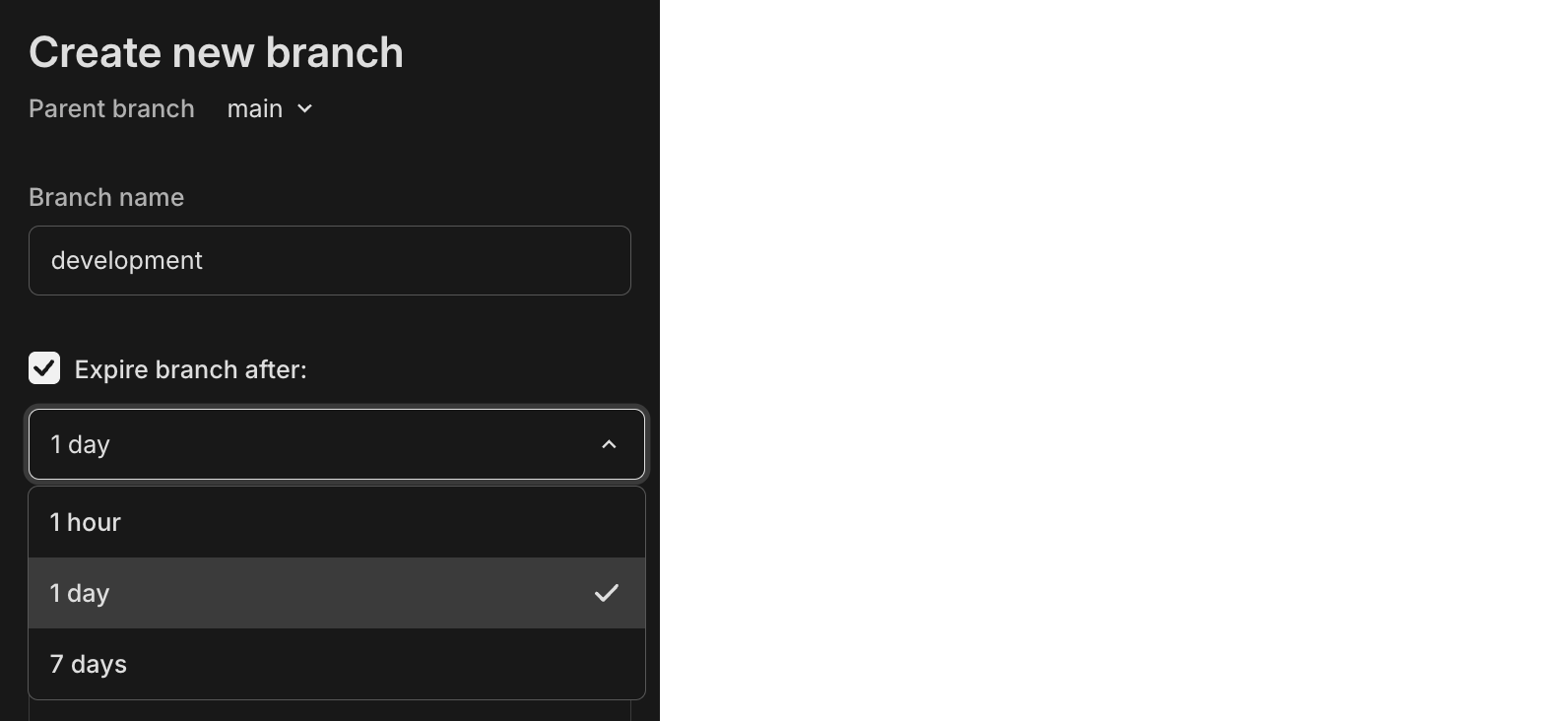
## New NAT gateway IP addresses
We've added new NAT gateway IP addresses in the AWS US East (N. Virginia) region to expand infrastructure capacity. If you have external IP allow lists that enable connections from external services into Neon, **update those allow lists soon to include the new addresses** to avoid connectivity issues.
See our [Regions documentation](https://neon.com/docs/introduction/regions#aws-nat-gateway-ip-addresses) for the complete list of NAT gateway IPs for all regions.
## New VPC endpoint service for Private Networking
We've added a new VPC endpoint service address for Private Networking in the AWS US East (N. Virginia) region. If you're setting up Private Networking in the `us-east-1` region, you can now use the additional endpoint service address for enhanced infrastructure capacity and reliability.
For the complete list of VPC endpoint service addresses by region, see our [Private Networking guide](https://neon.com/docs/guides/neon-private-networking).
## E2E testing with Neon branches
Run end-to-end tests using isolated database branches. We've published guides showing how to use Neon's database branching with **Playwright** and **Cypress** to create isolated test environments for every pull request. Each PR gets its own database branch with automated schema migrations, ensuring your E2E tests run against the exact schema changes you're testing.
- [Automated E2E Testing with Neon Branching and Playwright](https://neon.com/guides/e2e-playwright-tests-with-neon-branching)
- [Automated E2E Testing with Neon Branching and Cypress](https://neon.com/guides/e2e-cypress-tests-with-neon-branching)
**Data API**
- Data API and IP Allow cannot be used together. To enable Data API, you must first disable IP Allow on your project.
**Instagres**
- Fixed an issue where usage limits for Neon projects created using [Instagres](https://neon.new/) were not reset after being claimed to a Neon account.
**Instant restore and snapshots**
- Updated default instant restore settings for new projects. Instant restore lets you recover your database to any point in time within your configured window. Previously, new projects were set to the maximum restore window for their plan; now they default to 6 hours for Free plan projects and 1 day for paid plans. You can adjust your restore window anytime in your project settings.
- Fixed an issue where selecting a restore time using the datepicker would unexpectedly include the current time's seconds and milliseconds. Restore times now set seconds and milliseconds to zero when specified to the minute.
- Fixed an issue where the **Create snapshot** button incorrectly appeared on the Backup & Restore page when a non-root branch was selected. Snapshots can only be created from root branches (branches without a parent).
**Postgres extensions**
- The [pg_graphql](https://neon.com/docs/extensions/pg_graphql) extension has been updated to version 1.5.11. This extension adds a GraphQL API layer directly to your Postgres database, allowing you to query your database using GraphQL.
- To upgrade from a previous version of the extension, follow the instructions in [Update an extension version](https://neon.com/docs/extensions/pg-extensions#update-an-extension-version).
---
### 2025-10-10
## Weekly Neon usage reports
Paid plan users will soon begin receiving weekly usage reports on Mondays. These reports provide month-to-date usage and costs across all billing metrics (including compute, storage, extra branches, and network transfer), helping you track spending and optimize costs before your monthly bill is finalized.
For cost optimization strategies for Neon, please refer to our [Cost optimization guide](https://neon.com/docs/introduction/cost-optimization).
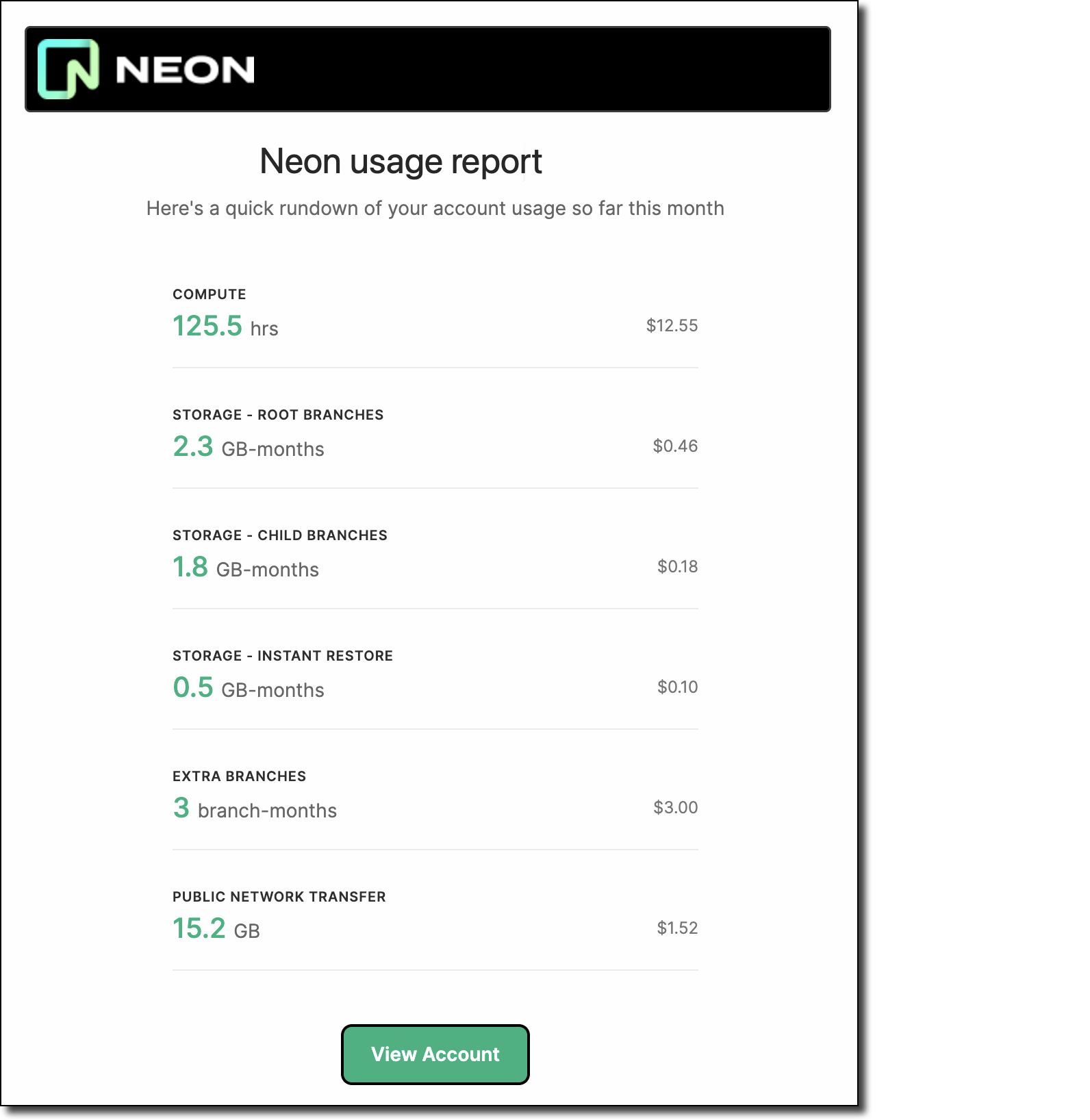
## pgvector v0.8.1 on Postgres 18
We've added support for [pgvector](https://neon.com/docs/extensions/pgvector) v0.8.1 on Postgres 18. This new version of `pgvector` adds support for Postgres 18 and improves `binary_quantize` function performance.
## Manage Neon with Pulumi
[Pulumi](https://www.pulumi.com), an open-source infrastructure-as-code (IaC) tool, can now be used to provision and manage your Neon projects as code. Using familiar programming languages or formats such as TypeScript, Python, Go, C#, Java, or YAML, you can define your Neon projects, branches, databases, compute endpoints, and roles alongside your other cloud resources. This integration uses a community-developed provider bridged from the Terraform provider for Neon.
```javascript
import * as neon from '@pulumi/neon';
```
To get started, see [Manage Neon with Pulumi](https://neon.com/guides/neon-pulumi).
## Manage Neon with SST
You can now use Neon with [SST](https://sst.dev/), an open-source framework for building full-stack applications on your own infrastructure. SST's support for Pulumi and Terraform providers enables you to manage Neon resources directly in your `sst.config.ts` alongside your serverless applications, with automated database provisioning for your deployments.
```bash
npx sst add neon
```
To learn how, see [Manage Neon with SST](https://neon.com/guides/neon-sst).
**Neon API**
- Fixed an issue where database rename requests through the [Update branch](https://api-docs.neon.tech/reference/updateprojectbranchdatabase) endpoint could fail with a `could not configure compute node` error when the target database had active connections. The database rename operation now drops existing connections to the database before renaming, which allows rename requests to complete successfully.
**Neon CLI**
- We updated the Neon CLI to version 2.15.1, which adds support for numeric characters in parent branch names and fixes CSRF authentication errors experienced by some users. To upgrade your Neon CLI version, please refer to our [upgrade instructions](https://neon.com/docs/reference/cli-install#upgrade).
**Neon Console**
- Fixed an issue that prevented creating Postgres 18 projects in HIPAA-enabled organizations. Note that HIPAA cannot be enabled on Postgres 18 projects, as Postgres 18 is currently in preview.
**Postgres extensions**
- The `neon` Postgres extension, which provides functions and views for gathering Neon-specific metrics, has been updated to version 1.9. To learn more about this extension, see [The neon extension](https://neon.com/docs/extensions/neon).
**Snapshot restore**
- The [multi-step snapshot restore](https://neon.com/docs/guides/backup-restore#multi-step-restore) flow now includes **Restored to** and **Restored from** fields that show the target date/time and source snapshot for the restore operation. At the end of the restore flow, a **Go to branch** button lets you navigate directly to the backup branch created by the restore operation.
---
### 2025-10-03
## Data API updates
We've made several major improvements to the Data API (Beta):
### _Build your first app_ quick start
The Data API page now includes a new **Build your first app** tab with a streamlined setup flow. This new tab lets you clone our note-taking demo app directly from the UI using your project's credentials, making it easy to get started with the Data API.

Once set up, you can follow our tutorials to learn [Data API queries](https://neon.com/docs/data-api/demo) and [Row-Level Security](https://neon.com/docs/guides/rls-tutorial) using the same [demo app](https://github.com/neondatabase-labs/neon-data-api-neon-auth).
### SQL-to-PostgREST converter tool
We've added a new converter tool to help you translate existing SQL queries into PostgREST syntax. Useful for developers migrating from direct SQL queries or learning PostgREST patterns.

Try the converter [here](https://neon.com/docs/data-api/sql-to-rest).
### Rust-based architecture for better performance
We've rebuilt the Data API from the ground up in Rust while maintaining 100% PostgREST compatibility. This new architecture delivers better performance, multi-tenancy support, and improved resource efficiency, while maintaining the same PostgREST API.
Learn more in our [Data API docs](https://neon.com/docs/data-api/get-started) or read about the architectural improvements in our [blog post](https://neon.com/blog/a-postgrest-compatible-data-api-now-on-neon).
## Instagres (formerly Neon Launchpad) updates
We've shipped several improvements to [Instagres](https://neon.com/docs/reference/claimable-postgres), our tool for instant Postgres database provisioning without configuration or account creation.
- **Streamlined CLI**: The `npx neon-new` command now runs entirely in your terminal with no browser interaction or CAPTCHA required.
- **New claim command**: We added a `neon-new claim` command that launches the claim URL in your browser, letting you easily claim the database to your Neon account if you want to keep it.
- **Better Vite integration**: The Vite plugin for Instagres now outputs a named export for improved auto-completion, adds `envPrefix` support for public environment variable prefixes, and adds Vite 7 to `peerDependencies`. Learn more about the Vite plugin [here](https://neon.com/docs/reference/claimable-postgres#vite-plugin).
Try Instagres at [neon.new](https://neon.new/) or get started with `npx neon-new`. **Update:** The CLI was `npx neondb` at the time of this release; it's now `npx neon-new`.
**Snapshots API**
- Added `restored_from` and `restored_as` fields to [branch API](https://api-docs.neon.tech/reference/getprojectbranch) responses, providing better tracking of snapshot restore relationships for AI agents and automated workflows. These fields show which snapshot was used to restore a branch and which branch was replaced during restoration.
---
### 2025-09-26
## Postgres 18 support (preview)
Neon now supports **Postgres 18** in preview. To try it out, [create a new project](https://neon.com/docs/manage/projects#create-a-project) and select **18** as the **Postgres version**.

While in preview, there are a few [limitations to keep in mind](https://neon.com/docs/postgresql/postgres-version-policy#postgres-18-support).
To learn more about the new features and improvements in Postgres 18:
- Read our blog post: [Postgres 18 Is Out: Try it on Neon](https://neon.com/blog/postgres-18)
- Review the official [Postgres 18 release notes](https://www.postgresql.org/docs/18/release-18.html)
## Monitor Postgres network traffic with Elephantshark
We've released **Elephantshark**, an open-source Ruby script from Neon for monitoring Postgres network traffic.
Elephantshark sits between Postgres clients and servers, decrypting and re-encrypting SSL/TLS traffic while logging protocol messages. It works with all Postgres-protocol traffic, not just Neon databases. It can also generate `SSLKEYLOGFILE` entries for Wireshark.
- [Get Elephantshark on GitHub](https://github.com/neondatabase-labs/elephantshark)
- [Read the blog post](https://neon.com/blog/elephantshark-monitor-postgres-network-traffic)
**Backup & restore**
- The **Create snapshot** button on the **Backup & restore** page (available in [Early Access](https://neon.com/docs/introduction/early-access)) in the Neon Console is now disabled when the snapshot limit is reached (1 on the Free plan and 10 on paid plans). For more about snapshots, see [Backup & restore](https://neon.com/docs/guides/backup-restore).
**Free plan usage alerts**
- Usage alerts have been updated on the Free plan for storage, data transfer, and compute usage. Alerts are per-project and sent out at 80% and 100% usage thresholds. For an overview of Free plan usage allowances, please see our [Pricing page](https://neon.com/pricing).
**Postgres extensions**
- The `neon` Postgres extension, which provides functions and views for gathering Neon-specific metrics, has been updated to version 1.7. To learn more about the extension, see [The neon extension](https://neon.com/docs/extensions/neon).
**SQL Editor**
- You can now scroll through results when running queries with multiple statements. Each statement's results appear in their own tab, and a scrollbar makes it easier to navigate when many tabs are returned.
---
### 2025-09-19
## Snapshot APIs for database versioning (Beta)
We've added snapshot APIs for AI agents and code generation platforms that need database versioning. You can create point-in-time database versions, roll back when things break, and keep connection strings stable during development. This makes it safer for agents to experiment with schema changes and revert when needed. Works for production rollbacks as well as temporary preview branches.
```bash
# Create a snapshot to save current state
curl --request POST \
--url 'https://console.neon.tech/api/v2/projects/{project_id}/branches/{branch_id}/snapshot?name=version-session-1&expires_at=2025-08-13T00:00:00Z' \
--header 'authorization: Bearer $NEON_API_KEY'
# Roll back to a previous version (keeps same connection string)
curl --request POST \
--url 'https://console.neon.tech/api/v2/projects/{project_id}/snapshots/{snapshot_id}/restore' \
--header 'authorization: Bearer $NEON_API_KEY' \
--header 'content-type: application/json' \
--data '{"target_branch_id": "br-main-123", "finalize_restore": true}'
```
Learn more in these guides:
- [Database versioning with snapshots guide](https://neon.com/docs/ai/ai-database-versioning)
- [Demo repo](https://github.com/neondatabase-labs/snapshots-as-checkpoints-demo)
- [Build Checkpoints for Your Agent Using Neon Snapshots](https://neon.com/blog/checkpoints-for-agents-with-neon-snapshots)
> Building a full-stack AI agent? Apply to our [Agents Program](https://neon.com/agents) for custom limits and special pricing.
## Data API setup gets easier with automated grants
Our latest addition to the beta Data API makes setup even smoother. The Data API configuration now includes an option to automatically apply `GRANT` statements for the public schema. When you enable "Grant public schema access to authenticated users", Neon handles the database permissions for you, setting you up to then write your RLS policies. See [Get started with the Data API](https://neon.com/docs/data-api/get-started).

## Free plan compute hours → 100
We just doubled the compute hours you get in your Neon Free Plan. You get up to 20 projects, each with:
- **100 CU-hours** of monthly compute (up from 50)
- Snapshot APIs
- 0.5 GB Storage
- Autoscaling
- Branching
- Read replicas
- Instant restore
If you are a free plan user, this change has already been applied to your account; no action required.
## Postgres extensions analytics dashboard
We've built an interactive dashboard to explore Postgres extension adoption across the Neon platform. See which extensions are trending, track monthly install counts, and discover new extensions that might be useful for your projects. The dashboard shows real-time data on 83+ available extensions, from popular ones like `pgvector` (30k+ installs) to emerging extensions gaining traction.

- [Explore the dashboard](https://v0-neon-postgres-extensions.vercel.app/)
- [Read about the top 10 most popular extensions](https://neon.com/blog/ten-most-popular-postgres-extensions)
## Self-serve HIPAA compliance
You can now enable HIPAA compliance for your Neon projects directly in the console. HIPAA sets national standards for protecting health information, and is required for apps handling Protected Health Information (PHI). This is available on the Scale plan. **HIPAA support is currently available at no additional cost. When we begin charging for HIPAA support, it will become a paid add-on.** Read more in our HIPAA compliance [docs](https://neon.com/docs/security/hipaa).

## Neon Private Networking Adds IPv6 Support
[Neon Private Networking](https://neon.com/docs/guides/neon-private-networking), which allows secure connections via AWS PrivateLink and keeps traffic within AWS's private network, now includes support for IPv6 addresses. This enables better connectivity for applications that require IPv6 support and helps future-proof your database connections. Previously, only IPv4 was supported.
---
### 2025-09-12
## ChatGPT + Neon MCP Server
You can now connect ChatGPT to the **Neon MCP Server** using custom Model Context Protocol (MCP) connectors.
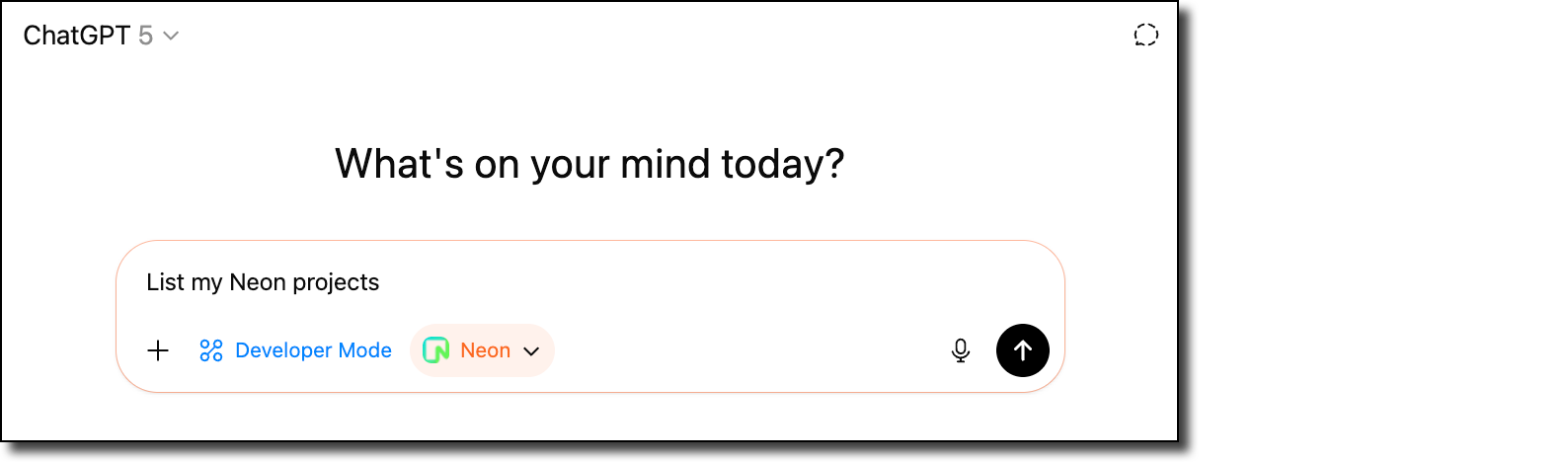
This integration makes it easy to extend ChatGPT with Neon's database capabilities so you can query, manage, and interact with your Neon projects directly within ChatGPT.
👉 [Read the blog](https://neon.com/blog/manage-neon-databases-from-chatgpt) to get started.
## Community: Neon Testing – Vitest library for integration tests
We're excited to share **[Neon Testing](https://www.npmjs.com/package/neon-testing)**, a community-built library by [Mikael Lirbank](https://www.lirbank.com/) that makes it easy to run integration tests against Neon databases.
Instead of relying on mocks or maintaining local test databases, Neon Testing uses Neon's branching to provision **disposable Postgres test databases** for each test file. This means your tests run against the same schema and constraints as production, catching issues that mocks can miss (like unique constraint failures and transaction rollbacks).
- Read the blog: [Neon Testing: a Vitest Library for Your Integration Tests](https://neon.com/blog/neon-testing-a-vitest-library-for-your-integration-tests)
- Install from npm: [neon-testing](https://www.npmjs.com/package/neon-testing)
- Learn more about the project: [Mikael's website](https://www.lirbank.com/)
## Neon OTel integration + New Relic
Neon's [OpenTelemetry (OTEL) integration](https://neon.com/docs/guides/opentelemetry) has a new step-by-step guide for sending your Neon project's metrics and Postgres logs to [New Relic](https://newrelic.com/), a cloud-based observability platform that helps developers and organizations monitor, debug, and optimize the performance of their applications and infrastructure.
Check out the guide from contributor _Dhanush Reddy_: [Getting started with Neon and New Relic](https://neon.com/guides/newrelic-otel-neon).
## Improved Neon Docs navigation
We've introduced a new horizontal navigation bar in the [Neon Docs](https://neon.com/docs/introduction) to make it easier to find what you need. You can now quickly scan across the top-level menus, each with a dropdown of related topics. When you select a menu item, a dedicated left-hand sidebar for that topic area opens, giving you a clear view of everything available within that section.
This update improves discoverability and helps you move through the docs more efficiently.

**Backup & restore**
- On the **Backup & restore** page in the Neon Console, snapshots are now listed with a more user-friendly branch name instead of the branch ID value.
- The **Restore branch modal** now shows the new branch expiration time that will be set when restoring a branch configured to expire.
**Neon Console**
- We adjusted the warning message on the **Edit compute** modal about connection disruptions when changing the compute size. The warning message now only appears when compute size values are modified.
- Fixed an issue where the **Branch expiration** modal would close without notice if an error occurred. The modal now remains open and displays the error message.
**Vercel**
- On the **Branch overview** page for users of the native Vercel integration, the **Open preview deployment** link now correctly directs to Vercel deployment page instead of the application page.
- You can now open the **Branch overview** page in the Neon Console for a preview deployment branch directly from the Vercel deployment page.
---
### 2025-09-05
## Introducing the Neon Agent Plan
We're happy to announce our new **Agent Plan** for AI agent platforms that need to provision thousands of databases.

The Agent Plan provides custom project and branch limits, higher API rate limits for instant provisioning, and credits for your free tier users. It's designed for platforms like Replit, v0, and Databutton that create databases on behalf of their users. Key features include automatic scale-to-zero, instant restores, and Neon Auth and Data API at no extra cost. [Learn more](https://neon.com/use-cases/ai-agents).
## Data API — more improvements
We've added a **Refresh schema cache** button to the Data API page, making it easier to update your REST endpoints when you modify your database schema. We've also continued our performance enhancements, including eliminating API cold starts, as we prepare the Data API for GA. Learn more about the Data API in the [docs](https://neon.com/docs/data-api/get-started).

## Neon MCP Server now with reset_from_parent tool
We've added a new `reset_from_parent` tool to the Neon MCP Server that allows resetting a branch back to its parent branch state. This simplifies branch management when LLMs change schemas or when creating fresh development branches. Learn more in the [MCP Server docs](https://neon.com/docs/ai/neon-mcp-server).
## New VPC endpoint service for Private Networking
We've added a new VPC endpoint service address for Private Networking in the AWS Europe (Frankfurt) region. If you're setting up Private Networking in the `eu-central-1` region, you can now use the additional endpoint service address for enhanced infrastructure capacity and reliability.
For the complete list of VPC endpoint service addresses by region, see our [Private Networking guide](https://neon.com/docs/guides/neon-private-networking).
**Neon Console**
- Added restart compute functionality to compute management menus, letting you restart compute instances directly from the Console without using CLI or API

- Added a **Compute last active at** column to your organization's **Projects** table, helping you identify unused projects for cleanup and cost optimization

- Fixed password encoding in **Parameters only** connection strings, ensuring special characters display correctly for environment variable usage.

- Added URL encoding for projects list page search and pagination, making it easier to share specific views with team members. For example:
```bash
console.neon.tech/app/org-example/projects?cursor=example-branch-123&q=myapp
```
---
### 2025-08-29
## More projects on the Free plan
We've doubled the Free plan **project limit** from 10 to 20. No more one-in, one-out; add more side projects and prototypes without hitting the limit.
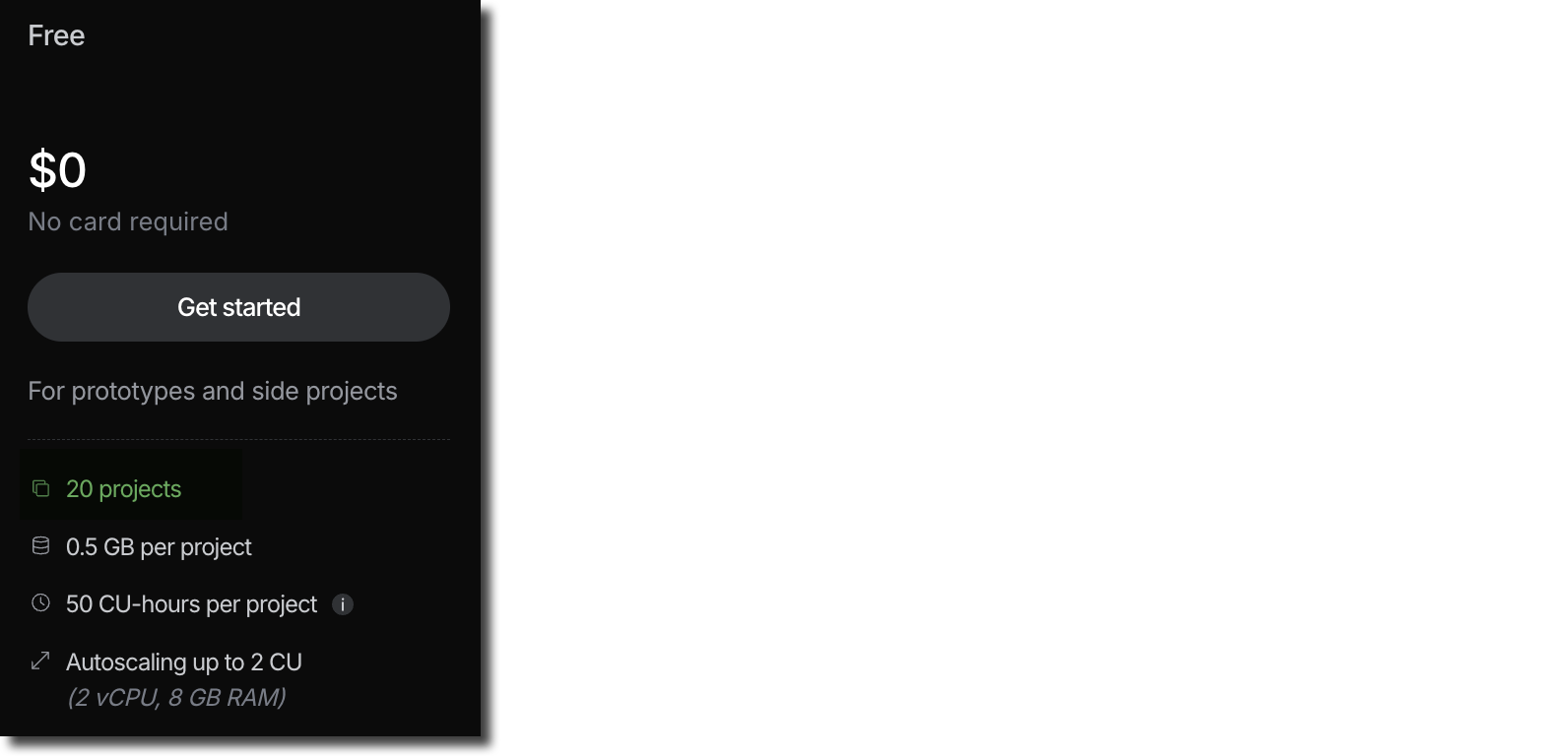
## Neon MCP Server enhancements
- We introduced a new **list_shared_projects** tool that lets users see projects shared with them. This addresses a gap where [project collaborators](https://neon.com/docs/guides/project-collaboration-guide) couldn't list Neon projects they were part of. For an overview of Neon MCP Server tools, see [Supported tools](https://neon.com/docs/ai/neon-mcp-server#supported-actions-tools).
- We improved error handling and refined the logic used for Neon org selection.
- You can now manage your Neon database directly from **Claude Code** using the [Neon MCP Server](https://github.com/neondatabase/mcp-server-neon) Check out our new guide to get started. It covers both remote (OAuth) and local setup options: [Get started with Claude Code and Neon Postgres MCP Server](https://neon.com/guides/claude-code-mcp-neon)
- Are you a Cursor user? Try the one-click Neon MCP Server install:
[cursor://anysphere.cursor-deeplink/mcp/install?name=Neon&config=eyJ1cmwiOiJodHRwczovL21jcC5uZW9uLnRlY2gvbWNwIn0%3D](https://neon.com/docs/changelog/cursor://anysphere.cursor-deeplink/mcp/install?name=Neon\&config=eyJ1cmwiOiJodHRwczovL21jcC5uZW9uLnRlY2gvbWNwIn0%3D)
## Get started with Neon Local and Neon Local Connect
**Neon Local** and **Neon Local Connect** bring the power of Neon's cloud database branching directly to your local development environment.
- **Neon Local** is a Docker-based proxy that creates a smart local interface to your Neon database, providing a static connection that automatically routes to your active cloud database branch.
- **Neon Local Connect** extends this with a full-featured VS Code extension, offering database schema browsing, built-in SQL editing, table data management, and branch switching, all without leaving your IDE.
Ready to transform your local development workflow? Check out our new guide: [Getting started with Neon Local and Neon Local Connect](https://neon.com/guides/neon-local)
## Postgres `pg_repack` extension available on all Neon plans
The `pg_repack` extension lets you to efficiently remove bloat by rewriting tables and indexes online, with minimal locking.
Previously, enabling `pg_repack` required opening a support ticket so our team could grant you permission on the `repack` schema. That's no longer necessary; you now have access by default. No support ticket means the extension is available on all Neon plans.
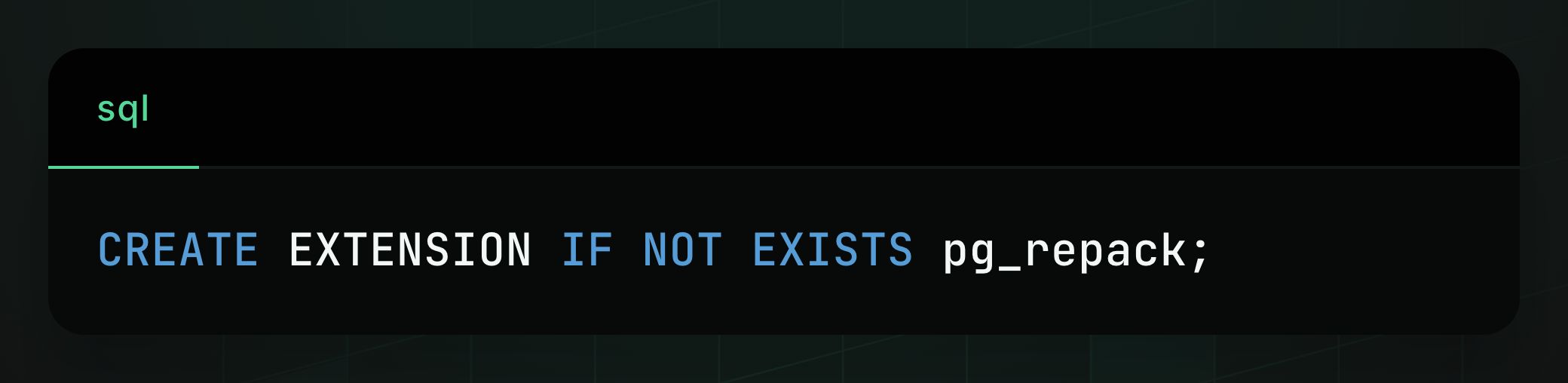
> _If you previously installed `pg_repack` without assistance from Neon support, you'll need to [drop the extension](https://www.postgresql.org/docs/current/sql-dropextension.html) and reinstall it on your database to apply the new `repack` schema permission._
Learn more about the extension in our docs: [pg_repack](https://neon.com/docs/extensions/pg_repack)
**Fixes**
- Fixed the collapsible sidebar toggle in the Neon Console. The toggle was not working.
- Fixed an issue with the Free plan compute usage widget, which resulted in an incorrect value being displayed.
---
### 2025-08-22
## Refreshed Data API - now with dedicated config page
The Data API (Beta) now has its own page in the project sidebar for easier discovery and activation. You can also enable it for any database, not just the default one. The setup asks you to enable **Neon Auth** as your auth provider (recommended), but you can choose **Other provider** if you have your own JWKS URL (or skip this step until later). We're also making significant improvements under the hood in preparation for GA. Stay tuned!
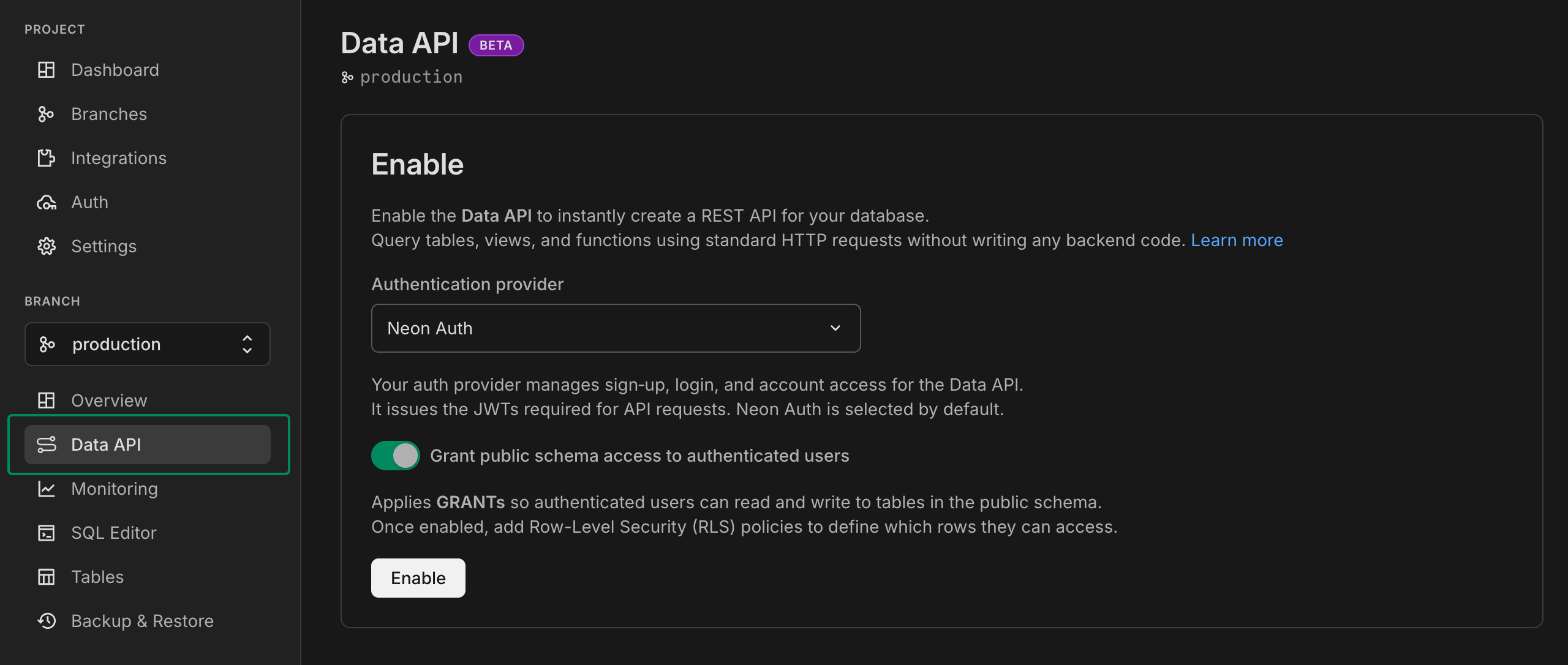
Learn more in our Data API [docs](https://neon.com/docs/data-api/get-started).
## Better snapshot restore flexibility
You can now restore to your root branches' snapshots from any branch in your project, giving more flexibility in restoring data for your workflows; simply select the branch you want to restore in the sidebar.
Additionally, each snapshot card now shows the snapshot expiration date. The soon-to-be introduced backup scheduler will let you specify an expiration date. For now, the expiration date is _never_, but you can manually delete a snapshot at any time.

_The image shows a Production branch snapshot in the Development branch view, and the new "Expires on" value_
**Drizzle Studio**
- The Drizzle Studio integration that powers the **Tables** page in the Neon Console has been updated to version 1.2.6. For the latest improvements and fixes, see the [Neon Drizzle Studio Integration Changelog](https://github.com/neondatabase/neon-drizzle-studio-changelog/blob/main/CHANGELOG.md)
**Neon Console**
- Added branch expiration date indicators to the point-in-time restore and snapshot restore modals
- The minimum size for the Production branch for new projects was reduced from 1 CU to 0.25 CU.
---
### 2025-08-15
## New usage-based pricing plans
We've introduced **usage-based pricing** for Neon paid plans, starting at just **$5/month**. Pay only for what you use. This plan update also includes **more storage on the Free plan**. For details, see the [pricing page](https://neon.com/pricing) and read the [blog post](https://neon.com/blog/new-usage-based-pricing).

## Branch expiration now available to all users
Branch expiration is now available to all Neon users! Previously available only to Early Access users, you can now set an expiry date to automatically delete branches at a specified time, helping keep projects clean and reduce storage costs for temporary branches.
Set an expiration time when creating or updating branches via the API, CLI, GitHub Actions, or Neon Console, up to 30 days ahead of time. When that time comes, the branch and its compute endpoints are permanently deleted.
To learn more, see our [Branch expiration](https://neon.com/docs/guides/branch-expiration) guide.
## Enhanced Neon Local development experience
**Neon Local**, a service that lets you work with your Neon cloud database locally from Docker, now supports connecting your app to any existing branch in your Neon project. Previously, Neon Local only supported creating ephemeral branches that were automatically deleted when the container stopped.
Additionally, **Neon Local Connect**, the VS Code extension for Neon Local (also supported in Cursor, Windsurf, and other VS Code-compatible editors), now includes:
- **Database Schema view** – Browse databases, schemas, tables, columns, and relationships right from your IDE. Quickly inspect structures, explore relationships, and perform table actions like querying, truncating, or dropping, all without leaving your editor.
- **Built-in SQL Editor** – Run queries directly in your IDE, view and filter results in a table, export data, and see execution stats. Perfect for testing changes or debugging without switching to an external SQL client.
These updates make it easier to explore your database, run queries, and manage schema changes without leaving your development environment.
To learn more, see [Neon Local](https://neon.com/docs/local/neon-local).
## Generate apps locally with open-source models
**App.build**, Neon's open-source reference implementation for agent builders, now supports running **open-weight LLMs** via **Ollama**, **LMStudio**, and **OpenRouter**, letting you build apps without cloud API dependency or associated costs. You can also access large open-weight models through [OpenRouter](https://openrouter.ai/).
```bash
LLM_BEST_CODING_MODEL=openrouter:qwen/qwen3-coder LLM_UNIVERSAL_MODEL=openrouter:z-ai/glm-4.5-air uv run generate "Create another to-do app, but give it a Roman Empire style, because I can't stop thinking about it."
```
Read the post for more: [App.build Now Supports Open Source Models](https://neon.com/blog/app-build-supports-open-source-models-locally)
## New Postgres extension: online_advisor
We've added support for a new Postgres extension. Developed by our very own [Konstantin Knizhnik](https://github.com/knizhnik), the `online_advisor` extension provides actionable tips for faster queries, based on your real workload:
- Recommend indexes for heavy filtering
- Suggest extended statistics when estimates are off
- Flag queries that should use prepared statements
For more about this new extension, refer to the [online_advisor](https://neon.com/docs/extensions/online_advisor) guide.
## New NAT gateway IP addresses
We've added new NAT gateway IP addresses in the AWS Europe (Frankfurt) region to expand infrastructure capacity. If you have external IP allowlists that enable connections from external services into Neon, **update those allowlists soon to include the new addresses** to avoid connectivity issues.
### New IP addresses
**AWS Europe (Frankfurt) – `aws-eu-central-1`**
- 3.66.63.165
- 18.194.181.241
- 52.58.17.95
See our [Regions documentation](https://neon.com/docs/introduction/regions#aws-nat-gateway-ip-addresses) for the full list of NAT gateway IPs.
## Upcoming status page migration
We'll soon be migrating [neonstatus.com](https://neonstatus.com/) to a new provider. We'll share more details, including the migration date, once it's confirmed.
## Neon + Better Stack integration guide
Neon's [OpenTelemetry (OTEL) integration](https://neon.com/docs/guides/opentelemetry) now has a step-by-step guide for sending your project's metrics and Postgres logs to [Better Stack](https://betterstack.com/), an observability platform for unified logging, monitoring, and alerting.
Check out the guide from contributor _Dhanush Reddy_: [Getting started with Neon and Better Stack](https://neon.com/guides/betterstack-otel-neon).
**Drizzle Studio**
- The Drizzle Studio integration that powers the **Tables** page in the Neon Console has been updated to version 1.2.6. For the latest improvements and fixes, see the [Neon Drizzle Studio Integration Changelog](https://github.com/neondatabase/neon-drizzle-studio-changelog/blob/main/CHANGELOG.md)
**Fixes**
- Previously, the `LOGIN` attribute was always included for `ALTER ROLE` and `CREATE ROLE` statements, even when explicitly specifying `NOLOGIN`. Now, if `NOLOGIN` is provided, `LOGIN` is not appended by default.
- Fixed an issue with `pg_repack` extension permissions to ensure that non-superusers can create the extension.
---
### 2025-08-08
## New snapshot restore options (Early Access)
We've added new snapshot restore workflows that let you choose how you want to restore from your existing snapshots:
- **One-step restore** instantly restores a selected snapshot to the current branch
- **Multi-step restore** creates a new branch from the selected snapshot, which you can then inspect or test before finalizing the restore

These restore methods are also available via the Neon API for building AI agent checkpoints and other automated workflows.
To try out these snapshot features, sign up for the [Early Access Program](https://neon.com/docs/introduction/early-access). Learn more in our [backup and restore guide](https://neon.com/docs/guides/backup-restore).
## Set expiration dates for branches (Early Access)
**Early Access** users can now set an expiry date to automatically delete branches at a specified time, helping keep projects clean and reduce storage costs for temporary branches.

To give your branch an end date, set the `expires_at` timestamp when creating or updating the branch via the API, CLI, or Neon Console, up to 30 days ahead of time. When that time comes, the branch and its compute endpoints are permanently deleted.
**Use cases**
- CI/CD pipelines with ephemeral test branches
- Time-boxed feature development
- Temporary demos or testing environments
- AI workflows requiring automated cleanup
To try branch expiration and other upcoming features, sign up for the [Early Access Program](https://neon.com/docs/introduction/early-access).
## Quick access to Neon Local Connect from your dashboard
You can now easily access the **Neon Local Connect** VS Code extension directly from the **Getting started** widget on your Project Dashboard. This makes it faster to set up your development environment with the localhost connection experience.

**Drizzle Studio**
- The Drizzle Studio integration that powers the **Tables** page in the Neon Console has been updated to version 1.2.3. For the latest improvements and fixes, see the [Neon Drizzle Studio Integration Changelog](https://github.com/neondatabase/neon-drizzle-studio-changelog/blob/main/CHANGELOG.md)
**Neon API**
- Added a `'resetting'` state to branch status API responses to indicate when a branch is being reset to a specific point in time or LSN
**Neon CLI**
- Added a `set-expiration` subcommand to set or update branch expiration dates
- Added an `--expires-at` option to the `create` subcommand for setting expiration during branch creation
- Updated to version 2.14.0 with branch expiration support. See [Neon CLI commands — branches](https://neon.com/docs/reference/cli-branches) for details.
---
### 2025-08-01
## app.build adds web UI and Laravel support
[app.build](https://app.build), Neon's open-source reference architecture for agentic codegen, now has a web-based interface in addition to the terminal CLI, making it easier to create full-stack apps directly from your browser. Learn more in the blog post: [Launching a Web UI for app.build](https://neon.com/blog/launching-a-web-ui-for-app-build)

**app.build** also now supports building and deploying **Laravel apps**. Check out the blog post: [Generate Laravel Apps from a Prompt](https://neon.com/blog/generate-laravel-apps-from-a-prompt). Thanks to the [@laravelphp](https://x.com/laravelphp) team for helping us build the template 🤝

## Create roles, add privileges, define RLS policies, and manage your database schema in the Neon Console
Drizzle Studio, which powers the **Tables** page in the Neon Console, has been updated with several new features including a new **Database studio** view.
### Create Postgres roles
You can now create Postgres roles from the **Tables** page. Define a role name, select from a list of commonly granted privileges, set a password, and click **Review and Create**.

### Add privileges
For more advanced privilege assignments, click the **Add privilege** link when creating a role to build your `GRANT` statements.

### Define RLS policies
Define your own Postgres RLS policies or use a RLS policy template. The "based on `user_id`" templates can be used with our Neon RLS feature, which integrates third-party JWT-based authentication providers like Auth0 and Clerk.

### Manage your database schema
View your schema definition, alter it, enable RLS, and more.

### Database studio view
The new **Database studio** view makes it easy to explore your database objects (including schemas, tables, views, roles, and policies) all in one place.
To open the view, select **Database studio** from the **Tables** page:

Use the top navbar to navigate:

## Neon MCP extension added to Goose registry
The [Neon MCP extension](https://block.github.io/goose/docs/mcp/neon-mcp/) is now listed in the [Goose registry](https://block.github.io/goose/), making it easier for developers using Goose and Block Protocol to integrate Neon MCP into their workflows.
## Improved Private Networking visibility
Users of [Private Networking](https://neon.com/docs/guides/neon-private-networking) can now view configured VPC endpoints on the project settings page in the Neon Console.

Private Networking is available on Neon's [Business](https://neon.com/docs/introduction/plans#business) and [Enterprise](https://neon.com/docs/introduction/plans#enterprise) plans. If you're on a different plan, you can request a trial from your project's settings page.
**Fixes**
- Fixed an issue where a project shared with a collaborator was not visible in the collaborator's shared projects list.
- Fixed an issue on the **Edit compute** modal that caused scale values to collide when the scale included all supported autoscaling CU sizes.
---
### 2025-07-25
## Bring your own email provider to Neon Auth
Neon Auth now supports sending emails for user invites, password resets, and notifications.
Use our shared email server for development, then switch to your own provider when you're ready. Read more in the [docs](https://neon.com/docs/neon-auth/email-configuration).

## Neon AI Assistant now available for Free plan users
We've expanded access to our Neon AI Assistant! Previously available for Launch and Scale plan users, the AI Assistant is now available for **all users, including Free plan**. Find it under **?** > **Get help** in the Console. Our AI assistant can help:
- Answer questions about Neon features, workflows, and troubleshooting.
- Find relevant documentation and best practices.

## Devin AI integrates with Neon through MCP Marketplace
You can now use **Devin**, Cognition Lab's AI software engineer, with Neon's [MCP server](https://github.com/neondatabase-labs/mcp-server-neon) through Cognition Lab's new MCP (Model Context Protocol) [marketplace](https://app.devin.ai/settings/mcp-marketplace)! This helps Devin manage your Neon databases using natural language commands for tasks like creating projects, running SQL queries, and performing database migrations.
This integration demonstrates how Neon's MCP server, designed as a workflow-first API for LLMs, enables AI agents to safely and confidently tackle complex database challenges.
[Read the full blog post](https://neon.com/blog/devin-and-neon-mcp-marketplace) to learn more, or read our [MCP server docs](https://neon.com/docs/ai/neon-mcp-server) to see how it works.
## Updated connection strings from Neon CLI and Neon API
Recently, we added the `channel_binding=require` option to connection strings and snippets in the Neon console, improving connection security. You can read more about this update in our [blog post](https://neon.com/blog/postgres-needs-better-connection-security-defaults).
Now, we've also updated the connection strings returned by the Neon CLI and Neon API to include the same security enhancement.
**CLI example**
```bash
neon cs --project-id purple-cake-43891234
```
**Will now return**
```bash
postgresql://neondb_owner:[password]@ep-shiny-sound-a5ydo1ie.us-east-2.aws.neon.tech/testingneon?sslmode=require&channel_binding=require
```
For upgrade instructions for the CLI, see [Upgrading the Neon CLI](https://neon.com/docs/reference/cli-install#upgrade).
## Export Neon metrics and Postgres logs to Grafana
You can now monitor your Neon databases with Grafana Cloud using our OpenTelemetry integration, which lets you forward metrics and Postgres logs from Neon to any OTEL-compatible observability platform.
Check out the [Grafana Cloud integration guide](https://neon.com/docs/guides/grafana-cloud) for setup instructions, a list of available metrics, and example dashboards.
OTEL support is available on Neon's Scale, Business, and Enterprise plans.
**MCP Server**
- We've deprecated Server-Sent Events (SSE) and now recommend **streamable HTTP** as the preferred connection method. The [README](https://github.com/neondatabase-labs/mcp-server-neon/blob/main/README.md) has been updated to reflect this change.
- Introduced a **list_organizations** tool to list all organizations that the current user has access to. This tool allows optional filtering by organization name or ID.
**Monitoring integrations**
- We enhanced the integration cards (accessible from your project's **Integrations** page in the Neon Console) for [Datadog](https://neon.com/docs/guides/datadog) and [OpenTelemetry](https://neon.com/docs/guides/opentelemetry) to give you better visibility into your export activity:
- **Export statistics** now show how many metrics and logs were exported in the last 5 minutes, using easy-to-read K/M formatting.
- **Failure alerts** warn you of recent export issues with clear error and warning messages.
- These updates make it easier to monitor your integrations at a glance.
- We also resolved an issue where entering an incorrect API key in the OpenTelemetry integration would incorrectly reset the authentication method, showing both API key and Bearer inputs. The form now correctly resets to the chosen method.
---
### 2025-07-18
## Accelerate development with the Neon Local Connect VS Code Extension
The [Neon Local Connect VS Code Extension](https://marketplace.visualstudio.com/items?itemName=databricks.neon-local-connect) lets you develop with Neon using a familiar localhost connection string. Your app connects to `localhost:5432` like a local Postgres instance, but the underlying [Neon Local](https://neon.com/docs/local/neon-local) service routes traffic to your actual Neon branch in the cloud.

**Key features:**
- **Static connection string**: Use `postgres://neon:npg@localhost:5432/` for all branches; no need to update your app config when switching branches
- **Branch management**: Create, switch, or reset branches directly from the VS Code panel
- **Ephemeral branches**: Automatically create and cleanup temporary branches for testing and experiments
- **Integrated tools**: Launch `psql` shell, **SQL Editor**, or **Table View** without leaving your IDE
The extension is available on both the [VS Code Marketplace](https://marketplace.visualstudio.com/items?itemName=databricks.neon-local-connect) and [OpenVSX Marketplace](https://open-vsx.org/extension/databricks/neon-local-connect) (for **Cursor**, **Windsurf**, and **other VS Code forks**).
Learn more in our docs: [Neon Local Connect extension](https://neon.com/docs/local/vscode-extension).
## app.build adds Python support
[app.build](https://www.app.build/), our open-source agent for turning AI-generated code snippets into full-stack, deployed applications on Neon, now supports building data apps and ML dashboards with Python.
You can try it today:
```bash
npx @app.build/cli --template=python
```

To learn more about `app.build` and its capabilities, read the [blog post](https://www.app.build/blog/appbuild-can-now-build-python-data-apps) and visit [app.build](https://www.app.build/).
## Storage performance improvements
We've made several upgrades to Neon's storage layer to make your databases faster, especially for large and write-heavy workloads. Improvements include smarter sharding, compressed WAL transmission, faster disk writes, and more responsive compaction.
Most users will see better ingest performance, lower read latency, and faster uploads automatically.
Learn more in our blog post: [**Recent Storage Performance Improvements at Neon**](https://neon.com/blog/recent-storage-performance-improvements-at-neon)
**Neon MCP**
- Addressed an issue where required tool parameters, such as `org-id`, were being passed with empty values, resulting in an undefined error.
- We updated our security guidance for the Neon MCP Server. To learn more, see [MCP security guidance](https://neon.com/docs/ai/neon-mcp-server#mcp-security-guidance).
**Neon API**
- For [Neon Private Networking](https://neon.com/docs/guides/neon-private-networking) users, you can now list all VPC endpoints for your Neon organization across regions using a new API endpoint. See [List VPC endpoints across all regions](https://api-docs.neon.tech/reference/listorganizationvpcendpointsallregions) for details.
**Fixes**
- Resolved an issue on the **Tables** page in the Neon Console where the previously selected database was incorrectly cached across projects. This caused errors when switching to a project that didn't include the cached database. The Tables page now correctly resets the selected database when switching projects.
**neon_superuser role**
- The `neon_superuser` role is now granted the `pg_signal_backend` privilege, which allows it to cancel (terminate) backend sessions belonging to roles that are not members of `neon_superuser`.
- Roles created in the Neon Console, CLI, or API, are granted membership in the `neon_superuser` role. To learn more about this role, see [The neon_superuser role](https://neon.com/docs/manage/roles#the-neonsuperuser-role).
---
### 2025-07-11
## Meet your new Neon AI Assistant
We've launched a new Neon AI Assistant, available for all **Launch** and **Scale** plan users. Find it under **?** > **Get help** in the Console. Our AI assistant can help:
- Answer questions about Neon features, workflows, and troubleshooting.
- Find relevant documentation and best practices.
- Create support tickets related to your issue, connecting you directly with our support team when you need deeper help.
📌 You can expect to see the AI Assistant on the **Free** plan soon.

## Delete Neon Auth users from the UI
You can now delete Neon Auth users directly from the Auth UI (or programmatically via the [Delete Auth User](https://api-docs.neon.tech/reference/deleteneonauthuser)) API endpoint. This action soft-deletes the user in `neon_auth.users_sync` by setting the `deleted_at` column, rather than removing the record entirely.

Previously, deleting a user required running a SQL statement against the `neon_auth.users_sync` table. You may still want to use SQL deletion if you need to fully remove a user and all associated data.
## Collapsible console sidebar
You asked, we delivered. The Neon Console sidebar is now collapsible, giving you more space to focus on your work. Good for smaller screens or when you just need a little extra room.

## Improved branch creation page
We've added some polish to our branch creation page to make it easier to understand your options.

- You can now choose between **Current data**, **Past data**, **Schema-only**, and **Anonymized data** branch options, all from a streamlined, modal-style layout.
- The page now displays the **size limit** for schema-only branches based on your plan, so you'll know up front how much data you can seed or add.
- There's now a direct link to our anonymization [docs](https://neon.com/docs/workflows/data-anonymization) in the **Anonymized data** option, a reminder that you can anonymize data manually while we work on full in-app support.

**Drizzle Studio**
- Drizzle Studio, which powers the **Tables** page in the Neon Console, has been updated to version 1.1.4. For details about the latest updates, see the [Neon Drizzle Studio Integration Changelog](https://github.com/neondatabase/neon-drizzle-studio-changelog/blob/main/CHANGELOG.md).
**Neon Console**
- When adding an OpenTelemetry (OTel) integration, credential validation is now non-blocking. If we detect an issue, you'll see a warning, but you can still continue if you choose to. Useful for connecting to a provider we can't fully validate yet.
---
### 2025-07-04
## Give your computes a custom name
You can now assign custom names to your branch's computes. In the Neon Console, go to the **Branches** page, select a branch, and open the **Compute** tab. Click the edit icon next to a compute to rename it.

You can also set a name when _adding_ a new compute.
This enhancement is supported for both primary (read-write) and [read replica](https://neon.com/docs/introduction/read-replicas) computes.
## TanStack integration & new open-source tools for JavaScript developers
We're excited to announce that Neon is now the official database partner of **TanStack**, and that we've released new open-source tools to simplify Postgres integration across the TanStack and Vite ecosystems:
- **Create TanStack Add-on**
Instantly set up a fullstack application with a Neon Postgres database with one simple command:
`pnpm create tanstack --add-on neon`
- **Instagres (formerly Neon Launchpad)**
Instantly spin up a Postgres database with Instagres; no signup required. Perfect for workshops and rapid prototyping. Try it at [neon.new](https://neon.new/). **Update:** The URL has returned to neon.new after a period at pg.new. To learn more, see our [Claimable Postgres docs](https://neon.com/docs/reference/claimable-postgres).
- **neon-new (CLI)**
Bootstrap Neon Postgres database with the `neon-new` CLI:
`npx neon-new --yes`
Or integrate programmatically via `instantNeon()`.
- **Vite Plugin for Neon**
Use Claimable Postgres to spin up a Postgres database with any Vite app:
`npm add -D vite-plugin-neon-new`
**Update:** The CLI was `npx neondb` and the Vite plugin was `@neondatabase/vite-plugin-postgres` at the time of this release; they are now `npx neon-new` and `vite-plugin-neon-new`.
These open-source tools are designed to streamline fullstack development with TanStack, Vite, and Postgres. Learn more:
- [Neon Joins TanStack](https://neon.com/blog/neon-joins-tanstack-instant-postgres-integration-for-faster-javascript-development)
- [Instagres: A Tool For Instant Postgres, No Login Needed](https://neon.tech/blog/neon-launchpad)
- [Claimable Postgres Docs](https://neon.com/docs/reference/claimable-postgres)
## OAuth provider management for Neon Auth
You can now manage your project's OAuth providers (Google, GitHub, Microsoft) directly in the **Neon Auth** config tab: enable or disable providers, and choose between using shared Neon Auth credentials or setting up your own custom client credentials.
New API endpoints also let you manage providers programmatically:
- [Add an OAuth provider](https://api-docs.neon.tech/reference/addneonauthoauthprovider)
- [List OAuth providers](https://api-docs.neon.tech/reference/listneonauthoauthproviders)
- [Update an OAuth provider](https://api-docs.neon.tech/reference/updateneonauthoauthprovider)
- [Delete an OAuth provider](https://api-docs.neon.tech/reference/deleteneonauthoauthprovider)
To learn more, see the [Neon Auth](https://neon.com/docs/neon-auth/overview) documentation.
**Fixes**
- Addressed an issue where projects created via [Netlify DB](https://www.netlify.com/blog/netlify-db-database-for-ai-native-development/) and claimed into Vercel-managed org accounts could lose certain project configuration settings. To avoid this issue, transfers of projects created via Netlify DB to Vercel-managed org accounts are currently not supported.
**Neon CLI**
- The Neon CLI now supports a `--name` option that you can use when adding a compute or a read replica to a Neon branch.
```bash
neon branches add-compute mybranch --name myreplica --type read_only
```
- The CLI now automatically detects invalid credentials (401 responses), deletes them, and prompts for re-authentication instead of failing immediately
- 🚀 If you're not using the Neon CLI yet, get set up in just a few steps with the [Neon CLI Quickstart](https://neon.com/docs/reference/cli-quickstart).
---
### 2025-06-27
## One-click install: Neon MCP Server in Cursor
You can now add the [Neon MCP Server](https://github.com/neondatabase-labs/mcp-server-neon) to Cursor with a single click. Look for the **Add to Cursor** button in our [MCP Server docs](https://neon.com/docs/ai/connect-mcp-clients-to-neon#cursor) and in the [GitHub repo](https://github.com/neondatabase-labs/mcp-server-neon), or try it here:
[cursor://anysphere.cursor-deeplink/mcp/install?name=Neon&config=eyJ1cmwiOiJodHRwczovL21jcC5uZW9uLnRlY2gvc3NlIn0%3D](https://neon.com/docs/changelog/cursor://anysphere.cursor-deeplink/mcp/install?name=Neon\&config=eyJ1cmwiOiJodHRwczovL21jcC5uZW9uLnRlY2gvc3NlIn0%3D)
## Enhanced connection security with channel binding
Connection strings and snippets in the Neon Console now include `channel_binding=require` by default, providing stronger protection against man-in-the-middle (MITM) attacks for `psql` and other libpq-based clients:
```bash
postgresql://alex:AbC123dEf@ep-cool-darkness-a1b2c3d4-pooler.us-east-2.aws.neon.tech/dbname?sslmode=require&channel_binding=require
```
Channel binding works alongside `sslmode=require` to cryptographically link your TLS connection and authentication credentials, making it nearly impossible for attackers to intercept or impersonate your database connections, strengthening security without required client-side root certificate setup.
Most libpq-based clients support this option transparently. For others (e.g., Go's `pgdriver`), compatibility may vary.
> We recommend updating your connection strings to include `channel_binding=require` if you're using a libpq-based client.
Learn more in our blog post: [Why Postgres needs better connection security defaults](https://neon.com/blog/postgres-needs-better-connection-security-defaults).
## Simplified Neon RLS setup for Neon Auth projects
We've made it easier for you to set up Neon RLS (Row Level Security) for your Neon Auth projects. The Auth page now displays your Stack Auth project details, including the JWKS URL needed for RLS setup.
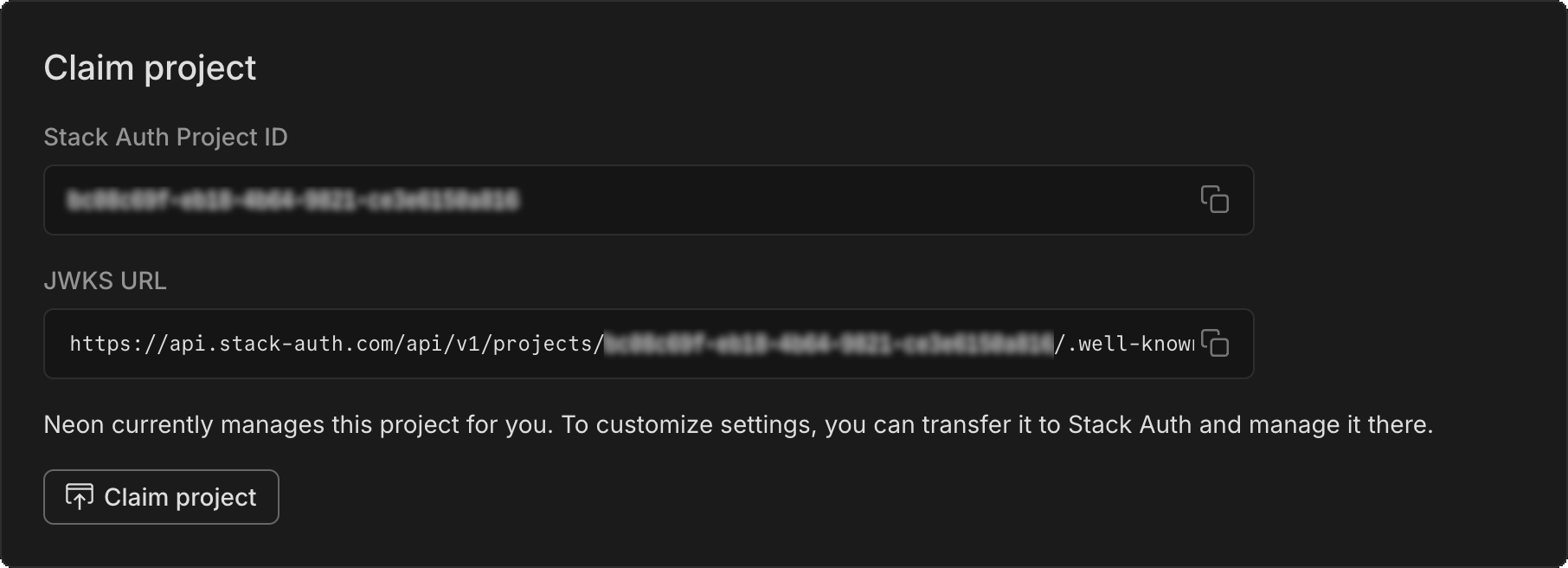
To get started adding RLS to your Neon Auth project:
1. Copy the JWKS URL from the **Configuration** tab of your Auth page.
2. Paste it into the RLS authentication provider setup on the **Settings > RLS** for your project.
3. Follow our UI to get RLS set up for your tables.
See Neon RLS for more info.
## New NAT gateway IP addresses
We've added new NAT gateway IP addresses in three AWS regions to expand infrastructure capacity. If you have external IP allowlists that enable connections from external services into Neon, **update those allowlists soon to include the new addresses** to avoid connectivity issues.
### New IP addresses
**AWS US East (N. Virginia) – `aws-us-east-1`**
- 13.219.161.141
- 34.235.208.71
- 34.239.66.10
**AWS US East (Ohio) – `aws-us-east-2`**
- 3.16.227.37
- 3.128.6.252
- 52.15.165.218
**AWS US West (Oregon) – `aws-us-west-2`**
- 35.83.202.11
- 35.164.221.218
- 44.236.56.140
See our [Regions documentation](https://neon.com/docs/introduction/regions#aws-nat-gateway-ip-addresses) for the full list of NAT gateway IPs.
## Support for Postgres Event Triggers
The `neon_superuser` role now supports Postgres [Event Triggers](https://www.postgresql.org/docs/current/event-triggers.html). Unlike regular triggers, which are attached to a single table and capture only DML events, event triggers are global to a particular database and are capable of capturing DDL events.
Event trigger support enables various tools and platforms that utilize this functionality, including [pgroll](https://pgroll.com/), [Zero](https://zero.rocicorp.dev/), and [Readyset](https://readyset.io/), among others.
For more about event triggers, see [PostgreSQL Event Trigger](https://neon.com/postgresql/postgresql-triggers/postgresql-event-trigger).
## Instagres (formerly Neon Launchpad) now supports database seeding
> Instagres enables instant provisioning of a Postgres database without configuration or account creation. If you're not familiar, you can learn more here: [Instagres: A Tool For Instant Postgres, No Login Needed](https://neon.com/blog/neon-launchpad)
[Instagres](https://neon.com/docs/reference/claimable-postgres) now supports database seeding, allowing developers to automatically populate databases with SQL scripts during database initialization. This feature streamlines the development workflow by enabling instant database setup with sample data. The seeding capability is also available through the Vite plugin integration, making it accessible in Vite-based projects.
To try it from your terminal:
```bash
npx neon-new --seed /path/to/file.sql
```
**Update:** The CLI command was `npx neondb` at the time of this release; it's now `npx neon-new`.
For more details, see:
- [Neondb CLI Changelog](https://github.com/neondatabase/neondb-cli/blob/main/packages/neondb/CHANGELOG.md)
- [Vite Plugin Changelog](https://github.com/neondatabase/neondb-cli/blob/main/packages/vite-plugin-postgres/CHANGELOG.md)
## Scheduled maintenance for Business and Enterprise plans
As announced earlier, we're rolling out scheduled updates that include Postgres version upgrades, security patches, and Neon feature improvements.
These updates are applied during your project's maintenance window or the next time the compute restarts. Most updates take only a few seconds.
Updates for Business amd Enterprise plan projects will begin rolling out on **July 9, 2025**; you'll receive an email notice for updates 7 days in advance. You can also check for update notices and configure your preferred update window in the Neon Console. [Learn how](https://neon.com/docs/manage/updates#updates-on-paid-plans).
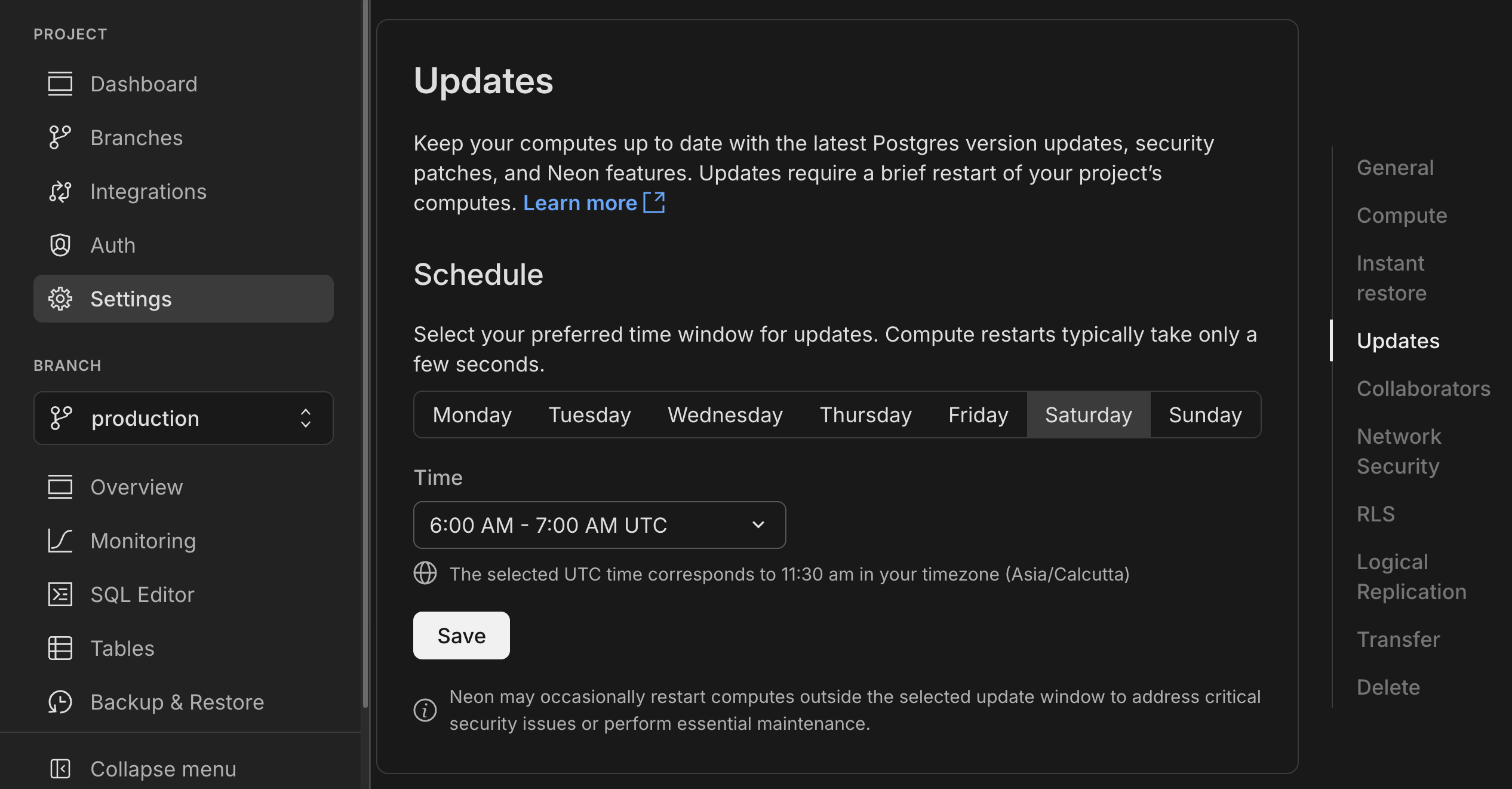
> Computes larger than 8 CU or those configured to autoscale beyond 8 CU are not updated automatically. You must restart these computes manually. See [Updating large computes](https://neon.com/docs/manage/updates#updating-large-computes).
To apply updates ahead of schedule, see [Applying updates ahead of schedule](https://neon.com/docs/manage/updates#applying-updates-ahead-of-schedule).
Need help? Reach out to [Neon Support](https://console.neon.tech/app/projects?modal=support).
**Fixes**
- PgBouncer connections from the Neon proxy were not immediately closed when a compute was suspended. This left connections open until the TCP timeout expired, causing connection issues. Connections are now cleanly terminated when a compute suspends.
**Neon API**
- Added support for naming compute endpoints using a new `name` parameter in create and update operations:
```bash
curl -X POST 'https://console.neon.tech/api/v2/projects/your-project-id/endpoints' \
-H 'Authorization: Bearer $NEON_API_KEY' \
-H 'Content-Type: application/json' \
-d '{
"endpoint": {
"name": "Production API",
"branch_id": "br-your-branch-id"
}
}'
```
- Added OAuth provider management endpoints for Neon Auth projects (Google, GitHub, Microsoft support)
- [`POST /projects/{project_id}/auth/oauth_providers`](https://api-docs.neon.tech/reference/addneonauthoauthprovider) - Add new providers
- [`GET /projects/{project_id}/auth/oauth_providers`](https://api-docs.neon.tech/reference/listneonauthoauthproviders) - List configured providers
- Improved API documentation for project management endpoints to clarify organization and `org_id` parameter requirements. See [Personal vs organization API keys](https://neon.com/docs/manage/orgs-api#personal-vs-organization-api-keys) for details.
**Neon Console**
- Fixed autoscaling configuration errors that could sometimes occur after plan downgrade.
---
### 2025-06-20
## OpenTelemetry integration
Neon now supports OpenTelemetry! You can send metrics and Postgres logs from Neon to any OpenTelemetry-compatible backend. You can enable the integration from the **Integrations** page in the Neon Console. For setup instructions, refer to our [OpenTelemetry docs](https://neon.com/docs/guides/opentelemetry), with example configuration for New Relic.

## Data API now available in beta for all Neon users
The **Neon Data API** is now in open beta for all users. Instantly turn your Neon Postgres database into a REST API. No backend required. Query tables, views, and functions right from your client app using standard HTTP verbs (`GET`, `POST`, `PATCH`, `DELETE`), powered by [PostgREST](https://postgrest.org).
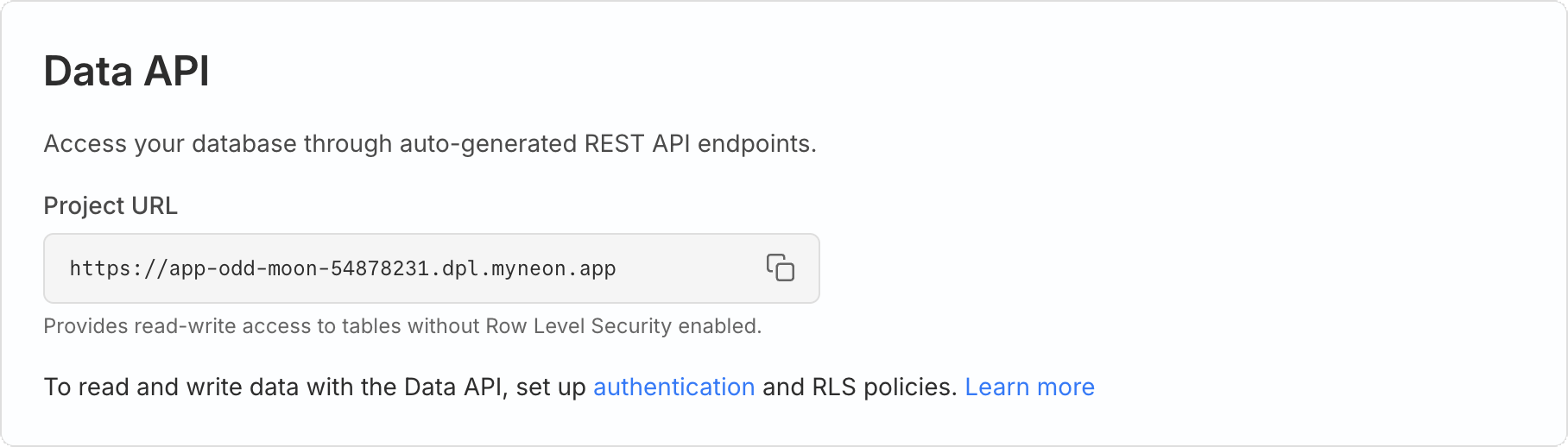
We've improved our onboarding to make it easier to get Neon Auth and RLS set up as needed to safely use the Data API in your app.
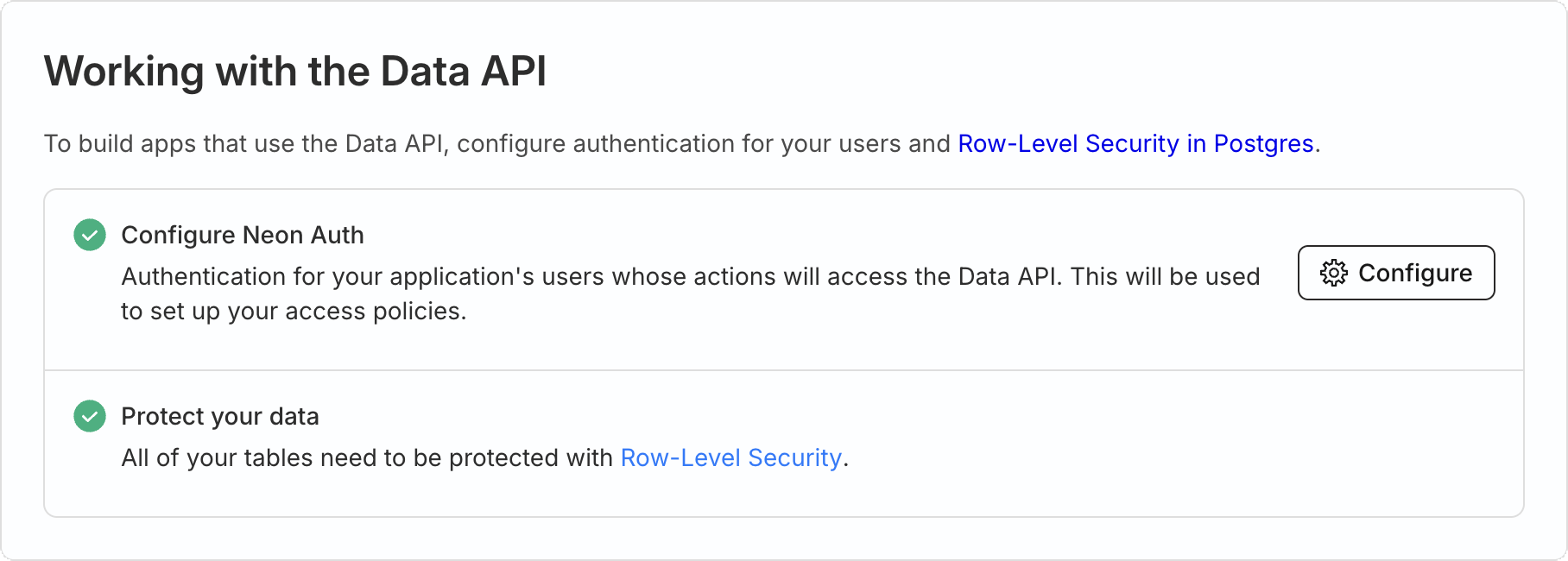
Learn more in our [getting started guide](https://neon.com/docs/data-api/get-started). Or try this [tutorial walkthrough](https://neon.com/docs/data-api/demo) of our demo [note-taking app](https://github.com/neondatabase-labs/neon-data-api-neon-auth).
Check out the [live demo](https://neon-data-api-neon-auth.vercel.app/) to see it in action.
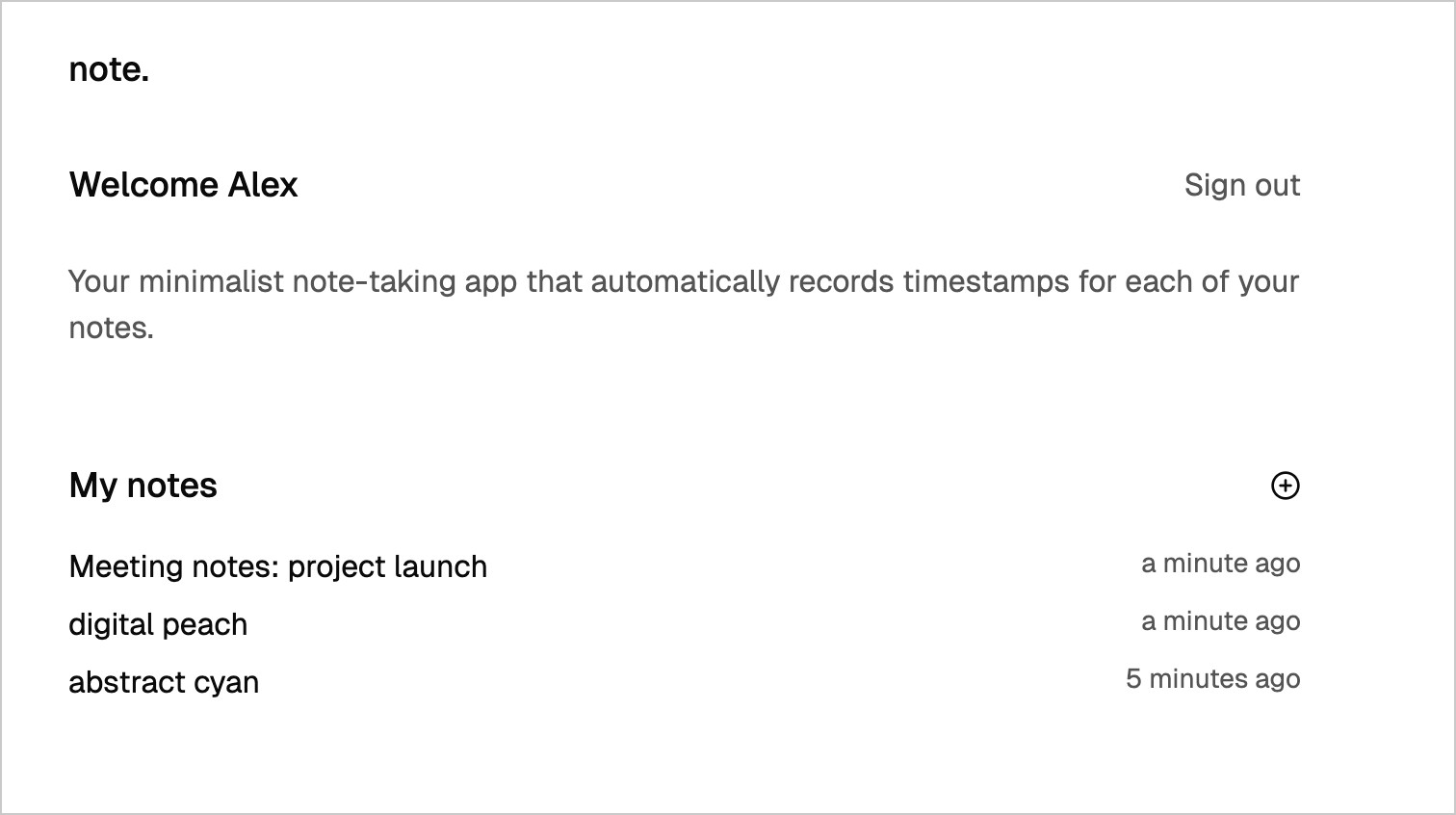
## API key-based authentication for the Neon MCP Server
The Neon MCP Server now supports API key-based authentication for remote access, in addition to OAuth. This allows for simpler authentication using your [Neon API key (personal or organization)](https://neon.com/docs/manage/api-keys) for programmatic access.
```json
{
"mcpServers": {
"Neon": {
"url": "https://mcp.neon.tech/mcp",
"headers": {
"Authorization": "Bearer <$NEON_API_KEY>"
}
}
}
}
```
For Neon MCP Server setup instructions, see our [guide](https://neon.com/docs/ai/connect-mcp-clients-to-neon).
**Datadog**
- The sample dashboard provided for the [Neon Datadog integration](https://neon.com/docs/guides/datadog) now includes a panel that displays Postgres logs. For dashboard setup instructions, see [Import the Neon dashboard](https://neon.com/docs/guides/datadog#import-the-neon-dashboard).
**Drizzle Studio**
- Drizzle Studio, which powers the **Tables** page in the Neon Console, has been updated to version 1.0.22. For details about the latest updates, see the [Neon Drizzle Studio Changelog](https://github.com/neondatabase/neon-drizzle-studio-changelog/blob/main/CHANGELOG.md).
**Neon Console**
- To improve ease-of-use, we've added a time selection option to date-time selectors in the Neon Console.
---
### 2025-06-13
## app.build: now available via Homebrew
Last week, we introduced [app.build](https://www.app.build/), our open-source reference implementation for building AI-powered applications on top of Neon. Unlike LLMs that generate isolated snippets, `app.build` uses agent architecture to turn prompts into fully deployed, production-ready applications, complete with frontend, backend, and a Neon Postgres database.
This week, in addition to installing `app.build` using `npx`, you can now install it using Homebrew.

📌 We also fixed an issue where newly built apps could flicker between the "Under Construction" page and the actual app. Apps now load consistently.
## Neon MCP homepage & streamable HTTP support
- **Neon MCP Server now has a homepage**: We've launched a new homepage for the Neon MCP Server at [mcp.neon.tech](https://mcp.neon.tech), making it easier to understand what the MCP Server does and what tools it supports.
- **Streamable HTTP support**: The Neon MCP Server now supports streamable HTTP as an alternative to Server-Sent Events (SSE) for streaming responses. This makes it easier to consume streamed data in environments where SSE is not ideal (such as CLI tools, backend services, or AI agents). To use streamable HTTP, make sure to use the latest remote MCP server, and specify the `https://mcp.neon.tech/mcp` endpoint.
```json
{
"mcpServers": {
"neon": {
"command": "npx",
"args": ["-y", "mcp-remote@latest", "https://mcp.neon.tech/mcp"]
}
}
}
```
**Neon Console**
- We updated the **Instant point-in-time restore** time selector component on the **Backup & Restore** page. The new selector makes it a little easier to select the restore point time and date.
- Fixed an issue in the console that prevented shared projects from being displayed.
---
### 2025-06-06
## app.build
We're very happy to join the codegen community with [app.build](https://www.app.build/), our open-source reference implementation for building codegen products on top of Neon. app.build is an agent that converts AI-generated code snippets into complete, deployed applications. While LLMs handle isolated coding problems well, app.build uses agent architecture to create production-ready apps.

### Why we built this:
- **Beyond code snippets** - Transforms prompts into complete, deployed applications with frontend, backend, and database
- **Community-driven development** - Open source for developers to bring their own models and run locally
- **True agent architecture** - Iterates on code, runs tests, and responds to feedback until everything works
- **Instant deployment** - Ships working apps with real infrastructure
### Getting started:
```bash
npx @app.build/cli
```
With this single command, you can create and deploy a complete application with its own GitHub repository.
### How it works:
The agent decomposes app creation into validated tasks, running checks at each step to ensure everything works. This divide-and-conquer approach enables reliable generation of complex applications beyond simple code snippets.
**Join us:** [GitHub](https://github.com/appdotbuild) - Built in the open for developers exploring AI-powered development.
## Instagres (formerly Neon Launchpad)
Introducing **Instagres** at [neon.new](https://neon.new), which enables instant Postgres database provisioning without any configuration or account creation. This feature allows you to get a fully functional database in seconds and demonstrates Neon's [claimable database capabilities](https://neon.com/docs/workflows/claimable-database-integration) in action. You can build similar experiences to Instagres in your own application using the APIs documented in the integration guide.

### Key features include:
- **Zero-configuration setup** - No account required to get started
- **Multiple access methods** - Browser interface, CLI tools, and development integrations
- **Claimable databases** - Keep your database by claiming it with a Neon account within 72 hours
### Getting started
Get started immediately by visiting [neon.new](https://neon.new) in your browser, running `npx neon-new` from the command line, or integrating automatic database provisioning into Vite projects with `vite-plugin-neon-new`.
**Update:** The CLI was `npx neondb` and the Vite plugin was `@neondatabase/vite-plugin-postgres` at the time of this release; they are now `npx neon-new` and `vite-plugin-neon-new`.
## Netlify DB: One-click Postgres powered by Neon
We're excited to announce that Neon is now powering [Netlify DB](https://www.netlify.com/blog/netlify-db-database-for-ai-native-development/), a new service that lets you provision production-ready Postgres databases directly from your Netlify project. Built on top of Instagres, Netlify DB makes it possible to spin up a fully configured Neon database with just one click in the Netlify Dashboard or a single CLI command (`netlify init db`).
Netlify DB is designed to be the perfect database for AI-native development, offering:
- Instant provisioning with no external signup required
- Automatic environment variable configuration
- Zero-config setup with your deployed functions
- The ability to claim your database and link it to your Neon account when you're ready
This integration is part of Netlify's Agent Week initiative, making it easier for both developers and AI agents to build applications with a production-ready database. Learn more in the [Netlify DB documentation](https://docs.netlify.com/storage/netlify-db/).
## Add domains to Neon Auth
You can now whitelist redirect URIs for your deployed app directly in Neon Auth, without needing to create a Stack Auth account or transfer your project. This makes it easier to manage your app's authentication settings and simplifies your workflow.
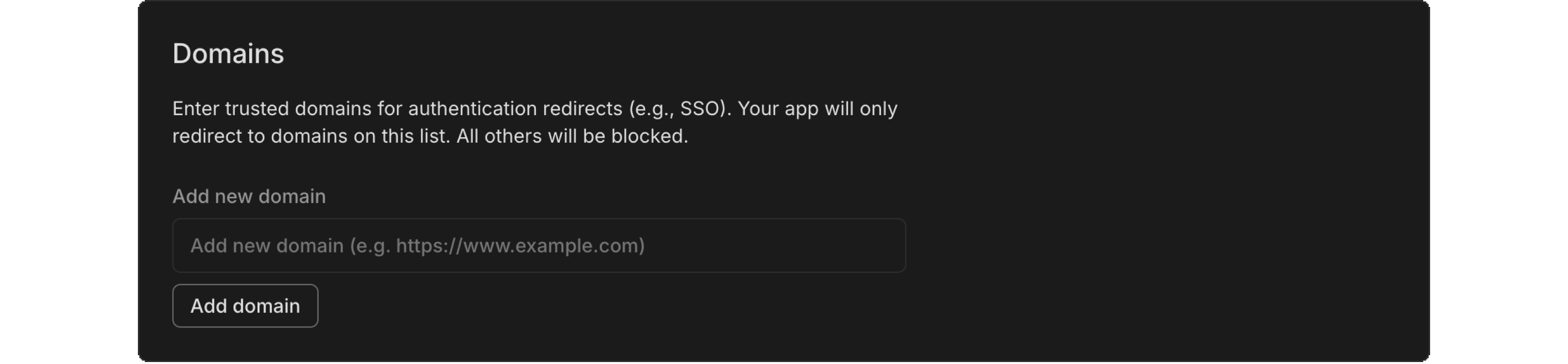
**Fixes**
- Fixed an issue with IPv6 validation, ensuring that compressed IPv6 formats are properly validated. This improves stability and correctness for users relying on IPv6 functionality.
**Neon API**
- We've added new API endpoints to help you manage your Neon Auth domains: [list domains](https://api-docs.neon.tech/reference/listneonauthredirecturiwhitelistdomains), [add a domain](https://api-docs.neon.tech/reference/addneonauthdomaintoredirecturiwhitelist), and [delete a domain](https://api-docs.neon.tech/reference/deleteneonauthdomainfromredirecturiwhitelist). These endpoints make it easy to manage your redirect URIs programmatically.
**Neon CLI**
- Version 2.10.0: prompts for organization selection if needed, with an option to save as default.
**Neon Console**
- We updated the warning message to clarify that changing compute size settings will definitely interrupt database connections, rather than just possibly doing so. We want to make that clear so you know exactly what to expect.
- Every new user now starts with their own free organization, simplifying our [object hierarchy](https://neon.com/docs/manage/overview) and improving development velocity.
**Neon serverless driver**
- The Neon serverless driver was updated to version 1.0.1. This release includes package updates and addresses a few other issues:
- The package now prints a security warning to the console when a connection is made in a web browser. This behavior can be suppressed with a new configuration option: `disableWarningInBrowsers`.
- `escapeIdentifier` is now re-exported from `pg`, resolving [#154](https://github.com/neondatabase/serverless-driver/issues/154).
- Fixes a module resolution issue in the Deno/JSR version of the driver by correcting the `@types/pg` version reference, resolving [#112](https://github.com/neondatabase/serverless-driver/issues/112).
---
### 2025-05-30
## Enable Neon Auth in Vercel
You can now enable [Neon Auth](https://neon.tech/docs/guides/neon-auth) directly from the [Neon Postgres Integration on Vercel](https://vercel.com/marketplace/neon). Enable it when creating a database, or later by going to the **Storage** tab in Vercel, selecting your database, and updating the **Settings**.

Neon Auth makes it easy to add authentication to your app. User data is stored in your Neon Postgres database, so you can query it like any other table and join it with your app data.
Learn more in the [Neon Auth guide](https://neon.tech/docs/guides/neon-auth).
## Backup & Restore enhancements
The **Backup & Restore** page (available in [Early Access](https://console.neon.tech/app/settings#early-access)) includes two updates:
- The **Instant point-in-time restore** selector now defaults to the current time, making it easier to restore to the present or a recent point in time.

- You can now edit the snapshot name, an improvement based on feedback from our Early Access users.

## New guides
We've published new guides to help you get the most out of your Postgres database:
- [Getting started with ElectricSQL and Neon](https://neon.com/guides/electric-sql)
- [Build an AI-powered knowledge base chatbot using n8n and Neon Postgres](https://neon.com/guides/n8n-neon)
- [Using Neon Postgres with Zapier](https://neon.com/guides/zapier-neon)
- [Explore our latest Postgres extension guides](https://neon.com/docs/extensions/pg-extensions)
**Fixes**
- Fixed an issue that prevented creating more than one read replica on the Free plan, which supports up to three read replicas.
- Fixed an issue with a [pgrag](https://neon.com/docs/extensions/pgrag) extension function. A query using the `rag_bge_small_en_v15.embedding_for_passage` function failed to complete.
- Fixed an issue where reaching the `max_client_conn` limit in PgBouncer could cause the connection info cache to be invalidated. This led to repeated attempts to wake the compute.
- Removed a redundant **Close** button from the **Connect to your database** modal.
**Neon API**
- Updated the [Create branch](https://api-docs.neon.tech/reference/createprojectbranch) API description to make it clear that the API creates a branch without a compute endpoint by default. To create a branch with a compute endpoint, the endpoint object must be added to the request body.
- Expanded the General Error description in our API specification to clarify when it's safe to retry a failed request based on the HTTP method and response.
**Neon MCP Server**
- The `list_projects` and `create_project` MCP tools now return Neon organization details.
**Usage notifications**
- We've updated usage notification emails to include the account or org name they apply to. Helpful if you're part of more than one org; you'll know exactly where the alert is coming from.
**Vercel**
- When you connect a Vercel project to a Neon database, the integration now sets a `NEON_PROJECT_ID` environment variable in Vercel. This variable will support a new SaaS starter kit, which we'll introduce soon!
---
### 2025-05-23
## Neon Auth variables now set automatically in Vercel
For users of the [Neon Postgres Integration on Vercel](https://vercel.com/marketplace/neon), we've made it easier to get started with [Neon Auth](https://neon.com/docs/guides/neon-auth). When you connect a Vercel project to a Neon database, the integration now sets the environment variables required to use Neon Auth in your Next.js project:
- `NEXT_PUBLIC_STACK_PROJECT_ID`
- `NEXT_PUBLIC_STACK_PUBLISHABLE_CLIENT_KEY`
- `STACK_SECRET_SERVER_KEY`
These variables enable quick setup of Neon Auth, which syncs user profiles to your Neon database, making them queryable via the `neon_auth.users_sync` table. This simplifies authentication workflows in your app and removes the need to configure these values manually in Vercel.
To try Neon Auth, you can quickly deploy the [Next.js template for Neon Auth](https://github.com/neondatabase-labs/neon-auth-nextjs-template), which is preconfigured to use these variables.
For more details on how the Neon integration sets Vercel environment variables, see our [Vercel Native Integration guide](https://neon.com/docs/guides/vercel-native-integration).
## Postgres version updates
We updated supported Postgres versions to [14.18](https://www.postgresql.org/docs/release/14.18/), [15.13](https://www.postgresql.org/docs/release/15.13/), [16.9](https://www.postgresql.org/docs/release/16.9/), and [17.5](https://www.postgresql.org/docs/release/17.5/), respectively.
When a new minor version is available on Neon, it is applied the next time your compute restarts (for any reason). For more about how we handle Postgres version upgrades, refer to our [Postgres version support policy](https://neon.com/docs/postgresql/postgres-version-policy).
## Postgres version and region migrations using Import Data Assistant
Neon's **Import Data Assistant** can help you move your data when you need to update your Postgres version or change regions. Check out the [docs](https://neon.com/docs/import/import-data-assistant) for details on how to use it for these scenarios.
## Stream Arduino sensor data into Neon with NeonPostgresOverHTTP
During this week's product team hackathon, Peter Bendel (Postgres Performance Engineer) took top prize with a hardware project that streams Arduino sensor data directly into Neon. The project uses [NeonPostgresOverHTTP](https://github.com/neondatabase-labs/NeonPostgresOverHTTP/tree/v0.8.2), an open-source library available in the [official Arduino Library Manager](https://docs.arduino.cc/software/ide-v2/tutorials/ide-v2-installing-a-library/).
## New guides
We've published new guides to help you get the most out of Neon:
- [HONC Guide](https://neon.com/guides/honc) - Building serverless Task APIs with Hono, Drizzle ORM, Neon, and Cloudflare for edge-enabled data applications
- [Zero Guide](https://neon.com/guides/zero) - Integrating Zero by Rocicorp with Neon to build reactive, real-time applications with client-side cache and instant UI updates
- [File storage integration guides](https://neon.com/docs/guides/file-storage) for AWS S3, Azure Blob Storage, Cloudflare R2, and more - Learn how to store files in external services while tracking metadata in Neon
- [RedWoodSDK Guide](https://neon.com/docs/guides/redwoodsdk) - Connecting Neon to RedwoodSDK, a framework for building full-stack applications on Cloudflare
**Data API**
- We upgraded the PostgREST engine that powers the [Neon Data API](https://neon.com/docs/data-api/get-started) to **version 13.0.0**. See the [PostgREST release notes](https://github.com/PostgREST/postgrest/releases) to learn more.
- The management API spec for Data API endpoints ([create](https://api-docs.neon.tech/reference/createprojectbranchdataapi), [delete](https://api-docs.neon.tech/reference/deleteprojectbranchdataapi), [get](https://api-docs.neon.tech/reference/getprojectbranchdataapi)) is now available.
- The [Data API](https://neon.com/docs/data-api/get-started) is out in Early Access. [Sign up](https://neon.com/docs/introduction/early-access) to try it out.
**Neon Console**
- Copy improvements may not typically warrant a changelog entry, but this one addresses a common point of confusion: the default compute settings UI now makes it clear that changes _only_ apply to new computes you create, not existing ones.

**Neon RLS**
- Fixed an issue that prevented permissions from being granted to Neon RLS roles on read replicas.
---
### 2025-05-16
## Introducing the Neon Data API (Early Access)
We're excited to announce the **Neon Data API**, now available in Early Access! Instantly turn your Neon Postgres database into a REST API. No backend required. Query tables, views, and functions right from your client app using standard HTTP verbs (`GET`, `POST`, `PATCH`, `DELETE`), powered by [PostgREST](https://postgrest.org).

**What can you do with the Neon Data API?**
- Query your database from any client using HTTP or PostgREST-compatible SDKs (`postgrest-js`, `postgrest-py`, `postgrest-go`)
- Secure your API with Neon Auth or your own JWKS
Once enabled, you'll get a unique API endpoint for your project. Here's how you might query your data from `postgrest-js`:
```javascript
const { data, error } = await postgrest
.from('notes')
.select('id, title, created_at, owner_id, shared')
.eq('owner_id', user.id)
.order('created_at', { ascending: false });
```
**Want to try it?**
The Data API is in Early Access and requires an invite. Message us from the [Console](https://console.neon.tech/app/projects?modal=feedback) or on [Discord](https://discord.gg/92vNTzKDGp) and we'll get you set up.
[Learn more in our getting started guide](https://neon.com/docs/data-api/get-started).
## Neon credits
We've launched a new Neon credit system in the console that we'll use for promotions, referrals, and goodwill. To test the new system, we're offering a $20.00 credit to Free plan users who upgrade to a paid Neon plan.
[Claim your $20 credit](https://fyi.neon.tech/chglogcreds)
The credit will appear at the top of the Neon console and is automatically applied to your account when you upgrade.

**Drizzle Studio**
- The Drizzle Studio integration that powers the **Tables** page in the Neon Console has been updated to version 1.0.21. For the latest improvements and fixes, see the [Neon Drizzle Studio Integration Changelog](https://github.com/neondatabase/neon-drizzle-studio-changelog/blob/main/CHANGELOG.md).
**Fixes**
- Fixed an issue that caused an `Org not found` error to be displayed in the Neon Console immediately after creating a new org.
**Neon API**
- The [Retrieve project consumption metrics](https://api-docs.neon.tech/reference/getconsumptionhistoryperproject) API now returns a `logical_size_bytes_hour` value, which is the logical data size consumed on an hourly basis.
**Neon Console**
- We updated the **Create project** modal launched from the **New Project** button on the Projects page to use the newer modal used elsewhere in the console.
- The new **Backup & Restore** page (available to [Early Access](https://neon.com/docs/introduction/early-access) users) which supports snapshots can now be enabled via a toggle. The toggle lets you switch back and forth between the new **Backup & Restore** page and the current **Restore** page. To learn more, see [Backup & Restore](https://neon.com/docs/guides/backup-restore).

- We added support for transferring multiple projects from one organization to another.

**Neon MCP Server**
- We added a new MCP client authentication request dialog to the remote Neon MCP Server that displays the MCP client's name, website, and redirect URIs before authentication begins. The approvals are saved for subsequent authentication requests.
**Private Networking**
- We fixed an issue that prevented some Private Networking users from using Private DNS.
---
### 2025-05-09
## Neon on Azure is now generally available
We're excited to announce that Neon on Azure is now generally available! After a successful beta period, Neon is now fully supported as an Azure Native ISV Service, allowing you to deploy and manage Neon Postgres databases directly from the Azure portal.
The GA release includes several new features and enhancements:
- **Support for additional Azure regions** including Azure Germany West Central (Frankfurt) and Azure West US 3 (Arizona)
- **Azure Service Connector integration** for simplified connectivity between Azure services (like App Service or Azure Functions) and your Neon Postgres database
- **Create and manage branches directly in the Azure portal** for streamlined development workflows
- **Retrieve connection strings from the Azure interface** for easier application setup
- **Microsoft Azure Consumption Commitment (MACC) eligibility** - Neon Postgres purchases made through the Azure Marketplace count toward your committed Azure spend
Read the [GA announcement](https://neon.com/blog/azure-native-integration-ga) for more details and check out our Azure documentation to get started:
- [Neon on Azure overview](https://neon.com/docs/manage/azure)
- [Deploying Neon on Azure](https://neon.com/docs/azure/azure-deploy)
- [Managing Neon on Azure](https://neon.com/docs/azure/azure-manage)
- [Developing with Neon on Azure](https://neon.com/docs/azure/azure-develop)
## Support for PostgreSQL Anonymizer extension
Neon now supports the [PostgreSQL Anonymizer (anon)](https://neon.com/docs/extensions/postgresql-anonymizer) extension, enabling you to mask sensitive data in development and testing environments. **This extension is currently experimental in Neon** and must be explicitly enabled.
The initial support includes **static masking**, which replaces sensitive data with anonymized values. You can also automate data anonymization using Neon branches and GitHub Actions. Learn more in our [Data anonymization](https://neon.com/docs/workflows/data-anonymization) guide.
## Neon MCP Server enhancements
- Added a new [Neon MCP Server](https://github.com/neondatabase-labs/mcp-server-neon) tool, `list_branch_computes`, for branch compute management. It supports retrieving information about your computes, including compute ID, type, size, and autoscaling details.
- Implemented `list_slow_queries` tool to identify performance bottlenecks by finding the slowest queries in your database, helping you optimize application performance.
- Added a query performance tuning system with multiple tools:
- `explain_sql_statement` for analyzing query execution plans
- `prepare_query_tuning` for suggesting performance optimizations
- `complete_query_tuning` for applying or discarding optimizations after testing
- Enhanced the `list_projects` tool with better hints and a default limit of 10 projects for more manageable output.
## ✨ New AI-friendly options in Docs
To support workflows that use AI tools, the Neon Docs now include two new options on every page:
- **Copy page as markdown** – copy the full content in markdown format.
- **Open in ChatGPT** – open the page in ChatGPT with a prefilled `READ ` instruction.
These options make it easier to bring Neon documentation into your AI-enabled IDE and AI-assisted workflows.
We also provide an LLM-friendly version of our documentation at [https://neon.com/llms.txt](https://neon.com/llms.txt).
## 📺 In case you missed it: 20 Years of Hacking Postgres with Heikki Linnakangas
Neon co-founder and Postgres core contributor Heikki Linnakangas joined Aaron Francis for a wide-ranging conversation on two decades of Postgres development. Heikki shares stories from the early days, the origin of Neon, and what's next for Postgres and serverless databases.
🎙 [Watch the interview](https://www.youtube.com/watch?v=_SESrrvyuko)
And don't forget to check out this week's fixes and improvements:
**Backup & restore**
- Enhanced snapshot functionality on the **Backup & Restore** page (available in [Early Access](https://console.neon.tech/app/settings#early-access)) in the Neon Console to support archived branches. Previously, creating a snapshot of an archived branch would fail. Now, the branch is automatically unarchived before the snapshot is created.
- Fixed an issue that caused restore operations from the same snapshot to fail due to duplicate branch names. Previously, attempting to restore multiple times triggered a `Request failed: branch with that name already exists` error.
**Neon API**
- Fixed an issue in the [Create project](https://api-docs.neon.tech/reference/createproject) API where specifying [shared preloaded libraries](https://neon.com/docs/extensions/pg-extensions#extensions-with-preloaded-libraries) for Postgres extensions did not apply the requested settings. Projects were created successfully, but the configuration was ignored.
**Neon Console**
- Improved **Parent branch** badges on child branch pages to better support long branch names. Long names now truncate with an ellipsis and display in full on hover. Previously, long names could overflow the badge area.
- Removed a duplicate **Monitoring** entry from the Neon Console sidebar. **Monitoring** now appears only under the **Branch** section.
- Enhanced the Autoscaling slider in compute settings to provide a better user experience when configuring autoscaling ranges. The slider now intelligently adjusts to ensure valid min/max values are always enforced.
- Redesigned the project settings page to provide a more streamlined experience. All settings are now consolidated on a single page with easy navigation between sections, replacing the previous multi-tab interface.
- Fixed an issue where organization users were incorrectly shown Early Access program options in their account settings.
---
### 2025-05-02
## Neon Local for local Postgres development with Docker
Announcing **Neon Local**, a new proxy service that lets you spin up and tear down isolated, production-like Postgres branches right from your local machine or CI, using Docker.
- Automatically creates a new branch when your container starts and cleans it up when you're done
- Works with any Postgres client, including the Neon serverless driver
- Handles routing and authentication to your cloud database without manual configuration
_Instantly create and destroy ephemeral Postgres environments with Docker and Neon Local._
Read the [docs](https://neon.com/docs/local/neon-local) to learn more.
## Beta: Import Data Assistant now **automates** your database migration to Neon
We're also excited to anncounce **beta support** for our new **automated** Import Data Assistant, a faster, simpler way to move your existing Postgres database to Neon. Just provide your connection string, and the assistant will handle the import for you, creating a new branch with your data.
- Supports Postgres databases up to 10GB
- Checks compatibility and guides you through the process
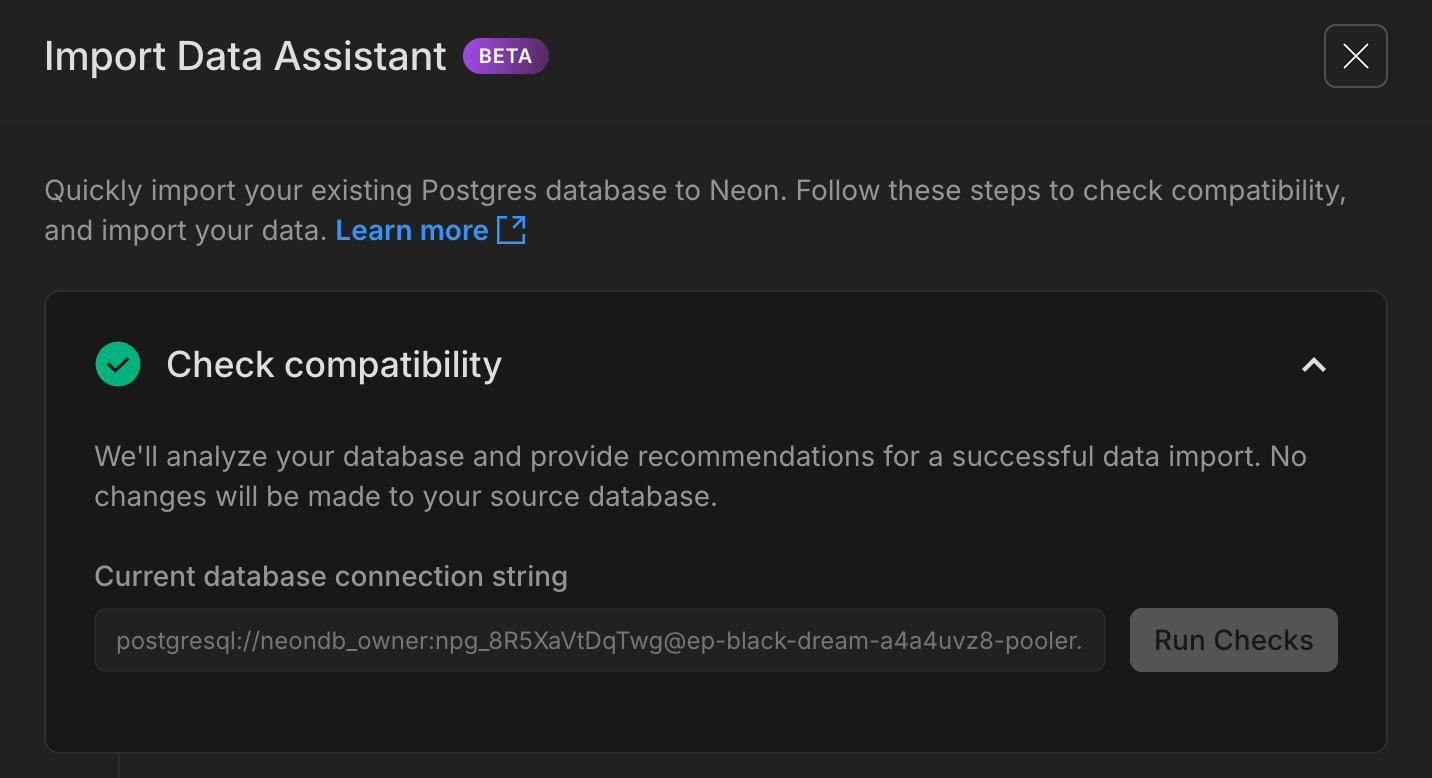
_The Import Data Assistant guides you through the process of moving your data to Neon._
This feature is in beta and has some limitations (see [docs](https://neon.com/docs/import/import-data-assistant) for details). We're working to expand support for larger databases and more providers. If you try it, please let us know how it works for you; your feedback will help shape the future of Neon's import experience.
Read the [docs](https://neon.com/docs/import/import-data-assistant) to learn more.
**Neon Console**
- Fixed an issue where the connection string for a read replica could sometimes display the main (read-write) replica's connection string in the Connect modal. The correct connection string is now always shown.
- Fixed an issue where the Console could display a read replica as the primary compute (or vice versa) in the Computes list on the Branch details page. This made it unclear which instance you were managing or observing. The correct compute is now always shown under the correct label.
- Moved the branch selector to the sidebar for easier access. This and other recent changes are part of laying the groundwork for a more streamlined Console navigation experience coming soon – stay tuned!
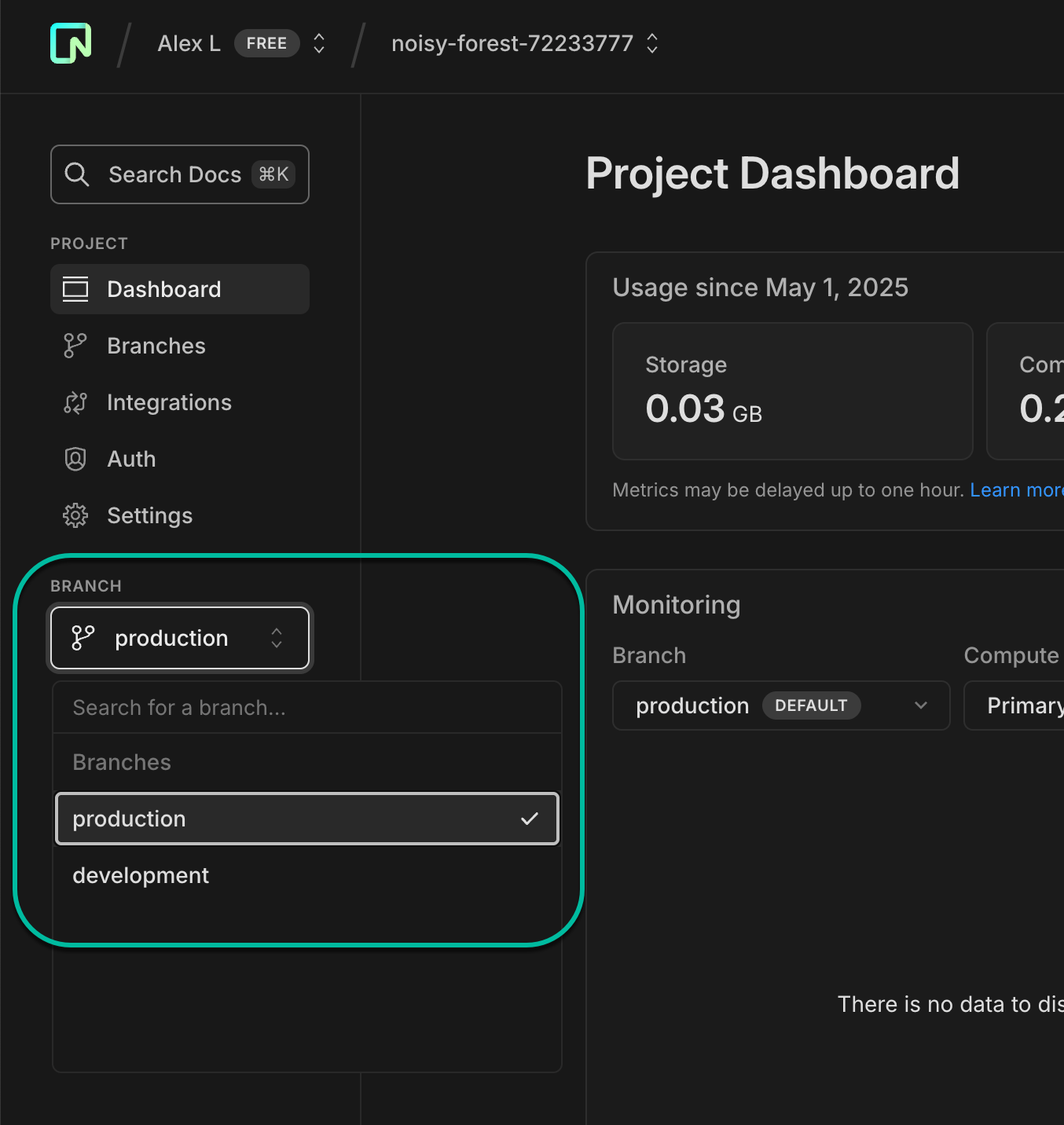
---
### 2025-04-25
## Neon Snapshots now available in Early Access
We're very happy to announce Early Access to **Neon Snapshots**, a powerful new way to capture and restore point-in-time copies of your database. Snapshots let you preserve your database state before making changes, running migrations, or simply bookmark a stable state.
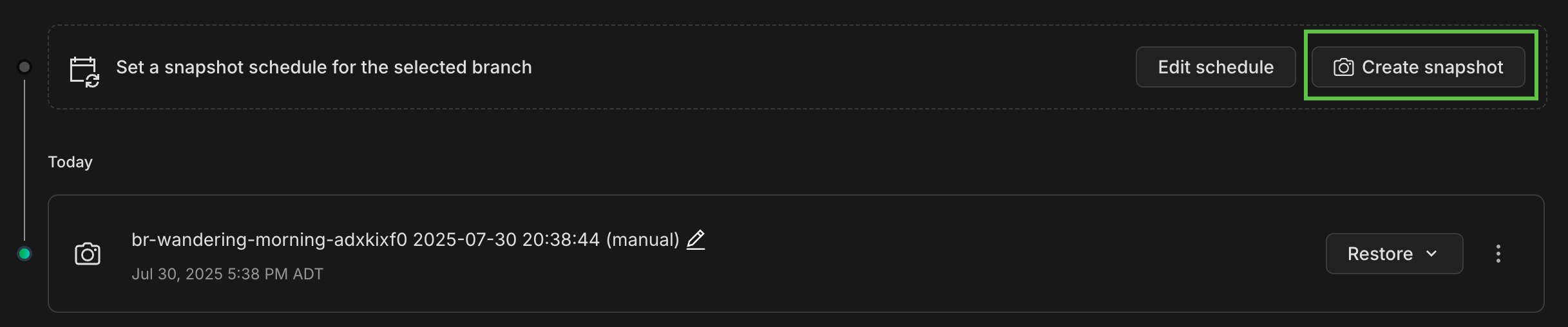
With this update, we've also revamped our **Backup & Restore** page to provide a unified experience for both snapshots and instant restore (PITR) operations. Join our [Early Access Program](https://console.neon.tech/app/settings/early-access) to try it out.
Read more about Neon Snapshots in our [blog](https://neon.com/blog/announcing-neon-snapshots-a-smoother-path-to-recovery) and the [docs](https://neon.com/docs/guides/backup-restore).
_Support for scheduled snapshots, custom retention periods, and API/CLI integration coming later this year._
## Postgres logs support for Datadog
We've added beta support for Postgres log exports to Datadog. You can now stream and analyze your database logs directly in your Datadog dashboard for better, centralized observability. Available on Scale and Business plans.
For more information, see [Datadog Integration with Neon](https://neon.com/docs/guides/datadog).
**Free plan read replicas**
- To ensure consistent performance, we've introduced a limit of 3 read replica computes per project on the Free plan. This change helps maintain stability while still supporting common read scaling and analytics use cases.
**Neon Console**
- You can now find the **Monitoring** page under the **Branches** list in the sidebar. This is a bit of polish to our navigation: you now access Monitoring within your selected branch. If you want to monitor a different branch, use the main breadcrumb selector to change branches.
- Fixed an issue where you sometimes could not access a branch if the branch creator's account was deleted. You can now view and access these branches normally.
- Added a warning message when editing compute settings to help you plan for potential connection interruptions and temporary performance impacts when changing compute size.
**Neon MCP Server**
- Released version 0.3.7 with improved Neon Auth setup instructions and compatibility with the latest Serverless Driver (1.0.0).
**PgBouncer**
- The PgBouncer version used by Neon to offer pooled connection support was updated to [version 1.24.1](https://www.pgbouncer.org/changelog.html#pgbouncer-124x)
---
### 2025-04-18
## New default project setup
New Neon projects now start with a better out-of-the-box setup to support your dev workflow.
Instead of a single `main` branch, you'll now get:
- A `production` branch (the default), designed for your production workload. It's configured with a larger compute size (1–4 CU).
- A `development` branch, created as a child of production, intended for local development. It uses a smaller compute size (0.25–1 CU).

This new project default aligns with typical usage scenarios, where your production branch will need more compute power than your less active development branches, but if you need something different, you can [change your branch setup](https://neon.com/docs/manage/branches) or [compute sizes](https://neon.com/docs/manage/computes#edit-a-compute) at any time.
To learn more about integrating branching into your dev workflow, read our [Database branching workflow primer](https://neon.com/docs/get-started/workflow-primer).
## Neon MCP Server on Zed
You can now use the Neon MCP Server on [Zed](https://zed.dev/), a next-generation AI-powered code editor. For setup instructions, see [Get started with Zed and Neon Postgres MCP Server](https://neon.com/guides/zed-mcp-neon).
MCP support in Zed is currently in **preview**. You can download the **preview** version of Zed from [zed.dev/releases/preview](https://zed.dev/releases/preview).
**Fixes**
- Fixed an issue in the Neon Console where branches created by a deleted user account couldn't be accessed. Attempting to open the branch returned a "Request failed" error.
- Resolved an issue on the Project Dashboard where RAM usage was incorrectly shown in GiB instead of GB.
- Resolved an issue in the [Neon Postgres Previews Integration](https://neon.com/docs/guides/vercel-previews-integration) on Vercel where branches with child branches were incorrectly marked as obsolete. The [automatic branch detection](https://neon.com/docs/guides/vercel-previews-integration#automatic-deletion) logic now checks for child branches.
- Fixed an issue in the [Native Vercel integration](https://neon.com/docs/guides/vercel-native-integration) where the wrong password was set in Vercel preview environment variables if the default branch was defined as a protected branch.
**Neon API**
- Added a new [Create auth user](https://api-docs.neon.tech/reference/createneonauthnewuser) API that lets users of [Neon Auth](https://neon.com/docs/guides/neon-auth) add new users to the `neon_auth.users_sync` table. Newly created users are automatically propagated to your auth project, whether Neon-managed or provider-owned.
- Changed the default AWS region for new Neon projects created via the [Create project](https://api-docs.neon.tech/reference/createproject) API. If no `region_id` is specified, the default is now `aws-us-east-1` (N. Virginia), instead of `aws-us-east-2` (Ohio).
- The `logical_size_bytes` quota in the [Create project](https://api-docs.neon.tech/reference/createproject) and [Update project](https://api-docs.neon.tech/reference/updateproject) APIs sets a storage limit for each branch. Previously, exceeding this limit prevented the branch's compute from starting. Now, computes can still start even when the quota is exceeded; only write operations are blocked. This allows users to delete data and bring usage back under the limit.
- The change applies automatically when setting a new `logical_size_bytes` value via the `Update project` API, or on the next compute restart for projects with a pre-existing quota.
**Neon Console**
- Updated plan descriptions on the **Billing** page to include [root branch](https://neon.com/docs/reference/glossary#root-branch) limits for each plan.
- Added support for enabling HIPAA for existing Neon projects. Previously, HIPAA support could only be enabled for newly created Neon projects. Neon offers HIPAA compliance as part of our Business and Enterprise plans. For details, see [HIPAA Compliance](https://neon.com/docs/security/hipaa).
- Added a warning to the **Edit compute** drawer in the Neon Console to inform users that changing compute size settings may briefly interrupt database connections.
- The default AWS region for new projects created in the Neon Console is now `AWS US East 1 (N. Virginia)`, instead of `AWS US East 2 (Ohio)`.
**Neon MCP Server**
- The Neon MCP Server previously defaulted to the `neondb_owner` role when no Postgres role is provided, resulting in database access failures. It now uses the owner of the selected database instead. If a non-existent role is specified, the tool fails as expected.
- If no database name is provided, the server first looks for the Neon-created `neondb` database; if not found, it falls back to the first available database.
---
### 2025-04-11
## Support for Azure Service Connector
If you're using Neon on Azure, you can now connect your applications using [Azure Service Connector](https://learn.microsoft.com/en-us/azure/service-connector/overview). It simplifies connectivity by handling credentials, networking, and configuration when linking Azure services (like App Service or Azure Functions) to your Neon Postgres database.
See our guide: [Connect Azure services to Neon with Azure Service Connector](https://neon.com/guides/azure-service-connector).
### Fixes & improvements
**Neon Console**
- Fixed an issue where the IP allow form wasn't updating correctly when switching between projects.
- Fixed a scaling issue with the database size chart on the **Monitoring** page. The chart now accurately reflects the full data range.
- Improved the display of email addresses in the "Created by" field of the branch list. Email addresses are now shown in lowercase, while names are capitalized as usual.
- Improved the reliability of the AI-generated query names in the SQL Editor by handling errors silently, preventing disruptions during use.
---
### 2025-04-04
## Neon MCP Server in the cloud
We've brought the [Neon MCP Server](https://github.com/neondatabase-labs/mcp-server-neon) to the cloud. Our hosted MCP server makes it easier to integrate AI workflows into clients like Cursor, Windsurf, and Claude Desktop; no API keys or local setup required.
You can start using it today by pointing your client to:
```text
https://mcp.neon.tech
```
**How to try it with Cursor:**
1. Open Cursor Settings
2. Under **MCP Servers**, add:
```ini
"Neon": {
"command": "npx",
"args": ["-y", "mcp-remote@latest", "https://mcp.neon.tech/sse"]
}
```
That's it; you're connected to Neon's remote MCP Server.
We're releasing this in **preview** while the MCP OAuth spec continues to evolve. Things might change, and we'd love your feedback as we improve.
📖 [Read the full announcement](https://neon.com/blog/announcing-neons-remote-mcp-server) for more info and a demo video.
## New safeguards for protected branches
We added a warning and confirmation modal to the **SQL Editor** when running queries on [protected branches](https://neon.com/docs/guides/protected-branches). This helps prevent accidental changes to production data. You'll see a clear notice and must confirm before proceeding.

## Create Neon projects directly from the Azure Portal
For users of Neon on Azure: you can now create Neon projects directly from the Azure Portal. Creating a project is part of Neon Serverless Postgres resource creation. You can also add Neon projects to an existing Neon resource from a new **Projects** page. All Neon plans, including the Free plan, support creating multiple Neon projects.

**Fixes**
- Fixed an issue that caused the **Tables** page in the Neon Console to reload when the browser page regained focus.
**Neon API**
- We added a `started_at` attribute to the [Retrieve compute endpoint details](https://api-docs.neon.tech/reference/getprojectendpoint) response. This timestamp shows when your Neon compute was last started.
**Neon Console**
- The **Computes** tab on individual branch pages in the Neon Console now shows **Started** and **Suspended** labels for the primary compute, indicating when the compute was last started or suspended.

**Slack**
- We've added a new `/neon disconnect` command to the **Neon App for Slack**. This command lets you remove your Neon account connection and unsubscribe from all channels while keeping the app installed for future use. You can use it when you need to switch accounts or temporarily pause notifications.
- As a reminder, you can use `/neon subscribe` in any channel to start receiving notifications again. The bot will guide you through any necessary setup steps.
- To install the app or learn more about all available commands, see [Neon App for Slack](https://neon.com/docs/manage/slack-app).
**Vercel**
- New Neon projects (referred to as _Databases_ in Vercel) now use Postgres 17 by default. Previously, projects created through the [Vercel Native Integration](https://neon.com/docs/guides/vercel-native-integration) used Postgres 15.
---
### 2025-03-28
## Neon serverless driver is now generally available (GA)
The [Neon serverless driver](https://github.com/neondatabase/serverless) for JavaScript/TypeScript has reached **version 1.0.0** and is now generally available! Built for environments like Vercel Functions, Cloudflare Workers, and even browsers, the driver carries SQL over HTTP or WebSockets; no raw TCP required.
This GA release brings a cleaner, more maintainable codebase, stronger SQL injection safeguards, support for composable tagged-template queries, and better performance when inserting binary data over HTTP.
**What you need to know about the 1.0.0 GA release:**
- It requires **Node.js v19 or later**.
- It includes a **breaking change** but only if you're calling the HTTP query template function as a conventional function. The first usage shown below remains safe and supported. However, the second usage is an SQL injection risk (notice the parentheses) and is no longer permitted and now throws an error. You'll need to update your app if you use it.
```javascript
// this usage remains safe and supported
const resultA = await sql`SELECT * FROM table WHERE id = ${id}`;
// this usage is not safe and now throws an error
const resultB = await sql(`SELECT * FROM table WHERE id = ${id}`);
```
For more about these changes and others in the 1.0.0 GA release, please see the [1.0.0 release notes](https://github.com/neondatabase/serverless/pull/149) or read the [blog post](https://neon.com/blog/serverless-driver-ga).
## Streamlined Neon Auth setup
With Neon Auth, your user data is available right in your database.
We've simplified Neon Auth onboarding so you can add authentication to your project faster. With a cleaner UI and clearer steps, it's now easier to get started adding your first users with Neon Auth.

Learn more in our [docs](https://neon.com/docs/guides/neon-auth).
## MCP Server updates
We're continuing to improve our MCP Server. This week, we added built-in support for the [AI rules](https://github.com/neondatabase-labs/ai-rules) we announced two weeks ago. In case you missed it, we provide AI rules for setting up Neon Auth, querying your database with the Neon serverless driver, and integrating Neon with Drizzle ORM. Keep an eye out for more AI rules as we expand this resource.
Windows developers will also find improved platform compatibility in this release. See the [MCP Server changelog](https://github.com/neondatabase-labs/mcp-server-neon/blob/main/CHANGELOG.md) to find the latest updates.
**Drizzle Studio**
- We updated the Drizzle Studio integration that powers the **Tables** page in the Neon Console to version 1.0.19. For the latest improvements and fixes, see the [Neon Drizzle Studio Integration Changelog](https://github.com/neondatabase/neon-drizzle-studio-changelog/blob/main/CHANGELOG.md).
**Getting started panel**
- Added a new **Integrate Neon with your AI tools** option to the Project Dashboard, making it easier to connect Neon with AI tools like Cursor, Windsurf, Zep, Qdrant, and Weaviate.

**Neon API**
- Added `started_at` timestamp field to the Endpoint response object. This field indicates when a compute endpoint was last started, providing better visibility into compute lifecycle events.
- Updated the [Delete VPC endpoint](https://api-docs.neon.tech/reference/deleteorganizationvpcendpoint) API to clarify that deleted VPC endpoints cannot be re-added to the same Neon organization.
---
### 2025-03-21
## Neon spend is now MACC-eligible on Azure
Neon Postgres purchases made through the Azure Marketplace are now counted toward your Microsoft Azure Consumption Commitment (MACC). As an Azure Benefit Eligible partner, any spend on Neon Postgres via the Azure Marketplace helps fulfill your committed Azure spend with no extra steps required. [Learn more](https://neon.com/docs/introduction/billing-azure-marketplace#microsoft-azure-consumption-commitment-macc).
## Get usage notifications in Slack
You can now receive Neon usage notifications directly in your Slack channels! Get updates on your resource usage, find your projects, and invite team members to your organization - without leaving your workspace.
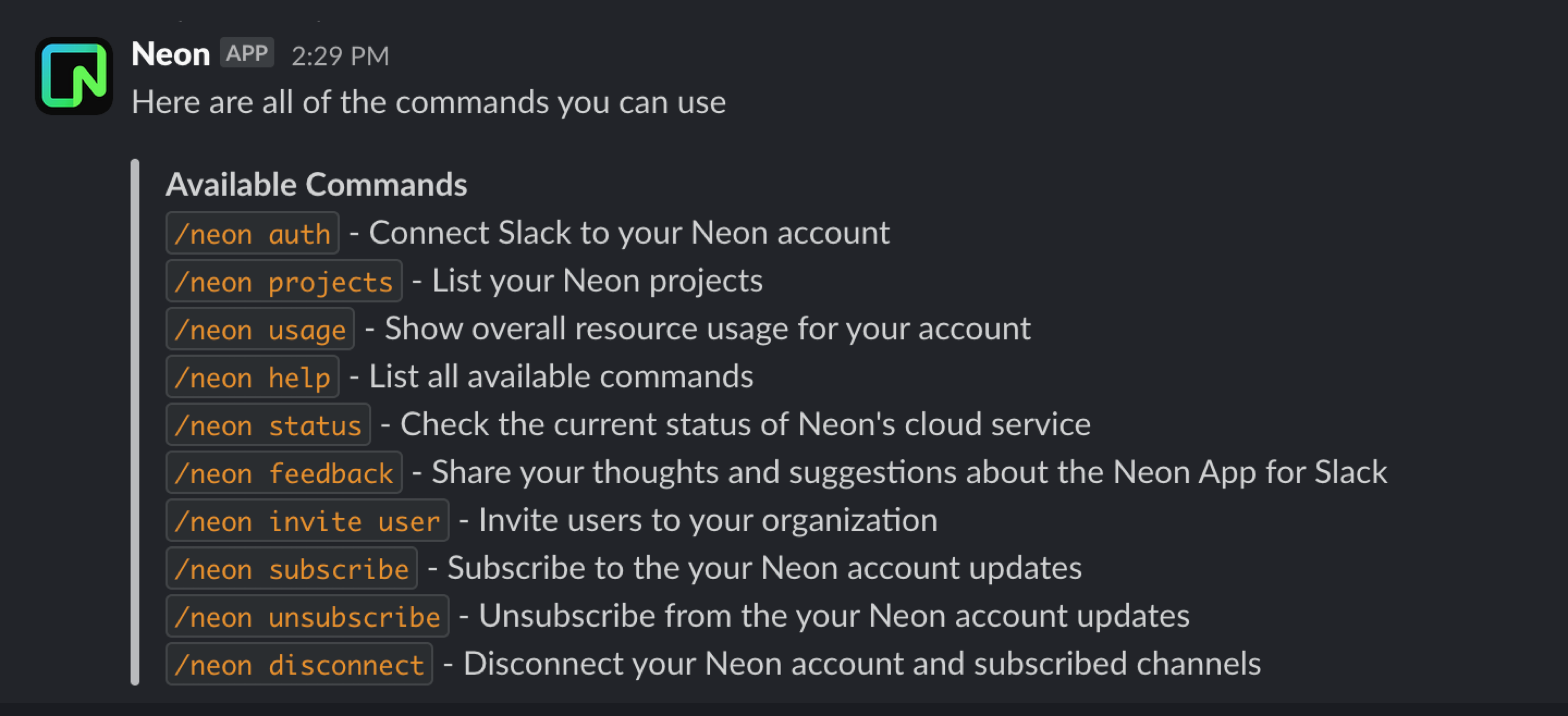
Use `/neon subscribe` in any public channel to start receiving notifications, and `/neon unsubscribe` to turn them off. The bot will guide you through any necessary setup steps.
To learn more, see the [Neon App for Slack](https://neon.com/docs/manage/slack-app) docs.
**Fixes & improvements**
- **Neon Console**
- Expanded the database drop-down menu width in the Neon SQL Editor to accommodate longer database names. Previously, longer names were not fully visible due to the narrow menu width.
- Added an `Unable to fetch projects` message to the Projects page in the Neon Console. Previously, an error page was displayed when the project list couldn't be retrieved.
- **Autoscaling default settings**
We've updated the default autoscaling settings for **newly created projects on paid Neon plans** to provide a better balance of performance and efficiency:
| **Neon plan** | **Minimum compute size** | **Maximum compute size** |
| ------------- | ------------------------ | ------------------------ |
| Launch | 1 | 4 |
| Scale | 1 | 8 |
| Business | 1 | 8 |
These optimized defaults help ensure projects scale smoothly to meet workload demands while maintaining cost efficiency. This change applies only to newly created projects; existing projects and computes remain unaffected. You can review and adjust your autoscaling settings anytime in your project settings. From your **Project Dashboard**, go to **Settings** > **Compute**.
- **Postgres `effective_cache_size` setting is now optimized for better query plans**
Previously, Neon didn't explicitly set the Postgres `effective_cache_size` Postgres parameter, so it defaulted to 4 GiB, often too low for larger compute sizes and autoscaling configurations. We now set this value based on the maximum size of Neon's [Local File Cache (LFC)](https://neon.com/docs/reference/glossary#local-file-cache) for a compute's maximum compute size, which helps the Postgres query planner make better decisions and improves query performance. For information about maximum LFC size per compute size, see the table in [How to size your compute](https://neon.com/docs/manage/endpoints#how-to-size-your-compute).
- **Neon API**
- Improved performance of the [Compare database schema](https://neon.com/reference/getprojectbranchschemacomparison) endpoint by retrieving schemas in parallel.
- The `name` field for branches is now limited to 256 characters in the [Create project](https://api-docs.neon.tech/reference/createproject) and [Create branch](https://api-docs.neon.tech/reference/createprojectbranch) endpoints.
- **Drizzle Studio update**
We updated the Drizzle Studio integration that powers the **Tables** page in the Neon Console to version 1.0.18. For the latest improvements and fixes, see the [Neon Drizzle Studio Integration Changelog](https://github.com/neondatabase/neon-drizzle-studio-changelog/blob/main/CHANGELOG.md).
- **Fixes**
- Resolved an issue where resetting a role password in the Neon Console would result in an "invalid password" error in the **SQL Editor** and on the **Tables** page.
- Revised the copy at the bottom of the **Connect to your database** modal for older Neon projects. The copy previously mentioned that passwords are stored, which is only true for Neon projects created after password storage was introduced.
---
### 2025-03-14
## Neon is now HIPAA compliant ✅
Neon is now fully HIPAA compliant, adding to our existing security certifications (SOC 2 Type 2, ISO 27001, ISO 27701) and regulatory alignments (GDPR, CCPA).

_✨New✨: HIPAA compliance certification added to our security achievements_
HIPAA (Health Insurance Portability and Accountability Act) is a U.S. law that sets national standards for the protection of personal health information (PHI) and regulates how healthcare providers, insurers, and business associates handle electronic health records (EHRs).
If you develop applications that must comply with HIPAA, you can now build on Neon. HIPAA is available as an add-on to Neon's Scale plan. You can get a Business Associate Agreement (BAA) and enable HIPAA for your account in Console > Settings page. See [Neon HIPAA Compliance](https://neon.com/docs/security/hipaa) for details.
## Neon joins GitHub's Secret Scanning Partner program 🔒
Neon is now a GitHub Secret Scanning Partner, helping protect users by automatically detecting exposed Neon database credentials and API keys in public GitHub repositories. When a secret is detected, GitHub notifies Neon, triggering alerts to our security team and affected users. This integration adds an extra layer of security, ensuring leaked credentials are identified and mitigated before they can be exploited. Learn more in our [security documentation](https://neon.com/docs/security/security-overview#github-secret-scanning).
## AI rules for building with Neon 🤖
We've released official rules (.mdc files) to help AI-powered development tools better understand and generate Neon-related code. These rules cover Neon Auth implementation, serverless deployment best practices, and Drizzle ORM integration. Try them out in Cursor or any AI tool that supports custom context rules. [View the rules repository](https://github.com/neondatabase-labs/ai-rules).
## Neon Auth added to MCP Server 🛠️
We've also added a new `provision_neon_auth` command to the [Neon MCP Server](https://github.com/neondatabase-labs/mcp-server-neon) that automates setting up [Neon Auth](https://neon.com/docs/guides/neon-auth) in your Neon projects. This tool:
- Creates the necessary auth schema and tables
- Configures Stack Auth integration
- Provides all required environment variables and credentials
Try it out in any IDE or AI tool that supports the [Model Context Protocol (MCP)](https://docs.anthropic.com/en/docs/agents-and-tools/mcp). Just ask to "set up authentication for my Neon project" and the MCP Server will handle the rest.
## "LAST" login indicator
We've added a simple **LAST** tag on our login screen that shows which authentication method you previously used. No more guessing which login method to choose when returning to Neon!

**Fixes & improvements**
- **Neon Console**
- Updated AWS region names to match their official AWS identifiers (e.g., "AWS US East 1" instead of "AWS US East"), making it easier to identify familiar regions when creating a new project.

- The **Connect to your database** modal on the **Project Dashboard** now remembers your last selected connection snippet (like Node.js, Python, psql, etc.), automatically showing your preferred connection snippet when you return to the modal.
- Improved SQL Editor responsiveness by unlocking the **Run** button more quickly after query execution.
- **Neon API**
Added consistent email validation across all endpoints (1-256 characters).
- **Neon CLI**
The `create-app` command has been removed.
- **1Password integration**
Improved how connection strings are saved in 1Password; it now stores the complete connection string in a single field for easier copy/paste functionality.
- **Organization billing**
Added support for organizations to [downgrade](https://neon.com/docs/manage/orgs-manage#downgrade-to-free-plan) to the Free plan, with clear visibility into any applicable limitations before downgrading.
- **Neon on Azure**
Added support for changing your Neon plan directly via the Azure portal. See [Changing your plan](https://neon.com/docs/introduction/billing-azure-marketplace#changing-your-pricing-plan) for instructions.
---
### 2025-03-07
## A new Neon MCP Server command 🛠️
We're continuing to build [Neon MCP Server](https://github.com/neondatabase-labs/mcp-server-neon) capabilities. This week we added support for a new `get_connection_string` command that returns your database connection string.
If you haven't tried the Neon MCP Server yet, follow one of our guides to get started. Spin up databases instantly, run queries, and perform migrations using natural language in any IDE or AI tool that supports the [Model Context Protocol (MCP)](https://docs.anthropic.com/en/docs/agents-and-tools/mcp).
- [Cursor & Neon Postgres MCP Server](https://neon.com/guides/cursor-mcp-neon)
- [Claude Desktop & Neon Postgres MCP Server](https://neon.com/guides/neon-mcp-server)
- [Cline & Neon Postgres MCP Server](https://neon.com/guides/cline-mcp-neon)
- [Windsurf & Neon Postgres MCP Server](https://neon.com/guides/windsurf-mcp-neon)
### Track your Neon Projects in Slack 💬
We've been fine-tuning the Neon App for Slack that we first introduced back in January. If you haven't tried it yet, see the [documentation](https://neon.com/docs/manage/slack-app) for setup instructions.
Here are the commands it supports to help you manage and monitor your Neon projects:
- `/neon auth` - Connect Slack to your Neon account
- `/neon projects` - List your Neon projects
- `/neon usage` - Show overall resource usage for your account
- `/neon help` - List all available commands
- `/neon status` - Check the current status of Neon's cloud service
- `/neon feedback` - Share your thoughts and suggestions about the Neon App for Slack
- `/neon projects usage` - Show resource usage for a specific project
- `/neon projects shared` - List all projects shared with you
- `/neon invite user` - Invite users to your organization
We'd love to hear your feedback. Use the `/neon feedback` command in Slack to share your thoughts.
## Get started faster with new Neon projects ⚡
We've added a **Getting started** widget to the **Project Dashboard** to help you set up new Neon projects faster. You'll see this widget whenever you create a new Neon project. It provides quick access to getting started actions and instructions:
- **Connect to your database** – Easily find your database connection details.
- **Import your data** – Bring your data to Neon with a few clicks.
- **Get sample data** – Load sample datasets to experiment with Neon.
- **View database contents** – Manage tables and data directly from the dashboard.

## Neon's bug bounty program is now public 🕵️♂️
Neon's [bug bounty program](https://hackerone.com/neon_bbp) on HackerOne is now open to the public! After a successful private launch, we're now inviting security researchers to test our platform, identify vulnerabilities, and earn rewards. [Read the announcement to learn more](https://neon.com/blog/neons-bug-bounty-program-with-hackerone-goes-public).
**Fixes & improvements**
- **Neon Console**
We've repositioned the "new query" button in the Neon SQL Editor, bringing it a little closer to the action. You'll now find it at the top of the editor.

- **Postgres extension update**
The PostgreSQL Anonymizer (`anon`) extension, which was not officially supported in Neon but enabled for some users for evaluation, will be removed. Data anonymization support continues to be on our 2025 roadmap. We will contact known `anon` extension users directly by email before we remove the extension. If you are using the `anon` extension and have questions or concerns, please reach out to [Neon Support](https://console.neon.tech/app/projects?modal=support).
- **Drizzle Studio update**
We updated the Drizzle Studio integration that powers the **Tables** page in the Neon Console to version 1.0.17. For the latest improvements and fixes, see the [Neon Drizzle Studio Integration Changelog](https://github.com/neondatabase/neon-drizzle-studio-changelog/blob/main/CHANGELOG.md).
- **Neon GitHub Actions update**
The [Neon Create Branch Action](https://github.com/marketplace/actions/neon-create-branch-github-action) was refactored to use the GitHub [typescript-action template](https://github.com/actions/typescript-action), and the version was updated to `v6`. The new version includes new and modified field names.
---
### 2025-02-28
## São Paulo AWS region now generally available 🇧🇷
Neon is now generally available in AWS's São Paulo region (`sa-east-1`). Create projects in the São Paulo region for lower latency access from South America and to keep your data within Brazil.
See all our supported [Regions](https://neon.com/docs/introduction/regions).
## Transfer projects between organizations 🔄
You can now transfer projects from one organization to another directly from the Neon Console. Organization admins can move projects to any organization they're a member of, making it easier to manage projects across different organizations.
See [Transfer projects to an organization](https://neon.com/docs/manage/orgs-project-transfer) to learn more.
## Create users directly from Neon Auth
Following last week's Neon Auth Beta release, we've now added the ability to create new users directly from the Neon Console. Add test users to your project without leaving your database environment; get started trying out Neon Auth with users right away.
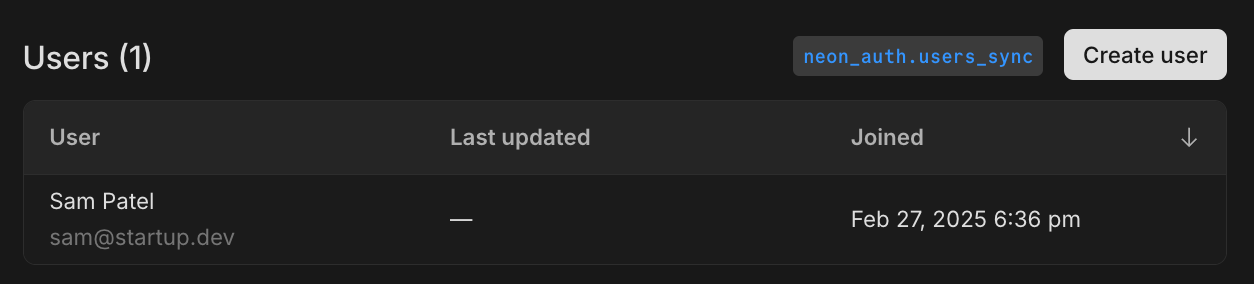
See [About Neon Auth](https://neon.com/docs/guides/neon-auth) to learn more.
## Manage your database from Cline or Windsurf
Following last week's guides for [Cursor](https://neon.com/guides/cursor-mcp-neon) and [Claude Desktop](https://neon.com/guides/neon-mcp-server), you can now manage your Neon database directly from Cursor or Claude Desktop using natural language, made possible by the [Neon Model Context Protocol (MCP) Server](https://github.com/neondatabase/mcp-server-neon).
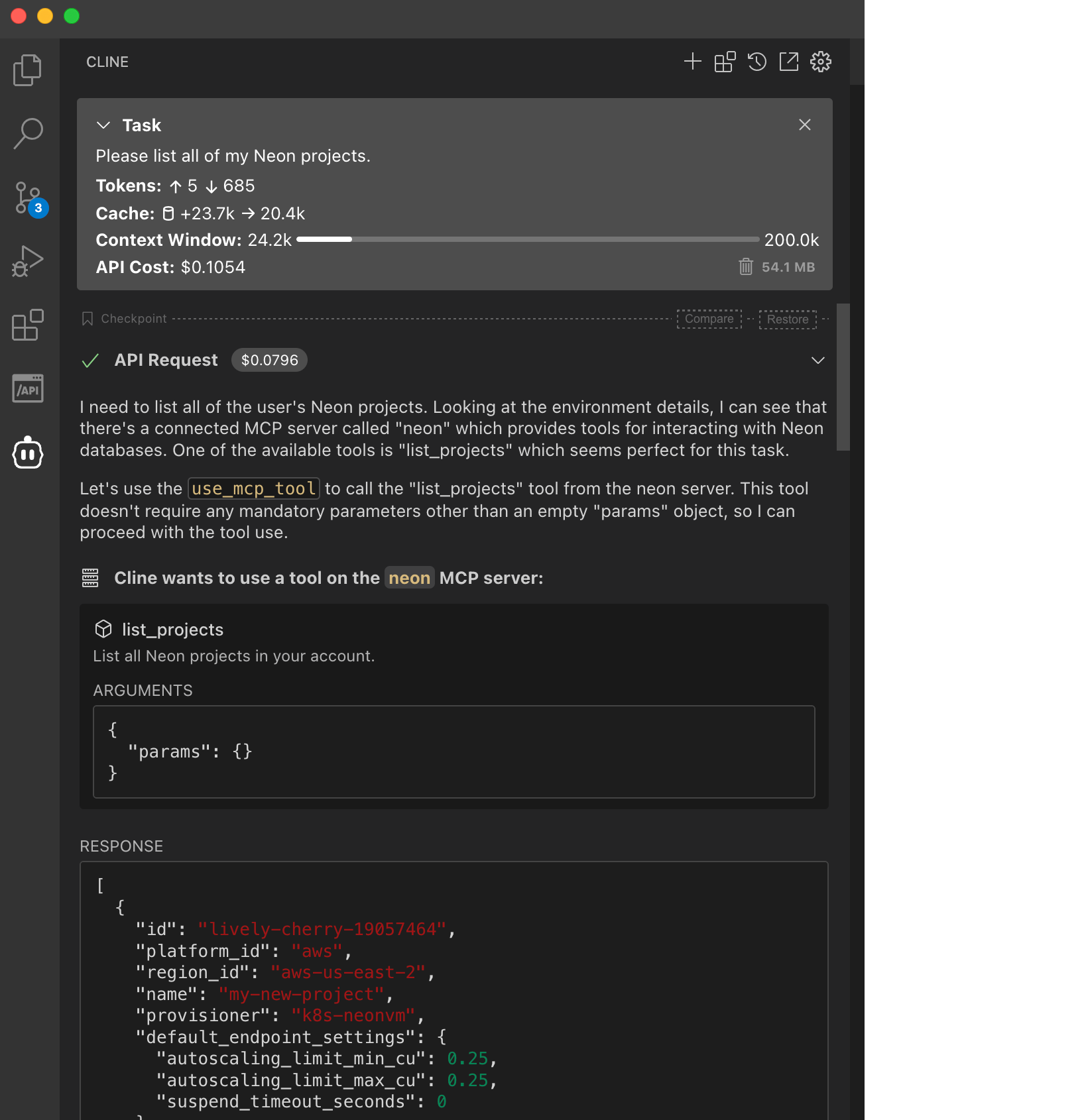
Learn how in these new guides:
- [Getting started with Cline and Neon Postgres MCP Server](https://neon.com/guides/cline-mcp-neon)
- [Getting started with Windsurf and Neon Postgres MCP Server](https://neon.com/guides/windsurf-mcp-neon)
## Scheduled updates for Business plan accounts
A few weeks ago, we announced _scheduled updates_ for Neon, which include Postgres version upgrades, security patches, and Neon feature enhancements.
Updates only take a few seconds and are applied at the scheduled time or the next time your compute restarts.
Updates for Business plan accounts will start rolling out next week. You can check for updates notices and choose a preferred update window. [Learn how](https://neon.com/docs/manage/updates#updates-on-paid-plans).

_Computes larger than 8 CU or configured to scale beyond 8 CU are not updated automatically._
For more information about updates, see our [Updates documentation](https://neon.com/docs/manage/updates). If you have questions, please reach out to us on [Discord](https://discord.gg/92vNTzKDGp) or [contact Neon Support](https://console.neon.tech/app/projects?modal=support).
## Early Access Program now available for organizations 🔓
Organization admins can now enable Early Access for their entire organization. Once enabled, all organization members can preview upcoming Neon features across their organization's projects.
Read more about the [Early Access Program](https://neon.com/docs/introduction/early-access).
## Postgres version updates
We updated supported Postgres versions to [14.17](https://www.postgresql.org/docs/release/14.17/), [15.12](https://www.postgresql.org/docs/release/15.12/), [16.8](https://www.postgresql.org/docs/release/16.8/), and [17.4](https://www.postgresql.org/docs/release/17.4/), respectively.
When a new minor version is available on Neon, it is applied the next time your compute restarts (for any reason). For more about how we handle Postgres version upgrades, refer to our [Postgres version support policy](https://neon.com/docs/postgresql/postgres-version-policy).
**Fixes & improvements**
- **Neon Console**
- **Improved concurrent operations in Console**
Recent improvements to concurrency handling in the API are now reflected in the Console. Buttons and controls are only disabled when strictly necessary, making it easier to work with multiple branches and endpoints simultaneously.
- Restricted Neon Auth installation and removal to organization admins only
- **Drizzle Studio update**
We updated the Drizzle Studio integration that powers the **Tables** page in the Neon Console to version 1.0.15. For the latest improvements and fixes, see the [Neon Drizzle Studio Integration Changelog](https://github.com/neondatabase/neon-drizzle-studio-changelog/blob/main/CHANGELOG.md).
- **API Updates**
Updated the `@neondatabase/api-client` package to include Neon Auth API endpoints
- **Neon serverless driver**
Updated dependencies in the [Neon serverless driver](https://neon.com/docs/serverless/serverless-driver) to address security advisories. If you use the driver in your applications, we recommend updating it to the latest version.
- **Fixes**
- Fixed performance issues with database and role operations by preventing duplicate API requests
- Improved the **Restore** UI to preserve your selections when switching between restore options
- Fixed an issue where connection strings could show the `postgres` role instead of Neon's `neondb_owner` when working with migrated databases
- Fixed inconsistent storage usage reporting for free tier accounts, ensuring the Billing page now correctly shows total storage usage instead of GB-months
---
### 2025-02-21
## Neon Auth is here! Get authentication in a couple of clicks
After a successful Early Access period, Neon Auth is now available in **Beta** to all users! Set up authentication for your application without writing integration code; Neon Auth automatically syncs user profiles from your auth provider straight to your Neon database.

What you get:
- Query **user profiles directly from your database** using the `neon_auth.users_sync` table
- Use our **complete API** to create integrations automatically, add users, and transfer ownership
- Get up and running with a **pre-configured Stack Auth project** that Neon manages, with the option to transfer it to your Stack Auth account later
Get started:
- Set up your auth integration in the Neon Console with our Quick Start or connect your existing Stack Auth project
- Explore our [sample Todo app](https://github.com/neondatabase-labs/neon-auth-demo-app) showing Neon Auth with [Drizzle ORM](https://orm.drizzle.team)
- Check out the [documentation](https://neon.com/docs/guides/neon-auth) for full details
_Currently supporting [Stack Auth](https://stack-auth.com/), with more providers planned._
## Private Networking is generally available
Neon's **Private Networking** feature, which enables secure database connections via AWS PrivateLink, is now generally available and self-serve. This feature keeps traffic between your client application and Neon database within AWS's private network, bypassing the public internet.
This feature is available on our Business and Enterprise plans, but if you're on our Launch or Scale plan and want to try it out, you can request a trial from your Neon organization **Settings** page.
The GA release includes Neon API and CLI support for self-serve setup and management of Private Networking. See our [Neon Private Networking](https://neon.com/docs/guides/neon-private-networking) guide for details.
## Database Branching for Vercel Preview Environments
For users who come to Neon through Vercel: the **Neon Postgres Native Integration**, available from the [Vercel Marketplace](https://vercel.com/marketplace), now supports **database branching for preview environments**. You can now configure your integration to automatically create a dedicated database branch for each Vercel preview deployment. This lets you preview your application and database changes together without touching your production database or setting up a separate development database. To get started, see [Vercel Native Integration Previews](https://neon.com/docs/guides/vercel-native-integration-previews).
## Active Queries and Query History views open to all
The **Active Queries** and **Query History** views in the Neon Console are now out of Early Access and available to all users. You can find them on the **Monitoring** page in your Neon project.

- The **Active Queries** view displays up to 100 currently running queries for the selected **Branch**, **Compute**, and **Database**.
- The **Query History** view shows the top 100 previously run queries for the selected **Branch**, **Compute**, and **Database**. Queries can be sorted by **Frequency** or **Average time**.
For more about these views, see [Monitor active queries](https://neon.com/docs/introduction/monitor-active-queries) and [Monitor query history](https://neon.com/docs/introduction/monitor-query-history).
## Scheduled updates for Launch, Scale, and Business plans
A few weeks ago, we announced _scheduled updates_ for Neon, which include Postgres version upgrades, security patches, and Neon feature enhancements.
Updates, which take only a few seconds, are applied at the scheduled time or the next time your compute restarts.
Updates for Launch and Scale Plan users will start rolling out next week. You can check for updates notices and choose a preferred update window. [Learn how](https://neon.com/docs/manage/updates#updates-on-paid-plans).

**Business plan users** can expect **update notices** to start appearing next week on the **Updates** page shown above. We aim to provide 7 days' notice for updates on paid plans. Please select a preferred update window. [Learn how](https://neon.com/docs/manage/updates#updates-on-paid-plans).
We also support checking for update notices and setting update windows programmatically using the [Neon API](https://neon.com/docs/manage/updates#check-for-updates-using-the-neon-api).
For more information about updates, see our [Updates documentation](https://neon.com/docs/manage/updates). If you have questions, please reach out to us on [Discord](https://discord.gg/92vNTzKDGp) or [contact Neon Support](https://console.neon.tech/app/projects?modal=support).
## Manage your database from Cursor or Claude Desktop
You can now manage your Neon database directly from Cursor or Claude Desktop using natural language, made possible by the [Neon Model Context Protocol (MCP) Server](https://github.com/neondatabase/mcp-server-neon).

Learn how in these new guides:
- [AI-assisted database migrations with Cursor and Neon Postgres MCP Server](https://neon.com/guides/cursor-mcp-neon)
- [Getting started with Neon Postgres MCP server with Claude Desktop](https://neon.com/guides/neon-mcp-server)
## Chat with Neon AI while you code
In case you missed it, Neon now offers Copilot Chat extensions for GitHub and VS Code.

**Install them now:**
- [GitHub](https://github.com/marketplace/neon-database)
- [VS Code](https://marketplace.visualstudio.com/items?itemName=buildwithlayer.neon-integration-expert-15j6N).
Currently, the extensions support chatting with the Neon documentation. Support for operations like creating branches, creating databases, and running migrations is coming soon.
**Fixes & improvements**
- **Neon Console**
- Replaced the **Project creation** page in the Neon Console with a simplified project creation modal.
- Added placeholder support to the **Projects** page in the Neon Console to indicate when projects are still loading into the list view.
- The **Tables** page in the Neon Console is powered by a Drizzle Studio integration. You can now check the Drizzle Studio integration version in your browser by inspecting the Tables page. For example, in Chrome, right-click, select **Inspect**, and go to the **Console** tab to view the current `Tables version`. You can cross-reference this version with the [Neon Drizzle Studio Integration Changelog](https://github.com/neondatabase/neon-drizzle-studio-changelog/blob/main/CHANGELOG.md) to track enhancements and fixes.
- **Go SDK**
- A new version of the community-developed [Neon Go SDK (v0.13.0)](https://github.com/kislerdm/neon-sdk-go) has been released. Thank you [@kislerdm](https://github.com/kislerdm).
- **Neon Postgres Previews Integration for Vercel**
- Addressed an issue where Vercel preview deployments would be canceled if environment variables in Vercel were already set with the correct values.
- **Fixes**
- Fixed an issue on the **Integrations** page in the Neon Console where checkboxes on the **Settings** tab in the Vercel integration drawer did not update when toggled.
---
### 2025-02-14
## London AWS region now generally available 🇬🇧 ❤️
Neon is now generally available in AWS's London region (eu-west-2). Create projects in the London region for lower latency access from the UK and to keep your data within the United Kingdom.

See all our supported [Regions](https://neon.com/docs/introduction/regions).
## Datadog integration now generally available 🎉
Our Datadog integration has graduated from beta and is now generally available for Scale and Business plan users. The integration lets you monitor your Neon database performance, resource utilization, and system health directly from Datadog's observability platform.

Learn more about setting up the integration and available metrics in our [Datadog integration guide](https://neon.com/docs/guides/datadog).
## Inbound Logical Replication is also GA 🔄
Inbound logical replication (replicating data to Neon), where Neon is configured as a subscriber in a Postgres logical replication setup, is now GA. This feature lets you perform live data migrations to Neon from external Postgres sources such as AWS RDS, Google Cloud SQL, or any other platform running Postgres. To try it out, get started with one of our [Logical Replication Guides](https://neon.com/docs/guides/logical-replication-guide#replicate-data-to-neon).
## MAX connection limit added to Connections graph
We've enhanced the **Connections count** graph in the Monitoring page to display your compute's maximum connection limit. This makes it easier to visualize how many connections you're using relative to your compute's capacity.

The new **MAX** line shows your connection ceiling based on your compute size, helping you:
- Monitor connection usage relative to your limit
- Make informed decisions about implementing connection pooling
For more details about monitoring connections, see [Monitoring](https://neon.com/docs/introduction/monitoring-page#connections-count).
## Neon Auth improvements for Early Access users
We've made several enhancements to Neon Auth during the Early Access period:
- **Neon-managed Stack Auth**: You can now automatically provision a pre-configured Stack Auth project with recommended security settings
- **Post-setup guidance**: Added real-world examples showing how to relate user data with the rest of your application
- **Schema improvements**: Updated the `users_sync` table schema to include an `updated_at` field for better tracking of synchronization status
- **Transfer ownership**: For Neon-managed Stack Auth projects created using the Quickstart option, you can later decide to transfer ownership to your own Stack Auth account, at any time.
For Early Access users already using Neon Auth, these improvements make it easier to get started. Join our [Early Access Program](https://console.neon.tech/app/settings/early-access) to try Neon Auth, or read the [docs](https://neon.com/docs/guides/neon-auth) to learn more.
## Scheduled updates for Launch & Scale accounts
A few weeks ago, we announced _scheduled updates_ for Neon, including Postgres version upgrades, security patches, and Neon feature enhancements.
Updates, which take only a few seconds, are applied at the scheduled time or the next time your compute restarts.
Launch and Scale Plan users will start seeing update notices early next week. We aim to provide 7 days' notice for updates on paid plans. You can choose a preferred update window. [Learn how](https://neon.com/docs/manage/updates#updates-on-paid-plans).

We also support checking for scheduled updates and configuring update windows programmatically using the [Neon API](https://neon.com/docs/manage/updates#check-for-updates-using-the-neon-api).
We plan to introduce scheduled updates for Business and Enterprise accounts toward the end of this month.
For more information about scheduled updates, see our [Updates documentation](https://neon.com/docs/manage/updates). If you have questions, please reach out to us on [Discord](https://discord.gg/92vNTzKDGp) or [contact Neon Support](https://console.neon.tech/app/projects?modal=support).
**Fixes & improvements**
- **Neon Console**
- Improved the restore branch dialog by adding text wrapping for long branch names to avoid horizontal scrolling
- Fixed an issue where the **Metrics** tab in the Monitoring section would remain in a perpetual loading state
---
### 2025-02-07
## Monitor queries in the Neon Console
Currently available to members in our [Early Access Program](https://console.neon.tech/app/settings/early-access), you can now monitor your active queries and query history from the **Monitoring** page in your Neon project.

- The **Active Queries** view displays up to 100 currently running queries for the selected **Branch**, **Compute**, and **Database**.
- The **Query History** view shows the top 100 previously run queries for the selected **Branch**, **Compute**, and **Database**. Queries can be sorted by **Frequency** or **Average time**.
For more about these new monitoring options, see [Monitor active queries](https://neon.com/docs/introduction/monitor-active-queries) and [Monitor query history](https://neon.com/docs/introduction/monitor-query-history).
## Save your connection details to 1Password
If you've got the [1Password](https://1password.com/) browser extension, you can now save your database connection details to 1Password directly from the Neon Console. In your **Project Dashboard**, click **Connect**, then click **Save in 1Password**.
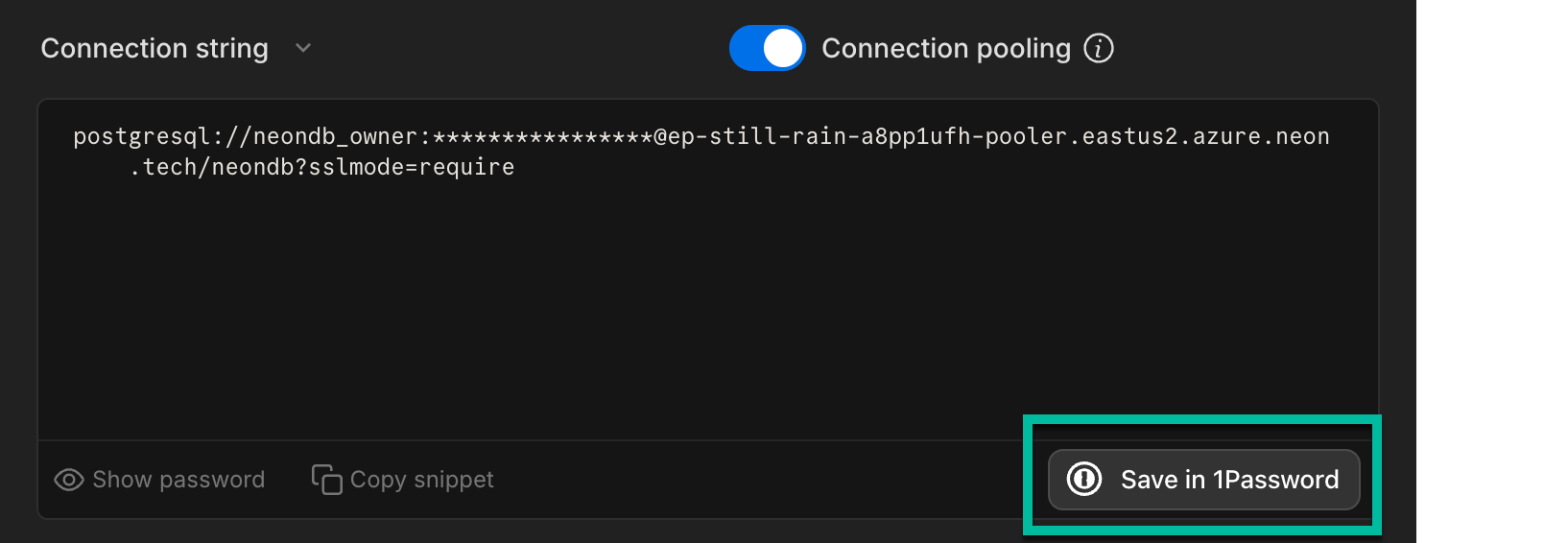
## Renamed Neon Authorize to Neon RLS
We've renamed our JWT-based authorization feature to **Neon RLS** to better reflect its core value: connecting your authentication provider's JWTs with Postgres Row-Level Security (RLS) policies. You can now find this feature under **Settings > RLS Authorization** in the Neon Console.

Learn more about Neon RLS or try our tutorial.
## Renamed Neon Identity to Neon Auth
We've also renamed our Early Access auth integration feature to **Neon Auth**. Neon Auth lets you automatically sync user profiles from your authentication provider to your database. Learn more about it in [Neon Auth](https://neon.com/docs/guides/neon-auth).
Or sign up to the [Early Access Program](https://console.neon.tech/app/settings/early-access) to try it out.
## Scheduled updates on Free & coming soon to Launch and Scale
Two weeks ago, we announced _scheduled updates_ for Neon, including Postgres version upgrades, security patches, and Neon feature enhancements.
This week, we introduced the **Updates** page in your **Project Settings**. Free Plan users get update notices 24 hours in advance. Updates, which take only a few seconds, are applied at the scheduled time or the next time your compute restarts.
Launch and Scale Plan users will start seeing update notices in another week or so. We aim to provide 7 days' notice for updates on paid plans. Paid users can also choose a preferred update window; you can do that now, well ahead of any planned updates.

We also support checking for scheduled updates using the [Neon API](https://neon.com/docs/manage/updates#check-for-updates-using-the-neon-api).
For more information about scheduled updates, see our [Updates documentation](https://neon.com/docs/manage/updates). If you have questions, please reach out to us on [Discord](https://discord.gg/92vNTzKDGp) or [contact Neon Support](https://console.neon.tech/app/projects?modal=support).
**Fixes & improvements**
- **Postgres extension updates**
We updated the [pg_mooncake](https://neon.com/docs/extensions/pg_mooncake) extension version to 0.1.1.
If you installed this extension previously and want to upgrade to the latest version, please refer to [Update an extension version](https://neon.com/docs/extensions/pg-extensions#update-an-extension-version) for instructions.
- **Time Travel connections**
Ephemeral computes, used for [Time Travel connections](https://neon.com/docs/guides/time-travel-assist), now use a compute size of 0.50 CU (2 GB RAM). This is up from the 0.25 CU size used previously. For more, see [Time Travel — Billing considerations](https://neon.com/docs/guides/time-travel-assist#billing-considerations).
- **Console updates**
- We've updated the **Usage** section on the **Billing** page to make it easier to track your plan allowances, extras, and total usage.
- The **Schema-only branch** option on the **Create new branch modal** is now disabled when you reach the root branch limit for your project. For details, see [Schema-only branches allowances](https://neon.com/docs/guides/branching-schema-only#schema-only-branch-allowances).
- **Support for CREATE ROLE ... NOLOGIN**
Neon now supports creating Postgres roles with the `NOLOGIN` attribute. This allows you to define roles that cannot authenticate but can be granted privileges.
```sql
CREATE ROLE my_role NOLOGIN;
```
Roles with `NOLOGIN` are commonly used for permission management.
Support for `NOLOGIN` was also extended to the Neon API and CLI:
- The Neon API [Create role](https://api-docs.neon.tech/reference/createprojectbranchrole) endpoint now has a `no_login` attribute.
- The Neon CLI [`neon roles create`](https://neon.com/docs/reference/cli-roles#create) command now supports a `--no-login` option.
- **CLI support for schema-only branches**
We added CLI support for our recently introduced [schema-only branches](https://neon.com/docs/guides/branching-schema-only) feature. You can now create a schema-only branch from the CLI using the `--schema-only` option with the [`neon branches create`](https://neon.com/docs/reference/cli-branches#create) command.
```bash
neon branches create --schema-only
```
- **Branch archiving**
Neon now limits each project to 100 unarchived branches. Branches older than 14 days and inactive for more than 24 hours are automatically archived to cost-efficient storage. No action is needed to unarchive a branch; it happens automatically when accessed, usually without noticeable performance impact. If you exceed the 100-unarchived branch limit, Neon will archive branches more quickly to stay within the limit. To learn more, see [Branch archiving](https://neon.com/docs/guides/branch-archiving).
- **Vercel Native Integration**
Fixed an authentication issue that prevented creating another user from a Vercel team in Neon.
- **Vercel Previews Integration**
- The [Neon Vercel Previews Integration](https://neon.com/docs/guides/vercel-previews-integration) now supports deployments to [Vercel custom environments](https://vercel.com/docs/deployments/custom-environments). However, [automated branch deletion](https://neon.com/docs/guides/vercel-previews-integration#automatic-deletion) does not remove environment variables created by the Neon integration in custom environments. These variables must be deleted manually in the Vercel dashboard.
- Fixed an issue where preview deployments in Vercel custom environments were incorrectly recreated in the preview environment instead of the intended custom environment. Additionally, addressed a problem where preview deployments triggered via the [Vercel CLI](https://vercel.com/docs/cli) failed to be recreated due to missing Git information in the Get Deployment API response. Deployments now correctly redeploy when Git information is unavailable.
- For Neon branches created for Vercel preview deployments, we now show the Vercel preview deployment URL and the associated GitHub pull request on the **Branches** page in the Neon Console.
- **Fixes**
- Resolved an issue where the **System operations** tab on the **Monitoring** page could display system operations from more than one project when switching between projects.
- Resolved an issue where the branches list in the Neon Console did not immediately update after restoring a branch.
- Fixed a time format issue on the project settings **Updates** page where displayed time values were inconsistent, with one shown in UTC and another in local time.
- Fixed an issue related to resetting account passwords and changing account emails.
- Fixed a concurrency issue where two branches created from the same parent in close succession collided. Previously, the operations on the parent did not complete fast enough for both create branch operations to work.
- Fixed an email validation issue on the **Feedback** form in the Neon Console.
- Fixed an issue in the **Neon SQL Editor** where the compute status in the compute drop-down menu remained _Idle_ after running a query.
---
### 2025-01-31
### The Neon App for Slack is available for early access

The Neon App for Slack helps you stay connected to your Neon Serverless Postgres databases. Here's what you can do with it:
- 📈 Track compute and storage usage in real time
- 🔔 Get alerts when your database approaches its performance limits
- 🟢 Quickly check the Neon platform's status
We'd love to hear your feedback. Use the `/neon feedback` command in Slack to share your thoughts and feature requests.
👉 See the [documentation](https://neon.com/docs/manage/slack-app) for setup instructions.
## Scheduled updates on the Free Plan starting soon
Last week, we announced that Neon is introducing scheduled updates, starting with Free Plan accounts. These updates include Postgres version upgrades, security patches, and Neon feature enhancements. Your project's computes will be updated automatically at a scheduled date and time. While updates need a compute restart, it only takes a few seconds to complete.
Free Plan accounts will start seeing update notices in their projects' settings on a new **Updates** page in early February, at least 24 hours before any scheduled update.
Update notices for Neon's paid plans will start rolling out in the second week of February, with at least 7 days' notice before a planned update.
Stay tuned for more details.
### Protect sensitive data with schema-only branches
You can now create schema-only branches that copy just the database schema from a source branch, without any data. This is ideal for working with confidential information. Instead of copying sensitive data, create a branch with just the database structure and add your own randomized or anonymized test data. It's a secure and compliant way for your team to develop and test using Neon branches.
To learn more, see [Schema-only branches](https://neon.com/docs/guides/branching-schema-only).
Schema-only branches are currently available through our Early Access Program. [Learn how to join](https://neon.com/docs/introduction/early-access).
### Project-scoped API keys from the Console
Recently, we added support for project-scoped API keys for your Neon Organization. These keys provide member-level authorization, scoped to a particular project. First available only via API, you can now create them from the Neon Console as well, for better visibility and management.

Learn more about [creating project-scoped API keys](https://neon.com/docs/manage/api-keys#create-project-scoped-organization-api-keys).
## Support for the postgres_fdw extension
Neon now supports the `postgres_fdw` (foreign data wrapper) extension. This extension lets you integrate with remote Postgres databases by defining foreign tables that map to tables in external databases. You can then query remote data as if it were stored locally. Check out our [guide](https://neon.com/docs/extensions/postgres_fdw) to learn more.
## pg_cron is now available for all users
The `pg_cron` extension is now available to everyone using Neon. Before, you needed a paid plan and help from Neon Support to use it. See [Enable the pg_cron extension](https://neon.com/docs/extensions/pg_cron#enable-the-pgcron-extension) to get started.
**Fixes & improvements**
- **Drizzle Studio update**
We updated the Drizzle Studio integration that powers the **Tables** page in the Neon Console to version 1.0.12. For the latest improvements and fixes, see the [Neon Drizzle Studio Integration Changelog](https://github.com/neondatabase/neon-drizzle-studio-changelog/blob/main/CHANGELOG.md).
- **Console updates**
Added a clear banner in the SQL Editor's results pane when running Time Travel queries to show that you're viewing historical data.

- **Postgres extension updates**
- Neon now lets you install the previous version of `pgvector`, which is one version behind the latest supported version.
For example, if Neon's latest supported `pgvector` version is 0.8.0, you can install the prior version, 0.7.4, by specifying the version number:
```sql
CREATE EXTENSION vector VERSION '0.7.4';
```
For more, see [Use a previous version of pgvector](https://neon.com/docs/extensions/pgvector#use-a-previous-version-of-pgvector).
- The `pgx_ulid` extension (0.2.0) is now available for Postgres 17. To install it, run:
```sql
CREATE EXTENSION pgx_ulid;`
```
- **Neon API**
Newly created Neon API keys are now prefixed with `napi_`. This change improves security by making it possible to use secret scanning mechanisms that rely on identifiable markers.
Existing API keys remain valid. If you want to use the new format, you can generate a new API key. For instructions, see [API keys](https://neon.com/docs/manage/api-keys#creating-api-keys).
- **Fixes**
- Fixed a bug where you might see an empty error screen when changing your email or resetting your password.
- Fixed an issue where the SQL Editor sometimes ran queries on the main branch instead of your selected branch.
---
### 2025-01-24
### Neon Chat for Visual Studio Code
The [Neon Chat for Visual Studio Code](https://marketplace.visualstudio.com/items?itemName=buildwithlayer.neon-integration-expert-15j6N) extension is now available in the GitHub Marketplace. This AI-powered assistant lets you chat with the latest Neon documentation without leaving your IDE.
Get answers to common questions like:
- _How to create a project?_
- _How can I get started with the Neon API?_
- _How do I create a branch using the Neon CLI?_

### Scheduled updates coming soon 📅
Neon is introducing scheduled updates, starting with Free Plan accounts and later expanding to Paid Plans. These updates will cover Postgres updates, security patches, and Neon feature enhancements, automatically applied to your project's computes. Here's what to expect:
- Updates aren't new, but now they'll be scheduled so you'll know when they're coming and won't fall behind on important maintenance.
- Updates require a compute restart, but restarts are quick and automatic, taking just a few seconds.
- If your computes scale to zero & restart regularly, available updates will be applied on compute restart, removing the need for "scheduled" updates.
- You'll be able to track scheduled updates in your project settings.
- Free Plan accounts will have updates scheduled in advance for a specific day and time, while Paid Plan accounts will be able to choose a preferred update window.
Stay tuned for specific details about when scheduled updates will roll out. Free Plan users can expect to see scheduled updates first, starting in early February. Scheduled updates on Paid Plans will roll out later, with updates for large compute sizes (> 8 CU) rolling out last.
### Connect to external Postgres databases with the `dblink` extension
Neon now supports accessing external Postgres databases using the [dblink](https://neon.com/docs/extensions/dblink) extension. `dblink` lets you easily connect to other Postgres databases and run queries on them. It's a good choice for quick, one-off queries or situations where you need data from a remote database but don't want to configure a foreign data wrapper.
### Support for the `pg_repack` extension
The Postgres [pg_repack](https://neon.com/docs/extensions/pg_repack) extension is now available on paid Neon plans upon request. This extension helps you remove bloat from tables and indexes while optionally restoring the physical order of clustered indexes , all without requiring an exclusive lock during processing. This extension is currently available only on paid Neon plans. To enable `pg_repack`, [open a support ticket](https://console.neon.tech/app/projects?modal=support) and include your endpoint ID and the database name where you'd like the extension enabled.
### Meet "Instagres": No signup, instant Postgres ✨
Neon's architecture lets us do some pretty interesting things, like creating a Postgres database in less than a second (AI agents loves this, btw). To showcase this ability, we've built "Instagres," an app that lets you generate a Postgres database URL almost instantly; no sign up required. If you'd like to keep the database for more than an hour, you can transfer it to your Neon account.

Give it a try at [https://neon.new/](https://neon.new/) or by running `npx neon-new` in your terminal.
**Update:** At the time of this release, the URL was instagres.com and the CLI was `npx instagres`; they are now neon.new and `npx neon-new`.
The "Instagres" app is powered by Cloudflare, React Router, and DrizzleORM.
If you like this feature or see different use cases for it, please let us know via the [Feedback](https://console.neon.tech/app/projects?modal=feedback) form in the Neon Console or our [feedback channel](https://discord.com/channels/1176467419317940276/1176788564890112042) on Discord.
To learn more, read the [blog post](https://neon.com/blog/launch-postgres-in-your-browser-keep-it-on-neon).
### Pooled connection strings are now default in the Neon Console
[Pooled connection strings](https://neon.com/docs/connect/connection-pooling) are now the default in the **Connection Details** widget in the Neon Console. Pooled connection strings include a `-pooler` option, which directs connections to a pooled connection port powered by PgBouncer. With support for up to 10,000 concurrent connections, connection pooling improves performance, reduces latency, and makes resource management more efficient for most applications. For specific tasks like `pg_dump` and other session-dependent operations like schema migrations, you can still get direct connection string at any time by disabling the connection pooling toggle in the **Connection Details** widget or by removing `-pooler` from your connection string manually.

## A new version of the Neon Python SDK
Neon's [Python SDK](https://pypi.org/project/neon-api/), which is a wrapper for the [Neon API](https://api-docs.neon.tech/reference/getting-started-with-neon-api), has been updated to a new version (0.3.0). This new version updates the Python data types from Neon's API schema.
This SDK simplifies integration of Python applications with Neon by providing methods to programmatically manage Neon API keys, projects, branches, databases, endpoints, roles, and operations.
**Fixes & improvements**
- **Drizzle Studio update**
The Drizzle Studio integration that powers the **Tables** page in the Neon Console has been updated to version 1.0.11. For the latest improvements and fixes, see the [Neon Drizzle Studio Integration Changelog](https://github.com/neondatabase/neon-drizzle-studio-changelog/blob/main/CHANGELOG.md).
- **Console updates**
**Increased concurrency limits**. Last week we announced increased Neon API operation concurrency limits on Neon's Free, Launch, and Scale plans. **This enhancement is now supported on all Neon plans**.
As noted in last week's changelog: Previously, concurrent API operations within a Neon project (such as operations on different branches) could trigger a "project already has running operations" error, where one branch operation would block others. This improvement reduces the need to work around strict concurrency limits. However, we still recommend adding retry functionality to handle rare cases where an API operation fails due to ongoing operations.
This change applies only to the Neon API. In the Neon Console, controls such as buttons that initiate new operations are still briefly disabled until ongoing operations are complete. Concurrency improvements will be reflected in the UI in a future release.
- **Fixes**
Fixed an issue with the **Create branch** button in the Neon Console. Previously, the button became disabled for unfinished project operations, including those that failed due to an error. Now, the button is disabled only for project operations in the canceling, running, or scheduling state.
---
### 2025-01-17
### Neon Copilot Extension
The [Neon Database Copilot Extension](https://github.com/marketplace/neon-database) is now available in the GitHub Marketplace. This extension makes it easier to configure Neon for your repository. You can chat with the latest Neon documentation within the context of your repository!

Chat with curated Neon database documentation directly in GitHub Copilot and get answers to common questions like:
- _How to create a project?_
- _How can I get started with the Neon API?_
- _How do integrate the Neon API into my GitHub repository._
**Setup instructions:**
1. Install the extension
2. Type `@neondatabase` in the chat to start interacting
Coming soon, you'll be able to directly interact with Neon endpoints by simply asking questions. Additionally, new tools will enable you to create Neon databases directly from the chat interface.
### Schema Diff API
Rounding out our schema diff features, Neon now supports a schema diff API endpoint (`compare_schema`), enabling programmatic comparison of database schemas between Neon branches. This addition complements our existing Schema Diff features available in the Console, CLI, and GitHub Action.
**Example:**
```bash
curl --request GET \
--url 'https://console.neon.tech/api/v2/projects/{project_id}/branches/{branch_id}/compare_schema?base_branch_id={base_branch_id}&db_name={db_name}' \
--header 'accept: application/json' \
--header 'authorization: Bearer $NEON_API_KEY'
```
For detailed documentation, see [Using the Schema Diff API](https://neon.com/docs/guides/schema-diff#using-the-neon-api).
## Postgres extension updates
- The `pg_mooncake` extension has been updated to version 0.1.0. For details about this release, see the [release page](https://github.com/Mooncake-Labs/pg_mooncake/releases/tag/v0.1.0).
To use the `pg_mooncake` extension with Neon, check out our [pg_mooncake guide](https://neon.com/docs/extensions/pg_mooncake) for more information.
To upgrade from a previous version of the extension, follow the instructions in [Update an extension version](https://neon.com/docs/extensions/pg-extensions#update-an-extension-version).
- The `pg_embedding` extension, deprecated in September 2023, has been removed from Neon. This extension supported the Hierarchical Navigable Small World (HNSW) algorithm for vector similarity search in Postgres. HNSW support is now available in the [pgvector](https://neon.com/docs/extensions/pgvector) extension, which is also supported by Neon.
**Fixes & improvements**
- **Drizzle Studio update**
The Drizzle Studio integration that powers the **Tables** page in the Neon Console has been updated. For the latest improvements and fixes, see the [Neon Drizzle Studio Integration Changelog](https://github.com/neondatabase/neon-drizzle-studio-changelog/blob/main/CHANGELOG.md).
- **Console updates**
- Enhanced pagination controls on the **Branches** page now let you adjust rows per page and skip directly to first/last pages.
- Billing period dates in the console are now consistently shown in UTC format. Previously, these dates were sometimes shown incorrectly due to timezone conversions.
- The Datadog integration is now accessible from both the **Integrations** and **Monitoring** pages for all users, with availability based on your plan.
- The Trust Center is now accessible from the Help Menu **(?)** in the Neon Console. Here you can learn about our security practices and access security documentation.
- **Neon API**
- The Create project API now defines Postgres 17 as the default version.✨
- **Increased concurrency limits**. We've increased Neon API operation concurrency limits. Previously, concurrent API operations within a Neon project (such as operations on different branches) could trigger a "project already has running operations" error, where one branch operation would block others. This improvement reduces the need to work around strict concurrency limits. However, we still recommend adding retry functionality to handle rare cases where an API operation fails due to ongoing operations.
This enhancement is available on Neon's Free, Launch, and Scale plans and will soon roll out to all Neon plans. It applies only to the Neon API. In the Neon Console, controls such as buttons that initiate new operations are still briefly disabled until ongoing operations are complete.
- We've added a new API endpoint to help you retrieve the total number of branches in a project. Use the following request to get the branch count for any project:
```bash
GET /api/v2/projects/{project_id}/branches/count
```
Example response:
```bash
{
"count": 2
}
```
- **Neon CLI**
The Neon CLI now creates projects with Postgres 17 by default ✨
- **Fixes**
- Data sizes are now displayed as **kB**, **MB**, **GB** (instead of KiB, MiB, GiB) across our console, docs, and website.
- Restored the ability for Enterprise customers to set custom scale-to-zero timeout periods.
- Replaced incorrect "insufficient permissions" message with a loading indicator when Organization admins open a project's **Delete** page.
- Prevented duplicate installations of the Neon GitHub integration for organizations and personal accounts.
---
### 2025-01-10
🎉 **Happy New Year, everyone!** 🎉
We're excited to kick off 2025 and let you know that we're shipping again! 🚢 Here's to an amazing year ahead. Let's go!
### Postgres 17 for newly created Neon projects

Postgres 17 is now the default for newly created Neon projects. Neon continues to support Postgres 14, 15, and 16, if you prefer to stick with those. For Neon's Postgres version support policy, see [Postgres Version Support](https://neon.com/docs/postgresql/postgres-version-policy).
### Support for pg_cron
The Postgres `pg_cron` extension is now available on paid Neon plans upon request. This extension lets you schedule and manage periodic jobs directly in your Postgres database. To enable `pg_cron`, [open a support ticket](https://console.neon.tech/app/projects?modal=support) and include your endpoint ID and the database name where you'd like the extension enabled. Once added, you'll need to restart your compute to make it available.
### Higher connection limits for autoscaling configurations
In Postgres, the `max_connections` setting controls the maximum number of simultaneous client connections the database server can handle. In Neon, this setting is configured based on your compute size configuration. Previously, with Neon's autoscaling feature, `max_connections` was defined by your minimum compute size only. To provide more available connections, `max_connections` is now set according to both your minimum and maximum compute size, allowing for much larger connection limits. For more information about how `max_connections` is configured for your Neon computes, see [Parameter settings that differ by compute size](https://neon.com/docs/reference/compatibility).
### PgBouncer default_pool_size now scales
Neon supports connection pooling with [PgBouncer](https://www.pgbouncer.org/). Previously, Neon's PgBouncer configuration set the `default_pool_size` to a fixed value of `64`, which limited Postgres connections to 64 per user/database pair, regardless of the compute size.
Now, the `default_pool_size` is dynamically set to `0.9 * max_connections`, enabling significantly more concurrent Postgres connections per user/database pair. Note that larger compute sizes benefit from higher `max_connections` limits, which result in a proportionally larger `default_pool_size`.
For example, on an 8 CU compute with a `max_connections` limit of 3604, the `default_pool_size` increases from 64 to 3243 (`0.9 × 3604`).
### Neon Identity is now available in Early Access
We're excited to announce Neon Identity, a new feature that automatically syncs user profiles from your auth provider straight to your Neon database. Eliminate custom integration code and focus on building.
With Neon Identity, user profiles are synchronized to the `neon_identity.users_sync` table, making it easy to access user data without additional configuration.
Join the Early Access Program to try it out. [Sign up here](https://console.neon.tech/app/settings/early-access).
Check out our [docs](https://neon.com/docs/guides/neon-identity) to learn more.
_Currently supporting Stack Auth, more providers coming soon._
### More support for AI agents
Neon is now available as a tool for AI agents on both **AgentStack** and **Composio**.
[AgentStack](https://github.com/AgentOps-AI/AgentStack) lets you create AI agent projects from the command line. The Neon tool allows agents to create ephemeral or long-lived Postgres instances for structured data storage. View the Neon tool [here](https://github.com/AgentOps-AI/AgentStack/blob/main/agentstack/templates/crewai/tools/neon_tool.py) to see how an AI agent can create a Neon database in less than 500 ms, connect to the database, and run SQL DDL and DML statements.
```python
@tool("Create Neon Project and Database")
def create_database(project_name: str) -> str:
"""
Creates a new Neon project. (this takes less than 500ms)
Args:
project_name: Name of the project to create
Returns:
the connection URI for the new project
"""
try:
project = neon_client.project_create(project={"name": project_name}).project
connection_uri = neon_client.connection_uri(
project_id=project.id, database_name="neondb", role_name="neondb_owner"
).uri
return f"Project/database created, connection URI: {connection_uri}"
except Exception as e:
return f"Failed to create project: {str(e)}"
```
[Composio](https://composio.dev/) lets you connect 200+ tools to AI Agents, and it now supports Neon, enabling full integration between LLMs and AI agents and Neon's API. You can find the integration [here](https://composio.dev/tools?search=neon).

### Neon Auth.js adapter
We've introduced an [Auth.js](https://authjs.dev/) adapter for Neon, which enables storing user and session data in your Neon database. For adapter installation and setup instructions, see [Neon Adapter](https://authjs.dev/getting-started/adapters/neon) in the Auth.js docs.
### "Perplexity mode" for the Docs
We've added an AI-powered "perplexity mode" to the [Neon Docs](https://neon.com/docs) site, providing a conversational interface to quickly get the answers you need.

Our AI chat assistant is built on various sources including the Neon Docs, the Neon Discord Server, and API docs, and it's updated daily.
Click **Ask Neon AI** to try it out.
**Fixes & improvements**
- **Drizzle Studio update**
The Drizzle Studio integration that powers the **Tables** page in the Neon Console has been updated. For the latest improvements and fixes, see the [Neon Drizzle Studio Integration Changelog](https://github.com/neondatabase/neon-drizzle-studio-changelog/blob/main/CHANGELOG.md).
- **Console updates**
We adjusted billing period start dates in the console to use UTC time. Previously, timezone differences could cause the start date to display as the last day of the previous month.
- **Private Networking**
Fixed an issue where invalid VPC endpoint IDs would not be deleted. Invalid endpoint IDs are now transitioned to a deleted state after 24 hours and automatically removed at a later date.
- **Neon API**
The [List branches](https://api-docs.neon.tech/reference/listprojectbranches) endpoint now supports sorting and pagination with the addition of `sort_by`, `sort_order`, `limit`, and `cursor` query parameters. The `sorted by` options include `updated_at`, `created_at`, or `name`, and `sort_order` options include `asc` and `desc`. After an initial call, pagination support lets you list the next or previous number of branches specified by the `limit` parameter.
- **Neon API Client**
The [TypeScript SDK for the Neon API](https://neon.com/docs/reference/typescript-sdk) was updated to a new version (1.11.4). The new version adds support for creating organization API keys.
- **Logical Replication**
Before dropping a database, Neon now drops any logical replication subscriptions defined in the database.
- **Fixes**
Fixed an issue that permitted installing the Neon GitHub integration for organizations or personal accounts where the integration was already installed.
---
### 2024-12-20
### Wrapping up 2024
As 2024 comes to a close, we focused on fixes and improvements this past week. But don't worry, new features are already in development, and exciting updates are coming soon. We're looking forward to sharing what's coming in the new year, and there might even be a few interesting announcements before then. Stay tuned!
### Upgrading to the latest Neon CLI version
If you use the [Neon CLI](https://neon.com/docs/reference/neon-cli), here's a friendly reminder to upgrade to the latest version. The current version is 2.6.0, and all users should now be on a 2.x version. You can check your Neon CLI version with the following command:
```shell
$ neon --version
2.6.0
```
For upgrade instructions, see [Neon CLI upgrade](https://neon.com/docs/reference/cli-install#upgrade).
If you use the Neon CLI in CI/CD tools like GitHub Actions, you can safely pin it to `@latest`, as we prioritize stability for CI/CD processes. For example, in a GitHub Actions workflow, you can install the latest version with `npm`:
```yaml
- name: Install Neon CLI
run: npm install -g neonctl@latest
```
**Fixes & improvements**
- **Drizzle Studio update**
The Drizzle Studio integration that powers the **Tables** page in the Neon Console has been updated. For the latest improvements and fixes, see the [Neon Drizzle Studio Integration Changelog](https://github.com/neondatabase/neon-drizzle-studio-changelog/blob/main/CHANGELOG.md).
- **Console updates**
- Added a link to the Neon API Reference in the information resources menu of the console.
- The Support ticket modal now supports file attachments in the Neon Console. Attachments must not exceed 5 MB.
- You can now sort columns in the branches table on the **Branches** page.
- The organization account project page now includes an **Integrations** column in the projects table for viewing and adding integrations.
- **Neon Authorize**
It just keeps getting better. Drizzle ORM introduced a new with `db.$withAuth` method, offering a more convenient way to include user JWTs in queries to Neon.
```javascript
return db
.$withAuth(authToken)
.select()
.from(schema.todos)
.where(eq(schema.todos.userId, sql`auth.user_id()`))
.orderBy(asc(schema.todos.insertedAt));
```
Find more examples in our [Neon Authorize tutorial](https://neon.com/docs/guides/neon-authorize-tutorial).
- **Vercel Native Integration**
- Users of the native Neon integration in Vercel can now view the **Archive storage** metric on the **Usage** page under the **Storage** tab in the Vercel Dashboard. For more details about archive storage in Neon, see [Branch archiving](https://neon.com/docs/guides/branch-archiving).
- Neon's [IP Allow](https://neon.com/docs/introduction/ip-allow) feature is now available for Vercel-managed organizations. This feature is supported on Neon Scale and Business plans.
- **Azure Integration**
Support is now available for transferring projects from Neon personal accounts to Azure-created Neon organizations. Project transfers are only supported for Neon projects created in an Azure region. For more details, see [Transfer Neon projects to an Azure-created Neon organization](https://neon.com/docs/introduction/billing-azure-marketplace#transfer-existing-neon-projects-to-an-azure-created-neon-organization).
- **Neon API**
We added `204` response definitions to `DELETE` endpoints for scenarios where a branch, database, role, or endpoint does not exist or has already been deleted. A 204 response code indicates a successful operation that does not return content.
- **Fixes**
- Fixed an issue in the console where an error toast was not displayed when offline or when the server was unreachable. A `Network error` is now returned in such cases.
- Corrected a usability issue where the **Project Creation** modal defaulted to an error state, requiring users to adjust autoscaling settings before creating a project.
- Resolved an issue where users encountered a confusing error message when attempting to link a Microsoft account already logged in with the same email.
- Fixed a drag-to-zoom failure on **Monitoring** page graphs that occurred when dragging from left to right and releasing the cursor outside of the graph area.
- Fixed an issue preventing the addition of a read-write compute to a branch if another branch in the project had a read-write compute.
- Addressed a `Something went wrong` error in the console related to the loading of an organization account.
- Fixed an issue that prevented **Ctrl+C** query cancellation requests for connections using [passwordless authentication](https://neon.com/docs/connect/passwordless-connect).
---
### 2024-12-13
## Larger compute sizes are here
We've added support for larger compute sizes:
- Neon's autoscaling feature now supports a maximum setting of **16 CU**. Compute sizes larger than 8 CU are available on our Business and Enterprise plans.
- Neon's Business and Enterprise plans now support fixed compute sizes up to **56 CU**.
## Project-scoped API keys
We now support per-project API keys, offering you finer-grained access control by limiting an API key's permissions to a particular project. This applies to organization-owned projects only. When creating an Organization API key, include the project ID in the request and the resulting key will be scoped to just that project. This key grants member-level permissions only, preventing destructive actions like deleting the project.
For more details, see [Create project-scoped API keys](https://neon.com/docs/manage/api-keys#create-project-scoped-organization-api-keys).
## Introducing psql.sh: run psql directly in your browser
We're excited to launch [psql.sh](https://psql.sh), a browser-based version of the PostgreSQL command-line client. This new tool lets you instantly spin up a fresh database and start running SQL queries and `psql` commands right in your browser.
`psql.sh` uses Neon's branching to create instant, isolated database environments for you to experiment with. Try it out at [psql.sh](https://psql.sh), or read about how we built it in our blog post: [psql from the browser](https://neon.com/blog/psql-from-the-browser).
### Support for pgvector 0.8.0
Neon now supports [pgvector](https://neon.com/docs/extensions/pgvector) version 0.8.0. This new version adds support for iterative index scans, casts for arrays to `sparsevec`, and improves the performance of HNSW inserts and on-disk HNSW index builds.
For the full list of updates, refer to the [pgvector changelog](https://github.com/pgvector/pgvector/blob/master/CHANGELOG.md).
If you installed this extension previously and want to upgrade to the latest version, please refer to [Update an extension version](https://neon.com/docs/extensions/pg-extensions#update-an-extension-version) for instructions.
**Fixes & improvements**
- **Drizzle Studio update**
The Drizzle Studio integration that powers the **Tables** page in the Neon Console has been updated. For the latest improvements and fixes, see the [Neon Drizzle Studio Integration Changelog](https://github.com/neondatabase/neon-drizzle-studio-changelog/blob/main/CHANGELOG.md).
- **Console updates**
Fixed scrolling issues with the **SQL Editor** and the branches list on the **Branches** page. Both vertical and horizontal scrolling now work as expected.
- **Fixes**
- Improved the custom date/time selector to default to the current time, use standardized UTC format (`2006-01-02T15:04:05Z`), and accept manual entries in the same format.
- Fixed the **Current billing for this period** total displayed on the **Billing summary** page to correctly reflect archive storage costs and current pricing. Note this was a display issue only; actual bills were unaffected.
---
### 2024-12-06
### Neon is Now Available as an Azure Native Integration
If your company uses Azure, getting started with Neon is now easier than ever. This week, we launched [Neon as an Azure Native Integration](https://azuremarketplace.microsoft.com/en-us/marketplace/apps/neon1722366567200.neon_serverless_postgres_azure_prod?tab=Overview), enabling developers to deploy Neon Postgres databases directly from the Azure portal.
With this new integration, you can:
- Provision and manage Neon organizations directly within Azure, using the Azure portal, CLI, or SDK.
- Access Neon with your Microsoft credentials for simplified security and compliance.
- Include Neon charges in your Azure bill.
For more, [read the announcement](https://neon.com/blog/neon-is-now-available-as-an-azure-native-integration).
### New Azure regions
We've added support for two new Azure regions:
- **Azure Germany West Central** (Frankfurt) — `azure-gwc`
- **Azure West US 3** (Arizona) — `azure-westus3`
For a full list of regions supported by Neon, see [Regions](https://neon.com/docs/introduction/regions).
### Support for database schema management in the Neon Console

The **Tables** page in the Neon Console, powered by Drizzle Studio, received a major update this week. In addition to managing your data, you can now manage your database schema directly from the **Tables** page. New schema management options include:
- Creating, altering, and dropping schemas
- Creating and altering tables
- Creating and altering views
- Creating enums
- Refreshing the database schema
We'd love to hear your thoughts on these new capabilities! Share your feedback through the [Feedback](https://console.neon.tech/app/projects?modal=feedback) form in the Neon Console or join the conversation on [Discord](https://discord.gg/92vNTzKDGp).
Stay updated on Drizzle Studio improvements and fixes by following the [Neon Drizzle Studio Integration Changelog](https://github.com/neondatabase/neon-drizzle-studio-changelog/blob/main/CHANGELOG.md).
### A Model Context Protocol (MCP) server for Neon
We've released an open-source [Model Context Protocol (MCP)](https://modelcontextprotocol.io/introduction) server for Neon, enabling any MCP Client such as Claude Desktop to interact with Neon's API using natural language. AI agents can use our MCP server to perform actions such as creating databases, running SQL queries, and managing database migrations. For more, [read the announcement](https://neon.com/blog/let-claude-manage-your-neon-databases-our-mcp-server-is-here) and try it out on [GitHub](https://github.com/neondatabase/mcp-server-neon).
### Archive storage on paid plans
A few weeks ago, we announced [branch archiving on the Free Plan](https://neon.com/docs/changelog/2024-11-15#branch-archiving-on-the-free-plan), which automatically stores inactive branches in cost-efficient archive storage. This feature is now available on our paid plans: Launch, Scale, and Business. Here's what this means for you:
- **More storage and reduced storage costs**: Branches **older than 14 days** and **not accessed for 24 hours** are automatically archived in cost-efficient archive storage.
- **New archive storage allowances by plan**:
- Launch: 50 GB
- Scale: 250 GB
- Business: 2500 GB
- **Billing for extra archive storage**: Extra storage beyond your plan's allowance is billed at $0.10 per GB-month. Inactive branches meeting the thresholds above will now cost less.
- **Monitoring archive storage usage**: A new archive storage metric is available on the **Billing** page in the Neon Console.
- **Archived branch details and identification**: Archived branches are marked with an archive icon in the console. The **Branches** page shows additional details, including the date and time a branch was archived.
- **Automatic archiving and unarchiving**: No action is needed to archive or unarchive branches. Unarchiving happens automatically when you access a branch.
- **Performance considerations**: You should notice little to no performance difference when connecting to or querying an archived branch, except for branches with large amounts of data where initial access may take a little longer until the branch is fully unarchived.
For more details, see [Branch archiving](https://neon.com/docs/guides/branch-archiving) and [Archive storage](https://neon.com/docs/introduction/architecture-overview#archive-storage).
### Simplified "extra storage"
We reduced the cost of temporarily using more storage than is in your plan's monthly allowance. Previously, if you exceeded your storage allowance, you were allocated (and billed for) an extra storage unit at a prorated price for the rest of the month, even if the overage was brief. Now, you're billed only for the storage you use for the length of time that you use it. This will be measured per GB-month.
**Fixes & improvements**
- **Console updates**
- The **Monitoring** page graphs now display data in the local timezone instead of UTC.
- We added sorting for columns in the branches table on the **Branches** page. In addition, default and protected branches are always listed first, and the table now supports full keyboard navigation, allowing users to tab through table cells and rows.

- **Neon Authorize**
[Neon Authorize](https://neon.com/docs/guides/neon-authorize) now supports verifying an `aud` (audience) claim in JWTs to limit access to specific applications or services. For providers like Firebase Auth and GCP Cloud Identity, which use the same JWKS URL across all projects, defining an intended audience is required.
Configure the audience via the Neon Authorize UI or the [Neon Authorize API](https://api-docs.neon.tech/reference/addprojectjwks). This enhancement adds support for **Firebase Auth** and **GCP Cloud Identity**. See [Supported providers](https://neon.com/docs/guides/neon-authorize#supported-providers) for the full list.
- **Neon API updates**
- Removed the deprecated `primary_branch_only` property from the [Create project](https://api-docs.neon.tech/reference/createproject) and [Update project](https://api-docs.neon.tech/reference/updateproject) endpoints.
- Deprecated the `branch_id` field in the [Update compute endpoint](https://api-docs.neon.tech/reference/updateprojectendpoint); it will be removed in a future release.
- Added an `archived` property to the branch object in the [Create branch](https://api-docs.neon.tech/reference/createprojectbranch) endpoint, allowing branches to be created directly in [archive storage](https://neon.com/docs/introduction/architecture-overview#archive-storage).
- **Vercel Native Integration**
History retention and logical replication settings are now configurable in Neon projects created in Vercel-created organizations. Previously, these settings could not be modified in Neon or Vercel.
- **Vercel Previews Integration**
- Enhanced the Vercel Previews Integration drawer to make it easier to connect Neon projects to Vercel projects.
- Updated the Vercel Previews Integration drawer to display connected Vercel projects in a more compact table view when more than three projects are connected.
- **Fixes**
- Resolved an issue that blocked Schema Diff operations when other project operations were in progress. Schema Diff operations are now serialized to prevent concurrency errors.
- Improved the error message in the Neon SQL Editor's text-to-SQL AI feature when it fails to fetch the database schema.
- Fixed inconsistencies in usage metrics and project allowances displayed on the **Billing** page in the Neon Console.
- Fixed an issue that allowed selecting a future date when setting a custom period on the **Monitoring** page.
---
### 2024-11-29
### Neon Organizations are GA! 🎉
We're happy to announce that Neon **Organizations** is now **generally available** for everyone looking to move their teams to Neon.

Create a new organization, transfer over your projects, invite your team members and get started collaborating. The Organizations feature lets you manage all of your team's projects under a single account, with billing, role management, and project transfer capabilities in one accessible location.
See [Neon Organizations](https://neon.com/docs/manage/organizations) to get started. Organizations is a paid account feature.
## Organization API keys
Along with GA for Organizations, we're also announcing support for [Organization API Keys](https://neon.com/docs/manage/orgs-api). As an admin of an organization, you control your organization's API keys. These keys provide admin-level access to all organization resources, including projects, members, and billing information.
You can access your organization's API keys from your organization settings.

## Schema Diff GitHub Action
We're also introducing our **Schema Diff GitHub Action** to automatically compare database schemas in your pull requests. The action posts schema differences as PR comments, making it easy to review schema changes during development. It's smart about updates, maintaining a single, updated comment as you push new commits and staying quiet when there are no differences to report. See [Schema Diff GitHub Action](https://neon.com/docs/guides/branching-github-actions#schema-diff-action) for more details.
```diff
Index: neondb-schema.sql
===================================================================
--- neondb-schema.sql Branch main
+++ neondb-schema.sql Branch preview/pr-9-feat/add-soft-delete
@@ -111,9 +111,10 @@
title text NOT NULL,
content text NOT NULL,
user_id integer NOT NULL,
created_at timestamp without time zone DEFAULT now() NOT NULL,
- updated_at timestamp without time zone DEFAULT now() NOT NULL
+ updated_at timestamp without time zone DEFAULT now() NOT NULL,
+ deleted_at timestamp without time zone
);
ALTER TABLE public.posts OWNER TO neondb_owner;
@@ -180,5 +181,5 @@
--
-- Name: __drizzle_migrations id; Type: DEFAULT; Schema: drizzle; Owner: neondb_owner
--
-ALTER TABLE ONLY drizzle.__drizzle_migrations ALTER COLUMN id SET DEFAULT nextval('drizzle.__drizzle_m
\ No newline at end of file
+ALTER TABLE ONLY drizzle.__drizzle_migrations ALTER COLUMN
\ No newline at end of file
```
## Postgres version updates
The PostgreSQL Global Development Group has released an [out-of-cycle minor version update](https://www.postgresql.org/about/news/out-of-cycle-release-scheduled-for-november-21-2024-2958/) to address regressions introduced in the previous minor version update. While Neon was unaffected by these regressions, we prioritize staying up to date with the latest version. As a result, we have updated our supported PostgreSQL versions to [14.15](https://www.postgresql.org/docs/release/14.15/), [15.10](https://www.postgresql.org/docs/release/15.10/), [16.6](https://www.postgresql.org/docs/release/16.6/), and [17.2](https://www.postgresql.org/docs/release/17.2/).
When a new minor version is available on Neon, it is applied the next time your compute restarts. For more about how we handle Postgres version upgrades, refer to our [Postgres version support policy](https://neon.com/docs/postgresql/postgres-version-policy).
## Neon Private Networking (Public Beta)
Neon now offers Private Networking, enabling secure database connections via AWS PrivateLink. This feature keeps all traffic between your client application and Neon database within AWS's private network, bypassing the public internet.
For details, see our guide: [Neon Private Networking](https://neon.com/docs/guides/neon-private-networking).
Any member of an Org account can apply to participate in this Public Beta by requesting access via the **Organization Settings** page in the Console.
And don't forget to check out this week's fixes and improvements:
**Fixes & improvements**
- **Logical Replication**
Neon now automatically removes **inactive** replication slots (if other **active** slots exist) after approximately 40 hours, up from the previous 75 minutes. This change reduces the risk of unexpected slot removal. If you've implemented measures to prevent slots from becoming inactive, you can now relax those measures accordingly.
- **Neon Serverless Driver**
- Fixed an issue with insertion of Buffer and ArrayBuffer values for `BYTEA` fields over HTTP. Thanks to [@andyjy](https://github.com/andyjy) for the fix.
- Fixed an authentication error that occurred when passing the `authToken` property only on the `sql` function.
For the latest improvements and fixes for the Neon Serverless Driver, refer to the [Neon Serverless Driver Changelog](https://github.com/neondatabase/serverless/blob/main/CHANGELOG.md).
- **.NET support**
We've added .NET to the list of supported connection strings for various languages and frameworks in the Dashboard. You can now find connection details for .NET in both the connection widget and the Quickstart.
For more information on connecting to Neon with .NET, see [Connect a .NET (C#) application to Neon](https://neon.com/docs/guides/dotnet-npgsql).
- **Console updates**
- We've added a **Monitor** button to each listed endpoint on your Branch details page. Click the button to open the **Monitoring** page, displaying metrics for this endpoint.

- Added quick compute size editing directly from the Branches page; just click the size link in the primary branch column to adjust your settings.

- **Fixes**
- Improved validation of API key names and Organization names: added a 64-character length limit for API key names and Org names to the API specification and improved whitespace handling in the UI.
- The Create Organization modal now correctly displays your Personal account plan when creating a new organization. Previously, it sometimes showed the plan from an existing organization instead.
- When transferring a project to an organization, collaborators who are organization members are automatically removed from the project's collaborator list, as they already have access through their organization membership.
- Fixed billing page display issues with project limits and usage tracking during plan changes. Previously, some organizations saw incorrect counts and misaligned indicators.
- Added length validation for Organization member email addresses to prevent submission of invalid values.
---
### 2024-11-22
## A new Python SDK for the Neon API
Neon has a new [Python SDK](https://pypi.org/project/neon-api/), which is a wrapper for the [Neon API](https://api-docs.neon.tech/reference/getting-started-with-neon-api). This SDK simplifies integration of Python applications with Neon by providing methods to programmatically manage Neon API keys, projects, branches, databases, endpoints, roles, and operations.
It's easy to install with `pip`:
```bash
$ pip install neon-api
```
Then, from Python:
```python
from neon_api import NeonAPI
# Initialize the client.
neon = NeonAPI.from_environ() or NeonAPI(api_key='your_api_key')
# Get the current user
user = neon.me()
print(user)
```
For more, see [Python SDK for the Neon API](https://neon.com/docs/reference/python-sdk).
**Tip: Did you know?** In addition to the new Python SDK, Neon offers a TypeScript SDK for the Neon API. There are also community-maintained SDKs available for Go and Node.js. [Learn more](https://neon.com/docs/reference/sdk).
## An Import Data Assistant to help move your data
When you're ready to move your data to Neon, our new **Import Data Assistant** can help. All you need to get started is a connection string for your existing database.
Enter your current database connection string, and the Assistant will:
1. Run some preliminary checks on your database.
2. Create a Neon project that best matches your current environment.
3. Provide `pg_dump` and `pg_restore` commands to transfer your data, pre-populated with the correct connection strings.
For more, see [Import Data Assistant](https://neon.com/docs/import/import-data-assistant).
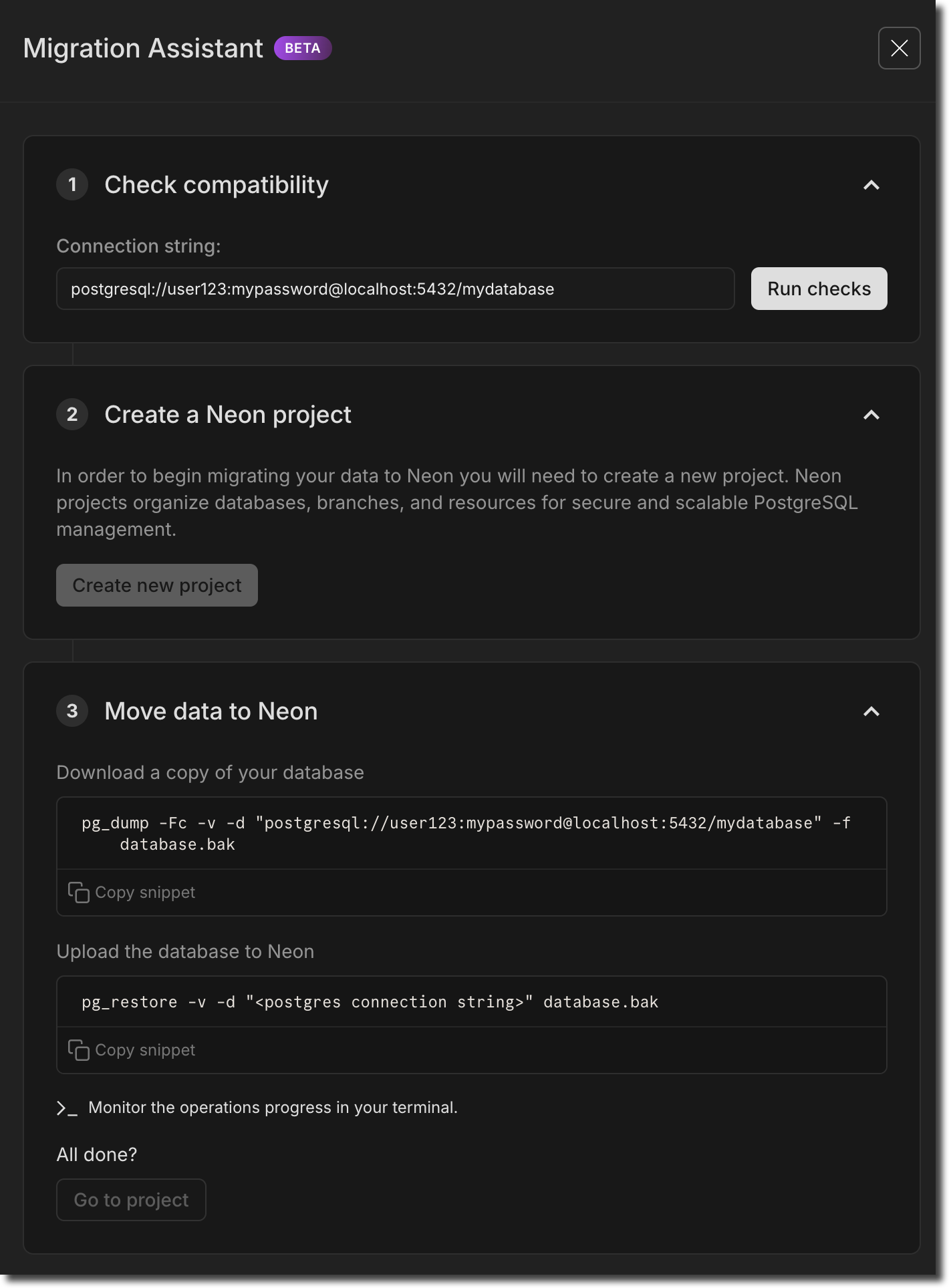
**Note:** This feature is currently in Beta. If you have feedback, we'd love to hear it. Let us know via the [Feedback](https://console.neon.tech/app/projects?modal=feedback) form in the Neon Console or our [feedback channel](https://discord.com/channels/1176467419317940276/1176788564890112042) on Discord.
## Organization account support for Vercel and GitHub integrations
Our **Vercel Previews** and **GitHub** integrations are now supported on Organization accounts. In case you're not familiar:
- The [Vercel Previews Integration](https://neon.com/docs/guides/vercel-previews-integration) connects your Vercel project to a Neon database and creates a database branch with each Vercel preview deployment.
- The [GitHub Integration](https://neon.com/docs/guides/neon-github-integration) connects your Neon projects to corresponding GitHub repositories, letting you bring your database to your DevOps workflow.
You can now make both integrations available to your Neon organization.
## `timescaledb` extension support for Postgres 17
We added support for the `timescaledb` extension, version 2.17.1, to Postgres 17.
For a complete list of Postgres extensions supported by Neon, see [Postgres extensions](https://neon.com/docs/extensions/pg-extensions).
And don't forget to check out this week's fixes and improvements:
**Fixes & improvements**
- **IP Allow**
We addressed an issue for IP Allow users connecting over VPN where an **Access Denied** modal appeared repeatedly on the **SQL Editor** and **Tables** pages in the Neon Console. To prevent this, we added a "Do not ask again" checkbox to allow users to silence the modal.
- **Neon API updates**
We added two new endpoints for managing Neon [Organizations](https://neon.com/docs/manage/organizations) members:
- [Update the role for an organization member](https://api-docs.neon.tech/reference/updateorganizationmember)
- [Remove member from the organization](https://api-docs.neon.tech/reference/removeorganizationmember)
- **Time Travel Assist**
Ephemeral compute suspend timeouts for [Time Travel Assist](https://neon.com/docs/guides/time-travel-assist) have been increased from 10 to 30 seconds. Time Travel Assist enables querying any point in your history using temporary branches and computes, which are automatically cleaned up after use. After 30 seconds of inactivity, the branch is deleted, and the endpoint is removed.
---
### 2024-11-15
## Branch archiving on the Free Plan
On the Free plan, Neon now automatically archives any branch that is **older than 14 days** and **has not been accessed for 24 hours**.

No action is required to unarchive a branch. It happens automatically as soon as you access the branch. This change reduces storage costs and enables us to grow our Free plan even further.
To learn more, see [Branch archiving](https://neon.com/docs/guides/branch-archiving).
## Postgres version updates
We updated supported Postgres versions to [14.14](https://www.postgresql.org/docs/release/14.14/), [15.9](https://www.postgresql.org/docs/release/15.9/), [16.5](https://www.postgresql.org/docs/release/16.5/), and [17.1](https://www.postgresql.org/docs/release/17.1/), respectively.
When a new minor version is available on Neon, it is applied the next time your compute restarts (for any reason). For more about how we handle Postgres version upgrades, refer to our [Postgres version support policy](https://neon.com/docs/postgresql/postgres-version-policy).
And don't forget to check out this week's fixes and improvements:
**Fixes & improvements**
- **Collation support**
By default, Neon now uses the `C.UTF-8` collation, which supports the full range of UTF-8 encoded characters. Previously, Neon used the `C` collation provided by `libc` by default. For more about collation support in Neon, see [Collation support](https://neon.com/docs/reference/compatibility#collation-support).
- **Neon API updates**
- Improved validation of project ID lists with the [Get consumption metrics for each project](https://api-docs.neon.tech/reference/getconsumptionhistoryperproject) endpoint. Previously, restrictive validation caused the endpoint to fail for some users.
- **Neon CLI enhancements**
The Neon CLI was updated to version 2.4.0. For upgrade instructions, see [Upgrading the Neon CLI](https://neon.com/docs/reference/cli-install#upgrade).
The `branches list` command now shows a branch's `Current State`. Branch states include:
- `init` - the branch is being created but is not yet available for querying.
- `ready` - the branch is fully operational and ready for querying. Expect normal query response times.
- `archived` - the branch is stored in cost-effective archive storage. Expect slow query response times.
```bash
neon branches list --project-id green-hat-46829796
┌───────────────────────────┬──────┬─────────┬───────────────┬──────────────────────┐
│ Id │ Name │ Default │ Current State │ Created At │
├───────────────────────────┼──────┼─────────┼───────────────┼──────────────────────┤
│ br-muddy-firefly-a7kzf0d4 │ main │ true │ ready │ 2024-10-30T14:59:57Z │
└───────────────────────────┴──────┴─────────┴───────────────┴──────────────────────┘
```
The `Updated At` value was removed from the `branches list` command output. This value reflected internal metadata changes only and provided limited value.
- **Drizzle Studio update**
The Drizzle Studio integration that powers the **Tables** page in the Neon Console has been updated to version 0.0.20. For improvements and fixes in this version, see the [Neon Drizzle Studio Integration Changelog](https://github.com/neondatabase/neon-drizzle-studio-changelog/blob/main/CHANGELOG.md).
- **Fixes**
- Fixed an issue where users who were removed from an organization got an error page when logging in to Neon. The console was incorrectly redirecting them to the organization page, which they can no longer access. Users are now directed to their personal account **Projects** page instead.
- When you make changes to your first or last name in **Account Settings**, those changes are now immediately reflected. Previously, old values could sometimes persist until the page was reloaded.
---
### 2024-11-08
### At a glance usage metrics for paid plan users
A few weeks ago, we added at-a-glance usage metrics on the Free Plan to help users track account-level usage. This widget is now available on all Neon plans. You can find it on your **Projects** page in the Neon Console.

And we've added a project-level usage widget on the **Project Dashboard** as well, letting you know your current usage levels for the month for each individual project.

### Postgres extension updates
Now available on **Postgres 17**:
| Extension | Version |
| :------------- | :------ |
| pg\_jsonschema | 0.3.3 |
| pg\_graphql | 1.5.9 |
| rum | 1.3.1 |
| pg\_tiktoken | 0.0.1 |
In addition, we updated the following extension versions on **Postgres 14, 15, and 16**:
| Extension | Old Version | New Version |
| :------------- | :---------- | :---------- |
| pg\_jsonschema | 0.3.1 | 0.3.3 |
| pg\_graphql | 1.5.7 | 1.9 |
For a complete list of Postgres extensions supported by Neon, see [Postgres extensions](https://neon.com/docs/extensions/pg-extensions).
And don't forget to check out this week's fixes and improvements:
**Fixes & improvements**
- **Neon Authorize**
Neon Authorize is now supported on Postgres 17. This recently introduced feature lets you move Postgres Row-Level Security (RLS) policies into your codebase. To learn more, read the [announcement](https://neon.com/blog/introducing-neon-authorize) or check out the [docs](https://neon.com/docs/guides/neon-authorize).
- **Neon Vercel Integration**
The Neon Vercel Integration is now supported on Organization-owned projects.
- **Neon API updates**
We've introduced several new endpoints for managing [Organizations](https://neon.com/docs/manage/organizations) in Neon. The new endpoints include:
- [Get organization details](https://api-docs.neon.tech/reference/getorganization)
- [Get organization members](https://api-docs.neon.tech/reference/getorganizationmembers)
- [Get organization member details](https://api-docs.neon.tech/reference/getorganizationmember)
- [Get organization invitation details](https://api-docs.neon.tech/reference/getorganizationinvitations)
- [Create organizations invitations](https://api-docs.neon.tech/reference/createorganizationinvitations)
- **Fixes**
- A previously specified query was not cleared from the **Neon SQL Editor** state after selecting a different query from the **History** list. This caused the previous query to be run instead of the newly selected query when clicking **Run**.
- Resetting a child branch from an unprotected parent branch regenerated Postgres role passwords on the child branch. Passwords should only be regenerated when the parent branch is defined as a protected branch.
- Fixed an issue on the **Monitoring** page where lines on the **RAM** and **Working set size** graphs overflowed the graph area.
- Removed usage alerts from shared Neon projects. The alerts should only appear for project owners.
- Added validation that prevents an Organization name field from being left blank when creating a new Organization.
- Fixed an issue with the **psql** `\help` or `\h` commands accessible via the Neon SQL Editor. The specified help page failed to display.
**Tip: Did you know?** The Neon SQL Editor supports `psql` meta-commands, which act like shortcuts for interacting with your database. If you are already familiar with using meta-commands from the `psql` command-line interface, you can use many of those same commands in the SQL Editor.
To get a list of supported commands, use `\?`. For more info, see the [meta-commands](https://neon.com/docs/get-started/query-with-neon-sql-editor#meta-commands) section of our [Query with Neon's SQL Editor](https://neon.com/docs/get-started/query-with-neon-sql-editor) docs page.
---
### 2024-11-01
### Neon Authorize
Announced at [Neon Deploy](https://www.youtube.com/watch?v=QDNsxw_3ris\&t=289s), **Neon Authorize** lets you move Postgres Row-Level Security (RLS) policies into your codebase. By integrating with JWT-based authentication providers like Clerk and Stack Auth, this new approach simplifies your code while tightening security. Read our [announcement](https://neon.com/blog/introducing-neon-authorize) and learn more in the [docs](https://neon.com/docs/guides/neon-authorize).

### Build RAG pipelines with the `pgrag` extension
Also introduced at Neon Deploy, our new [pgrag](https://neon.com/docs/extensions/pgrag) Postgres extension lets you create end-to-end Retrieval-Augmented Generation (RAG) pipelines in Postgres. There's no need for additional programming languages or libraries. With the functions provided by `pgrag`, you can build a complete RAG pipeline directly within your SQL client.
### pg_mooncake Support
We're also announcing support for another new Postgres extension, [pg_mooncake](https://github.com/Mooncake-Labs/pg_mooncake), brought to the community by [mooncake.dev](https://mooncake.dev/). `pg_mooncake` introduces native columnstore tables with DuckDB execution for _fast_ analytics directly in Postgres. You don't need complex ETL; with pg_mooncake you keep your stack simple: Postgres and Python. Check out the [blog post](https://www.mooncake.dev/blog/pgmooncake-neon) for a deeper dive.
And don't forget to check out this week's fixes and improvements:
**Fixes & improvements**
- **Neon Console enhancements**
- Improved the design and usability of our API Keys page, available under Account Settings. This is in preparation for Organization API keys – coming soon!
- Cleaned up an issue where you could open both the **Time Travel** and **Generate with AI** popups in the SQL Editor at the same time.
- Fixed an issue where removed members were sent to the organization page they no longer belong to when logging back in, causing an error. They now go to their personal page, as expected.
- Added `HINTS` to the AI response when you run a failed query in the SQL Editor. For example, if you try to run an experimental Postgres extension like `pgrag`, along with the Error description, the AI response also gives the HINT: `to proceed with installation, run SET neon.allow_unstable_extensions='true'`
- **Neon API changes**
We've introduced a new [Get active regions](https://api-docs.neon.tech/reference/getactiveregions) endpoint for retrieving a list of regions supported by Neon. The response body includes data such as the region ID, name, and the region's approximate geographical latitude and longitude.
```bash
curl --request GET \
--url https://console.neon.tech/api/v2/regions \
--header 'accept: application/json' \
--header 'authorization: Bearer $NEON_API_KEY'
```
---
### 2024-10-25
### Read Replicas on the Free Plan
You may have seen the announcement earlier this week: [Read replicas are now available in the Free Plan](https://neon.com/blog/create-read-replicas-in-the-free-plan).

If you're not familiar Neon [Read Replicas](https://neon.com/docs/introduction/read-replicas), you might be interested to know that we take a fundamentally different approach by leveraging our serverless architecture. In Neon, read replicas are independent compute instances designed to handle read operations on the same data as your primary read-write compute. There's no replication or copying of data involved, allowing you to create a read replica almost instantly with no additional storage cost.
Neon's Read Replicas support a variety of use cases, including:
- Horizontal scaling
- Analytics and ad-hoc queries
- Read-only data access
To learn more about Neon Read Replicas, check out these docs and articles:
- [Neon Read Replica documentation](https://neon.com/docs/introduction/read-replicas)
- [Blog: The problem with Postgres replicas](https://neon.com/blog-postgres-replicas)
- [Case Study: Neon Read Replicas in The Wild: How BeatGig Uses Them](https://neon.com/blogas-in-the-wild-how-beatgig-uses-them)
### Postgres extension updates
We added support for several extensions to **Postgres 17**, including **pgvector 7.4**.

Now available on **Postgres 17**:
| Extension | Version |
| :------------- | :------ |
| hypopg | 1.4.1 |
| pg\_hint\_plan | 1.7.0 |
| pg\_ivm | 1.9 |
| pg\_partman | 5.1.0 |
| pg\_uuidv7 | 1.6.0 |
| pgvector | 7.4 |
| pgtap | 1.3.3 |
| plv8 | 3.2.3 |
| rdkit | 4.6.0 |
| timescaledb | 2.17.0 |
| wal2json | 2.6 |
In addition, we updated the following extension versions on **Postgres 14, 15, and 16**:
| Extension | Old Version | New Version |
| :------------- | :---------- | :---------- |
| hypopg | 1.4.0 | 1.4.1 |
| pg\_ivm | 1.7 | 1.9 |
| pg\_partman | 5.0.1 | 5.1.0 |
| pg\_uuidv7 | 1.0.1 | 1.6.0 |
| pgvector | 7.2 | 7.4 |
| pgtap | 1.2.0 | 1.3.3 |
| plpgsql\_check | 2.5.3 | 2.7.11 |
| wal2json | 2.5 | 2.6 |
For a complete list of Postgres extensions supported by Neon and upgrade instructions, see [Postgres extensions](https://neon.com/docs/extensions/pg-extensions).
### Neon SQL Editor AI features are now open to everyone
The AI-driven features in the [Neon SQL Editor](https://neon.com/docs/get-started/query-with-neon-sql-editor) we opened to [Early Access](https://console.neon.tech/app/settings/early-access) users a few weeks ago are now available to everyone. In case you missed that announcement, here's what's new:
- **SQL generation**: Convert natural language requests to SQL with ease. Press the ✨ button or use **Cmd/Ctrl+Shift+M**, type your request, and the AI assistant will generate the corresponding SQL. It's schema-aware, so you can reference table names, functions, and other objects in your schema.
- **Fix with AI**: When your query returns an error, click **Fix with AI** next to the error message. The AI assistant will analyze the issue, suggest a fix, and update the SQL Editor so you can run the query again.
- **AI-generated query names**: Queries in the Neon SQL Editor's **History** are automatically assigned descriptive names. This feature helps you quickly identify and reuse previous queries.
To learn more, see [Neon SQL Editor AI features](https://neon.com/docs/get-started/query-with-neon-sql-editor#ai-features).
### Easier User to Org account conversion
We've introduced a new way to convert personal Neon accounts to organization accounts. Previously, this process required setting up a new organization, transferring projects, and entering billing details again. You can now convert your user account to an organization with a single action. This will instantly transfer all of your projects and billing to the new organization, with no service disruption and no changes to your connections. Your personal account will automatically switch to the Free Plan after conversion.
For more details on how to convert your account, see [Convert your personal account](https://neon.com/docs/manage/organizations#convert-your-personal-account).
And don't forget to check out this week's fixes and improvements:
**Fixes & improvements**
- **Neon Console enhancement**
We added a **Settings** option to the Account navigation sidebar in the Neon Console for easier access to personal and organization account settings.

- **Neon API changes**
- Updated the [Create Project](https://api-docs.neon.tech/reference/createproject) API to return a 404 error instead of a 500 error when an invalid region is specified.
- Updated the `project_id` field for the `Get consumption metrics for each project` API. You can now specify project IDs as a comma-separated list in addition to an array of parameter values. This provides more flexibility when filtering responses by project. If omitted, the response will include all projects.
- As an array: `project_ids=cold-poetry-09157238&project_ids=quiet-snow-71788278`
- As a comma-separated list: `project_ids=cold-poetry-09157238,quiet-snow-71788278`
- **Fixes**
We fixed an issue with the Neon Vercel Integration where the `PGPASSWORD` variable in Vercel was not defined as expected after enabling [branch protection](https://neon.com/docs/guides/protected-branches) on the main branch. Enabling branch protection resulted in a new password being generated for preview branches, rendering the existing `PGPASSWORD` setting invalid. To prevent this issue, a `PGPASSWORD` variable is now set for each new preview branch.
---
### 2024-10-18
### New monitoring graphs
We're continuing to improve visibility into your database performance with two new graphs on the **Monitoring** page: [LFC hit rate](https://neon.com/docs/introduction/monitoring-page#local-file-cache-hit-rate) and [Working set size](https://neon.com/docs/introduction/monitoring-page#working-set-size).
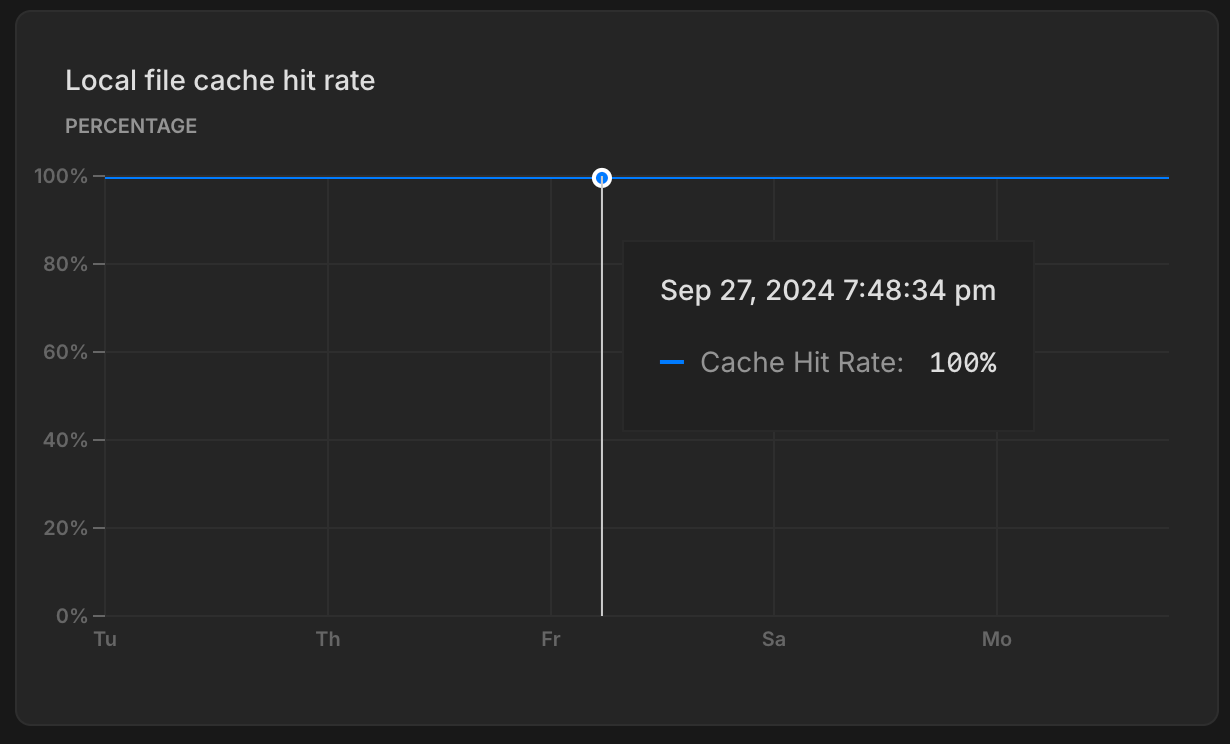
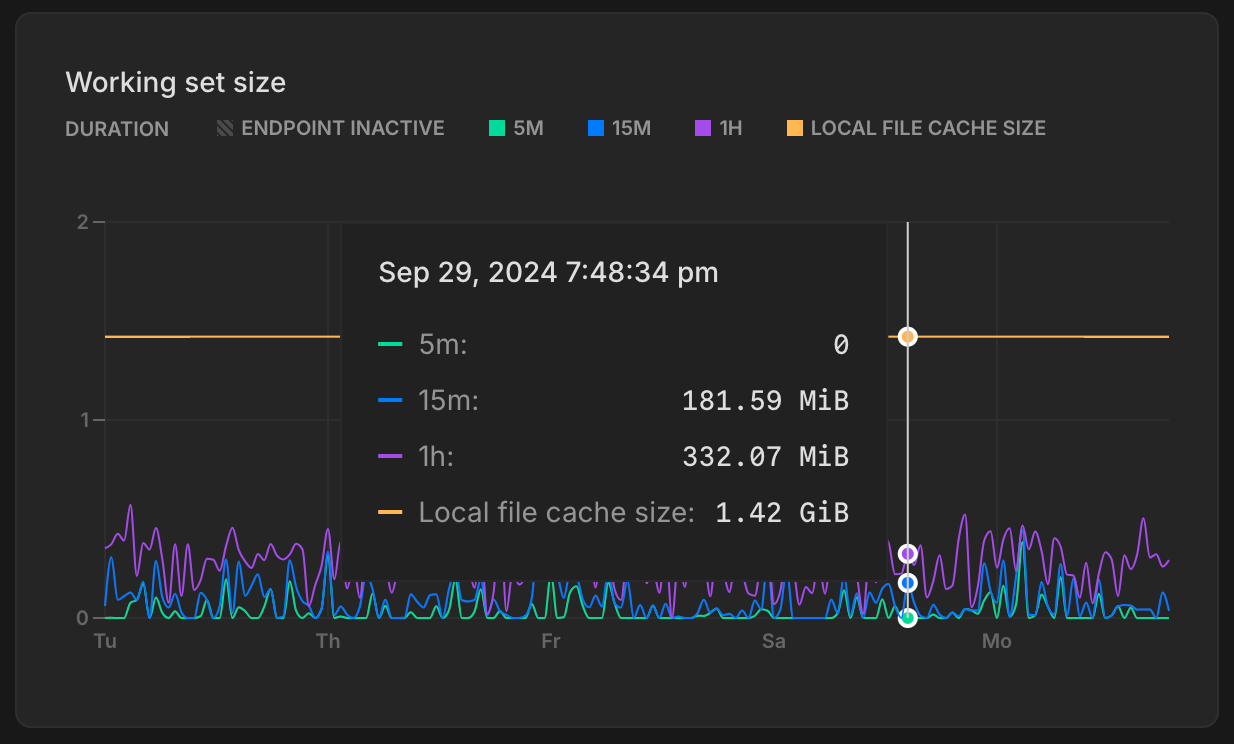
The **Local file cache hit rate** graph shows the percentage of read requests served from memory. A high hit rate indicates better performance, as more data is served from cache (faster) instead of being pulled from storage (slower). See [What is the Local File Cache](https://neon.com/docs/extensions/neon#what-is-the-local-file-cache) for more info.
The **Working set size** graph tracks the amount of data your database accesses over time. For best performance, your working set should fit within the LFC, minimizing slower queries that pull data from storage. See [Working set size](https://neon.com/docs/introduction/monitoring-page#working-set-size) for details.
### New banner for custom date range selection
Along with the new graphs on the **Monitoring** page, we also now added a banner to show your custom date range selection, making it a bit easier to keep track of your selected time frame when analyzing performance metrics.

### Postgres extension updates
We added support for the following extensions to Postgres 17.
| Extension | Version |
| :------------------------------ | :------ |
| address\_standardizer | 3.5.0 |
| address\_standardizer\_data\_us | 3.5.0 |
| h3 | 4.1.3 |
| h3\_postgis | 4.1.3 |
| pg\_hashids | 1.2.1 |
| pg\_roaringbitmap | 0.5 |
| pgjwt | 0.2.0 |
| pgrouting | 3.6.2 |
| plv8 | 3.5 |
| postgis | 3.5.0 |
| postgis\_raster | 3.5.0 |
| postgis\_sfcgal | 3.5.0 |
| postgis\_tiger\_geocoder | 3.5.0 |
| postgis\_topology | 3.5.0 |
| prefix | 1.2.10 |
| semver | 0.40.0 |
| unit | 7 |
For a complete list of Postgres extensions supported by Neon, see [Postgres extensions](https://neon.com/docs/extensions/pg-extensions).
### Support for removing backup branches created by restore operations
When working with branches, we recommend removing old and unused branches where possible. This helps free up disk space and keep your project organized. We've made that easier: you can now remove the backup branches created by restore operations on your project's root branch (typically named `main`). Previously, the backup branches could not be removed.
For more details, and other recommendations, see [Deleting backup branches](https://neon.com/docs/guides/branch-restore#deleting-backup-branches).
**Fixes & improvements**
- **Added email verification for Microsoft login**
- New users signing in with Microsoft need to verify their email.
- Existing users linking a Microsoft account will receive an email to complete the linking process.
- **Neon API change**
Removed the deprecated `/consumption/projects` endpoint entirely from the API.
- **Fixes**
- Fixed an issue where Free Plan users were sometimes unable to select a paid plan after their previous selection failed to register.
- Fixed a problem with the Support form that became unresponsive when switching between Organizations.
---
### 2024-10-11
### 10x-ing Projects on the Free Plan

You may have seen the announcement already: **Neon Free Plan users can now create up to 10 projects**. We hope this increase will make it easier for you to learn a new stack, build the AI-powered app you've been thinking about, ship an MVP, upgrade to the next version of Postgres, or anything else the previous limit kept you from doing. **Why did we make this change?** Read all about it here: [10x-ing our Free Plan: Everyone Gets Ten Projects](https://neon.com/blog/10x-projects-on-free-plan).
To create a new project, navigate to the [Projects](https://console.neon.tech/app/projects) page in the Neon Console and click **New Project**.
_Please note that [Free Plan account-level allowances](https://neon.com/docs/introduction/plans#free-plan) for compute hours, storage, and bandwidth remain unchanged._
### Drag-to-zoom monitoring graphs
We've enhanced the graphs on our **Monitoring** page to support drag-to-zoom. You can now click and drag to zoom in on a selected range.

**Fixes & improvements**
- **Neon CLI update**: We released a new version of the [Neon CLI](https://neon.com/docs/reference/neon-cli), with the following updates:
- Fixed an issue with the `login` alias for the [neon auth](https://neon.com/docs/reference/cli-auth) command.
- Removed the previously deprecated `set-primary` primary subcommand from the [branches](https://neon.com/docs/reference/cli-branches) command. It was replaced by the [set-default](https://neon.com/docs/reference/cli-branches#set-default) subcommand.
- Removed the previously deprecated `--allow-list` and `--ip-primary-only` options from the [projects update](https://neon.com/docs/reference/cli-projects#update) command. Operations performed by these options are supported by the [ip-allow](https://neon.com/docs/reference/cli-ip-allow) command.
- Removed the previously deprecated `--primary-only` option from the [ip-allow](https://neon.com/docs/reference/cli-ip-allow) command. It was replaced by the [ip-allow add --protected-only](https://neon.com/docs/reference/cli-ip-allow#add) option.
- Updated the [project list](https://neon.com/docs/reference/cli-projects#list) command to output a user-friendly message when there are no projects or shared projects to display.
To update your Neon CLI installation to the latest version, follow our [CLI upgrade instructions](https://neon.com/docs/reference/cli-install#upgrade).
- **Create Support Ticket modal enhancements**: We've made a few updates to the **Create support ticket** modal in the Neon Console:
- Added a drop-down menu for selecting a personal account or organization.
- To help resolve support cases faster, the consent option to allow Neon Support staff to connect to your database is now selected by default. You can leave this option selected or deselect it when opening a support ticket.
- **Organizations and Collaborators update**: When a [project collaborator](https://neon.com/docs/guides/project-collaboration-guide) is added as a member of an [organization](https://neon.com/docs/manage/organizations), they are now automatically removed as a collaborator from projects within that organization to avoid redundancy.
- **Neon Console enhancements**: The table on the [Projects](https://console.neon.tech/app/projects) page in the Neon Console now includes an **Integrations** column that lists your project's integrations. If there are no integrations, an **Add** option takes you to the **Integrations** page where you can view available integrations.
- **Extension update**: Updated the [neon](https://neon.com/docs/extensions/neon) extension to version 1.5 for all Postgres versions to add support for Neon-internal functions and views owned by the Neon system role.
- **Neon API change**: The [Delete a project](https://api-docs.neon.tech/reference/deleteproject) endpoint now returns a `404 Not Found` response instead of a `200 OK` response if the project has already been deleted. This is a potentially breaking change for applications that expect a `200 OK` response for all delete operations, regardless of whether a project was actually deleted.
- **Fixes**:
- Fixed an issue that prevented deleting a branch with an ephemeral compute endpoint created for performing a schema diff.
- Fixed an issue where the [GitHub integration](https://neon.com/docs/guides/neon-github-integration) drawer wouldn't update after changes were made.
- Fixed an issue in the [GitHub integration](https://neon.com/docs/guides/neon-github-integration) that allowed connecting to the same GitHub repository from different Neon projects, which would overwrite previously configured variables.
---
### 2024-10-04
### Sign up for Neon Deploy
Join us online on **October 30th** at **10:00 AM** PT to learn how Neon empowers developers to ship faster with Postgres. Tune in for Product updates and technical deep dives. [Sign up](https://neon.com/deploy) today!

### Neon on Azure is open for beta
Neon on Azure is now available for public beta! Create a [new project](https://console.neon.tech/app/projects/new?provider=azure) now and try it out.

### More projects
Customers with [database-per-tenant](https://neon.com/use-cases/database-per-tenant), developer platforms, and AI Agents told us they needed more projects: we've expanded the project limits across all paid Neon plans.
New limits:
- **Launch Plan**: Up to 100 projects
- **Scale Plan**: Up to 1,000 projects
- **Business Plan**: Up to 5,000 projects
A reminder, last week we introduced the experimental [@neondatabase/toolkit](https://github.com/neondatabase/toolkit), which allows you to spin up a Postgres database in seconds and run SQL queries — ideal for quick setups and testing environments, and for taking advantage of your new, higher project limits.
### **ISO27110 & ISO27701 compliance**
These new certifications add to our growing list of compliance achievements. For more about Neon's compliance milestones, see [Compliance](https://neon.com/docs/security/compliance).
### Database limits per branch
In case you missed last week's heads up — this week we've started enforcing a limit of 500 roles and 500 databases per branch. If you have any concerns about these new limits, please reach out to the Neon Support team. Previously, these limits were recommended but not enforced.
### At a glance metrics for Free plan users
We're making it easier for Free Plan users to check how much room you've got left on your account-level metrics. Find it on your Projects page.

And we've also added a project-level usage widget on the Project Dashboard as well, letting you know your current consumption levels for the month for each individual project.

### Guests are now Collaborators
We've renamed **Project sharing** to **Collaborators** in both your Project and Organization settings pages in the Neon Console. This update streamlines collaboration with other users, whether from a personal account project or with external users for Organization-owned projects.
To manage collaboration from the project level, **Project → Settings → Collaborators**. And to manage collaboration for all projects in your Organization, **Organization → People → Collaborators**.
**Fixes & improvements**
- We've removed deprecated language and actions from the Neon CLI. A few months ago, we started calling your root branch `default` instead of `primary`. The CLI now reflects this change: `primary` is no more, it's `default` everywhere. For more info, see [set-default](https://neon.com/docs/reference/cli-branches#set-default).
- Added support for organization scopes in Neon OAuth, including create, read, update, delete, and manage organization permissions. See [Neon OAuth integration](https://neon.com/docs/guides/oauth-integration) for details.
- Added an account selector to let users choose between personal and organization accounts when submitting a support ticket. This prevents issues for users with both free and paid accounts.
- Fixed a UI issue where very long parent branch names broke the layout on the Branches view.
- Resolved an issue where paid users incorrectly received alerts for hitting their monthly compute limits.
- Corrected a display issue on the Monitoring page where charts showed an inaccurate pattern of breaks for autoscaling computes.
---
### 2024-09-27
### Support for Postgres 17
We're excited to announce that [Neon now supports Postgres 17](https://neon.com/blog/postgres-17). To start using Postgres 17, create a new Neon project and select **17** as the **Postgres version**. For detailed instructions, refer to our [Create a project guide](https://neon.com/docs/manage/projects#create-a-project).

If you need to migrate data from an existing Neon project to one running Postgres 17, check out our [Upgrading your Postgres version](https://neon.com/docs/postgresql/postgres-upgrade) guide for supported migration options.
As always, it's important to thoroughly test before migrating production data or applications. We recommend reviewing the key changes in Postgres 17, which you can find in the [Postgres Release 17 documentation](https://www.postgresql.org/docs/16/release-17.html).
### Early Access to AI Features in Neon SQL Editor
[Join our Early Access Program](https://console.neon.tech/app/settings/early-access) to try out the AI features we're testing in the Neon SQL Editor.
Explore three AI-driven features:
- **SQL generation**: Convert natural language requests to SQL with ease. Press the ✨ button or use **Cmd/Ctrl+Shift+M**, type your request, and the AI assistant will generate the corresponding SQL. It's schema-aware, so you can reference table names, functions, and other objects in your schema.
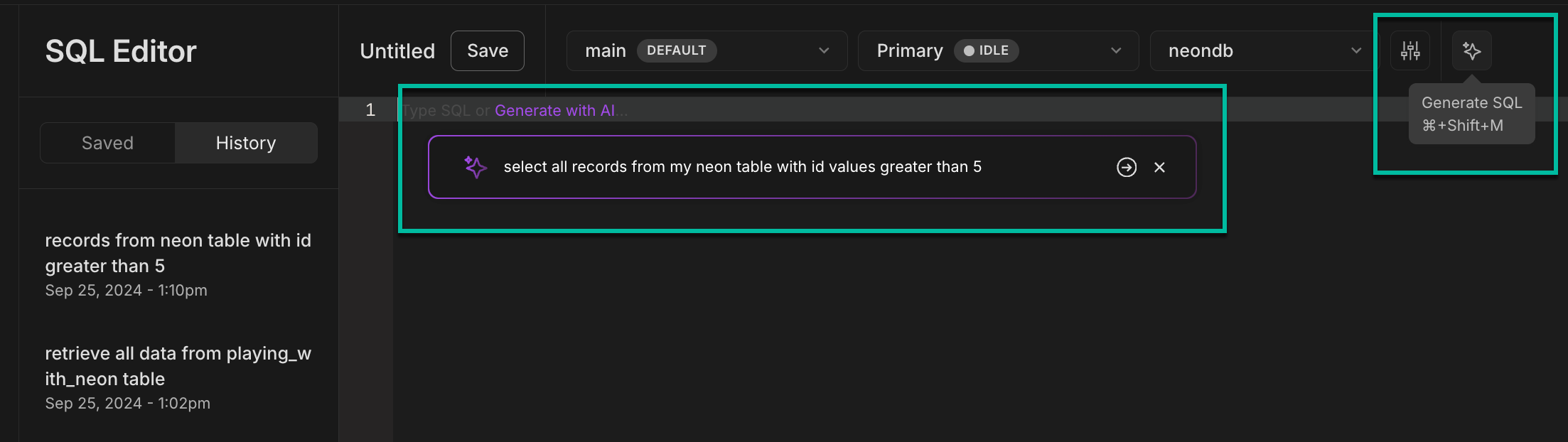
- **Fix with AI**: When your query returns an error, click **Fix with AI** next to the error message. The AI assistant will analyze the issue, suggest a fix, and update the SQL Editor so you can run the query again.

- **AI-generated query names**: Queries in the Neon SQL Editor's **History** are automatically assigned descriptive names. This feature helps you quickly identify and reuse previous queries.
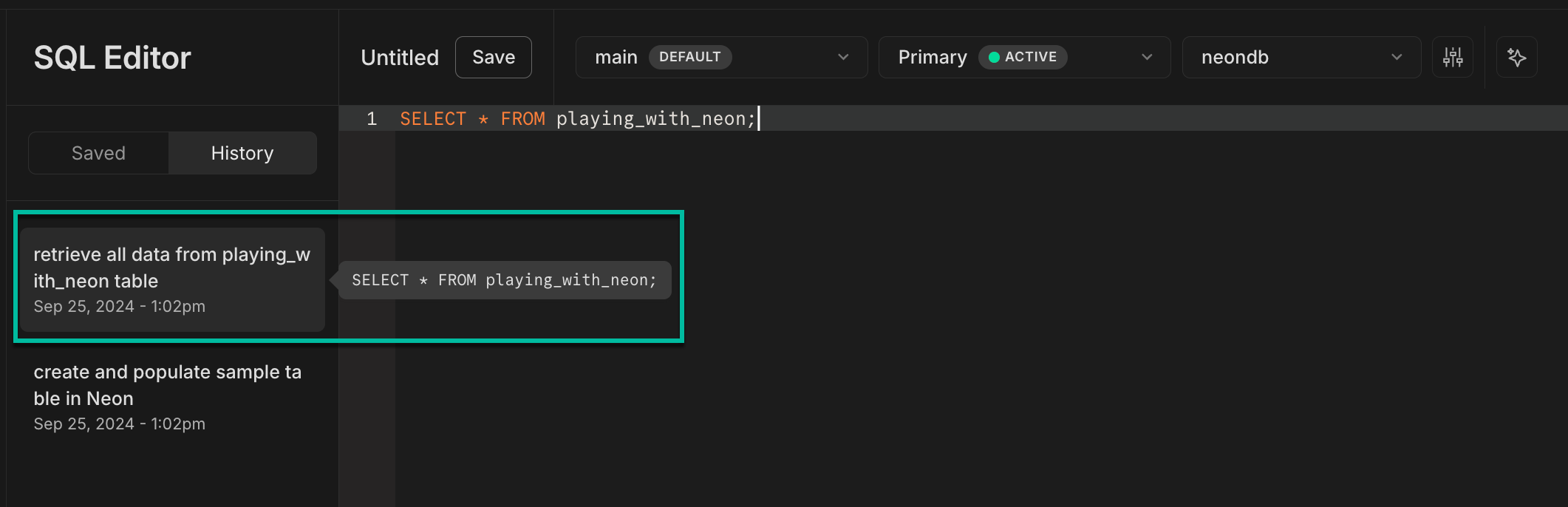
### A new Postgres toolkit for AI agents and test environments
We're excited to announce an experimental release of the [@neondatabase/toolkit](https://github.com/neondatabase/toolkit) ([@neon/toolkit](https://jsr.io/@neon/toolkit) on JSR). This toolkit lets you spin up a Postgres database in seconds and run SQL queries. It includes both the [Neon API Client](https://www.npmjs.com/package/@neondatabase/api-client) and the [Neon Serverless Driver](https://github.com/neondatabase/serverless), making it an excellent choice for AI agents that need to quickly set up an SQL database, or for test environments where manually deploying a new database isn't practical.
With a few lines of code, you can create a Postgres database on Neon, run SQL queries, and tear down the database when you're done. Here's a quick look:
```javascript
import { NeonToolkit } from "@neondatabase/toolkit";
const toolkit = new NeonToolkit(process.env.API_KEY!);
const project = await toolkit.createProject();
await toolkit.sql(
project,
`
CREATE TABLE IF NOT EXISTS
users (
id UUID PRIMARY KEY,
name VARCHAR(255) NOT NULL
);
`,
);
await toolkit.sql(
project,
`
INSERT INTO users (id, name) VALUES (gen_random_uuid(), 'Sam Altman');
`,
);
console.log(
await toolkit.sql(
project,
`
SELECT name FROM users;
`,
),
);
await toolkit.deleteProject(project);
```
As with all of our experimental features, changes are ongoing. If you have any feedback, we'd love to hear it. Let us know via the [Feedback](https://console.neon.tech/app/projects?modal=feedback) form in the Neon Console or our [feedback channel](https://discord.com/channels/1176467419317940276/1176788564890112042) on Discord.
**Fixes & improvements**
- Released a new version of the [Neon CLI](https://neon.com/docs/reference/neon-cli) with the following updates:
- Fixed an issue where the `neon -v` command returned `unknown` instead of the CLI version.
- Updated the [neon projects create](https://neon.com/docs/reference/cli-projects#create) CLI command to support creating projects in the `aws-ap-southeast-2` region, which was missing from the list of supported regions.
- Added a warning to the [neon branches create](https://neon.com/docs/reference/cli-branches#create) CLI command output for branches created from a protected parent branch. The warning notes that role passwords are changed. For more details, see [New passwords generated for Postgres roles on child branches](https://neon.com/docs/guides/protected-branches#new-passwords-generated-for-postgres-roles-on-child-branches).
To update your Neon CLI version, follow our [CLI upgrade instructions](https://neon.com/docs/reference/cli-install#upgrade).
- The Drizzle Studio version that powers the **Tables** page in the Neon Console has been updated. For improvements and fixes in this version, see the [Neon Drizzle Studio Integration Changelog](https://github.com/neondatabase/neon-drizzle-studio-changelog/blob/main/CHANGELOG.md).
- We removed a restriction that prevented using the [Schema Diff](https://neon.com/docs/guides/schema-diff) feature when [IP Allow](https://neon.com/docs/introduction/ip-allow) was enabled. Previously, Schema Diff couldn't compare branches protected by an IP Allow list.
- Fixed an issue where timestamp values were displayed incorrectly on the **Tables** page. Timestamps were stored in UTC but shown in the user's local time zone.
- Improved error messages on the **Tables** page after a Drizzle Studio connection failure.
- The **Refresh** button on the **Monitoring** page now correctly refreshes any charts displaying an error.
- Branch deletion operations triggered by a new preview deployment in the Neon Vercel Integration are now performed asynchronously, allowing preview deployment operations to proceed without delay.
- Improved handling of long names for projects, branches, roles, and databases in the Neon Console.
- Fixed an issue in the Neon Quickstart where the connection string would disappear and reappear.
- Fixed an issue with storage usage values not updating correctly at the start of a new billing period after deleting all projects and downgrading.
---
### 2024-09-20
### Neon Organizations now in Public Beta
We're happy to announce that the Neon **Organizations** feature is now available in Public Beta.

Create a new organization, transfer over your projects, invite your team members and get started collaborating. The Organizations feature lets you manage all of your team's projects under a single account, with billing, role management, and project transfer capabilities in one accessible location.
See [Neon Organizations](https://neon.com/docs/manage/organizations) to get started. Organizations is a paid account feature.
**Fixes & improvements**
- We added a **Protect** button to the default branch **Overview** page to make it easier to enable branch protection. The [Protected Branches](https://neon.com/docs/guides/protected-branches) feature is available with the Neon [Scale](https://neon.com/docs/introduction/plans#scale) and [Business](https://neon.com/docs/introduction/plans#business) plans.

- The **Created by** column on the **Branches** page in the Neon Console now displays the creation source for branches created via GitHub or the [Neon Vercel Integration](https://neon.com/docs/guides/vercel-overview). Hovering over the creation source will trigger a pop-up that provides links to an associated preview, repository, or code branch, where applicable.

- Starting next week, we will start enforcing a limit of 500 roles and 500 databases per branch. If you have any concerns about these new limits, please reach out to the Neon Support team. Previously, these limits were recommended but not enforced.
- We now support self-serve account deletion should you need to remove your Neon account for any reason. See [Delete your account](https://neon.com/docs/manage/accounts#delete-your-account) for details.
---
### 2024-09-13
### This week's changelog – Live from Lisbon!

Our team is in Lisbon this week, wrapping up Q3 and refining our roadmap. It's been a great opportunity to reconnect, welcome new colleagues, meet with customers, and ensure we're delivering on the features and improvements our users are asking for.
As we look ahead as a team, here's a quick look back at some key features we've released over the past few months:
- **Inbound Logical Replication**: Enables low-downtime migrations to Neon from other providers and between Neon projects. Check out our guides on [Replicating Data to Neon](https://neon.com/docs/guides/logical-replication-guide#replicate-data-to-neon) and [Project-to-Project Replication](https://neon.com/docs/guides/logical-replication-neon-to-neon).
- **Organizations**: Now available for Early Access users. This long-requested feature allows you to create and manage your organization's projects and teams from a single account. Join our [Early Access Program](https://console.neon.tech/app/settings/early-access) and refer to the [Organizations docs](https://neon.com/docs/manage/organizations) for more information.
- **Autoscaling GA**: Neon's Autoscaling feature is now generally available, automatically adjusting resources as needed. Read the announcement [here](https://neon.com/blog/neon-autoscaling-is-generally-available) and explore the [Autoscaling docs](https://neon.com/docs/introduction/autoscaling).
- **Autoscaling on Free Plan**: Free Plan users can now experience Neon's Autoscaling. Learn more in the [Autoscaling Guide](https://neon.com/docs/guides/autoscaling-guide).
- **A New Business Plan**: Offers 500 GiB of storage and 1,000 compute hours, with potential cost savings for customers needing more storage than offered by our Scale plan. Learn more on our [Pricing](https://neon.com/pricing) and [Plans](https://neon.com/docs/introduction/plans) pages.
We do have a few small updates to share this week, which you can check out below.
**Fixes & improvements**
- Resolved an issue in the Neon Console where a banner incorrectly indicated that the monthly storage limit was reached or nearly reached after a project had been deleted.
- Improved the information provided on the **Create new branch** page and **Reset branch** modals.
- For Early Access users, the **Created by** column on the **Branches** page in the Neon Console now displays the creation source for branches created via GitHub or the [Neon Vercel Integration](https://neon.com/docs/guides/vercel-overview) when BitBucket or GitHub is used as the source repository. Hovering over the creation source will trigger a pop-up that provides links to an associated preview, repository, or code branch, where applicable.
- Improved the information about history retention provided on the **Settings** → **Storage** page in the Neon Console.
- Improved how data is displayed in the **Replication delay bytes** and **Replication delay seconds** graphs on the **Monitoring** page in the Neon Console. The line segment was not displayed properly.
- Feedback, Support, Docs, and Changelog links were moved from the Neon Console sidebar to a **Help** menu at the top of the console. Look for a "?" icon.
- The number of reserved connections for the Neon-managed Postgres `superuser` account was increased from 4 to 7.
- The Time Travel toggle in the Neon SQL Editor is now accessible via a new icon above the editor window.
---
### 2024-09-06
### A new Business plan with more compute and storage

We're pleased to announce that we've launched a new **Business** plan that provides higher storage and compute allowances (500 GiB of storage and 1,000 compute hours) in addition to all of Neon's advanced features. This plan offers potential cost savings for customers requiring more than our Scale plan provides.
To learn more about our new plan, please refer to our [Pricing](https://neon.com/pricing) page and [Plans](https://neon.com/docs/introduction/plans) documentation.
### New monitoring graphs for Read Replicas
We added two new charts to the **Monitoring** page in the Neon Console for monitoring Read Replica replication lag. These charts are visible when selecting a **Replica** compute from the **Compute** drop-down menu.
- **Replication delay bytes**: Measures the total size, in bytes, of the data that has been sent from the primary compute but has not yet been applied on the replica.
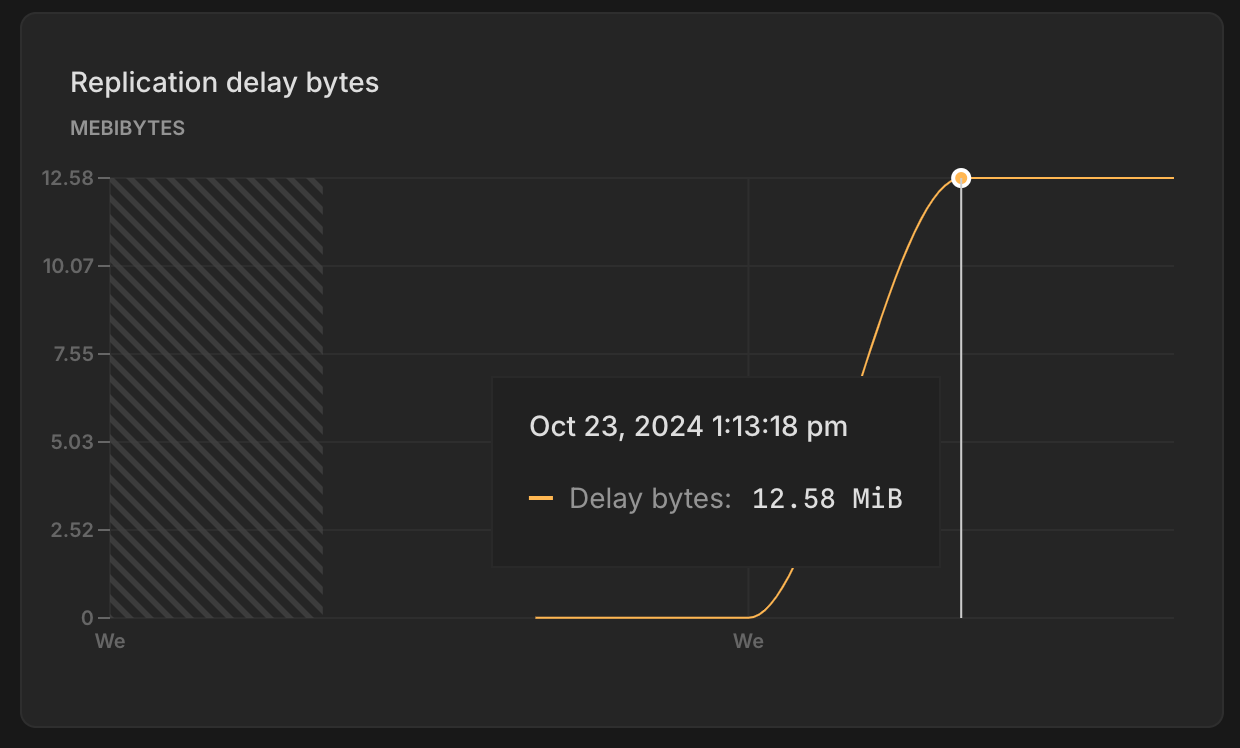
- **Replication delay seconds**: Indicates the time delay, in seconds, between the last transaction committed on the primary compute and the application of that transaction on the replica.
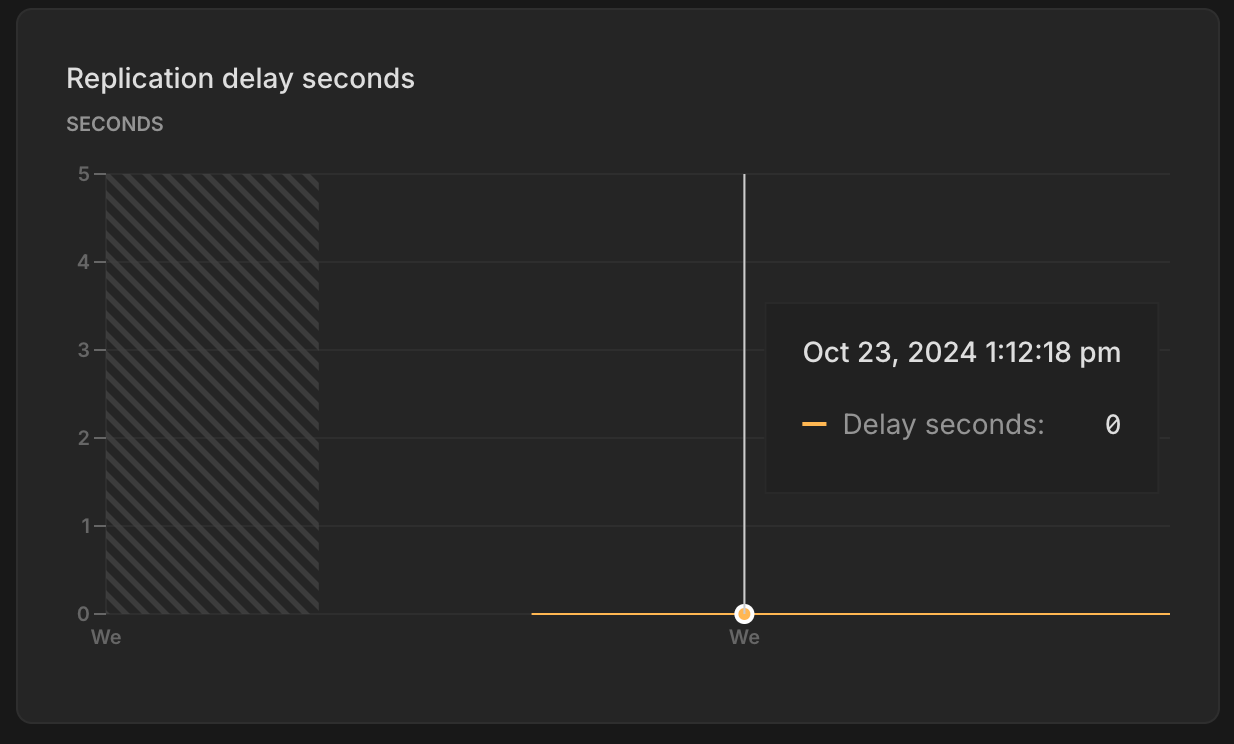
For more information, see [Monitoring dashboard](https://neon.com/docs/introduction/monitoring-page).
### A Protected Branches update
New passwords are automatically generated for Postgres roles on branches created from protected branches. You can learn more about this feature [here](https://neon.com/docs/guides/protected-branches#new-passwords-generated-for-postgres-roles-on-child-branches).
Previously, [resetting or restoring](https://neon.com/docs/introduction/point-in-time-restore) a child branch (where passwords were previously regenerated) reset the passwords back to those used on the parent branch. Now, when you perform a branch reset or restore operation from a protected branch, **the role passwords on the child branch are preserved**.
The protected branches feature is available with the Neon [Scale](https://neon.com/docs/introduction/plans#scale) or [Business](https://neon.com/docs/introduction/plans#business) plan. To learn more, refer to our [Protected Branches guide](https://neon.com/docs/guides/protected-branches).
**Fixes & improvements**
- The **Branches** page now includes a **Created by** column that displays the name and avatar of the user who created the branch, if available. Additionally, a **Web** identifier tag is displayed if the branch was created via the Neon Console.
- Fixed an issue on the **Billing** page where an incorrect branch limit was displayed for a project shared by a paid Neon account.
- Fixed an issue that prevented restoring a protected branch.
- Fixed an issue with the [Neon Vercel Integration](https://neon.com/docs/guides/vercel-overview) that caused a `Something went wrong` error when creating a new Neon project during integration installation.
- Fixed an issue with the database selector in the [Neon SQL Editor](https://neon.com/docs/get-started/query-with-neon-sql-editor). Selecting a different database did not change the database.
---
### 2024-08-30
### Autoscaling is now GA

In case you missed the [announcement](https://neon.com/blog/neon-autoscaling-is-generally-available) earlier this week, we're excited to share that Neon's Autoscaling feature is now generally available. Autoscaling has been a core objective for Neon from the very beginning. With Autoscaling, your database automatically adjusts its compute resources up or down based on demand, including scaling down to zero when not in use. This feature is now ready for production, making it easier than ever to manage workloads efficiently.
If you're not yet familiar with Neon's Autoscaling feature, you can learn more here:
- [An introduction to Neon's Autoscaling](https://neon.com/docs/changelog/h/docs/introduction/autoscaling)
- [Understanding Neon's Autoscaling algorithm](https://neon.com/docs/guides/autoscaling-algorithm)
- [Enabling Autoscaling](https://neon.com/docs/guides/autoscaling-guide)
### Autoscaling on the Free Plan
In addition to our Autoscaling GA announcement, we've made Autoscaling available on our [Free Plan](https://neon.com/docs/introduction/plans#free-plan), where you can automatically scale computes from 0.25 CU (1 GB of RAM) up to 2 CU (8 GB of RAM). To learn how, see [Enabling Autoscaling](https://neon.com/docs/guides/autoscaling-guide).
When you try Autoscaling on the Free Plan, we recommend [monitoring your monthly compute hour allowance](https://neon.com/docs/introduction/monitor-usage). A compute that scales up regularly to meet demand will consume your compute hour allowance more quickly.
### Postgres version updates
Supported Postgres versions were updated to [14.13](https://www.postgresql.org/docs/release/14.13/), [15.8](https://www.postgresql.org/docs/release/15.8/), and [16.4](https://www.postgresql.org/docs/release/16.4/), respectively.
### Upcoming change for branch reset and restore from a protected branch
A few weeks ago, we introduced a new protected branches feature: When you create a child branch from a protected branch, new passwords are automatically generated for the matching Postgres roles on the child branch. This helps prevent the exposure of passwords that could be used to access your protected branch. You can read more about this feature [here](https://neon.com/docs/guides/protected-branches#new-passwords-generated-for-postgres-roles-on-child-branches).
Next week, we'll be making a related change, and we wanted to give you a heads-up in case any updates are needed for your CI scripts or workflows. **Coming next week: When you perform a [branch reset or restore](https://neon.com/docs/introduction/point-in-time-restore) operation on a child branch, the role passwords on the child branch will be preserved.** Currently, resetting or restoring a child branch (where passwords were previously regenerated) resets the passwords back to those used on the parent branch.
The protected branches feature is available with the Neon [Scale](https://neon.com/docs/introduction/plans#scale) plan. To learn more, refer to our [Protected Branches guide](https://neon.com/docs/guides/protected-branches).
**Fixes & improvements**
- The [Reset a Neon branch](https://github.com/neondatabase/reset-branch-action) GitHub Action, which resets a child branch with the latest data from its parent, now outputs connection string values. New outputs include:
- `branch_id`: The ID of the newly reset branch.
- `db_url`: The database connection string for the branch after the reset.
- `db_url_with_pooler`: The pooled database connection string for the branch after the reset.
- `host`: The branch host after the reset.
- `host_with_pooler`: The branch host with the connection pooling option after the reset.
- `password`: The Postgres role password for connecting to the branch database after the reset.
- We've revamped the **Usage** widget on the Project Dashboard for Free Plan users, making it easier to monitor your usage allowances. Now prominently positioned at the top of the dashboard, the **Usage** widget provides an at-a-glance view of your monthly totals for Storage, Compute, Branch compute, and Branches. For an overview of Neon Free Plan allowances, please see [Free Plan](https://neon.com/docs/introduction/plans#free-plan).
- Fixed an issue with the Neon CLI's `neon -v` command. The command returned `unknown` instead of the CLI version number. Thanks to community member [@mrl5](https://github.com/mrl5) for the contribution.
- Fixed an issue with the Neon Docs site navigation. Thanks to community member [@lemorage](https://github.com/lemorage) for the contribution.
---
### 2024-08-23
### Replicating data from Neon for Change Data Capture (CDC) is now GA

Neon is pleased to announce **GA support** for replicating data from Neon to other data services and platforms for Change Data Capture (CDC). Define Neon as a publisher to stream data to a variety of external destinations, including data warehouses, analytical database services, messaging platforms, event-streaming platforms, and external Postgres databases. This feature is open to all Neon users. To get started, jump into one of our [step-by-step logical replication guides](https://neon.com/docs/guides/integrations#replicate-data-from-neon).
### Replicating data to Neon is now available in Beta
Migrate data to Neon from other Postgres providers by defining Neon as a logical replication subscriber. This feature supports near-zero downtime data migrations, continuous replication setups, and migrating data between Neon projects. Refer to our [logical replication migration guides](https://neon.com/docs/guides/integrations#replicate-data-to-neon) to get started.
As with all of our Beta features, improvements are ongoing. If you have any feedback, we'd love to hear it. Let us know via the [Feedback](https://console.neon.tech/app/projects?modal=feedback) form in the Neon Console or our [feedback channel](https://discord.com/channels/1176467419317940276/1176788564890112042) on Discord.
### Early Access to Neon Organizations
We're also very happy to announce that Neon Organizations are now available for members of our [Early Access Program](https://console.neon.tech/app/settings/early-access).

Create a new organization, transfer over your projects, invite your team and get started collaborating. [Join now](https://console.neon.tech/app/settings/early-access) to get a first look at Neon Organizations and other upcoming features before they go live.
See [Neon Organizations](https://neon.com/docs/manage/organizations) to learn more.
### Console enhancements
We've made several enhancements to the Neon Console to improve your experience and streamline your interaction with our user interface.
- You can now access Neon projects shared with you from the project breadcrumb selector in the Neon Console.

- The **Billing** page for Free Plan users now shows a percentage value for branch compute usage.

- We've added a new example to the Neon Console Quickstart showing how to connect to to your Neon database from NestJS. You can access the Quickstart from your Project Dashboard.

- The **Primary compute** column on the **Branches** page now shows your configured autoscaling range, replacing the `Autoscales` badge that was shown previously.

**Fixes & improvements**
- Fixed an issue that prevented database and role names from being fully displayed in the **Settings** → **Default database and role** section on the Vercel integration drawer, accessed from the **Integrations** page in the Neon Console.
- Queries saved to the Neon SQL Editor **Saved** list are now limited to 9 KB in length. A similar restriction was introduced for the Neon SQL Editor **History** list last week. While you can execute longer queries from the Neon SQL Editor, any query exceeding 9 KB will be truncated when saved. A `-- QUERY TRUNCATED` comment is added at the beginning of these queries to indicate truncation.
- We updated the Drizzle Studio version that powers the **Tables** page in the Neon Console. This update addresses an issue where updating a column value in one row via the table editor updated the same column value in other rows.
- Fixed an issue in the Neon Console where page labels in the sidebar were not highlighted when selected.
- Fixed an issue that caused a `Something went wrong error` to appear briefly after deleting a project from the **Settings** page in the Neon Console.
- Removed information about the Free Plan that was displayed when creating a project with a paid plan account.
- Fixed an issue on the **Projects** page where a deleted project was only removed from the projects list after a page refresh.
- Fixed an issue with the **Time Travel Assist** feature on the **Restore** page in the Neon Console. Attempting to run a time travel query resulted in a `Something went wrong` error.
---
### 2024-08-16
### More CLI support for Organizations
For users of Neon's [Organizations](https://neon.com/docs/manage/organizations) feature, which is currently in private preview, the Neon CLI [projects](https://neon.com/docs/reference/cli-projects) command now supports an `--org-id` option, which lets you list or create projects in a specified organization; for example, you can use this command to list all projects belonging to the same organization:
```bash
neon projects list --org-id org-xxxx-xxxx
Projects
┌───────────────────────────┬───────────────────────────┬────────────────────┬──────────────────────┐
│ Id │ Name │ Region Id │ Created At │
├───────────────────────────┼───────────────────────────┼────────────────────┼──────────────────────┤
│ bright-moon-12345678 │ dev-backend-api │ aws-us-east-2 │ 2024-07-26T11:43:37Z │
├───────────────────────────┼───────────────────────────┼────────────────────┼──────────────────────┤
│ silent-forest-87654321 │ test-integration-service │ aws-eu-central-1 │ 2024-05-30T22:14:49Z │
├───────────────────────────┼───────────────────────────┼────────────────────┼──────────────────────┤
│ crystal-stream-23456789 │ staging-web-app │ aws-us-east-2 │ 2024-05-17T13:47:35Z │
└───────────────────────────┴───────────────────────────┴────────────────────┴──────────────────────┘
```
Additionally, the Neon CLI [set-context](https://neon.com/docs/reference/cli-set-context) command now supports setting an organization context so you don't have to specify an organization ID when running CLI commands. To learn more about setting a context for the Neon CLI, see [Neon CLI commands — set-context](https://neon.com/docs/reference/cli-set-context).
### Postgres extension updates
The following Postgres extensions were updated to a newer version:
| Postgres extension | Old version | New version |
| :----------------- | :---------- | :------------------------------- |
| `pg_jsonschema` | 0.2.0 | 0.3.1 |
| `pg_graphql` | 1.4.0 | 1.5.7 |
| `pgx_ulid` | 0.1.3 | 0.1.5 |
| `pg_tiktoken` | 0.0.1 | 0.0.1 (no version number change) |
If you installed these extensions previously and want to upgrade to the latest version, please refer to [Update an extension version](https://neon.com/docs/extensions/pg-extensions#update-an-extension-version) for instructions.
### New docs navigation
We've revamped the [Neon docs](https://neon.com/docs/introduction) sidebar to enhance navigation across our documentation. The new design features a flatter structure, allowing for easier scanning and quicker access to content. Additionally, we've introduced second-level sidebars to accommodate content expansion within various categories.
If you have any feedback regarding this change, we'd love to hear it. Let us know via the [Feedback](https://console.neon.tech/app/projects?modal=feedback) form in the Neon Console or our [feedback channel](https://discord.com/channels/1176467419317940276/1176788564890112042) on Discord.
**Fixes & improvements**
- In the **Add new compute** and **Edit compute settings** drawers, the **Seconds** option in the **Scale to zero time** drop-down is now hidden when the minimum setting is 60 seconds or more, or if the current setting is already in seconds.
- A better message is displayed in the Neon SQL Editor when a connection is closed due to inactivity. The previous error message, `Terminating connection due to administrator command`, was changed to `The connection was closed due to inactivity. It will automatically reopen when you run your next query`.
- Queries saved to the Neon SQL Editor **History** list are now limited to 9 KB in length. While you can execute longer queries from the SQL Editor, any query exceeding 9 KB will be truncated when saved. A `-- QUERY TRUNCATED` comment is added at the beginning of these queries to indicate truncation. Additionally, if you input a query longer than 9 KB in the SQL Editor, a warning similar to the following will appear: `This query will still run, but the last 1234 characters will be truncated from query history`.
- The **Create new database** option in the **Database** drop-down menu within the **Connection Details** widget has been fixed. Previously, this option was not functioning.
- We updated the Drizzle Studio version that powers the **Tables** page in the Neon Console. This update addresses issues related to parsing the default value of a `jsonb` column and repeating of column names for columns with the same constraint name.
- Fixed an issue that caused a password-related error when switching between projects in the Neon SQL Editor.
- Optimized the options and selectors at the top of the Neon SQL Editor to better fit smaller screen sizes.
- Corrected an issue that caused a `Something went wrong` error to be briefly displayed after deleting a project from the **Settings** page in the Neon Console.
---
### 2024-08-09
### Safer project deletes
We've heard you. Where it might have felt just a little _too_ easy to delete a project — along with its branches, databases, and roles — we've added a bit more friction to the process. You now have to type out the name of your project by hand before you can delete.
### Local File Cache (LFC)-aware autoscaling
As we continue to mature our Autoscaling offering, we've rolled out LFC-aware autoscaling to all regions.
One hour of real-time autoscaling from a selection of your databases.
The idea behind this feature is to improve performance by keeping your entire working set (a subset of frequently accessed or recently used data) in memory. We already [recommend](https://neon.com/docs/manage/computes#sizing-your-compute-based-on-the-working-set) this in the docs, and we've now made it a native part of how autoscaling works: your compute now dynamically resizes to fit your working set within the LFC.
If you're not familiar with Neon's Local File Cache (LFC), you can learn more about it here: [What is the Local File Cache?](https://neon.com/docs/extensions/neon#what-is-the-local-file-cache)
**Fixes & improvements**
- The authorization flow initiated by `neon auth` now asks for additional permissions. This update is part of the groundwork for the upcoming Early Access release for Organization accounts. Stay tuned!
- We now dynamically set the maximum size of the LFC (Local File Cache) according to your compute's max CU. Previously, the max size was set to a static 100 GiB, which sometimes caused compute to run out of space in the LFC disk.
- We've renamed our **Free Tier** to **Free Plan** everywhere: our website, our docs, and our console.
- Fixed a mismatch between a selected timezone range (UTC) and the local timezone showing on different graphs on the Monitoring page, which sometimes caused misleading reports or missing data.
---
### 2024-08-02
### GitHub integration
We've opened up a new feature to all users. Our **GitHub integration** includes a GitHub app that you can use to connect your Neon projects to GitHub repos.
This new integration makes it easy to:
- Automatically create a database branch with each pull request.
- Build GitHub Actions workflows that interact with Neon. To help you get started, we provide a sample workflow that you can customize.
How it works, in a nutshell:
- **Install the GitHub App** — the integration installs a GitHub app that you'll use to select repositories you want to connect to Neon.
- **Set up variables** — the integration sets up a Neon API key secret and a Neon project ID variable in the selected GitHub repository.
- **Create workflows** — you can then use GitHub Actions to integrate database branching with your workflow for preview environments, testing, and more.
To get started, follow the instructions in our [GitHub Integration](https://neon.com/docs/guides/neon-github-integration) guide.
We'll be expanding on this feature in future releases. If you have requests or feedback about what you'd like to see in the next update, let us know via the [Feedback](https://console.neon.tech/app/projects?modal=feedback) form in the Neon Console or our [feedback channel](https://discord.com/channels/1176467419317940276/1176788564890112042) on Discord.
## Password protection for protected branches
When you create a child branch from a protected branch, new passwords are generated for the Postgres roles on the child branch.
This behavior is designed to prevent the exposure of passwords that could be used to access your protected branch. For example, if you designate a production branch as protected, the newly generated passwords for Postgres roles on child branches ensure that you're not exposing product branch credentials in your development and test branches.
The protected branches feature is available with the Neon [Scale](https://neon.com/docs/introduction/plans#scale) plan. To learn more, refer to our [Protected branches guide](https://neon.com/docs/guides/protected-branches).
**Note:** If your CI scripts create branches from protected branches, please be aware that passwords for Postgres roles on those newly created branches will now differ. If you depend on those passwords being the same, you'll need to make adjustments to get the correct connection details for those branches. For more, refer to our [Protected branches guide](https://neon.com/docs/guides/protected-branches).
## Improvements for our Free Plan users
For our Free Plan users, we've made a couple of updates to make it easier to track and manage plan allowances:
- We added a **Data transfer** section to the **Billing** page in the Neon Console so that you can easily monitor all of your plan allowances in one place. Data transfer is the total volume of data transferred out of Neon (also referred to as "egress") during a given billing period. Neon does not charge for data transfer, but there's a 5 GB per month allowance on the Free Plan.
- We updated the **Resources remaining widget** on the Project Dashboard. The **Compute time since** metric has been renamed to **Branch compute time**. This metric shows the number of compute hours remaining for branch computes in the current billing period. The Free Plan offers an allowance of 5 compute hours per month on branch computes in addition to 24/7 availability on the default branch compute.
## Drizzle Studio updates for our Tables page
We've updated the Drizzle Studio version that powers the **Tables** page in the Neon Console. Among other updates, this new version of Drizzle Studio brings the following improvements:
- Support for materialized views
- Improved filtering behavior (filtering now occurs when you click **Apply**)
- The ability to paste a value into a cell without double-clicking
- Delete and update support for tables without a primary key. If there is no primary key, a unique constraint is required. A NULL check is performed if a unique constraint is nullable.
**Fixes & improvements**
- A new **Logical replication** page is now available under **Settings** in the Neon Console. This is where you can enable logical replication for your Neon project. Neon's logical replication feature lets you stream data from Neon to external data platforms and services. For more, see [Get started with logical replication](https://neon.com/docs/guides/logical-replication-guide).
- Resolved a problem with the [Neon Vercel Integration](https://neon.com/docs/guides/vercel-overview) where enabling [automatic branch deletion](https://neon.com/docs/guides/vercel-managed-integration#automatic-branch-cleanup) resulted in the unintended removal of a preview branch after the branch was renamed via the Neon Console. Please be aware that renaming preview branches created by the Neon Vercel Integration before this release could still result in automatic branch deletion if that feature is enabled.
- We added a warning to the **Settings** → **Storage** page. The warning appears when you select a history retention period greater than 1 day. Your project's history is a log of changes (inserts, updates, and deletes). It enables features like point-in-time restore and time travel connections. However, it can also increase your project's storage, depending on the amount of data changes and how much history you keep.
---
### 2024-07-26
### Self-serve logical replication
You can now enable [logical replication](https://neon.com/docs/introduction/logical-replication) for your Neon project from the **Settings** > **Beta** page in the Neon Console. This feature lets you replicate data changes from Neon to external data services and platforms.

Get started with one of our [logical replication guides](https://neon.com/docs/guides/integrations#replicate).
This feature is currently in Beta. If you've got requests or feedback, let us know via the [Feedback](https://console.neon.tech/app/projects?modal=feedback) form in the Neon Console or our [feedback channel](https://discord.com/channels/1176467419317940276/1176788564890112042) on Discord.
### Clearer language around compute types
Words matter. We've changed our naming convention around compute types: from `RW compute` and `RO Replica` to a cleaner, more straightforward `Primary compute` and `Read replica`.

With Neon's unique architecture, where we separate storage from compute for copy-on-write branching, you can choose the size and features for the compute that powers your branch's database independently from your data.
- **Primary compute** — When you create a branch in Neon, a primary compute is automatically created alongside it. You can think of your primary compute as the main engine for your branch. It supports read-write operations, though you can modify database permissions using traditional Postgres roles.
- **Read replicas** — When you're ready to scale your application, you can direct read-only traffic to one or more read replicas. Unlike traditional systems where data is physically replicated, Neon's read replicas access the same data source as the primary read-write compute — at no additional storage cost.
For more information, see:
- [Manage computes](https://neon.com/docs/manage/computes)
- [Manage database access](https://neon.com/docs/manage/database-access)
- [Read replicas](https://neon.com/docs/introduction/read-replicas)
---
### 2024-07-19
### Select the right compute size with predefined compute configurations
We've updated the **Edit compute** and **Add new compute** drawers in the Neon Console to include predefined compute configurations. With recommended min and max autoscaling settings and scale to zero timeout periods, these configurations make it easier to select the right compute size for your needs.

### Computes with more memory
We've added support for larger computes with more memory. If you're a Neon Scale plan user, you can now scale your computes up to **9 CU (36 GB of RAM)** or **10 CU (40 GB of RAM)**.

### More branch protection
If you've been following along, you know that we recently added safeguards to prevent you from deleting [protected branches](https://neon.com/docs/guides/protected-branches). This week, we're extended that protection:
- You can no longer delete a Neon project that has protected branches.
- You can no longer delete computes that belong to protected branches.
The [protected branches](https://neon.com/docs/guides/protected-branches) feature is available with the Neon [Scale](https://neon.com/docs/introduction/plans#scale) plan.
### Hackable AI starter apps

We've published a new set of hackable, pre-built [AI starter apps](https://neon.com/docs/ai/ai-intro#ai-starter-apps) to help you get up and running with Postgres as your vector store. The set includes different types of AI applications, including:
- AI chatbot
- RAG chatbot
- Semantic search
- Hybrid search
- Reverse image search
- Chat with PDF
Clone an app and make it your own.
For more, check out our new [Neon AI App Starter Kit](https://neon.com/docs/ai/ai-intro), where you'll find links to our starter apps, docs, and a collection of AI applications built with Neon.
Consider sharing your AI app on our **#showcase** channel on [Discord](https://discord.gg/92vNTzKDGp). We'd love to see what you're building.
**Fixes & improvements**
- In a Postgres primary-standby configuration, certain settings should be no smaller on a standby than on the primary in order to ensure that the standby does not run out of shared memory during recovery, as described in the [PostgreSQL hot standby documentation](https://www.postgresql.org/docs/current/hot-standby.html#HOT-STANDBY-ADMIN). For Neon [read replicas](https://neon.com/docs/introduction/read-replicas), it's no different. The same settings should be no smaller on a read replica compute (the "standby") than on the default read-write compute (the "primary"). For this reason, the following settings on read replica computes are now synchronized with the settings on the default read-write compute when the read replica compute is started:
- `max_connections`
- `max_prepared_transactions`
- `max_locks_per_transaction`
- `max_wal_senders`
- `max_worker_processes`
- Fixed the SQLAlchemy code snippet in the **Connection Details** widget in the Neon Console. The host variable was missing a comma.
- We've made it even clearer in our error message that lets you know when you've exceeded the permitted number of concurrently active computes. Neon has a default limit of 20 concurrently active computes to protect your account from unintended usage. See [connection errors](https://neon.com/docs/connect/connection-errors#you-have-exceeded-the-limit-of-concurrently-active-endpoints) for more information.
- Fixed an issue with the [List projects](https://api-docs.neon.tech/reference/listprojects) API that caused it to return an empty result set when including an `org_id` value.
- Fixed an issue that caused the **Create project** page to be displayed if a **Project** page could not be shown due to an error. The **Projects list** page is now shown instead.
- For Free Tier users, the **Data Transfer** metric in the **Resources remaining** widget on the **Project Dashboard** now shows 0 when the 5 GB allowance is exceeded, indicating that the allowance has been fully used.
- Console navigation was improved by carrying forward the branch and database selected on the **Dashboard** when navigating to other console pages.
- Console themes (System, Light, Dark) are now set through the **Profile** menu in the Neon Console. The **Theme** page, previously accessible from the **Settings** page, has been removed.
- Fixed an issue with the `rum` extension that caused an error when building a RUM index with a large amount of data.
- Fixed an issue with [project sharing](https://neon.com/docs/guides/project-sharing-guide) where an existing Neon account could not access a shared project after changing their email address to the one the project was shared with.
---
### 2024-07-12
### Updates to the Neon CLI
We've added some terrific new features to our CLI:
- **Configurable compute sizing with `-cu` option, including support for autoscaling**
You can now set your compute size when creating a branch using the CLI. For a fixed compute size, use a single number (e.g., `--cu 2`). For autoscaling, specify a range with a dash (e.g., `--cu 0.5-3`).
**Example:**
```bash
neon branches add-compute main --cu 0.5-3
```
Previously, compute size was determined by your default settings in the console. For more about branching via the CLI, see [Neon CLI commands — branches](https://neon.com/docs/reference/cli-branches).
### Added polish to our Branches page
Branching is still a relatively new concept in the database world, and we want to make your experience with it as intuitive as possible. Here are our latest updates to the **Branches** page:
- Made it easier to create child branches by adding a clear-as-day **Create child branch** button to the detailed Branches view. It's still an option under the Actions dropdown, but now you've got the can't-miss button too.

- Easier navigation from your listed database on the **Roles and databases** tab to the Drizzle Studio-based **Tables** page, where you can explore and modify your data directly. The actions kebab also includes options to delete your database, as well as navigate to the SQL Editor, and we preserve your database selection as you travel.

- We've changed the metric displayed on the **Branches** page from **active hours** to the more helpful **compute hours** metric, giving you a better sense of how much compute resources a given branch is consuming.
### Even more protection
Last week, we introduced protection against accidentally deleting protected branches. This week, we've added more safeguards:
- **Resetting Protected Branches:** We now prevent you from using **Reset from parent** on protected branches (often your production branch) unless you unprotect the branch first.
### Fixes & improvements
- Fixed a misleading item in our Quickstart, where we told you that your compute had already started while it was still in transition. Trying to connect in that state would fail. Now, when you see your compute has started, it is definitely started. You can grab your connection string and go.
- The Neon CLI `ip-allow` command's `--primary-only` option was deprecated and replaced by a `--protected-only` option. Additionally, in the Neon API, the `primary_branch_only` option in the [Create project](https://api-docs.neon.tech/reference/createproject) and [Update project](https://api-docs.neon.tech/reference/updateproject) methods was deprecated and replaced by the `protected_branches_only` option. The deprecated options will be removed in a future release.
These are follow-up changes associated with the renaming of "primary branches" to "default branches" that we implemented recently and announced in the [June 21, 2024 changelog](https://neon.com/docs/changelog/2024-06-21).
---
### 2024-07-05
### Explore Postgres extensions from the Neon Console
Postgres extensions let you customize and extend your database's capabilities across a broad range of categories: from analytics and data transformation to full-text search and geospatial data processing, and more. Currently, Neon supports over 70 Postgres extensions.
You can now explore all of Neon's supported extensions directly from the console. We've added an **Install Extensions** section to the **Quickstart**, which you can open from the Neon Console sidebar.

Click **Install** to view the required `CREATE EXTENSION` command, and click **Docs** to view the extension's documentation.
### More protection for protected branches
To better safeguard your [protected](https://neon.com/docs/guides/protected-branches) branches, we've disabled the **Delete** action for those branches.
Now, before deleting a protected branch, you have to change its status to unprotected.
The [Protected branches](https://neon.com/docs/guides/protected-branches) feature is available with the Neon [Scale](https://neon.com/docs/introduction/plans#scale) plan.
### Fixes & improvements
- We now preserve your currently selected branch and database when you switch between the **SQL Editor** and **Tables** page in the Neon Console.
- Added an **Endpoint Inactive** legend item to the **CPU** and **Database Size** charts on the **Monitoring** page in the Neon Console. This legend item highlights periods when the compute endpoint was suspended, indicating no available data for those times.
- Moved the system status out of the notifications menu to a system status badge in the main page header, making it easier to check your status in the Neon Console at a glance.
- Added a `psql -h pg.neon.tech` connection snippet to the **Connection Details** widget. Instead of supplying a connection string when connecting with `psql`, you can use `psql -h pg.neon.tech` at the command line to launch a browser-based authentication flow.
- The notifications icon in the Neon Console page header is now highlighted when there's a new notification.
- Added compute alerts to the Neon Console to let you know when you're getting close to your plan limits.
- We deprecated the Neon CLI `branches set-primary` command, which is now replaced by the [branches set-default](https://neon.com/docs/reference/cli-branches#set-default) command. This is a follow-up change associated with the renaming of "primary branches" to "default branches" that we implemented recently and announced in the [June 21, 2024 changelog](https://neon.com/docs/changelog/2024-06-21). Support for the `branches set-primary` command will be removed in a future release.
- For Free Tier users with access to shared projects, clicking an **Upgrade Plan** link within the shared project now displays a modal directing the shared project user to contact the project owner.
- The Neon CLI [set-context](https://neon.com/docs/reference/cli-set-context) command no longer saves the Neon branch ID to the context file. Branch IDs defined in existing context files remain supported for backward compatibility.
- Fixed an issue in the Neon CLI that caused a `branch_id` configured in a context file (created with the Neon CLI [set-context](https://neon.com/docs/reference/cli-set-context) command) to be used when an unrelated project ID was specified explicitly in a Neon CLI command.
- Fixed an issue that prevented creating a new branch in the Neon Console using a Safari browser when selecting a specific date and time as the branch creation point. The issue resulted in an `Invalid Date` error.
- Fixed an issue in the Neon Console that caused the history retention setting for a shared project to differ from the project owner's history retention setting.
- Fixed an issue in the Neon Vercel Integration to better handle errors reported for variables set by the integration that were already configured in Vercel. The issue caused preview deployment failures.
- Fixed an issue on the RAM and CPU charts on the **Monitoring** page in the Neon Console. The vertical axis scale was not displayed properly.
- For Free Tier accounts, we added a **Data transfer** usage metric to the **Resources remaining** widget on the Project Dashboard.
- Fixed an issue that caused an incorrect connection count limit to be displayed in a usage alert when a compute was in a suspended state.
---
### 2024-06-28
### The next act for the Neon platform
The Neon Product Team spent this week mapping the future state of our platform, focused on shipping faster with Postgres, and what it takes to get there.
We're excited about the big changes coming. While we want to keep some surprises under wraps, we'd like to share a few details here to let you know what to expect, and get any feedback you'd like to offer:
- **Full-stack developer workflows** — We're building end-to-end developer workflows focused on your database needs. Things like data and schema migrations, CI/CD integrations, and more.
- **Complex data workflows** — We're also building workflows to handle the more complex needs of managing data across multiple environments. Migrations, data anonymization, and staging deployments are a few examples. If you have ideas on what you'd like to see in these workflows, [let us know on Discord](https://discord.com/invite/92vNTzKDGp).
- **Integrated developer applications** — We're making plans to solve other hard problems in App DevX, which we'll share when the time is right. Stay tuned.
Join the [Neon Early Access Program](https://console.neon.tech/app/settings/early-access) to be among the first to try these Neon features as they come online.
**Tip: Did you know?** Neon supports passwordless connections via `psql`. Instead of supplying a connection string when connecting with `psql`, you can simply type `psql -h pg.neon.tech` to authenticate through a browser-based authentication flow.
---
### 2024-06-21
### Finer-grained history configuration
We've introduced finer-grained history retention settings for your Neon project. Neon retains a detailed history of changes for all branches, enabling features like point-in-time restore and time travel connections. However, this history also adds to storage usage. To give you greater control, you can now select from a broader range of preset retention periods down to the hour or set a custom value.

For more information about history retention and the features it supports, see [Branch reset and restore](https://neon.com/docs/introduction/point-in-time-restore).
### Manage your billing info in the Neon Console
You can now update your billing information directly from the **Billing** page in the Neon Console. This includes details like your company name, billing address, and tax ID fields if applicable to your country or region. Previously, updating billing information required opening a support ticket.

### Support for pgvector 0.7.2
Neon now supports [pgvector](https://neon.com/docs/extensions/pgvector) version 0.7.2.
For the official list of updates, refer to the [pgvector changelog](https://github.com/pgvector/pgvector/blob/master/CHANGELOG.md).
If you installed this extension previously and want to upgrade to the latest version, please refer to [Update an extension version](https://neon.com/docs/extensions/pg-extensions#update-an-extension-version) for instructions.
### Fixes & improvements
- Each Neon project is initially created with a "root" branch. Previously, this branch was designated as "primary" by default. To simplify our terminology, we've renamed this designation from "primary" to "default." Where you previously saw `primary` in relation to branches in the Neon Console, you will now see `default`. In line with this change, we've added `default` attributes to the Neon API. These will eventually replace the deprecated `primary` attributes in response bodies for endpoints like [Get branches](https://api-docs.neon.tech/reference/listprojectbranchendpoints) and [Get branch details](https://api-docs.neon.tech/reference/getprojectbranch). Additionally, we've introduced a new [Set branch as default](https://api-docs.neon.tech/reference/setdefaultprojectbranch) endpoint, which will replace the deprecated [Set branch as primary](https://api-docs.neon.tech/reference/setprimaryprojectbranch) endpoint. The deprecated attributes and endpoint will be removed in a future release.
- Minimum [scale to zero delay settings](https://neon.com/docs/guides/scale-to-zero-guide#scale-to-zero-limits) are now applied on a plan downgrade. Previously, the minimum allowable settings were not changed when downgrading from one Neon plan to another. For example, when downgrading from the Scale plan (with a minimum scale to zero delay of 1 minute) to the Launch plan, the minimum delay now automatically adjusts to 5 minutes, the default for the Launch plan.
- For Free Tier users, the **Usage** widget on the Neon Project Dashboard has been renamed to **Resources remaining**. This widget now displays your remaining storage, compute time, and branch allowances for the current billing period, providing a quick overview of your available resources.
- We fixed an issue in the Neon console where role names containing emoji characters were not displayed correctly. But maybe we shouldn't encourage this. 😅

---
### 2024-06-14
### Improved automation with Schema Diff in the CLI
You can now integrate the Neon CLI's `schema-diff` feature into your CI/CD pipelines, letting you compare schemas between branches at any point in their history — useful for making sure that only the intended schema changes are promoted, maintaining consistent and controlled deployments.
Get started by using the command in your terminal:
```bash
neon branches schema-diff [base-branch] [compare-source[@(timestamp|lsn)]]
```
For example, this command compares the current schema state between the `main` branch and the development branch `dev/alex`:
```bash
neon branches schema-diff main dev/alex
```
Sample output of the `schema-diff` command might look like this:
```diff
--- Database: sales (Branch: br-long-forest-a5glnuu4)
+++ Database: sales (Branch: br-lucky-shape-a5fgfymm)
@@ -26,9 +26,10 @@
CREATE TABLE public.product (
id integer NOT NULL,
name text NOT NULL,
- price numeric NOT NULL
+ price numeric NOT NULL,
+ description text NOT NULL
);
```
This diff shows that a new column `description` has been added to the `product` table in the `dev/alex` branch (`br-lucky-shape-a5fgfymm`) compared to `main` (`br-long-forest-a5glnuu4`).
For more detailed usage and options, see:
- Schema-diff in [Neon CLI commands — branches](https://neon.com/docs/reference/cli-branches#schema-diff)
- [Schema diff](https://neon.com/docs/guides/schema-diff) feature documentation
- [Schema diff tutorial](https://neon.com/docs/guides/schema-diff-tutorial)
### Computes, roles, and databases moved to branch pages in the Neon Console
You can now find your branch's computes, roles, and databases on the branch page they belong to. This update better reflects the relationship of these objects to their specific branches in a Neon project.

With this change, we also moved the compute endpoint delete option to the **Edit compute endpoint** drawer, which you can access by clicking **Edit** on the **Computes** tab.
For more information about how objects in a Neon project are organized and related, see [Overview of the Neon object hierarchy](https://neon.com/docs/manage/overview).
### Support for pgvector 0.7.1
Neon now supports [pgvector](https://neon.com/docs/extensions/pgvector) version 0.7.1. This new version improves the performance of on-disk HNSW index builds.
For the official list of updates, refer to the [pgvector changelog](https://github.com/pgvector/pgvector/blob/master/CHANGELOG.md).
If you installed this extension previously and want to upgrade to the latest version, please refer to [Update an extension version](https://neon.com/docs/extensions/pg-extensions#update-an-extension-version) for instructions.
### Integration with Outerbase
We are excited to announce that the [Outerbase](https://www.outerbase.com/) integration for Neon is now publicly available.
This integration enables you to instantly connect your Neon Postgres database to Outerbase's [Data Studio](https://www.outerbase.com/products/data-studio/) and invite your team members to view, edit, query, and visualize your data.
Outerbase's [AI integration](https://www.outerbase.com/products/ai/) takes this a step further by helping users perform complex SQL tasks using natural language, making data manipulation accessible even to those without advanced SQL knowledge.
Outerbase's' data visualization tools help you create concise and beautiful charts and dashboards, making it easier to present and interpret data.

To learn how to connect Outerbase to your Neon project, check out [this guide](https://neon.com/docs/guides/outerbase).
### Fixes & improvements
- The Neon CLI now supports a `--no-color` [global option](https://neon.com/docs/reference/neon-cli#global-options), which you can use to decolorize CLI command output when using Neon CLI commands in your CI/CD pipelines.
- Fixed an issue with the dynamic rate limiter at the Neon Proxy that caused excessive CPU consumption and prevented new connections from being accepted.
- Added a **Source** column to the **Branches** widget on the Project Dashboard, which shows icons that indicate the creation source for the branch. For example, you are now able to see if the branch was created in Neon, via the Neon Vercel Integration, or through our Hasura integration.
- Added missing units of measure to the legends for several charts on the Neon **Monitoring** page in the Neon Console.
- Updated the **Restore branch** modal to include timezone information alongside the date and time of the selected restore point, providing clearer context for restore operations.
---
### 2024-06-07
### Create a Postgres database in seconds at neon.new
First, there was **docs.new** for instantly creating Google Docs. Then, **repo.new** made adding new GitHub repositories a breeze. Now, meet [neon.new](https://neon.new) — your gateway to spinning up new Postgres databases in seconds. Simply visit [neon.new](https://neon.new) and you'll be taken straight to the **Create project** page in the Neon Console, where you can set up your new Neon Postgres project.
**Update:** At the time of this release it was at pg.new; it's now at neon.new.
### Fixes & improvements
- Added your current timezone to the **Restore branch** confirmation page, to make it a little easier to understand the timestamp you are restoring to.
- Scale plan users can now view database metrics for the past 14 days on the **Monitoring** page in the Neon Console. To try it out, go to the **Monitoring** page and select the **Last 14 days** item from the **Other** menu. Previously, metrics could only be viewed for the past 7 days.
- The **Database size** chart on the **Monitoring** page in the Neon Console now displays size information for up to 10 databases.
- Adjusted the functioning of the **Create support ticket** modal in the Neon Console to avoid automatically selecting **Branch** and **Compute** field values when opening the modal.
- Fixed an issue that prevented the **Scale to zero delay** option from being displayed on the **Edit compute endpoint** drawer in shared projects.
- After the next time you log in to Neon Console, navigating to [neon.tech](https://neon.tech) will automatically route you to [console.neon.tech](https://console.neon.tech).
### What's new in docs?
We're excited to announce the addition of new _Getting Started_ documentation. If you're new to Neon or want to explore its full range of features, start with these comprehensive guides:
- [Playing with Neon](https://neon.com/docs/get-started/signing-up)
- [Connect Neon to your stack](https://neon.com/docs/get-started/connect-neon)
- [Branching workflows](https://neon.com/docs/get-started/workflow-primer)
- [Getting ready for production](https://neon.com/docs/get-started/production-checklist)
In addition, we've released new Express and Reflex framework quickstarts:
- [Connect an Express application to Neon](https://neon.com/docs/guides/express)
- [Build a Python App with Reflex and Neon](https://neon.com/docs/guides/reflex)
---
### 2024-05-31
### Anonymize sensitive data with Neon and Neosync
**Note:** Neosync was later acquired and is no longer available as an integration option.
We are excited to announce that Neon has partnered with [Neosync](https://www.neosync.dev/) to provide developers with a complete solution for branching Postgres databases with anonymized data. Neosync is an open-source platform that helps developers anonymize production data and sync it across their environments for a better developer experience.
Watch on YouTube: [https://youtube.com/watch?v=IcoOpnAcO1Y](https://youtube.com/watch?v=IcoOpnAcO1Y)
**Note:** Neosync was recently acquired and is no longer available as a service.
### Join the Neon Early Access Program from the Neon Console
You can now join the **Neon Early Access Program** directly from the Neon Console to be among the first to try new Neon features. From your **Profile** menu, select **Account Settings** > **Early Access**, and submit your Discord username.

The benefits of joining include:
- **Exclusive early access**: Get a first look at upcoming features before they go live.
- **Private community**: Gain access to a dedicated Discord channel to connect with the Neon team and provide feedback to help shape what comes next.
- **Weekly insights**: Receive updates on Neon's latest developments and future plans.
### Fixes & improvements
- Improved the text on the **Billing** page in the Neon Console to better explain compute usage and allowances for each of Neon's plans.
- Added a **Home** button to the Neon login page to provide a means of navigating to the Neon website if that was the intended destination.
- Updated the Drizzle Studio version that supports the **Tables** page in the Neon Console. The new version fixes a display issue for long `BIGINT` values.
- Improved the design of **Billing summary** section on the **Billing** page in the Neon Console to make it easier to understand your current billing status.
- Addressed an issue with the [Neon Vercel Integration](https://neon.com/docs/guides/vercel-overview) that prevented the [automatic branch deletion](https://neon.com/docs/guides/vercel-managed-integration#automatic-branch-cleanup) feature from removing Neon branches after merging the corresponding Git branch.
- Custom-built extension support is now an Enterprise plan feature only. Any custom-built extensions that we currently support are not affected by this change and will continue to be supported on your current plan.
---
### 2024-05-24
### Support for pgvector 0.7.0
Neon now supports [pgvector](https://neon.com/docs/extensions/pgvector) version 0.7.0.
Watch on YouTube: [https://youtube.com/watch?v=pCcrDUBhUwA](https://youtube.com/watch?v=pCcrDUBhUwA)
This new version adds the following features and enhancements:
- New vector types: `halfvec` (up to 4,000 dimensions) and `sparsevec` (up to 1,000 non-zero elements)
- Support for indexing `bit` type (up to 64,000 dimensions) for binary vectors
- Support for quantizing vectors using the `binary_quantize` function
- New distance functions: `hamming_distance` and `jaccard_distance`
- HNSW indexing for L1 distance operations
- Support for CPU dispatching for distance functions on Linux x86-64
For the official list of updates, refer to the [pgvector changelog](https://github.com/pgvector/pgvector/blob/master/CHANGELOG.md). For documentation related to these new capabilities, please see the [pgvector readme](https://github.com/pgvector/pgvector/).
For edge-case behavior differences noticed during our testing, please see [Differences in behavior between pgvector 0.5.1 and 0.7.0](https://neon.com/docs/extensions/pgvector#differences-in-behaviour-between-pgvector-051-and-070).
If you installed this extension previously and want to upgrade to the latest version, please refer to [Update an extension version](https://neon.com/docs/extensions/pg-extensions#update-an-extension-version) for instructions.
### Drizzle Studio in the Neon Console
We're excited to announce that the **Tables** page in the Neon Console, which lets you explore the tables and data in your Neon databases, is now powered by [Drizzle Studio](https://orm.drizzle.team/drizzle-studio/overview). This integration introduces several new capabilities to the **Tables** page, including the ability to add, update, and delete records, filter data, add or remove columns, drop or truncate tables, and export data in `.json` and `.csv` formats.

### Postgres version updates
The Postgres versions supported by Neon have been updated to [14.12](https://www.postgresql.org/docs/release/14.12/), [15.7](https://www.postgresql.org/docs/release/15.7/), and [16.3](https://www.postgresql.org/docs/release/16.3/), respectively.
### Fixes & improvements
- The Neon CLI [connection-string](https://neon.com/docs/reference/cli-connection-string) command and the Neon API [Get connection URI](https://api-docs.neon.tech/reference/getconnectionuri) method now generate a connection URI with a `postgresql://` scheme designator instead of the shorter `postgres://` designator. While both scheme designators are [valid](https://www.postgresql.org/docs/current/libpq-connect.html#LIBPQ-CONNSTRING-URIS), we found the longer version to be more widely supported.
- Added validation for _Scale to zero_ minimum settings. For setting details, see [Scale to zero limits](https://neon.com/docs/guides/scale-to-zero-guide#scale-to-zero-limits).
- Added a **Charges to date** field to the **Billing summary** section of the **Billing** page.
- You can now access the **Edit compute endpoint** modal from the **Branches** widget on the **Dashboard** by clicking the compute endpoint link.
- Fixed an issue on the **Branches** page that prevented a new branch from being listed immediately after it was created.
- Fixed a styling issue that prevented the "Forgot password?" link from being fully visible on the Neon sign-in page while in dark mode.
---
### 2024-05-17
### Improved billing summary
To help you better understand how much your usage is costing in a given billing period, the **Billing** page now includes a summary detailing your expected costs for that month. This includes the monthly charge for your current plan, as well as any extra charges incurred that month due to peak usage.

All charges are pro-rated. If you upgraded your plan, you only pay the new plan's rate, prorated from the date you started the new plan within the billing period. Similarly, extra charges are prorated based on the date when your peak usage required any extras. Please note that extra charges do not carry over into the new billing period.
### Better copy-connection-to-clipboard action
It's the little things. Since connecting to your database is such an important first step, we've made it that much easier to grab your connection string and go. Previously, the copy-to-clipboard icon was always there, but now, it's explicit: **Copy snippet**. You can't miss it.

### Fixes & improvements
- Auth0, Clerk, Okta, Sequin cards on the **Integrations** page in the Neon Console are now linked to our documentation for those platforms. Clicking on the **Read** button on the integration card opens a documentation drawer.
- Fixed an issue in the **SQL Editor** that caused it to display a `Ready` status on page load when the editor was not yet connected. The editor now displays a valid `Connected` or `Ready to connect` status.
- Fixed an issue that prevented the current endpoint status from displaying properly in the Neon Console.
- Fixed an issue that caused changes made in the **Edit compute endpoint** drawer accessed from the **Monitoring** widget to disappear after closing and reopening the drawer.
- Fixed an issue with the password reveal functionality in the **Connection Details** widget.
---
### 2024-05-10
### Custom Period Selector for the Monitoring Dashboard
You can now select a custom time period for viewing database metrics on the **Monitoring** page in the Neon Console. This feature gives you the flexibility of choosing exact start and end dates and times for your monitoring period, helping you with both short-term and long-term trend analysis. To try it out, go to the **Monitoring** page in the Neon Console and select **Custom** from the **Other** menu.

### Export query results to CSV, JSON, and XLSX in the Neon SQL Editor
The Neon SQL Editor now supports exporting query results to CSV, JSON, and XLSX formats. Additionally, you can expand your query results view to the entire SQL Editor window. You can access buttons for both features from the bottom right corner of the **SQL Editor** page.

### Fixes & improvements
- To make it even easier to try Neon, we've removed the **First Name**, **Last Name**, and **Password confirmation** fields from the Neon **Sign Up** page. If you're signing up for Neon with an email account, only an email address is required.
- Fixed an issue that prevented the current storage usage from being displayed when entering a new billing period, making it appear that storage usage was reset to zero.
- Adjusted the location of the **Quickstart** in the Neon Console and other minor improvements.
- Improved error information for HTTP fetch queries using the [Neon serverless driver](https://neon.com/docs/serverless/serverless-driver). For a log of the latest updates to Neon's serverless driver, you can also refer to the [Neon serverless driver changelog](https://github.com/neondatabase/serverless/blob/main/CHANGELOG.md).
---
### 2024-05-03
### New Quickstart
A fresh version of the project Quickstart is now available. Use this interactive quickstart as a tutorial to see how branches work to keep your development changes isolated from `main`, and how easy it is to reset your dev branch whenever you need to.
The **Branching workflows** tab also gives you a summary of how you can leverage Neon's instant branching in your CI/CD automation.
To launch the Quickstart from the **Dashboard**, click **Show Quickstart** at the top of the page.
### New Consumption API for accounts
To help Scale plan users get granular consumption metrics for your account as a whole for individual projects, we've added two new endpoints dedicated to the task:
- [Get account consumption metrics](https://api-docs.neon.tech/reference/getconsumptionhistoryperaccount)
- [Get consumption metrics for each project](https://api-docs.neon.tech/reference/getconsumptionhistoryperproject)
Metrics are available starting **March 1st, 2024** for existing Scale plan users. You'll need to specify **from** and **to** timestamp parameters that match the selected level of granularity: hourly, daily, or monthly.
### Improved navigation for Project pages
We've improved how you move between the different pages in the Neon Console.
- The sidebar navigation is re-ordered to help you switch between pages more intuitively.
- We moved **Operations** from a dedicated page to a tab on the **Monitoring** page called **System operations**.
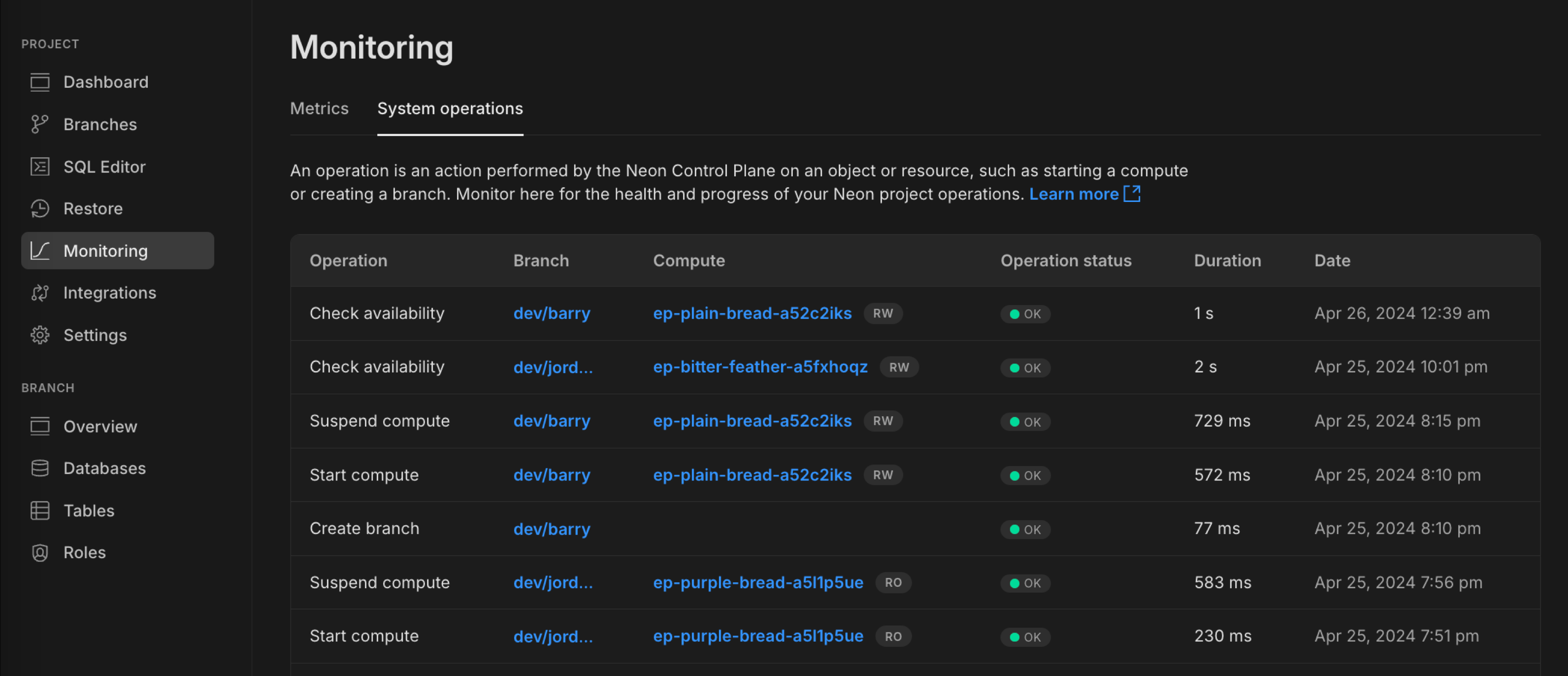
Notice that the **Compute** column is now made up of clickable links, letting you open the side drawer to edit any endpoint's compute settings from this view.
Expect to see more observability-related tabs appear on the **Monitoring** page in upcoming releases.
### Fixes & improvements
- We've made it easier for you to properly copy connection strings from the Neon Console. For safety, your password is not revealed directly in the browser but is replaced with `****`. When you manually copy the connection string from the text window, the actual password is now included in the clipboard. Previously, copying the connection string directly from the window included the obscured password instead of the actual one.
Using the dedicated copy button continues to work as expected: perfectly!
- An issue with the SQL Editor compute endpoint selector has been fixed. The selected endpoint is now correctly used for all of your queries.
- When you encounter a project error, you now properly see an error screen. Previously, you were sometimes redirected to the Projects page without adequate explanation.
- We fixed an issue where setting the history retention for a Neon project to 0 and removing data did not reduce the project's storage size as expected. Previously, a 64 MiB data change threshold had to be met before retained history was removed.
- Database name validation was added to the Neon CLI `connection-string` command to ensure the correct database name is used in a generated connection string. This improvement resolves an issue with the [neondatabase/create-branch-action](https://github.com/neondatabase/create-branch-action) GitHub Action, which uses the `connection-string` command to set the `db_url` for a newly created branch.
---
### 2024-04-26
### Neon CLI updates
We've added two new capabilities to our CLI:
- You can now establish time travel connections to a particular point in a branch's history. When using the `neon connnection-string {branch}` command, simply append the timestamp or LSN to the specified branch and an ephmeral endpoint is created for that point-in-time connection.
Example:
```bash
neon connection-string main@2024-01-01T00:00:00Z
```
For more information, see [How to use Time travel](https://neon.com/docs/guides/time-travel-assist#how-to-use-time-travel) and [Neon CLI commands — connection-string](https://neon.com/docs/reference/cli-connection-string).
- The Neon CLI now also includes shared projects when you request a list of all projects using the command `neon projects list`.
Example:
```bash
Projects
┌────────────────────────┬────────────────────┬───────────────┬──────────────────────┐
│ Id │ Name │ Region Id │ Created At │
├────────────────────────┼────────────────────┼───────────────┼──────────────────────┤
│ crimson-voice-99897020 │ frontend │ aws-us-east-2 │ 2024-04-15T11:17:30Z │
├────────────────────────┼────────────────────┼───────────────┼──────────────────────┤
│ calm-thunder-11283270 │ backend │ aws-us-east-2 │ 2024-04-10T15:21:01Z │
└────────────────────────┴────────────────────┴───────────────┴──────────────────────┘
Shared with me
┌───────────────────┬────────────────────┬──────────────────┬──────────────────────┐
│ Id │ Name │ Region Id │ Created At │
├───────────────────┼────────────────────┼──────────────────┼──────────────────────┤
│ noisy-fire-516816 │ API │ aws-eu-central-1 │ 2023-04-22T18:41:13Z │
└───────────────────┴────────────────────┴──────────────────┴──────────────────────┘
```
For more information, see [Neon CLI commands — projects](https://neon.com/docs/reference/cli-projects#list).
### Improved Usage visualizations
- **Usage** section in **Billing**
For **Launch** and **Scale** plan users, we've added more detail and better visual cues to help you understand your current consumption against your plan's allowances. This includes displaying your peak usage to illustrate any extra charges that might be applied for the current billing period.

- **Usage** widget in the project dashboard
We've also added some polish to the **Usage** widget on the project dashboard, with tooltips to explain key metrics.

### Fixes & improvements
- Starting May 1, 2024, we're defining 'reasonable usage' for [egress](https://neon.com/docs/reference/glossary#egress) on Neon's [Free Tier](https://neon.com/docs/introduction/plans#free-tier) plan as a 5 GB per month limit.
- We're updating our [status](https://neonstatus.com/) page to provide per-region metrics, letting you view events and history specific to the region where your databases are running. Coming soon!
### What's new in docs?
- Learn how to sync data from platforms like Stripe, Linear, and GitHub into your Neon database in real time with [Sequin](https://neon.com/docs/guides/sequin).
---
### 2024-04-19
### Neon is Now Generally Available
April 15th, 2024 was a landmark day for us at Neon as we announced our move to General Availability.
Read more about how Neon is transforming database development, supporting business-critical workloads, and innovating in database scaling and branching in the announcement from our CEO, **Nikita Shamgunov**.
> **A New Approach to Database Development**
>
> Learn about our journey to General Availability and how Neon is redefining database development.
>
> [Read now](https://neon.com/blog/neon-ga)
Along with announcing GA, we also released a host of new features this week:
[Monitoring Dashboard](https://neon.com/docs/changelog/2024-04-19#monitoring-dashboard)
[Schema Diff](https://neon.com/docs/changelog/2024-04-19#schema-diff)
[Time Travel from the SQL Editor](https://neon.com/docs/changelog/2024-04-19#time-travel-from-the-sql-editor)
[Support for psql meta-commands in SQL Editor](https://neon.com/docs/changelog/2024-04-19#support-for-psql-meta-commands-in-sql-editor)
[Join the Neon Early Access Program](https://neon.com/docs/changelog/2024-04-19#join-the-neon-early-access-program)
[Protected Branches](https://neon.com/docs/changelog/2024-04-19#protected-branches)
[Large Database Support](https://neon.com/docs/changelog/2024-04-19#large-database-support)
[Neon Serverless Driver JSR Package](https://neon.com/docs/changelog/2024-04-19#neon-serverless-driver-jsr-package)
### Monitoring Dashboard
Available from the Neon Console, the **Monitoring** dashboard provides several graphs to help you monitor both system and database metrics, updated in real time based on your usage data. You can access the **Monitoring** dashboard from the sidebar in the Neon Console. Metrics include:
RAM
CPU
Database size
Rows
Connections count
Buffer cache hit rate
Deadlocks
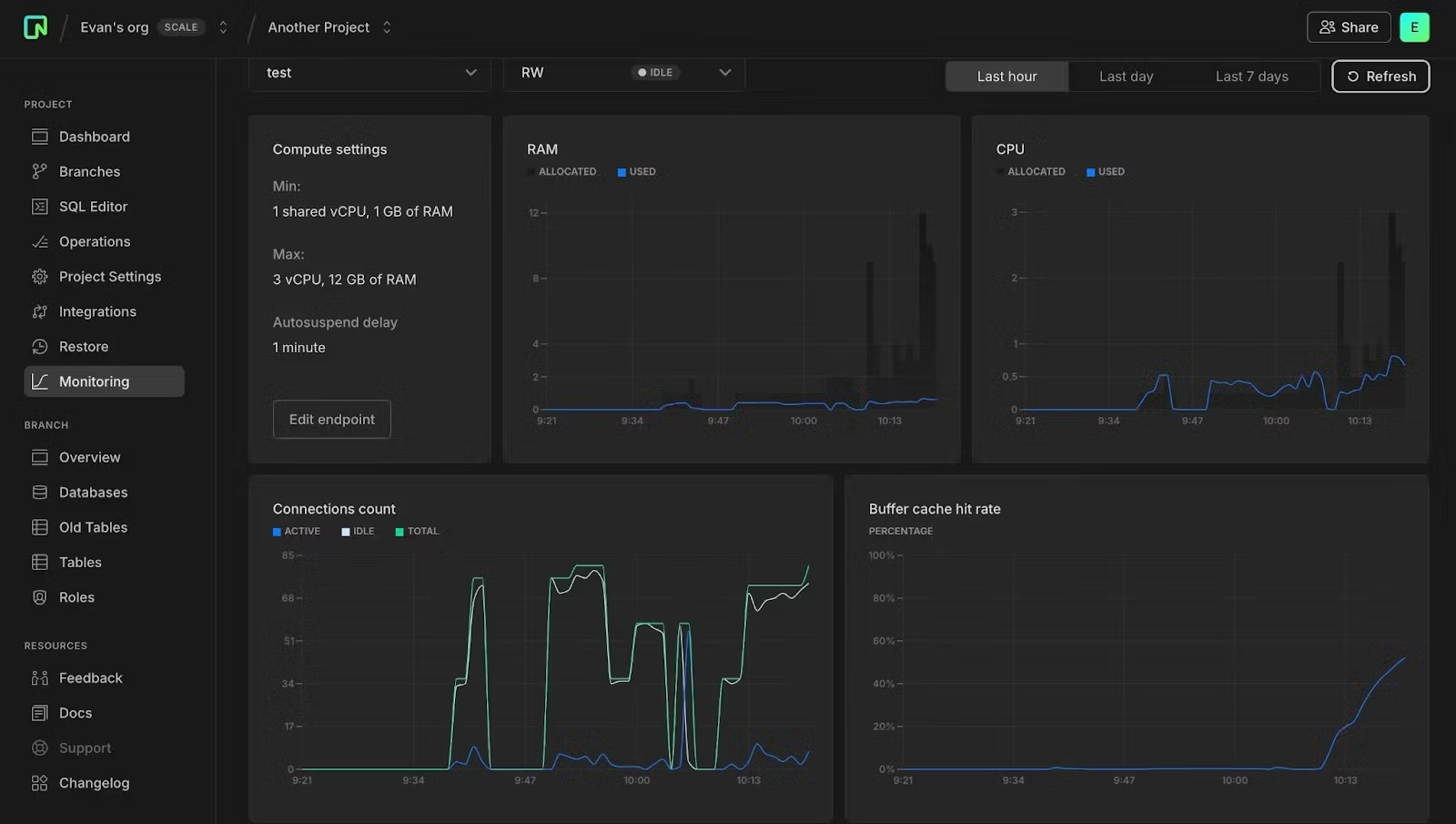
For more information about Monitoring:
- Read the docs: [Monitoring dashboard](https://neon.com/docs/introduction/monitoring-page).
- Check out this blog post about Monitoring and our upcoming Organizations support: [Announcing Monitoring and Organizations](https://neon.com/blog/announcing-monitoring-and-organizations).
### Schema Diff
We've added a Schema Diff tool that lets you precisely compare database schemas between different branches for better debugging, code review, and team collaboration.
Available from the **Branches** detail page as well as part of Time Travel Assist from the **Restore** page, you can use Schema Diff to compare a branch's schema to its parent or compare any two branches during a branch restore operation.
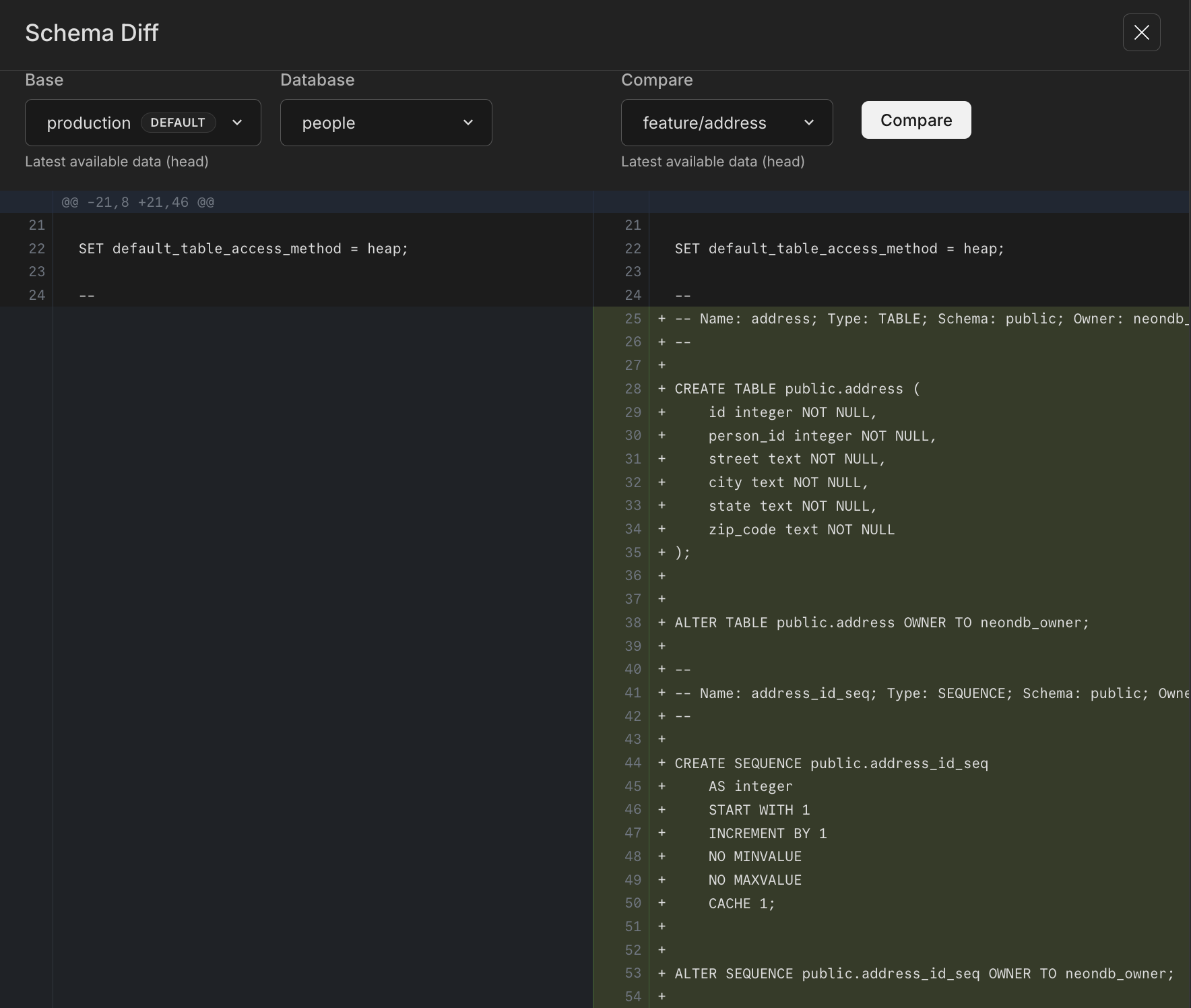
For more info on Schema Diff, see:
- [Schema diff](https://neon.com/docs/guides/schema-diff)
- [Schema diff tutorial](https://neon.com/docs/guides/schema-diff-tutorial)
- [Build with confidence with Schema Diff & Protected Branches](https://neon.com/blogdence-with-schema-diff-protected-branches)
### Time Travel from the SQL Editor
To help with data recovery workflows, we've made our Time Travel feature available in the **SQL Editor** in the Neon Console. Time Travel Assist is also available now on the **Restore** page, but it's a great feature and we wanted to make it more convenient for you to use, wherever you might need it in the console.
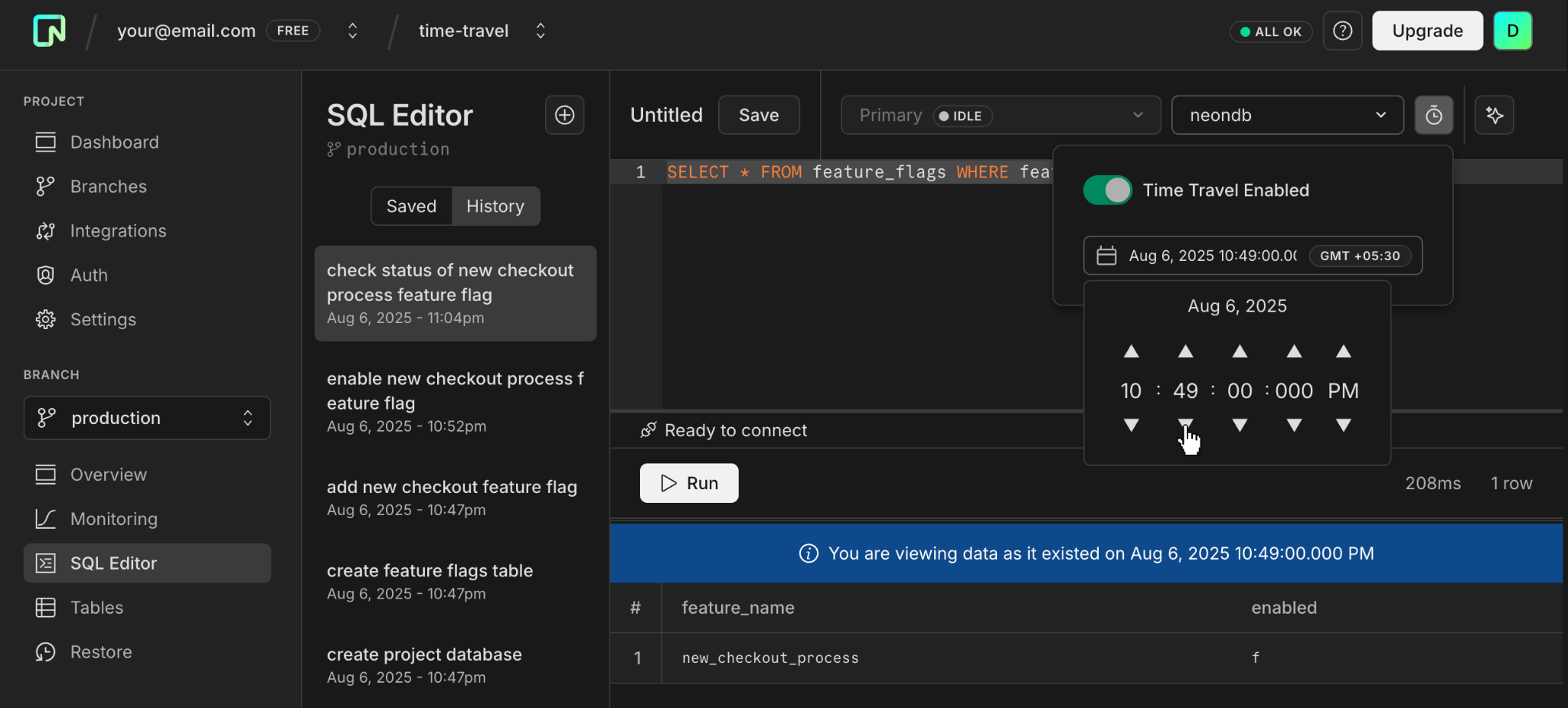
Read more about Time Travel in the **SQL Editor**:
- [Time Travel](https://neon.com/docs/guides/time-travel-assist)
- [Time Travel tutorial](https://neon.com/docs/guides/time-travel-tutorial)
- And this blog post: [Time Travel in the SQL Editor](https://neon.com/bloghe-sql-editor)
### Support for psql meta-commands in SQL Editor
We added support for `psql` meta-commands to the SQL Editor in the Neon Console. Meta-commands can significantly speed up your workflow by providing quick access to database schemas and other critical information without needing to write full SQL queries. They are especially useful for database management tasks, making it easier to handle administrative duties directly from the Neon Console.
Here are some of the meta-commands that you can use within the Neon SQL Editor:
- `\dt`: List all tables in the current database.
- `\d [table_name]`: Describe a table's structure.
- `\l`: List all databases.
- `\?` - A cheat sheet of available meta-commands
- `\h [NAME]` - Get help for any Postgres command. For example, try `\h SELECT`.
Note that not all meta-commands are supported in the SQL Editor. To get a list of supported commands, use `\?`.
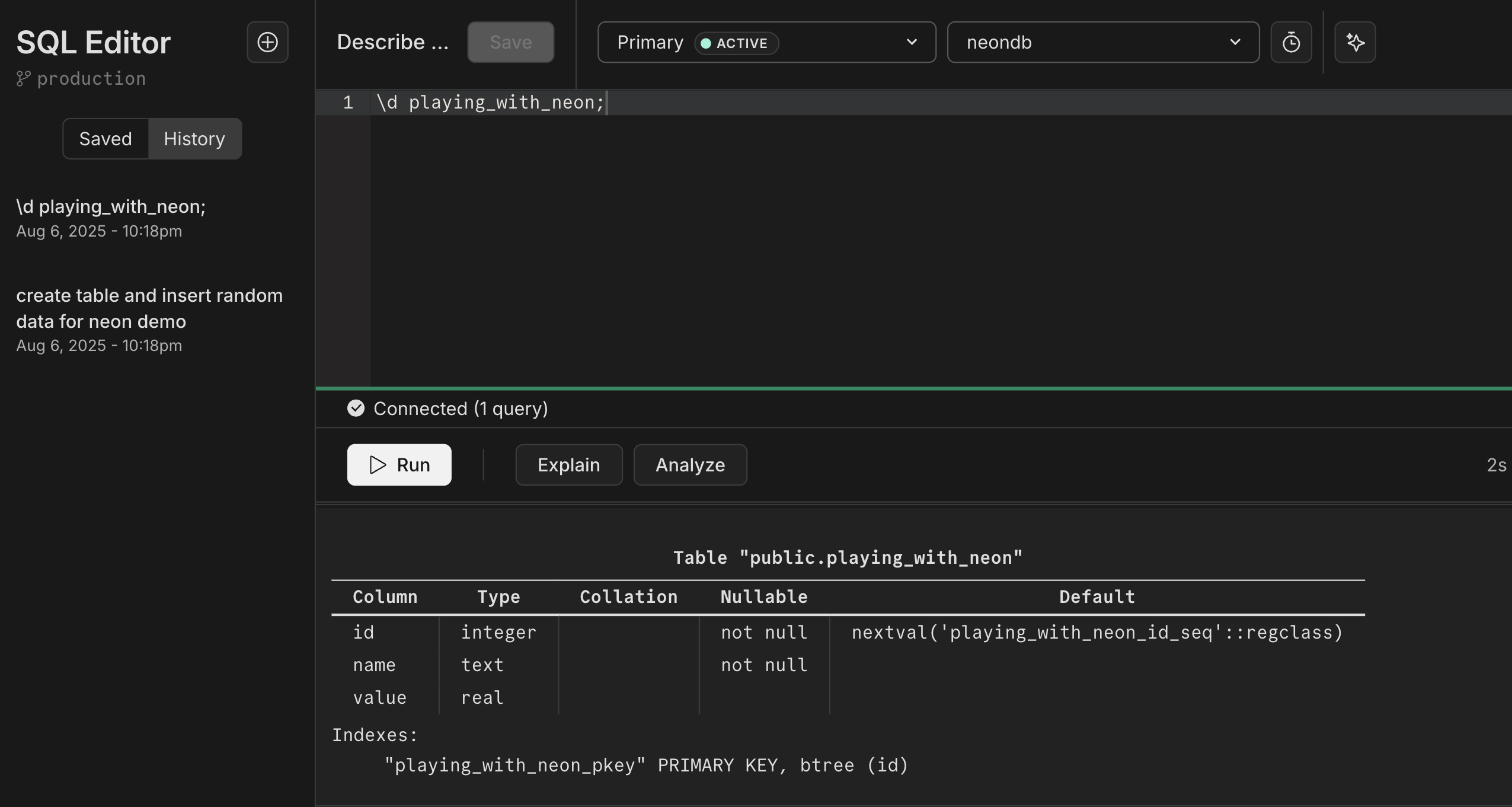
For more info, see:
- The [meta-commands](https://neon.com/docs/get-started/query-with-neon-sql-editor#meta-commands) section of our [Query with Neon's SQL Editor](https://neon.com/docs/get-started/query-with-neon-sql-editor) docs page.
- A blog post detailing how our developers brought this functionality out of psql and into the browser: [Bringing psql's \d to your web browser](https://neon.com/blog-to-your-web-browser)
### Join the Neon Early Access Program
Be among the first to explore new features by signing up for the Neon Early Access Program.
Benefits of joining:
- **Exclusive early access**: Get a first look at upcoming features before they go live.
- **Private community**: Gain access to a dedicated Discord channel to connect with the Neon team and provide feedback to help shape what comes next.
- **Weekly insights**: Receive updates on Neon's latest developments and future plans.
[Sign Up Now](https://console.neon.tech/app/settings/early-access) and start influencing the future of Neon!
### Protected branches
Users of the Neon [Scale](https://neon.com/docs/introduction/plans#scale) plan can now designate a branch as "protected". This status restricts branch access based on IP addresses — only IPs on your project's allowlist can access a protected branch. Typically, branches containing production or sensitive data are designated as protected.
For details on configuring a protected branch, please refer to our [Protected branches](https://neon.com/docs/guides/protected-branches) guide.
### Large database support (beta)
We are currently testing architecture changes to support large databases from 300 GiB to 2 TiB. Access to this feature is limited to paying users by request. If you want to try it out, you can request access from the **Beta** tab under **Project Settings**, or use this direct link:
- [Request support for large database](http://console.neon.tech/app/projects?modal=request_large_db)
### Neon Serverless driver JavaScript Registry (JSR) package
The Neon serverless driver is now available as a [JavaScript Registry (JSR)](https://jsr.io/docs/introduction) package.
```bash
@neon/serverless
```
The JavaScript Registry (JSR) is a package registry for JavaScript and TypeScript. JSR works with many runtimes (Node.js, Deno, browsers, and more) and is backward compatible with `npm`. For example, to install using `npm`:
```bash
npm install @neon/serverless
```
For a deeper dive, check out this blog post announcing support for this feature: [Neon Serverless Driver on JSR](https://neon.com/blogdriver-on-jsr)
### Fixes & improvements
- You can now view the last active time for a compute endpoint associated with your branch, which is useful for determining which branches you have accessed recently. In the Neon Console, you can view the **Last active** time on the **Branches** page or in the **Computes** section on individual branch pages. Additionally, the Neon API [Get a compute endpoint](https://api-docs.neon.tech/reference/getprojectendpoint) method response now includes a `last_active` field.
- The Neon SQL Editor now uses the Neon serverless driver for database connections. If you utilize the Neon [IP Allow](https://neon.com/docs/introduction/ip-allow) feature and your public IP address isn't currently on the allowlist, you may encounter a pop-up when you next query your database through the Neon SQL Editor. This pop-up requests permission to add your IP address to the allowlist.
- Resolved a problem with the Neon Vercel Integration where enabling automatic branch deletion resulted in the unintended removal of the `vercel-dev` branch after it was renamed.
- Resolved an issue where database connections could remain open longer than necessary. We now ensure that connections are forcibly closed if the client has disconnected.
- Fixed a table and selector display issue in the Neon console for long branch names.
- Fixed an SQL Editor issue that occurred when using the project breadcrumb selector from the SQL Editor page.
- Fixed an error in the message displayed after a successful branch reset operation in the console. The "reset from" branch name was not shown.
---
### 2024-04-12
### Fixes & improvements
- Based on user feedback, we've changed the **Storage** metric on the **Billing** page in the Neon Console to display the _current total storage size_ across all of your projects and branches. Previously, the **Storage** metric reported the _peak storage size_ for the current billing period.
- You can now access integration documentation directly from the **Integrations** page in the Neon Console. A **Read** button, available on several integration cards, opens a documentation side drawer where you can learn how to integrate the selected platform or service with Neon.
- If you previously signed up for Neon using your Hasura account and now want to use your personal email instead, you can make this change under **Profile → Account Settings → Personal Information**. You must log out and back into the Neon console before doing so. For more information, see [Change your email](https://neon.com/docs/get-started/signing-up#changing-your-email).
- We added a new [Restart compute endpoint](https://api-docs.neon.tech/reference/restartprojectendpoint) method to the Neon API. This method suspends the specified compute endpoint and restarts it immediately. It's sometimes necessary to restart a compute endpoint to enable new features or apply new limits. This method makes that task easier and enables us to add a restart compute option to the Neon Console, which you'll see in an upcoming release.
- Fixed an issue that prevented preview branches from being shown on the Neon Vercel Integration drawer in the Neon Console.
- Added an alert to the Neon Vercel Integration for older Neon projects that do not store role passwords. Neon projects created after March 2023 store role passwords in a secure storage vault associated with the project, allowing passwords to be retrieved from the **Connection Details** widget and by features such as the Vercel integration that require a password. Projects created before March 2023 do not store role passwords.
- Fixed an error message on the **Create a new branch** page for the **Include data up to** time selector. The date format in the error message was incorrect.
### What's new in docs?
We have three new authentication guides for you to check out this week. Learn how to authenticate users to access your Neon database with Auth0, Clerk, or Okta.
- [Authenticate Neon Postgres application users with Auth0](https://neon.com/docs/guides/auth-auth0)
- [Authenticate Neon Postgres application users with Clerk](https://neon.com/docs/guides/auth-clerk)
- [Authenticate Neon Postgres application users with Okta](https://neon.com/docs/guides/auth-okta)
---
### 2024-04-05
### New Monitoring widget on the Dashboard
We've added a **Monitoring** widget to the Neon **Dashboard**, giving you an easy way to check CPU and RAM usage for your Neon projects. The display defaults to your project's default branch but you can switch to view usage details for any branch in your project.

We're committed to improving observability for your Neon projects and databases. To learn more about monitoring in Neon, see [Monitoring](https://neon.com/docs/introduction/monitoring).
### A teaser for organizations
You might notice a new addition to our breadcrumb navigation: **Create organization** under your account selector. It's greyed out and inactive for now, but we've included it here as a reminder: organization support is coming soon!

Check our [roadmap](https://neon.com/docs/introduction/roadmap) to see what else is coming next.
### PostgreSQL Partition Manager extension
Neon now supports the [pg_partman](https://neon.com/docs/extensions/pg_partman) partition manager extension, which enables creating and managing time and number-based table partition sets in Postgres.
### Local File Cache (LFC) statistics and working set size function
You can now view Local File Cache (LFC) statistics for your Neon compute. The statistics include a cache hit ratio, which can help you determine if your data is being accessed from memory or the Neon storage layer.
The Local File Cache (LFC) stores frequently accessed data in the local memory of your Neon compute instance, which helps reduce latency and improve query performance by minimizing fetches from storage. The LFC acts as an add-on or extension of Postgres `shared_buffers`, which is set to 128 MB in Neon, regardless of compute size. The LFC extends cache memory to as much as 75% of your compute's RAM.
Local File Cache (LFC) statistics are exposed through a `neon_stat_file_cache view`, provided by the `neon` extension. To access the view, install the `neon` extension on a preferred database or connect to the Neon-managed `postgres` database where it's preinstalled. For instructions, see [The neon extension](https://neon.com/docs/extensions/neon).
You can retrieve LFC stats with the following query:
```sql
SELECT * FROM neon_stat_file_cache;
file_cache_misses | file_cache_hits | file_cache_used | file_cache_writes | file_cache_hit_ratio
-------------------+-----------------+-----------------+-------------------+----------------------
2133643 | 108999742 | 607 | 10767410 | 98.08
```
You can also use `EXPLAIN ANALYZE` with the `FILECACHE` option to view data for LFC hits and misses. See [View LFC metrics with EXPLAIN ANALYZE](https://neon.com/docs/extensions/neon#view-lfc-metrics-with-explain-analyze).
To learn how LFC data can help you right-size your compute, see [How to size your compute](https://neon.com/docs/manage/computes#how-to-size-your-compute).
### Fixes & improvements
- For the [Neon serverless driver](https://neon.com/docs/serverless/serverless-driver), the 15-second proxy timeout for SQL requests over HTTP has been removed.
---
### 2024-03-29
### Neon Vercel integration enhancements
We've introduced a few enhancements to help you manage preview branches created by the Neon Vercel integration:
- There is now a drop-down menu on the **Branches** tab in the **Vercel integration** drawer where you can delete all preview branches or those marked as `Obsolete`. Obsolete branches are those without an associated git branch. For more information, see [Manage branches created by the integration](https://neon.com/docs/guides/vercel-managed-integration#manage-branches-created-by-the-integration).
- The integration now supports automatic deletion of obsolete preview branches. You can enable this feature by selecting **Automatically delete obsolete Neon branches** when installing the integration. We'll soon add an option to the Vercel integration drawer that lets you enable and disable automatic branch deletion for new and existing integrations. Deletion occurs when the git branch that triggered a branch's creation is deleted.
- We now show a branch creation date for each preview branch listed on the **Branches** tab in the Vercel integration drawer.
### Fixes & improvements
- Corrected an issue that prevented Free Tier users from creating a new read-write compute for a default branch after deleting the one created with their Neon project.
- Updated the content displayed on the **Projects** page in the Neon Console when all projects are removed.
- Adjusted copy and links on the connection details modal that's displayed after creating a new project.
### What's new in docs?
We have new schema migration guides for you to check out this week:
- [Schema migration with Neon Postgres and Django](https://neon.com/docs/guides/django-migrations)
- [Schema migration with Neon Postgres and Ruby on Rails](https://neon.com/docs/guides/rails-migrations)
- [Schema migration with Neon Postgres and SQLAlchemy](https://neon.com/docs/guides/sqlalchemy-migrations)
- [Schema migration with Neon Postgres and Entity Framework](https://neon.com/docs/guides/entity-migrations)
- [Schema migration with Neon Postgres and Laravel](https://neon.com/docs/guides/laravel-migrations)
We're also excited to share a new [Postgres Documentation Page](https://neon.com/docs/postgresql/introduction), a central hub for all things Postgres. This includes the latest topics listed below. As **Neon is Postgres**, we encourage you to consult both our Neon-specific guides and the [official PostgreSQL documentation](https://www.postgresql.org/docs/current/).
- [Enhancing Postgres Query Performance](https://neon.com/docs/postgresql/query-performance): Dive into strategies for fine-tuning your queries.
- [Postgres Query Reference](https://neon.com/docs/postgresql/query-reference): A go-to resource for basic to advanced Postgres queries.
---
### 2024-03-22
### A reorganized Integrations page
As our list of integrations continues to grow, we've added categorized navigation, making it easier to explore what's offered. Click a category heading and then **Add** or **Request** the integrations you're interested in.
### Extra storage option for the Launch plan
Based on the feedback we've received, Neon's [Launch](https://neon.com/docs/introduction/plans#launch) plan has been enhanced to offer an "extra storage" option. If you require more than the 10 GiB storage allowance included with the Launch plan but aren't ready for the [Scale](https://neon.com/docs/introduction/plans#scale) plan, you can now purchase additional storage in 2 GiB increments. For a detailed comparison of Neon's pricing plans, please refer to our [Pricing](https://neon.com/pricing) page.
### Neon Vercel Integration enhancements
- The [Neon Vercel Integration](https://vercel.com/integrations/neon) now adds a `/preview` prefix to the names of preview branches. You can view preview branches on the **Branches** page in the Neon Console or on the **Vercel integration** drawer, which you can access on the **Integrations** page.
- Improved the sort order of preview branches listed in the **Vercel integration** drawer. The most recently created branches are now listed first.
- Fixed an issue that marked the Vercel deployment status as successful while the preview deployment was still in progress.
### Fixes & improvements
- To make it easier to [share your project](https://neon.com/docs/guides/project-sharing-guide) with other users, we've added a **Sharing** button to the project dashboard. The button is located at the top right corner of the console, next to your profile avatar.
- The Consumption API endpoint is now fully available and no longer in Preview status. You can use this endpoint to get a full list of key consumption metrics for all the projects in your Neon account in a single API request. For more info:
- [Consumption API](https://api-docs.neon.tech/reference/listprojectsconsumption)
- [Retrieving metrics for all projects](https://neon.com/docs/guides/partner-billing#retrieving-metrics-for-all-projects)
- We've added a new [Get URI](https://api-docs.neon.tech/reference/getconnectionuri) API endpoint, which you can use to retrieve a database connection string programmatically.
- You are now able to downgrade directly from **Scale** to **Launch** when that fits your usage needs. Previously, you needed to downgrade to the Free Tier first before moving back up to Launch.
- The Neon CLI now offers a Linux ARM64 binary, which you can find [here](https://github.com/neondatabase/neonctl/releases). For Neon CLI installation instructions, see [Neon CLI — Install and connect](https://neon.com/docs/reference/cli-install).
- For the [Neon serverless driver](https://neon.com/docs/serverless/serverless-driver), a cancellation command is now triggered in Postgres for queries over HTTP that exceed the 15-second timeout for long-running queries. Additionally, user-facing error classification names were added to make it easier to identify error types for queries over HTTP.
- Added a **Suggest an integration** button to the **Integrations** page in the Neon Console, where you can share your feedback about the integrations Neon should add next. The button replaces a suggestion card.
- Fixed the **Revoke access** confirmation modal that is displayed when revoking access to a shared project. The modal appeared blank.
- Improved the field validation on the registration form on the Neon **Sign Up** page.
- Fixed an issue that prevented changing the email address of a Neon account.
- Corrected an issue that occurred when accessing Neon as a new user via the Neon CLI. After registering for a Neon account, the registering user was not directed back to the correct page to complete the authentication process.
- Changed the "**Storage**" label on the **Branches** widget and **Branches** page to "**Data size**" to avoid confusion with the **Storage** label on the **Usage** widget. "Data size" refers to your logical data size, while "Storage" is the data size and history for all branches in your project.
---
### 2024-03-15
### Neon Vercel Integration enhancements
- **Manage branches created by the integration**: The Neon Vercel Integration creates a branch for each preview deployment. To avoid using up your storage or branch allowances, we recommend removing old or obsolete branches regularly. You can now do this from the **Vercel integration** drawer in the Neon Console. See [Manage branches created by the integration](https://neon.com/docs/guides/vercel-managed-integration#manage-branches-created-by-the-integration).
- **Change the database and role for preview branches**: When you install the integration, you select a database and role for your Neon project. The integration uses these details to define database connection variables for your preview branches. You can now change the database and role for new preview branches from the **Vercel integration** drawer in the Neon Console. See [Change the database and role for preview branches](https://neon.com/docs/guides/neon-managed-vercel-integration#managing-the-integration).
- Fixed an issue that prevented Vercel environment variables created by the integration from being removed when deleting the associated Neon project.
### Fixes & improvements
- You can now view the sign-in methods configured for your Neon account from the **Profile** page under **Account Settings**. The **Profile** page also supports unlinking social accounts such as Google or GitHub from your Neon account.
- When creating a project, the default Postgres role created with your project is now named for the database using the following naming scheme: `dbname_owner`, where _dbname_ is the name of the database. This change reflects that the default Postgres role is the owner of the initial database that is created with the project.
---
### 2024-03-08
### The Neon Vercel Integration is now GA
After several improvements and enhancements, we're excited to announce that the [Neon Vercel Integration](https://vercel.com/integrations/neon) is now officially out of beta and has entered General Availability (GA). Thank you to all our early adopters for your valuable feedback.
Using Neon with Vercel enables you to deploy a managed Postgres backend in seconds and automatically create a database branch for each preview deployment. To learn more, see [Connect with the Neon Vercel Integration](https://neon.com/docs/guides/vercel-overview).
### Fixes & improvements
- The [Neon Vercel Integration](https://vercel.com/integrations/neon) now supports immediate update of Postgres environment variables from the Vercel drawer on the **Integrations** page in the Neon Console. For instructions, see [Manage Vercel integration settings](https://neon.com/docs/guides/neon-managed-vercel-integration#managing-the-integration).
- Fixed an issue that prevented a Scale plan user from submitting a support ticket from the **Create Support Ticket** form in the Neon Console.
- Added alert messages that appear in the **Usage** section on the **Billing** page when approaching or exceeding your plan allowances. For information about Neon plans and allowances, see [Neon plans](https://neon.com/docs/introduction/plans).
- Added a confirmation dialog showing the selected plan and payment method when a user selects **Upgrade to Launch plan** or **Upgrade to Scale plan** on the **Billing** page in the Neon Console.
- Updated PgBouncer to [version 1.22.1](https://www.pgbouncer.org/2024/03/pgbouncer-1-22-1). Neon uses PgBouncer to provide support for [connection pooling](https://neon.com/docs/connect/connection-pooling).
- Removed a redundant **Close** button from the **Edit compute endpoint** drawer on the Free Tier.
- Fixed an issue that caused project creation limits to be ignored when creating a new project before the previous project creation operation was finished.
- Fixed an issue that incorrectly permitted a Neon account to share a project with the owner of the project.
### What's new in docs?
We have a few new guides for you to check out this week:
- [Schema migration with Neon Postgres and Prisma ORM](https://neon.com/docs/guides/prisma-migrations)
- [Schema migration with Neon Postgres and Drizzle ORM](https://neon.com/docs/guides/drizzle-migrations)
- [Schema migration with Neon Postgres and Sequelize](https://neon.com/docs/guides/sequelize)
- [Migrate your MySQL database to Neon Postgres](https://neon.com/docs/import/migrate-mysql)
- [Neon pricing estimation guide](https://neon.com/docs/introduction/pricing-estimation-guide)
---
### 2024-03-01
### Fixes & improvements
- The [Neon Vercel Integration](https://neon.com/docs/guides/vercel-overview) now displays a message on the **Deployment Details** page in Vercel under **Running checks** if you exceed the branch limit for your Neon project.
- Added Application-Layer Protocol Negotiation (ALPN) to the Neon Proxy, enabling the serverless driver to prefer HTTP/2 connections.
- The [IP Allow](https://neon.com/docs/introduction/ip-allow) feature now supports specifying IPv6 addresses.
- Improved error messaging for connection failures when [IP Allow](https://neon.com/docs/introduction/ip-allow) is enabled and the IP address of the connecting client is not on the allowlist.
- The [neon_superuser](https://neon.com/docs/manage/roles#the-neonsuperuser-role) role now has full privileges on tables and sequences created in the `public` schema and can grant those privileges to other roles. This change ensures that tables and sequences created under a Postgres superuser role during extension installation are fully accessible to a `neon_superuser`.
- A connection dropped by the [Neon SQL Editor](https://neon.com/docs/get-started/query-with-neon-sql-editor) while running a query now cancels the query process in Postgres. Previously, the query process was left running.
- Adjusted the **Usage** section on the [Billing](https://console.neon.tech/app/billing#usage) page, including changing the way extra usage is displayed for [Scale plan](https://neon.com/docs/introduction/plans#scale) accounts. Instead of showing extra usage separately, the displayed limits are increased.
- The [Get projects](https://api-docs.neon.tech/reference/listprojects) and [Get shared projects](https://api-docs.neon.tech/reference/listsharedprojects) APIs now fetch all projects when using the `search` parameter. If a `limit` value is specified, it is applied after the fetch to limit displayed results.
- Improved the error code and message displayed when a user reaches the compute-hour limit for non-default branch computes.
- Fixed issues with the **Branch** selector in the **Connection Details** widget that occurred when switching projects using the project breadcrumb selector.
- Adjusted the behavior of the project breadcrumb selector in the Neon Console to accommodate slow network connections. A "loading" icon is now displayed while the project menu is loaded, and a link to the currently loaded project is displayed until the project menu is ready.
- Improved the Django `settings.py` connection snippet and added a `.env` connection snippet to the **Connection Details** widget in the Neon Console.
- The **Feedback** link found in the sidebar of the Neon Console can now be accessed via a [direct link](https://console.neon.tech/app/projects?modal=feedback), which we've incorporated into the documentation and elsewhere.
---
### 2024-02-23
### Branch restore with Time Travel Assist
We are thrilled to announce the full launch of our Branch Restore feature with Time Travel Assist, now available for all users.
Using the new **Restore** page in the Neon Console, or the **branches restore** command in the Neon CLI, you can easily restore a branch to an earlier state in its own or another branch's history. From the **Restore** page in the Neon Console, you can also use Time Travel Assist to connect to a specific point in your history retention window, letting you run read-only queries against the point-in-time connection to pinpoint the exact moment you need to restore to, or perform other troubleshooting from your data's history.
Read more about the different types of restore operations available, as well as how to use Time Travel assist, on our documentation page for the feature: [Branch restore](https://neon.com/docs/guides/branch-restore). You can also follow along with a sample restore from history operation in our blog post, [Announcing Point-in-Time Restore](https://neon.com/blog/announcing-point-in-time-restore), or go for a deeper dive into the technical underpinnings of the feature in [Point In Time Recovery Under the Hood in Serverless Postgres](https://neon.com/blog/point-in-time-recovery-in-postgres).
### New Pricing Plans
New pricing plans went into effect earlier this week. This was a significant change with a lot of effort behind the scenes and out front to get it right. We added two new pricing plans, Launch and Scale, bringing us to four different plans to choose from: Free Tier, Launch, Scale, and Enterprise. Visit our [Pricing](https://neon.com/pricing) page to learn about the features, allowances, and pricing details for each plan. For an overview of how billing works for these plans, start [here](https://neon.com/docs/introduction/about-billing).
We know this is a big change. For a rationale about the thinking that went into it, read this blog post, [Making pricing more predictable](https://neon.com/blogore-predictable), by our co-founder, Stas Kelvich.
### Autoscaling graphs for better observability
Getting better visibility into how your compute scales up and down based on actual usage has been a highly requested feature for our paying users. As a step towards improving monitoring and observability in the Neon Console, we are introducing a new Autoscaling graphs usage visualization tool, available now for all paying users with autoscaling enabled.
To access this view, open a branch from **Project → Branches**, or from the new **Branch → Overview** page, and edit the branch's **Compute**.

### New navigation in the Neon Console
We've also made big changes to how you find your way around your projects and branches in the Neon Console. First, we separated our sidebar links into easier-to-understand categories: **Project**, **Branch**, and **Resources**. You can find actions related to either Project or Branch under each label, with support options grouped under Resources.
We also added a more dynamic breadcrumb, with selectors letting you switch between projects and branches, depending on where you are in the Neon Console. This short clip shows you how the navigation works, as well as how to get to the new autoscaling graphs for a selected branch's compute.
Some other nice updates include:
- Added bold page titles to more easily identify which page you are on as you move through the Neon Console. If you click through to the **Operations** page or **Integrations** page for example, through whatever path you take to get there, you'll better know where you are.
- We've moved your profile avatar to the header of the page, giving you easier access to your account settings and API keys.
### Neon Vercel Integration improvements
The following changes were made to the [Neon Vercel Integration](https://vercel.com/integrations/neon):
- To ensure that users accessing a Neon database from a serverless environment have enough connections, the `DATABASE_URL` and `PGHOST` environment variables added to a Vercel project by the Neon integration are now set to a pooled Neon connection string by default. Pooled connections support up to 10,000 simultaneous connections. Previously, these variables were set to an unpooled connection string supporting fewer concurrent connections.
For tools or applications that require a direct database connection, we added two new environment variables that are set to an unpooled connection string: `DATABASE_URL_UNPOOLED` and `PGHOST_UNPOOLED`. If necessary, you can configure the Neon Vercel Integration to use these variables. See [Manage Vercel integration settings](https://neon.com/docs/guides/neon-managed-vercel-integration#managing-the-integration). for more information.
For information about "pooled" vs "unpooled" connections in Neon, see [Connection pooling](https://neon.com/docs/connect/connection-pooling).
- Adjustments were made to ensure that the integration correctly branches from the default branch of your Neon project after changing the default branch.
- Resolved a problem encountered during the Neon Vercel Integration setup that caused inconsistencies in the branch, roles, and databases displayed when selecting a Neon project.
- Improved reliability in keeping environment variables set by the Neon Vercel Integration synchronized with those set in your Vercel project.
To learn more about the Neon Vercel Integration, see [Connect with the Neon Vercel Integration](https://neon.com/docs/guides/vercel-overview).
### Prisma: One connection to rule them all
Connecting to Neon is simplified with Prisma ORM 5.10.0 or higher. You can now use a **single pooled connection string** when connecting from Prisma to your Neon database. Previously, to use connection pooling with Neon, you had to configure two connections: a pooled database connection for Prisma Client and a direct database connection for Prisma Migrate (using Prisma's `directUrl` datasource field). Additionally, you no longer have to append a `pgbouncer=true` option to a pooled Neon connection string.
The simplified configuration looks similar to this:
`schema.prisma` file:
```typescript
datasource db {
provider = "postgresql"
url = env("DATABASE_URL")
}
```
`.env` file:
```ini
# Pooled Neon connection string
DATABASE_URL="postgresql://alex:AbC123dEf@ep-cool-darkness-123456-pooler.us-east-2.aws.neon.tech/dbname?sslmode=require&channel_binding=require"
```
### Support for pg_ivm
We've introduced support for the `pg_ivm` extension in Neon, offering an efficient way to maintain [materialized views](https://neon.com/docs/postgres/rules-materializedviews) using Incremental View Maintenance (IVM). With IVM, only the changes since the last refresh are added to the materialized view instead of recomputing the entire view. This can lead to significant performance improvements, especially when you have frequent updates affecting only a small portion of your data.
For more information about the extension, see [pg_ivm](https://github.com/sraoss/pg_ivm). For a full list of extensions supported in Neon, see [Supported Postgres extensions](https://neon.com/docs/extensions/pg-extensions).
### Fixes & improvements
- As part of the overall move to new pricing plans, the [history retention period](https://neon.com/docs/manage/projects#configure-history-retention) for Free Tier users is now 1 day. Previously, it was 7 days.
- Fixed an issue that sometimes prevented users from successfully logging in using `neon auth`. Previously, if you were not logged in to the Neon Console, authentication via the CLI would sometimes fail. Read more about web authentication on the [CLI Install](https://neon.com/docs/reference/cli-install#web-authentication) page.
- Added new Grafbase and Outerbase cards to the **Integrations** page. If you're interested in either of these, head to the **Integrations** page and click **Request** to add your vote.
- Various improvements to the **SQL Editor**, including improved pagination for large result sets and the ability to cancel an in-progress query using the **Escape** key.
- Fixed an issue with some Safari browser versions where disabled inputs were rendered invisible (instead of just greyed out).
- Reaching the `max_connections` limit in your Postgres instance now results in a human-readable error message, with a suggestion to increase the minimum compute size for your compute endpoint. Previously, the server just kept silently retrying the connection until timeout or a cancelation request.
- When creating a new project, items in the **Region** selector are now grouped by continent to make it easier to find individual regions.
- Under **Account Settings**, you can now manage your password settings from a dedicated new **Password** section instead of from the **Profile** section.
- Fixed an issue that sometimes caused email change operations to fail.
- Fixed an issue where changing the default minimum and maximum compute sizes for autoscaling sometimes failed to save.
### What's new in docs?
A new [Monitoring](https://neon.com/docs/introduction/monitoring) page that gives an overview of what kinds of monitoring and observability tools and features are available in Neon right now. Expect this page to get regular updates as we add more observability features.
We have several new guides for you to check out this week:
- [Use Neon with Cloudflare Hyperdrive](https://neon.com/docs/guides/cloudflare-hyperdrive)
- [Use Neon with Cloudflare Pages](https://neon.com/docs/guides/cloudflare-pages)
- [Use Neon with Cloudflare Workers](https://neon.com/docs/guides/cloudflare-workers)
- [Deploy Your Node.js App with Neon Postgres on Heroku](https://neon.com/docs/guides/heroku)
- [Use Neon with Netlify Functions](https://neon.com/docs/guides/netlify-functions)
- [Use Neon Postgres with Railway](https://neon.com/docs/guides/railway)
- [Use Neon Postgres with Render](https://neon.com/docs/guides/render)
We also added documentation for the Postgres extension [pg_prewarm](https://neon.com/docs/extensions/pg_prewarm), used to preload data into the Postgres shared buffer cache.
---
### 2024-02-16
### Postgres version updates
Supported Postgres versions were updated to [14.11](https://www.postgresql.org/docs/release/14.11/), [15.6](https://www.postgresql.org/docs/release/15.6/), and [16.2](https://www.postgresql.org/docs/release/16.2/), respectively.
### Change the email associated with your account
We've added the ability to change the email associated with your account. For example, if you previously signed up using a GitHub or Google account and now want to use your personal email, you can make this change under **Profile → Account Settings → Personal Information** or using this direct link: [change email](https://console.neon.tech/app/settings/profile?modal=change_email). For Hasuara users, changing email is not yet supported.
See [Changing your email](https://neon.com/docs/get-started/signing-up#changing-your-email) for details.
### Neon serverless driver connection caching
Connection caching is now enabled by default at the Neon proxy for HTTP fetch queries using the [Neon serverless driver](https://neon.com/docs/serverless/serverless-driver). Connection caching provides server-side connection pooling so that a new connection does not have to be created for each query. Previously, this feature could only be enabled by setting an experimental `fetchConnectionCache` option to `true` in your serverless driver connection configuration. If you currently specify this option, you can now remove it. The server-side connection cache works with both pooled and unpooled connections.
### Fixes & improvements
- Fixed an issue that caused asterisk values masking passwords in `DATABASE_URL` values to be incorrectly displayed in the [Neon Vercel Integration](https://vercel.com/integrations/neon).
- Production environment variables set by the Neon Vercel Integration are now updated if you change your Neon project's default branch.
- Corrected the default Postgres in the **Create project** modal and Neon API.
- Fixed an issue that caused an error page to be displayed when selecting **Settings** and then **Storage** in the Neon Console.
- Fixed an issue that prevented users from logging in to the Neon Console.
- The [Get projects](https://api-docs.neon.tech/reference/listprojects) and [Get shared projects](https://api-docs.neon.tech/reference/listsharedprojects) APIs now include a `search` parameter that lets you search for projects by project name or id.
- To prevent storage bloat, **Neon now automatically removes _inactive_ replication slots after a period of time. Please see [Unused replication slots](https://neon.com/docs/guides/logical-replication-neon#unused-replication-slots) to learn more.
- The [neon_superuser](https://neon.com/docs/manage/roles#the-neonsuperuser-role) role now has membership in the predefined `pg_monitor` Postgres role, which provides read/execute privileges on various Postgres monitoring views and functions. For example, a `neon_superuser` role can now:
- View previously unavailable columns in the `pg_stat_progress_vacuum` view.
- View queries executed by other users in the `pg_stat_statements` view.
The `neon_superuser` can also grant the `pg_monitor` role to other Postgres roles.
---
### 2024-02-09
### IPv6 support coming soon
Neon will soon start accepting IPv6 connections at no extra charge. We will keep supporting IPv4 connections, also at no extra charge.
We'll progressively roll out IPv6 to all our supported regions throughout February. You shouldn't experience any downtime or disturbances: if your host is IPv6 enabled and its client library prefers IPv6 by default, your new connections will start using it. No action is required from you.
If you have any questions, reach out to us in [Discord](https://discord.gg/92vNTzKDGp).
### Support for prepared statements with PgBouncer
The PgBouncer version used by Neon to offer pooled connection support was updated to [version 1.22.0](https://www.pgbouncer.org/changelog.html#pgbouncer-122x). This version of PgBouncer adds support for `DEALLOCATE ALL` and `DISCARD ALL` in `transaction` mode. In Neon, the new version of PgBouncer enables support for protocol-level prepared statements.
Support for protocol-level prepared statements with PgBouncer means you can now use prepared statements with pooled connections. Using prepared statements can help boost query performance while providing an added layer of protection against potential SQL injection attacks. To learn more, see [Optimize queries with PgBouncer and prepared statements](https://neon.com/docs/connect/connection-pooling#optimize-queries-with-pgbouncer-and-prepared-statements).
### Fixes & improvements
- For logical replication, `CREATE PUBLICATION my_publication FOR ALL TABLES` syntax is now supported in Neon. Previously, `FOR ALL TABLES` was not supported, and multiple tables could only be specified using `CREATE PUBLICATION my_pub FOR TABLE , ` syntax.
- The **Branch** selector in the **Connection Details** widget on the Neon **Dashboard** now has a **Create new branch** option.
- The **Quickstart** banner that appears at the top of the Neon **Dashboard** for newly created projects now includes commands for creating and listing branches using the [Neon CLI](https://neon.com/docs/reference/neon-cli).
- Added a **Save changes** button to the **Vercel integration** drawer on the **Integrations** page for Vercel environment variable changes. Previously, changes were saved implicitly without confirmation.
- Corrected the globe coordinates for a supported region on the **Project creation** page in the Neon console.
- Updated the documentation link on the **Developer Settings** page (accessed from your account **Profile**) to link to the [Neon API documentation](https://api-docs.neon.tech/reference/getting-started-with-neon-api) instead of the [Neon documentation landing page](https://neon.com/docs/introduction).
- Removed the requirement to specify a `--project-id` value when issuing a [Neon CLI ip-allow](https://neon.com/docs/reference/cli-ip-allow) command when there is only a single Neon project in your Neon account. The option is now only required if you have multiple Neon projects.
### What's new in docs?
To help our users unlock the full potential of Postgres, we're building out our Postgres data type documentation. Whether you're a seasoned Postgres user or new to the platform, our new data type guides can help you get started.
- [Array](https://neon.com/docs/data-types/array)
- [Boolean](https://neon.com/docs/data-types/boolean)
- [Date and time](https://neon.com/docs/data-types/date-and-time)
- [Character](https://neon.com/docs/data-types/character)
- [JSON](https://neon.com/docs/data-types/json)
- [Decimal](https://neon.com/docs/data-types/decimal)
- [Floating point](https://neon.com/docs/data-types/floating-point)
- [Integer](https://neon.com/docs/data-types/integer)
- [UUID](https://neon.com/docs/data-types/uuid)
Check out our new [Deno Deploy guide](https://neon.com/docs/guides/deno) to learn how to Connect a Neon Postgres database from your Deno application.
Explore our recently added [Reset branch from parent](https://neon.com/docs/manage/branches#reset-a-branch-from-parent) documentation to discover how to update your working branch with the most recent updates from your main branch. For a more visual guide, see this [video from Neon DevRel on X](https://twitter.com/neondatabase/status/1735350288288993690).
### From the Neon blog
In case you missed them, be sure to check out our latest blog posts:
- [Using Python & Django with Neon's Serverless Postgres](https://neon.com/blog/python-django-and-neons-serverless-postgres)
- [Build and deploy progressive web apps with Glide and Neon](https://neon.com/blog-progressive-web-apps-with-glide-and-neon)
- [Deploy a Serverless FastAPI App with Neon Postgres and AWS App Runner at any scale](https://neon.com/blogess-fastapi-app-with-neon-postgres-and-aws-app-runner-at-any-scale)
---
### 2024-02-02
### We're now in Australia
Neon is now available in the **Asia Pacific (Sydney)** region.
You can select the region for your Neon project during project creation. See [Create a project](https://neon.com/docs/manage/projects#create-a-project).

For information about the regions Neon supports, see [Regions](https://neon.com/docs/introduction/regions).
### Postgres extension update for plv8
We updated the `plv8` extension to version 3.1.10. If you installed this extension previously and want to upgrade to the latest version, please refer to [Update an extension version](https://neon.com/docs/extensions/pg-extensions#update-an-extension-version) for instructions.
`plv8` is a Javascript language extension for Postgres. To learn more, refer to the [PLV8 documentation](https://plv8.github.io/). For a list of all Postgres extensions supported by Neon, see [Supported Postgres extensions](https://neon.com/docs/extensions/pg-extensions).
### Vercel integration enhancements
The following updates were made to the [Neon Vercel Integration](https://vercel.com/integrations/neon):
- Preview deployment branches are now created from the [default branch](https://neon.com/docs/reference/glossary#default-branch) of your Neon project. Previously, the integration created branches from the [root branch](https://neon.com/docs/reference/glossary#root-branch) of your Neon project, which is designated as your project's default branch by default. Neon lets you [change your default branch](https://neon.com/docs/manage/branches#set-a-branch-as-default). If you have an older version of the integration and you want branches created from your project's default branch instead of root, reinstall the integration from the [Vercel Marketplace](https://vercel.com/integrations).
- The integration now appends the `sslmode=require` option to the Neon connection string that it sets for the `DATABASE_URL` environment variable in Vercel.
- Fixed an issue that prevented using the integration with more than one Vercel project.
- Fixed an issue that set the `DATABASE_URL` variable in the Vercel project settings to a pooled Neon database connection string instead of a direct database connection string.
### Fixes & improvements
- Free Tier users with access to a project shared by a Neon Pro Plan account can now submit support requests via the **Support** link in the Neon Console sidebar.
- Fixed an issue that caused shared projects to be displayed under **Projects** instead of **Shared with me** on the **Projects** page in the Neon Console.
- The **Edit compute** modal, accessed via the **Branches** page in the Neon Console, was reimplemented as a side drawer.
### What's new in docs?
To help our users unlock the full potential of Postgres, we're building out our Postgres function documentation. Whether you're a seasoned Postgres user or new to the platform, our new function guides can help you get started.
- [array_to_json()](https://neon.com/docs/functions/array_to_json)
- [dense_rank()](https://neon.com/docs/functions/dense_rank)
- [json_array_elements()](https://neon.com/docs/functions/json_array_elements)
- [jsonb_array_elements()](https://neon.com/docs/functions/jsonb_array_elements)
- [json_build_object()](https://neon.com/docs/functions/json_build_object)
- [json_each()](https://neon.com/docs/functions/json_each)
- [json_extract_path()](https://neon.com/docs/functions/json_extract_path)
- [json_extract_path_text()](https://neon.com/docs/functions/json_extract_path_text)
- [json_object()](https://neon.com/docs/functions/json_object)
- [json_populate_record()](https://neon.com/docs/functions/json_populate_record)
- [json_to_record()](https://neon.com/docs/functions/json_to_record)
#### Postman public workspace and collection for the Neon API
We've published a [Postman](https://www.postman.com/) public workspace and collection for the Neon API:
- [Neon API Workspace](https://www.postman.com/lunar-module-administrator-24069866/workspace/neon-serverless-postgres-workspace/overview)
- [Neon API Collection](https://www.postman.com/lunar-module-administrator-24069866/workspace/neon-serverless-postgres-workspace/collection/24017468-c9ee358d-6fbb-49ec-8d2a-f7eb9117917c)
### From the Neon blog
In case you missed them, be sure to check out our latest blog posts:
- [Support Case Recap: Resolving connection limit errors](https://neon.com/blog/postgres-support-case-recap)
- [Bring your own S3 to Neon](https://neon.com/blog3-to-neon)
- [Using Python & Django with Neon Serverless Postgres](https://neon.com/blogd-neons-serverless-postgres)
- [Why Topo.io Switched From Amazon RDS to Neon](https://neon.com/blogched-from-amazon-rds-to-neon)
---
### 2024-01-26
### New default Postgres version
The default version for newly created Neon projects is now Postgres 16. Neon continues to support Postgres 14 and 15.
### Configurable environment variables for Vercel Integration
- The [Neon Vercel Integration](https://vercel.com/integrations/neon) is now supported with applications sourced in GitLab and Bitbucket. Previously, the integration only worked with applications stored in GitHub.
- The environment variables set by the Neon Vercel Integration when you add the integration to a Vercel project have changed. Previously, the integration set the following Postgres variables:
- `DATABASE_URL`
- `PGHOST`
- `PGUSER`
- `PGDATABASE`
- `PGPASSWORD`
The integration now sets **only** the `DATABASE_URL` variable by default, which includes all of the required details for connecting to your Neon database.
If you prefer to use the other Postgres variables with your application instead of `DATABASE_URL`, you can now configure the variables you want on the **Integrations** page in the Neon console.
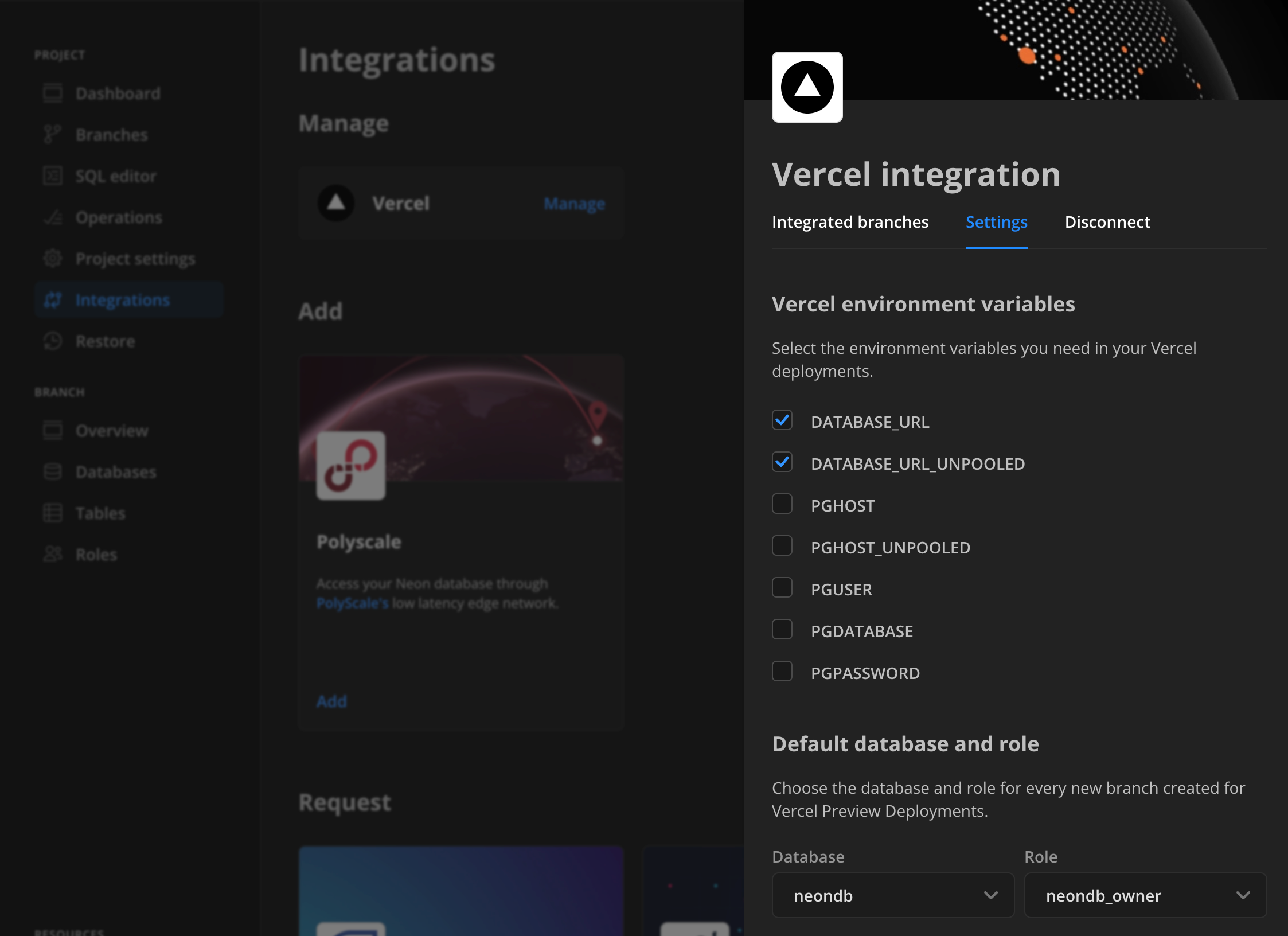
The variables you select are set in your Vercel project on your next `git push`. For details, see [Manage Vercel integration settings](https://neon.com/docs/guides/neon-managed-vercel-integration#managing-the-integration).
- Fixed an issue that prevented the `DATABASE_URL` variable from being set on the first preview deployment after adding the integration to a Vercel project.
### Fixes & improvements
- The [List projects](https://api-docs.neon.tech/reference/listprojects) API method now returns only projects owned by the current user account. Previously, it also returned projects shared with the current user account. To list projects shared with the current user account, use the [List shared projects](https://api-docs.neon.tech/reference/listsharedprojects) API method instead.
- Added a **Submit feedback** form to the cards on the **Integrations** page in the Neon Console, letting users share their experience with Neon integrations.
- We now expose more details in error messages returned from the Neon proxy for [Neon serverless driver](https://neon.com/docs/serverless/serverless-driver) connections over HTTP.
- Improved the [IP Allow](https://neon.com/docs/introduction/ip-allow) user interface with minor design and copy adjustments.
### What's new in docs?
To help our users unlock the full potential of Postgres, we're building out our Postgres extension documentation. Whether you're a seasoned Postgres user or new to the platform, our new extension guides can help you get started.
- [The pg_stat_statements extension](https://neon.com/docs/extensions/pg_stat_statements)
- [The timescaledb extension](https://neon.com/docs/extensions/timescaledb)
- [The postgis extension](https://neon.com/docs/extensions/postgis)
- [The hstore extension](https://neon.com/docs/extensions/hstore)
- [The citext extension](https://neon.com/docs/extensions/citext)
- [The pg_trgm extension](https://neon.com/docs/extensions/pg_trgm)
See our updated roadmap to learn about upcoming features and share your ideas:
- [Neon roadmap](https://neon.com/docs/introduction/roadmap)
### Success stories
We are excited to announce the launch of our [Success Stories](https://neon.com/case-studies) page on the Neon website. This new page highlights real-world experiences and success stories from our valued partners and customers.
### From the Neon Blog
In case you missed them, be sure to check out our latest blog posts:
- [See you at FOSDEM and FOSDEM PGDay 2024](https://neon.com/blog/see-you-at-fosdem-and-fosdem-pgday-2024)
- [Using Neon's Scale to Zero with Long-Running Applications](https://neon.com/blog-suspend-with-long-running-applications)
---
### 2024-01-19
### Custom extension support
Neon supports custom-built Postgres extensions for exclusive use with your Neon account. If you developed your own Postgres extension and want to use it with Neon, [Scale](https://neon.com/docs/introduction/plans#scale) and [Enterprise](https://neon.com/docs/introduction/plans#enterprise) plan users can [open a support ticket](https://console.neon.tech/app/projects?modal=support). To learn more about how we support custom extensions, check out this blog post: [Bring Your Own Extensions to Serverless PostgreSQL](https://neon.com/blog/bring-your-own-extensions-to-serverless-postgresql).
### Neon API updates
- Added API methods for Neon's [project sharing](https://neon.com/docs/guides/project-sharing-guide) feature. The new methods allow you to:
- List users that a project is shared with. See [Return project permissions](https://api-docs.neon.tech/reference/listprojectpermissions).
- Share a project with a specified user. See [Grant project permissions](https://api-docs.neon.tech/reference/grantpermissiontoproject).
- Revoke project access from a user you shared a project with. See [Revoke project permissions](https://api-docs.neon.tech/reference/revokepermissionfromproject).
- Neon API methods such as [Get projects](https://api-docs.neon.tech/reference/listprojects), which return the creation source in the response body, now return `"creation_source": "vercel"` for projects and branches created by the [Neon Vercel Integration](https://vercel.com/integrations/neon).
- The `ips` field in the `allowed_ips` object in the [Create project](https://api-docs.neon.tech/reference/createproject) and [Update project](https://api-docs.neon.tech/reference/updateproject) APIs was changed from required to optional. This change allows certain IP Allow requests to be sent from the [interactive Neon API reference](https://api-docs.neon.tech/reference/getting-started-with-neon-api) without specifying IP addresses.
### Neon CLI updates
The [Neon CLI](https://neon.com/docs/reference/neon-cli) now includes an `ip-allow` command, which supports `list`, `add`, `remove`, and `reset` actions on the IP allowlist for your Neon project. For details, see [Neon CLI commands — ip-allow](https://neon.com/docs/reference/cli-ip-allow). To install the Neon CLI or update your installation to the latest version, see [Neon CLI — Install and connect](https://neon.com/docs/reference/cli-install).
### Fixes & improvements
- Added several new integration cards to the **Request** section of the **Integrations** page in the Neon Console where you can express your interest and share your feedback about future integrations with Neon. Your input helps the Neon team design and prioritize integrations. To learn how to participate, see [Express interest in upcoming integrations](https://neon.com/docs/manage/integrations#express-interest-in-upcoming-integrations).
- Added a dialog requiring user confirmation when removing all IP addresses from an [IP Allow](https://neon.com/docs/introduction/ip-allow) configuration.
- The **Community** link in the Neon Console sidebar has been updated to direct users to the [Neon Discord](https://discord.com/invite/92vNTzKDGp) server, rather than the [Neon Discourse forum](https://community.neon.tech/).
- To prevent connection errors at the subscriber and repeated compute restarts, Neon no longer suspends a compute instance with an active connection from a logical replication susbscriber.
- To allow Postgres autovacuum operations to complete their work without interruption, Neon no longer suspends a compute due to inactivity while an autovacuum operation is in progress.
- Fixed an issue in Neon Console confirmation dialogs that caused an "Unknown error".
- Fixed an issue preventing the **Connection Details** widget from displaying code snippets when accessing the Neon Console from a mobile device.
- Fixed a UI text consistency issue on the **Role Created** modal that is displayed after creating a new role in the Neon Console.
### Neon application demos
Check out our new [Demos](https://neon.com/demos) page showcasing Neon Serverless Postgres application examples.
### What's new in docs?
We have a new guide for you to check out this week:
- [Connect a Ruby on Rails application to Neon Postgres](https://neon.com/docs/guides/ruby-on-rails)
### Customer case study
Read about how [Branch chose Neon for its true Postgres and serverless nature](https://neon.com/blogn-for-its-true-postgres-and-serverless-nature).
### From the Neon Blog
In case you missed them, be sure to check out our latest posts:
- [How to build AI-powered apps using Postgres and DronaHQ](https://neon.com/blogpowered-apps-using-postgres-and-dronahq)
---
### 2024-01-12
### Fixes & improvements
- The [Neon CLI](https://neon.com/docs/reference/neon-cli) now supports [get](https://neon.com/docs/reference/cli-branches#get) operations for branches with numeric names. Previously, only string values were supported.
- Corrected the [Neon CLI](https://neon.com/docs/reference/neon-cli) package name that appears in **Quickstart** banner on the Neon **Dashboard**. The package name shown in the Windows and Linux installation commands was incorrect.
- The [neon_superuser](https://neon.com/docs/manage/roles#the-neonsuperuser-role) role is now able to execute the `pg_stat_statements_reset()` function that is part of the `pg_stat_statements` extension. This function discards statistics gathered so far by `pg_stat_statements`. Roles created in the Neon console, CLI, or API, including the default role created with each Neon project, are granted membership in the `neon_superuser` role. Previously, this function could only be run with a Postgres superuser role, which is restricted in Neon. To make this enhancement available, drop and recreate the `pg_stat_statements` extension. See [Install an extension](https://neon.com/docs/extensions/pg-extensions#install-an-extension).
- For logical replication, the PostgreSQL `max_slot_wal_keep_size` is now set to 1 GB, limiting the maximum size of WAL files that replication slots are allowed to retain in the `pg_wal` directory. This is a temporary limit that will be removed in a future release. The limit avoids an accumulation of WAL data at the publisher due to a lagging subscriber, which could cause a slow compute start.
- Added a **Vercel integration** card to the **Integrations** page in the Neon Console.
- Fixed the **Cancel** action in card drawers on the **Integrations** page in the Neon Console. When clicking **Cancel**, card drawers did not close.
To follow Neon storage and compute releases in GitHub, see [Releases](https://github.com/neondatabase/neon/releases).
### What's new in docs?
- Check out our new guide that describes how to [replicate data from Neon with Fivetran](https://neon.com/docs/guides/logical-replication-fivetran).
- Want to better understand how Neon's project billing works? We've added a real-world example of a generative AI project with 80,000 daily active users that walks you through estimating a monthly bill. See [Sample billing](https://neon.com/docs/introduction/billing-sample).
- Find a typo in the Neon docs? Is there a section that's hard to understand? Notice that a certain topic is missing? The Neon docs are open-source, and contributions are welcome. See our [Documentation Contribution Guide](https://neon.com/docs/community/contribution-guide) for details.
### From the Neon Blog
In case you missed them, be sure to check out our latest posts.
- **Logical Replication and CDC in PostgreSQL with Airbyte**
Learn how to synchronize your PostgreSQL and Airbyte data in this community-contributed blog post by Jacob Prall, Senior Developer Advocate at @Airbyte:
[A Guide to Logical Replication and CDC in PostgreSQL with Airbyte](https://neon.com/blog/a-guide-to-logical-replication-and-cdc-in-postgresql-with-airbyte)
- **Publish a custom ChatGPT**
Learn how to create and publish a custom ChatGPT with this post from Peter Bendel, Postgres Performance Engineer @Neon, and Raouf Chebri
Developer Advocate @Neon:
[OpenAI's GPT Store is live: Create and Publish a custom Postgres GPT Expert](https://neon.com/bloge-is-live-create-and-publish-a-custom-postgres-gpt-expert)
---
### 2023-12-23
### Control access to your data with IP Allow

Neon's **IP Allow** feature, now available with the [Neon Pro Plan](https://neon.com/docs/introduction/pro-plan), ensures that only trusted IP addresses can connect to the project where your database resides, preventing unauthorized access and helping maintain overall data security. You can limit access to individual IP addresses, IP ranges, or IP addresses and ranges defined with [CIDR notation](https://neon.com/docs/reference/glossary#cidr-notation).
To get started, see [Configure IP Allow](https://neon.com/docs/manage/projects#configure-ip-allow).
### Change Data Capture (CDC) with Logical Replication

Neon is pleased to announce support for [logical replication](https://neon.com/docs/guides/logical-replication-guide), which brings Change Data Capture (CDC) to serverless Postgres. You can now stream data from your Neon database to a variety of external destinations, including data warehouses, analytical database services, messaging platforms, event-streaming platforms, and external Postgres databases. Logical replication is available to all Neon users.
To get started, jump into one of our step-by-step logical replication guides:
- [Replicate data with Airbyte](https://neon.com/docs/guides/logical-replication-airbyte)
- [Replicate data with Kafka (Confluent) and Debezium](https://neon.com/docs/guides/logical-replication-kafka-confluent)
- [Replicate data to Materialize](https://neon.com/docs/guides/logical-replication-materialize)
- [Replicate data to an external Postgres instance](https://neon.com/docs/guides/logical-replication-postgres)
Also, check out these blog posts from Neon and [Materialize](https://materialize.com/):
- [Change Data Capture with Serverless Postgres](https://neon.com/blog/change-data-capture-with-serverless-postgres)
- [Change Data Capture with Neon and Materialize](https://neon.com/bloglize)
### Postgres version update
Supported Postgres versions were updated to 14.10, 15.5, and 16.1, respectively.
### Fixes & improvements
- Added the `REPLICATION` privilege to the [neon_superuser](https://neon.com/docs/manage/roles#the-neonsuperuser-role) role. The `REPLICATION` privilege was introduced with the release of [logical replication](https://neon.com/docs/guides/logical-replication-guide) support in Neon. Only the default Postgres role created with your Neon project and roles created using the Neon Console, CLI, or API are granted membership in the `neon_superuser` role, which includes the `REPLICATION` privilege. Granting the `REPLICATION` privilege to roles created via SQL is currently not permitted.
- Added support for browser-issued SQL-over-HTTP batch queries using the [Neon serverless driver](https://neon.com/docs/serverless/serverless-driver). Batch queries were failing because `Neon-Batch-Isolation-Level` and `Neon-Batch-Read-Only` headers were missing from the server's `OPTIONS` response.
---
### 2023-12-14
### Quickstart
We've revised the **Quickstart** panel that appears at the top of the Neon project **Dashboard** after creating a new project. Follow this Quickstart to learn about [passwordless authentication](https://neon.com/docs/connect/passwordless-connect), installing the [Neon CLI](https://neon.com/docs/reference/neon-cli), integrating your apps with Neon, and importing data into your project.
### Fixes & improvements
- Fixed the **Create Support Ticket** form that is accessed from the **Support** link in the Neon Console sidebar. The form was not functioning properly.
- Fixed the **Cancel** link in the drawer that opens when you request an integration on the **Integrations** page in the Neon Console. Clicking **Cancel** now closes the drawer, as expected.
---
### 2023-12-12
### Branch reset
Neon is pleased to announce the latest branching feature to help improve your development workflows: **branch reset**.
With one click, you can now update your working branch to the latest available schema and data from its parent branch, avoiding labor-intensive and error-prone manual updates or branch restorations. This action is available from both the Neon Console and the Neon CLI. For details, see [Reset branch from parent](https://neon.com/docs/manage/branches#reset-a-branch-from-parent).
### Set context for the Neon CLI
Using a new `neon` command, `set-context`, you can now set a background context for your CLI sessions, letting you perform project or branch-specific actions without having to specify the project or branch id in every command. See [Neon CLI commands — set-context](https://neon.com/docs/reference/cli-set-context) for more detail.
### Support for timescaledb 2.13.0 for Postgres 16
The `timescaledb` extension, version 2.13.0, which enables scalable inserts and complex queries for time-series data, is now available on Postgres 16.
For a complete list of Postgres extensions supported by Neon, see [Postgres extensions](https://neon.com/docs/extensions/pg-extensions).
### Fixes & improvements
- UI: Fixed an unresponsive Read-only (RO) radio button option that appears on the **Create Compute Endpoint** modal.
---
### 2023-12-07
### Integrations page in Console
The **Integrations** page in the [Neon Console](https://console.neon.tech/) provides a hub for managing third-party integrations with your Neon project.
When visiting the **Integrations** page, you'll notice different categories:
- **Available**: These are integrations available for you to add and use immediately.
- **Coming soon**: These are the integrations that will be available in the near future.
- **Request an integration**: An option for you to request new integrations.
We've recently added several integrations to our **Coming soon** category. You can express your interest in a particular integration by clicking **Request** and sharing your use case, which helps us prioritize and build for exactly what you need. Have a look and let us know what integration you would like Neon to build next.

---
### 2023-12-06
### Fixes & improvements
- API: An operation was added to the [Update project](https://api-docs.neon.tech/reference/updateproject) API response. An `apply_storage_config` operation is now returned when updating the `history_retention_seconds` value. If your application uses this API to modify the `history_retention_seconds` value and expects a specific response, you may need to make code adjustments.
Read more about operations here: [Operations](https://neon.com/docs/manage/operations).
### Fixes & improvements
- Proxy: Enabled channel binding in the Neon proxy, which is an additional security measure that ties the authentication process (using SCRAM) to the specific secure communication channel, protecting it from advanced types of cyberattacks where the attacker is able to intercept and mimic secure communication channels.
---
### 2023-12-05
### SOC 2 Type 2 Compliance

At Neon, we are committed to safeguarding customer data and maintaining a high level of security. As part of this ongoing commitment, we are pleased to announce that we have successfully achieved SOC 2 Type 2 compliance. To learn more about this important security milestone and what lies ahead for Neon, please see the [SOC 2 Type 2 Compliance](https://neon.com/blog/soc2-type2) blog post from the Neon security team.
---
### 2023-12-04
## Deploy a global cache with Neon's PolyScale integration

We are pleased to announce the launch of Neon's PolyScale integration. [PolyScale](https://docs.polyscale.ai/) allows you to easily cache your data globally through its low-latency regional edge network. Enjoy benefits like speedy accces to your data from anywhere in the world, reduced load on your database, and improved slow query performance. A PolyScale global cache is also an alternative to cross-regional replication without the added complexity. No coding or infrastructure changes are required to use PolyScale. You can have it up and running in just a few minutes. Like Neon, PolyScale offers a free plan. No credit card is required.
To get started:
1. Navigate to your project in the [Neon Console](https://console.neon.tech/app/projects).
2. Select the **Integrations** page from the sidebar.
3. Locate the PolyScale integration and click **Add**.
For detailed instructions, refer to our [PolyScale integration](https://neon.com/docs/guides/polyscale-integration) guide.
### Fixes & improvements
Implemented the following improvements to the **Connection Details** widget, which is accessed from your Neon project **Dashboard**:
- Added tab support for providing multiple code snippet examples per language or framework
- Added **Connection string** and **Parameters only** code snippets
- Fixed the highlighting for the Java code snippet
- Hid the reveal secrets icon for code snippets that do not include a password
---
### 2023-12-01
### Fixes & improvements
- UI: Fixed an issue that appended a Neon user account's email domain (e.g., `@domain.com`) to the name of the default Postgres role created with a new project. This issue occured for users who signed up for Neon with an email account.
- UI: Fixed an issue preventing older projects from storing passwords, resulting in the following error when attempting to reveal a masked password in the **Connection Details** widget: `Request failed: storing passwords is not enabled for a project`.
- UI: Corrected a Java code snippet highlighting issue in the **Connection Details** widget.
- UI: Corrected an SQL syntax highlighting issue in the **Neon SQL Editor**.
- UI: Fixed an issue with the **History retention** slider on the **Storage** page, which is accessed from the **Project settings** page in the Neon Console. Specifying a `0` value would set the retention period to the 7-day default.
- UI: Fixed an issue that left a Neon project visible from the dashboard after it was deleted from another instance of the Neon Console.
---
### 2023-11-29
### Fixes & improvements
- UI: The **Create new branch** page was redesigned to improve usability. You can view the redesigned page by selecting the **Branches** page in the Neon Console, and clicking **New Branch**.
- UI: The **Neon SQL Editor** now supports pagination for better handling of large result sets. You can navigate paginated results by clicking the page numbers at the bottom of the **Neon SQL Editor** page.
---
### 2023-11-27
### Fixes & improvements
- Compute: Neon has introduced a new pre-installed "neon" extension, which includes functions and views designed to gather Neon-specific metrics. The metrics are intended for use by the Neon team for the purpose of enhancing our service. The views are owned by a Neon system role (`cloud_admin`), but you are able to view them by connecting to the `postgres` database using `psql` and executing the command `\dv neon.*`, as shown below. At present, the extension includes two views for local file cache metrics. We may incorporate additional views in future releases.
```bash
psql 'postgresql://alex:AbC123dEf@ep-cool-darkness-123456.us-east-2.aws.neon.tech/postgres?sslmode=require&channel_binding=require'
postgres=> \dv neon.*
List of relations
Schema | Name | Type | Owner
--------+----------------+------+-------------
neon | local_cache | view | cloud_admin
neon | neon_lfc_stats | view | cloud_admin
(2 rows)
```
- Compute: Creating a database with the `neon_superuser` role, altering a database to have owner `neon_superuser`, and altering the `neon_superuser role` itself are no longer permitted. The `neon_superuser` role is a `NOLOGIN` role used by Neon to grant prvileges to PostgreSQL roles created via the Neon Console, CLI, or API, and is not intended to be used directly or modified. For more information about this role, see [The neon_superuser role](https://neon.com/docs/manage/roles#the-neonsuperuser-role).
---
### 2023-11-23
### PostgreSQL documentation now available on Neon
The [Neon docs site](https://neon.com/docs/introduction) now includes a [mirror](https://neon.com/docs/postgres/index) of the official PostgreSQL documentation to help you quickly find the information you need. You can use the **Postgres Docs** and **Neon Docs** links in the sidebar to navigate between the two documentation sets. Additionally, an integrated search index allows you to search across both documentation sets. We plan to add more features to this mirror, such as interactive SQL examples, in future releases.
---
### 2023-11-21
### Fixes & improvements
- Control Plane: Raised the PgBouncer `default_pool_size` limit from 16 to 64 to prevent running out of available server connections. This limit defines the number of server connections allowed per user/database pair.
- Integrations: Fixed an issue that permitted using a Neon project without a compute endpoint when adding the [Neon Vercel Integration](https://vercel.com/integrations/neon).
- UI: Updated the Prisma code snippet in the **Connection Details** widget. The revised code no longer includes the `connection_timeout` parameter or `shadowDatabaseUrl` variable. These are no longer required due to reduced Neon cold start times and support for database creation via SQL.
- UI: Added an external link icon to the code snippet text box on the **Connection Details** widget so that you can easily access related documentation.
---
### 2023-11-10
### Fixes & improvements
- UI: Added [Neon serverless driver](https://neon.com/docs/serverless/serverless-driver) HTTP and WebSockets connection examples to the **Connection Details** widget on the Neon **Dashboard**.
- UI: Updated the Django code snippet in the **Connection Details** widget to set `DISABLE_SERVER_SIDE_CURSORS` to `true` when using a pooled connection.
- UI: Fixed an issue that prevented email-authenticated Neon users from authorizing OAuth access to their Neon account.
---
### 2023-11-08
### Improved connection snippets
We streamlined the connection snippets in the [Connection Details](https://neon.com/docs/connect/connect-from-any-app) panel for better usability:
- A new eye icon lets you toggle password visbility within all connection snippets. Note that this feature is for visual display only; copied snippets always include the password.
- All connection snippets now include `sslmode=require`, enabling encryption by default.
These changes apply wherever the **Connection Details** pane appears: on the **Dashboard** page, when you create a branch, and when you create a project.
---
### 2023-11-02
### Email authentication support
Neon now supports email authentication, enabling users to sign up for Neon using a personal or business email account. Previously, you could only sign up with a GitHub or Google account.
To sign up with an email account, navigate to [https://console.neon.tech](https://console.neon.tech), select the **Email** option, and click **Sign up for an account**. You will be directed to the **Sign up** dialog.

---
### 2023-10-27
### Enhanced onboarding
We enhanced our onboarding experience for Neon Free Tier users with a redesigned user interface. Create a Neon project with a Postgres database in seconds.
### Fixes & improvements
- UI: Added a consent checkbox to the **Create Support Ticket** modal available via the **Support** link in the Neon Console sidebar. By ticking the checkbox, users grant Neon employees permission to connect to their databases for support purposes. This streamlines the troubleshooting process, ensuring quicker resolutions.
- UI: You can now edit the **First name** and **Last name** fields on the **Profile** settings page for your Neon account. You can access your profile settings by clicking your avatar at the bottom left corner of the Neon Console and selecting **Profile**.
---
### 2023-10-19
### Support for pgvector 0.5.1
The `pgvector` extension for vector similarity search in Postgres was updated to a newer version.
| Postgres extension | Old version | New version |
| ------------------ | ----------- | ----------- |
| `pgvector` | 0.5.0 | 0.5.1 |
The new version of `pgvector` improves HNSW index build performance. For other updates, refer to the [pgvector changelog](https://github.com/pgvector/pgvector/blob/master/CHANGELOG.md).
If you installed this extension previously and want to upgrade to the latest version, please refer to [Update an extension version](https://neon.com/docs/extensions/pg-extensions#update-an-extension-version) for instructions.
For a complete list of Postgres extensions supported by Neon, see [Postgres extensions](https://neon.com/docs/extensions/pg-extensions).
---
### 2023-10-17
### Fixes & improvements
- UI: Added new fields for configuring the scale to zero delay period for Neon compute instances, allowing you to specify the delay period in seconds, minutes, hours, or days.

Neon's _Scale to Zero_ feature automatically suspends a compute endpoint after a period of inactivity to minimize compute costs. This feature is also known as "scale-to-zero". By default, suspension occurs after 5 minutes of inactivity. [Neon Pro Plan](https://neon.com/docs/introduction/pro-plan) users can configure the scale to zero setting when creating a project, changing default compute settings, creating a compute endpoint, or editing a compute endpoint.
For more information about this feature, see [Scale to Zero](https://neon.com/docs/introduction/scale-to-zero).
- UI: When sharing a Neon project with someone who does not have a Neon account, an email invitation is now sent to the specified email address. Previously, an email was only sent to registered Neon users.
Project sharing is a [Neon Pro Plan](https://neon.com/docs/introduction/pro-plan) feature that allows you to share your project with other Neon accounts. For more information, see [Project sharing](https://neon.com/docs/guides/project-sharing-guide).
- UI: Updated PostgreSQL 14 and 15 keyword highlighting in the [Neon SQL Editor](https://neon.com/docs/get-started/query-with-neon-sql-editor), and addressed other syntax highlighting and autocompletion issues.
---
### 2023-10-11
### Postgres extension update
The following Postgres extension was updated to a newer version:
| Postgres extension | Old version | New version |
| ------------------ | ----------- | ----------- |
| `plpgsql_check` | 2.4.0 | 2.5.3 |
If you installed this extension previously and want to upgrade to the latest version, please refer to [Update an extension version](https://neon.com/docs/extensions/pg-extensions#update-an-extension-version) for instructions.
For a complete list of Postgres extensions supported by Neon, see [Postgres extensions](https://neon.com/docs/extensions/pg-extensions).
### Fixes & improvements
The following items affect the Neon serverless driver, which is a low-latency Postgres driver for JavaScript and TypeScript that allows you to query data from serverless and edge environments over HTTP or WebSockets in place of TCP:
- Proxy: Increased the maximum request body size for SQL requests over HTTP from 1 MB to 10 MB.
- Proxy: Added a 15 second proxy timeout for SQL requests over HTTP for handling of long running queries.
For more information about our serverless driver, see [Neon serverless driver](https://neon.com/docs/serverless/serverless-driver).
---
### 2023-10-10
### Fixes & improvements
- API: Added timestamp validation for [branch creation](https://neon.com/docs/manage/branches#create-a-branch). This new validation prevents you from accidentally selecting inapplicable times: before your Neon project was created, before the defined history retention period (7 days by default), or in the future. With Neon, you can you create point-in-time branches to restore past data, but you must select a time that is both in the past and within the project's history retention window. For more information, see [Point-in-time restore](https://neon.com/docs/introduction/point-in-time-restore).
- UI: Added a **Postgres version** column to the table on the [Projects](https://console.neon.tech/app/projects) page in the Neon console to identify a project's Postgres version. Neon supports creating projects with Postgres versions 14, 15, or 16. Neon Pro Plan users can create multiple projects using any of these supported Postgres versions.
- UI: Changed the **Explain** and **Analyze** tabs in the [Neon SQL Editor](https://neon.com/docs/get-started/query-with-neon-sql-editor) to buttons to better reflect that these features perform query actions to get new results, rather than just show a different view of existing query results. For more information about these features, see [Explain and Analyze](https://neon.com/docs/get-started/query-with-neon-sql-editor#explain-and-analyze).
- UI: Fixed an issue on the **Tables** page in the Neon console that caused a `relation does not exist` error when viewing table data in a database and then selecting a different database.
- UI: Fixed a text-to-background contrast issue in dark mode in the Neon SQL Editor. Text on the **IO & Buffers** tab in the **Index Scan** output for an **Explain** query was not visible.
- UI: Fixed styling issues for the **Data transfer** card on the Neon Pro Plan **Billing** page in the Neon Console.
- UI: Addressed error handling issues in the [Neon-Vercel integration](https://vercel.com/integrations/neon).
---
### 2023-10-09
### Postgres extension updates
The following Postgres extensions were updated to a newer version and are now supported with Postgres 16:
| Postgres extension | Old version | New version |
| ------------------ | ----------- | ----------- |
| `pg_jsonschema` | 0.1.4 | 0.2.0 |
| `pg_graphql` | 1.1.0 | 1.4.0 |
| `pgx_ulid` | 0.1.0 | 0.1.3 |
If you installed these extensions previously and want to upgrade to the latest version, please refer to [Update an extension version](https://neon.com/docs/extensions/pg-extensions#update-an-extension-version) for instructions.
Additionally, the [pg_tiktoken](https://neon.com/docs/extensions/pg_tiktoken) extension is now supported with Postgres 16.
For a complete list of Postgres extensions supported by Neon, see [Postgres extensions](https://neon.com/docs/extensions/pg-extensions).
### Fixes & improvements
- Compute: Fixed an issue that caused an invalid database state after a failed `DROP DATABASE` operation.
---
### 2023-10-06
### We updated our Privacy Policy

At Neon, we are committed to safeguarding your privacy and ensuring your personal information is handled with the utmost care and security. As part of our ongoing efforts to protect your data and maintain transparency, we are pleased to inform you that we have updated our Privacy Policy.
#### Privacy Policy
Our updated [Privacy Policy](https://neon.com/privacy-policy) reflects our dedication to your privacy and aligns with the latest data protection regulations. These changes have been made to provide you with clearer information about how we collect, use, and protect your personal data, as well as your rights and choices regarding your information.
Here are some key highlights of the changes:
- **Transparency**: We have enhanced the clarity of our Privacy Policy to make it easier for you to understand how your data is processed.
- **Data Usage**: We have outlined in more detail how we use your data to provide you with a better and more personalized experience.
- **Your Rights**: You have the right to access, correct, or delete your personal data. Our Privacy Policy now includes information on how to exercise these rights.
- **Data Security**: We continue to invest in the security of your data. Our updated policy includes information on the measures we take to protect your information.
Review the full updated Privacy Policy [here](https://neon.com/privacy-policy).
Our full list of [Sub-Processors](https://neon.com/subprocessors) is available, and you can stay up to date by signing up for notifications to our subprocessor list.
We want to assure you that your data privacy remains our top priority, and we will continue to implement measures to protect your personal information.
If you have any questions or concerns about our Privacy Policy, Subprocessors, or how your data is handled, please do not hesitate to contact our dedicated Privacy Team at `privacy@databricks.com`.
The Privacy Policy goes into effect on October 6th, 2023. By continuing to use Neon and access our website, you agree to these changes.
We appreciate your continued trust in Neon and thank you for being a valued customer. Your satisfaction is our priority, and we will continue to work diligently to provide you with the best possible experience.
---
### 2023-10-02
### Fixes & improvements
API, UI: Added escaping for special characters in database names, role names, and passwords. Without escaping, some special characters could cause an error when specified in a connection string.
---
### 2023-09-29
### We are sunsetting pg_embedding in favor of pgvector
Neon's `pg_embedding` extension was the first to introduce the Hierarchical Navigable Small World (HNSW) index to Postgres, but with the recent addition of HNSW to `pgvector`, we see little benefit to the Postgres community in continuing to develop a separate vector search extension.
After careful consideration, we believe it is in the best interest of our users and the broader Postgres community to sunset `pg_embedding` and continue our effort in the vector search space by contributing to `pgvector`.
As a result, we will no longer be committing to `pg_embedding` and will direct our efforts toward `pgvector` instead.
For anyone currently using `pg_embedding`, you will be able to continue using it on Neon. However, we strongly encourage you to migrate to `pgvector`.
For more about our decision to sunset `pg_embedding` and what comes next for Neon in the vector search space, please refer to our blog post: [We're sunsetting pg_embedding in favor of pgvector](https://neon.com/blog/sunset-pgembedding).
### Fixes & improvements
- Compute: With the announcement regarding sunsetting of `pg_embedding`, Neon no longer permits new installations of the `pg_embedding` extension.
- Proxy: The timing of connection retries from the Neon proxy was adjusted to reduce connection wait times. The previous retry timing configuration could have resulted in making clients wait hundreds of milliseconds longer than necessary.
---
### 2023-09-25
### Neon status page migration
We are excited to announce that we have migrated the [Neon status page](https://neonstatus.com/) to a new and improved provider while retaining the same [https://neonstatus.com/](https://neonstatus.com/) domain for easy access.
#### What you need to know:
1. **Migration date**: The migration occurred on September 25, 2023 at 08:00 UTC, as previously announced on the status page.
2. **Action required**:
- **Email subscribers**: No action needed.
- **Slack subscribers**: To continue receiving real-time status updates, resubscribe to our status page on Slack. Please use the following command: `/feed subscribe https://neonstatus.com/slack.rss`
3. **Same domain**: Our status page remains accessible at the same domain: [https://neonstatus.com/](https://neonstatus.com/). Only the underlying provider has changed.
4. **No data loss**: All historical incident data and communications have been preserved.
5. **Questions or concerns**: If you have any questions or encounter issues resulting from the migration, please reach out to us on the [Neon community forum](https://community.neon.tech/). [Neon Pro Plan](https://neon.com/docs/introduction/pro-plan) users can [open a support ticket](https://neon.com/docs/introduction/support).
Thank you for your continued trust in our services. We look forward to providing you with an even better status page experience.
---
### 2023-09-19
### Fixes & improvements
- API: Added a [Get current user details](https://api-docs.neon.tech/reference/getcurrentuserinfo) endpoint to the Neon API for retrieving information about the current Neon user. This endpoint is still under review and subject to change in a future release.
- API: Added database and role name validation to the [Create a project](https://api-docs.neon.tech/reference/createproject) endpoint to prevent creating databases and roles with protected names.
- API, UI: Users with whom a Neon project is shared can now access and modify all project settings except for project deletion. Only a project owner can delete a project.
- API, UI: Email addresses added when sharing a Neon project with other users are now handled in a case-insensitive manner and added to the shared project list in lowercase.
- UI: Fixed an issue that prevented recently configured default compute size settings from appearing in the **Create Compute Endpoint** modal.
- UI: Modified the behavior of the search field on the **Branches** page. Search terms less than three characters are now permitted. Previously, a search could only be performed by entering three or more characters in the search field.
- UI: Adjusted compute type naming and labels throughout the Neon Console to improve consistency.
---
### 2023-09-18
### Support for Postgres 16
Neon is pleased to announce support for Postgres 16. To use Postgres 16 with Neon, create a new Neon project and select **16** as the **Postgres version**. See [Create a project](https://neon.com/docs/manage/projects#create-a-project) for instructions.

To migrate data from an existing Neon project to one created with Postgres 16, refer to the dump and restore procedure described in [Import data from another Neon project](https://neon.com/docs/import/migrate-from-neon).
As with any database migration, always test thoroughly before migrating production systems or applications. Also, we recommend familiarizing yourself with the changes in Postgres 16, especially those affecting compatibility. For information about those changes, please refer to the official [Postgres Release 16 documentation](https://www.postgresql.org/docs/16/release-16.html).
---
### 2023-09-15
### Postgres extension updates
The following Postgres extensions were updated to a newer version:
| Postgres extension | Old version | New version |
| ------------------------------ | ----------- | ----------- |
| `address_standardizer` | 3.3.2 | 3.3.3 |
| `address_standardizer_data_us` | 3.3.2 | 3.3.3 |
| `h3` | 4.1.2 | 4.1.3 |
| `h3_postgis` | 4.1.2 | 4.1.3 |
| `hll` | 2.16 | 2.18 |
| `hypog` | 1.3.1 | 1.4.0 |
| `ip4r` | 2.4.1 | 2.4.2 |
| `plcoffee` | 3.1.5 | 3.1.8 |
| `plls` | 3.1.5 | 3.1.8 |
| `plpgsql_check` | 2.3.0 | 2.4.0 |
| `postgis` | 3.3.2 | 3.3.3 |
| `postgis_raster` | 3.3.2 | 3.3.3 |
| `postgis_sfcgal` | 3.3.2 | 3.3.3 |
| `postgis_tiger_geocoder` | 3.3.2 | 3.3.3 |
| `postgis_topology` | 3.3.2 | 3.3.3 |
If you installed these extensions previously and want to upgrade to the latest version, please refer to [Update an extension version](https://neon.com/docs/extensions/pg-extensions#update-an-extension-version) for instructions.
For a complete list of Postgres extensions supported by Neon, see [Postgres extensions](https://neon.com/docs/extensions/pg-extensions).
---
### 2023-09-13
### Fixes & improvements
- API: Increased the pagination limit for the [List projects](https://api-docs.neon.tech/reference/listprojects) API method from 100 to 400.
- UI: Fixed an issue on the **Billing** page for Free Tier accounts that prevented content in the **Estimate Pro plan cost** section of the page from being displayed.
- UI: Updated pages and modals in the console to ensure compute size default values are displayed correctly and consistently.
- UI: Removed the **Postgres configuration** widget from the Neon **Dashboard**. The Postgres version for the project now appears in the **Compute** widget.
- UI: Unnecessary whitespace is now stripped from queries executed in the Neon SQL Editor during processing. Previously, queries indented with a tab character failed to run or did not run as expected.
---
### 2023-09-08
### Configure default compute settings for your project
[Pro plan](https://neon.com/docs/introduction/pro-plan) users can now configure default compute settings for a Neon project. Settings include **Compute size**, **Autoscaling**, and **Scale to zero delay**. To define defaults, select **Project settings** > **Compute** from the Neon **Dashboard** to open the **Default compute settings** page. For [Free Tier](https://neon.com/docs/introduction/free-tier) users, the page shows the default settings.

Default settings are applied when creating a branch or adding a compute to a branch via the Neon Console. However, if you want a compute with different settings, you can change or override the defaults when creating a branch or adding a compute.
In addition, the **Compute** widget on the Neon **Dashboard** now shows the **Default compute size** for your Neon project.
### Fixes & improvements
- API: Neon API v1 deprecation was [announced in December, 2022](https://neon.com/docs/changelog/2022-12-28-console). We have removed code for this early version of the Neon API. If you have not yet migrated your applications to the current version of the [Neon API](https://api-docs.neon.tech/reference/getting-started-with-neon-api), please do so now.
- UI: Added a **Billing** page to the Neon Console for Neon Enterprise and Platform Partnership custom plan users. The **Billing** page is accessible from the sidebar in the [Neon Console](https://console.neon.tech/app/projects).
- UI: Addressed usability issues on the **Custom** tab of the **Pro Plan Cost Estimator**, which is accessible from the Free Tier **Billing** page in the Neon Console. Percentage values were not restored when switching from **Enter your own values** and **Use a percentage**. Additionally, minimum, maximum, and increment values were adjusted for **Compute** and **Project storage** metrics.
- UI: The billing period drop-down menu at the top right corner of the **Billing** page now uses the current billing period as the default selection instead of the oldest billing period. This change applies to Neon Pro plan accounts.
---
### 2023-09-05
### Support for custom-built Postgres extensions
Neon now supports custom-built Postgres extensions for exclusive use with your Neon account. If you developed your own Postgres extension and want to use it with Neon, please reach out to us. For more information, see [Custom-built extensions](https://neon.com/docs/extensions/pg-extensions#custom-built-extensions).
---
### 2023-08-31
### Support for AWS Data Migration Service (DMS)
You can now migrate data to Neon using the AWS Data Migration Service (DMS). Previously, a connection limitation prevented defining Neon as a target database endpoint. For data migration instructions, please refer to [Migrate with AWS Database Migration Service (DMS)](https://neon.com/docs/import/migrate-aws-dms).
### Fixes & improvements
Neon uses the compute endpoint domain name to route incoming client connections. For example, to connect to the compute endpoint `ep-mute-recipe-239816`, we ask that you connect to `ep-mute-recipe-239816.us-east-2.aws.neon.tech`. However, the Postgres wire protocol does not transfer the domain name, so Neon relies on the Server Name Indication (SNI) extension of the TLS protocol to do this. Unfortunately, not all Postgres clients support SNI. When these clients attempt to connect, they receive an error indicating that the "endpoint ID is not specified".
Neon supports connection workarounds for this limitation, one of which uses a special `endpoint` connection option that allows you to specify a compute endpoint ID in an application's password field. Instead of specifying only a password, you provide a string consisting of the `endpoint` option and your password, separated by a semicolon. For example:
```bash
endpoint=;
```
However, some client applications do not permit semicolon characters (`;`) in a password field. For these clients, Neon now supports using a dollar sign character `$` as the delimiter:
```bash
endpoint=$
```
For more information about this connection workaround, refer to our [connection errors](https://neon.com/docs/connect/connection-errors#d-specify-the-endpoint-id-in-the-password-field) documentation.
---
### 2023-08-29
### Support for pgvector v0.5.0
We are pleased to announce support for [pgvector v0.5.0](https://github.com/pgvector/pgvector) on Neon. This new version introduces:
- Hierarchical Navigable Small Worlds (HNSW) indexing for faster retrieval
- Faster distance functions
- Parallel builds for `ivfflat` indexes
If you already use `pgvector` with Neon, you can upgrade by running the following command:
```sql
ALTER EXTENSION vector UPDATE TO '0.5.0';
```
---
### 2023-08-28
### Fixes & improvements
- Control Plane: The [Availability Checker](https://neon.com/docs/reference/glossary#availability-checker) now uses the smallest Neon compute size (.25 Compute Units) to verify that a project's computes can start and read and write data. This change allows the Availability Checker to use pre-started computes more often, which shortens availability check operation time and reduces the impact of availability checks on infrastructure and compute costs.
- UI: Improved the **Pro Plan Cost Estimator** for Neon Free Tier users. To ensure accuracy, the tool now displays cost estimates only after a month of project usage. This change prevents the display of inaccurate cost estimates for new accounts. Neon Free Tier users can access the **Pro Plan Cost Estimator** by visiting the **Billing** page in the Neon Console.
- UI: Implemented a new and improved design for the Neon Sign-in page.

---
### 2023-08-16
### Neon serverless driver enhancements
The [Neon serverless driver](https://neon.com/docs/serverless/serverless-driver) is a low-latency Postgres driver for JavaScript and TypeScript that allows you to query data from serverless and edge environments over HTTP or WebSockets in place of TCP.
The driver now supports batched queries and a larger response size for queries over HTTP.
#### Batched queries
You can now issue multiple queries at once in a single, non-interactive transaction using the `transaction()` function, which is exposed as property of the query function. For example:
```javascript
import { neon } from '@neondatabase/serverless';
const sql = neon(process.env.DATABASE_URL);
const showLatestN = 10;
const [posts, tags] = await sql.transaction([
sql`SELECT * FROM posts ORDER BY posted_at DESC LIMIT ${showLatestN}`,
sql`SELECT * FROM tags`,
]);
```
The `transaction()` function supports the same option keys the ordinary query function: `arrayMode`, `fullResults`, and `fetchOptions`, plus three additional keys for transaction configuration:
- `isolationMode`
Must be one of `ReadUncommitted`, `ReadCommitted`, `RepeatableRead`, or `Serializable`.
- `readOnly`
Ensures that a `READ ONLY` transaction is used to execute queries. The default value is `false`.
- `deferrable`
Ensures that a `DEFERRABLE` transaction is used to execute queries. The default value is `false`.
For more information, see [transaction(...) function](https://github.com/neondatabase/serverless/blob/main/CONFIG.md#transaction-function).
#### Larger response sizes
The maximum response size for queries over HTTP was raised from 1 MB to 10 MB.
---
### 2023-08-15
### Postgres version update
Supported Postgres versions were updated to 14.9 and 15.4, respectively.
### BYPASSRLS added to the neon_superuser role
The `neon_superuser` role now includes the `BYPASSRLS` attribute, enabling members of this role to bypass the row security system when accessing tables. Roles created in the Neon console, CLI, or API, including the default role created with a Neon project, are granted membership in the `neon_superuser` role. For more information, see [The neon_superuser role](https://neon.com/docs/manage/roles#the-neonsuperuser-role). This attribute is only included in `neon_superuser` roles in projects created after this release.
---
### 2023-08-14
### Fixes & improvements
- UI: Revised the Free Tier **Billing** page design where users can view [Free Tier](https://neon.com/docs/introduction/free-tier) limits and learn about the benefits of upgrading to the [Neon Pro plan](https://neon.com/docs/introduction/pro-plan). The **Billing** page is accessible from the sidebar in the Neon Console.
- UI: Fixed the code example drop-down menu on the **Connection Details** widget on the Neon **Dashboard**. The menu now opens above the selector if there is not enough space in the browser window for the menu to drop down.
- UI: The **Project Creation** modal now displays an error for invalid **Scale to zero** delay settings.
---
### 2023-08-09
### History retention and point-in-time restore
You can now configure the history retention period for a Neon project. History retention enables [point-in-time restore](https://neon.com/docs/introduction/point-in-time-restore), allowing you to restore data to any point within the retention period. By default, Neon retains a 7-day history of data changes for all branches. The supported history retention range is 0 to 7 days for [Free Tier](https://neon.com/docs/introduction/free-tier) users, and 0 to 30 days for [Pro plan](https://neon.com/docs/introduction/pro-plan) users.
The **History retention** setting is located in the Neon Console under **Project settings** > **Storage**.

### Configurable Scale to zero
After an extensive testing period, we are pleased to announce that our _Configurable scale to zero_ feature has successfully transitioned out of Beta. This feature controls when a Neon compute instance scales to zero due to inactivity. For more information, see [Configuring Scale to zero for Neon computes](https://neon.com/docs/guides/scale-to-zero-guide).
### Fixes & improvements
- API: The [Create branch](https://api-docs.neon.tech/reference/createprojectbranch) API method now creates a branch from the project's default branch if a `parent_id` is not provided in the create branch request.
- API: Deprecated the `pooler_enabled` attribute in the [Create endpoint](https://api-docs.neon.tech/reference/createprojectendpoint) API method. This attribute is no longer required, as you can now enable connection pooling by adding a `-pooler` flag to a database connection string. See [How to use connection pooling](https://neon.com/docs/connect/connection-pooling#how-to-use-connection-pooling).
- UI: The **Compute** widget on the Neon **Dashboard** now displays the **Active computes** limit for your Neon project. There is a default limit of 20 simultaneously active computes to protect Neon accounts from unintended or unexpected usage. [Neon Pro plan](https://neon.com/docs/introduction/pro-plan) users can have the limit increased by [submitting a request to our support team](https://neon.com/docs/introduction/support).
- UI: Fixed an issue on the **Downgrade** dialog accessible from the Neon Pro plan **Billing** page that prevented selecting a reason for downgrading.
- UI: Fixed dark theme styling issues.
---
### 2023-08-03
### On-disk support for HNSW indexes with pg_embedding
Neon's `pg_embedding` extension, which enables graph-based vector similarity search in Postgres using the Hierarchical Navigable Small World (HNSW) algorithm (HNSW), now persists HNSW indexes to disk. In the previous `pg_embedding` version (0.1.0 and earlier), indexes resided in memory.
Additionally, `pg_embedding` now supports cosine and Manhattan distance metrics.
- Cosine distance
```sql
CREATE INDEX ON documents USING hnsw(embedding ann_cos_ops) WITH (dims=3, m=3, efconstruction=5, efsearch=5);
SELECT id FROM documents ORDER BY embedding <=> array[3,3,3] LIMIT 1;
```
- Manhattan distance
```sql
CREATE INDEX ON documents USING hnsw(embedding ann_manhattan_ops) WITH (dims=3, m=3, efconstruction=5, efsearch=5);
SELECT id FROM documents ORDER BY embedding <~> array[3,3,3] LIMIT 1;
```
Also, be sure to check out the new [Neon AI page](https://neon.com/docs/ai/ai-intro) on our website, and our [docs](https://neon.com/docs/ai/ai-intro), which include links to new [AI example applications](https://neon.com/docs/ai/ai-intro#example-applications) built with Neon Serverless Postgres.
---
### 2023-07-28
### Fixes & improvements
- UI: Added a billing period selector to the **Billing** page for Neon Pro accounts. The selector, which is positioned at the top of the **Billing** page, allows you to view billing metrics for current and past billing periods.
- UI: Fixed the password reveal functionality on the connection details modal displayed immediately after creating a new branch. The password was not revealed when selected, resulting in a branch connection string without a password.
- UI: Fixed several dark mode styling issues in the Neon UI and Neon-Vercel integration UI.
---
### 2023-07-26
### Autoscaling now available in all regions
Neon's _Autoscaling_ feature, which automatically scales compute resources in response to workload, is now available in the US East (N. Virginia) — `aws-us-east-1` and US West (Oregon) — `aws-us-west-2` regions. With this change, autoscaling is now available in all [regions](https://neon.com/docs/introduction/regions) that Neon supports. _Autoscaling_ is a [Neon Pro plan](https://neon.com/docs/introduction/pro-plan) feature. To learn how to enable autoscaling in your Neon project, refer to [Enabling autoscaling in Neon](https://neon.com/docs/guides/autoscaling-guide).
### Monitor autoscaling with the neon_utils extension
Added support for a `neon_utils` extension, which provides a `num_cpus()` function for monitoring how Neon's _Autoscaling_ feature allocates compute resources in response to workload. For more information, see [The neon_utils extension](https://neon.com/docs/extensions/neon-utils).
---
### 2023-07-25
### Faster cold starts in all regions
Neon's _Scale to Zero_ feature scales a compute instance to zero after a period of inactivity. A characteristic of this feature is a "cold start", which occurs when an idle compute is restarted to process requests. Recently, cold-start times have been improved through a variety of enhancements, outlined below:
- **Compute pools**: Instead of starting computes from zero, requests for computes are now served from pools of pre-started compute instances.
- **Compute configuration optimization**: Configuration changes at compute startup were eliminated where possible.
- **Caching of internal IP addresses**: Internal IP addresses are now cached to avoid waits for internal DNS routing.
- **Concurrency improvements**: Concurrency optimizations were applied to the compute startup process.
- **Code path optimization**: Code paths frequently accessed during compute startup were optimized.
With these improvements, cold starts are faster in all [supported regions](https://neon.com/docs/introduction/regions). Cold starts in the `US East (Ohio) — aws-us-east-2` region, where the Neon Control Plane is hosted, are the fastest at approximately 500 ms. Work is underway to deploy the Neon Control Plane regionally to enable the same millisecond startup times for projects in all regions. For more information about this effort, please check out the blog post from the Neon engineering team: [Cold starts just got hot](https://neon.com/blog/cold-starts-just-got-hot).
Please be aware that [Neon Pro plan](https://neon.com/docs/introduction/pro-plan) users can adjust or disable the [scale to zero](https://neon.com/docs/guides/scale-to-zero-guide) setting, controlling when a compute scales to zero. Additionally, Neon's [Autoscaling](https://neon.com/docs/guides/autoscaling-guide) feature allows you to scale compute resources down to a fractional size during periods of low activity.
---
### 2023-07-24
### Scale to zero delay project defaults
Neon now provides an **Scale to zero delay** control on the project creation dialog, enabling Neon Pro plan users to define a default scale to zero setting for a project's compute endpoints. The scale to zero setting defines the period of inactivity after which a compute endpoint is automatically suspended. For more information, see [Create a project](https://neon.com/docs/manage/projects#create-a-project).

### Fixes & improvements
- UI: Updated the **Usage** widget on the Neon Dashboard for Free Tier accounts to provide additional details about the _Active time_ usage metric.
- UI: Fixed OAuth page styling and other minor style issues for the Neon Console dark mode theme.
---
### 2023-07-14
### Dark mode
The Neon Console now supports **Dark** mode. To enable dark mode, click your account in the bottom left corner of the Neon Console, and select **Theme**. You can choose from **System**, **Light**, or **Dark** mode.

---
### 2023-07-13
### Fixes & improvements
- Control Plane: The polling interval for a branch deletion operation was decreased from approximately 20 seconds to 1 second. A branch deletion operation typically takes a few seconds but appeared to take longer due to the polling delay.
- UI: Fixed the code example copy button in the **Connection Details** widget, which failed to remain stationary while scrolling.
### Database and role management via SQL
Neon now supports database and role management via SQL. You can now manage databases and roles from the [Neon SQL Editor](https://neon.com/docs/get-started-with-neon/query-with-neon-sql-editor) or an SQL client, such as [psql](https://neon.com/docs/connect/query-with-psql-editor). Previously, databases and roles could only be managed in the Neon Console.

With this change, you can grant and revoke privileges for Postgres roles as you would in a stand-alone Postgres installation.
Additionally, roles created in the Neon Console, CLI, and API are now automatically granted membership in a `neon_superuser` role. This role defines the privileges required to perform tasks in Neon such as creating databases, roles, and extensions. To learn more, see [The neon_superuser role](https://neon.com/docs/manage/roles#the-neonsuperuser-role).
### Improved experience for Prisma Migrate users
Users of Prisma Migrate no longer need to manually create a shadow database in Neon.
When using the `prisma migrate dev` command, Prisma Migrate automatically creates and deletes a "shadow" database. This database enables Prisma Migrate to generate new migrations and detect schema drift, ensuring that no manual changes have been made to the development database.
Previously, running `prisma migrate dev` without manually creating and configuring a shadow database in Neon would return the following error:
```text
Error: A migration failed when applied to the shadow database Database error: Error querying the database: db error: ERROR: permission denied to create database
```
The reason for this error was that it was not possible in Neon to create and delete databases via SQL. To work around this issue, you had to manually create a shadow database in Neon and specify the connection string of that database in your `schema.prisma` file using the `shadowDatabaseUrl` variable. For example:
```text
datasource db {
provider = "postgresql"
url = env("DATABASE_URL")
directUrl = env("DIRECT_DATABASE_URL")
shadowDatabaseUrl = env("SHADOW_DATABASE_URL")
}
```
With support for managing databases via SQL, this workaround is no longer required. You can now remove the `shadowDatabaseUrl` variable from your `schema.prisma` file.
For more information about this change and other recent developer experience improvements for users of Prisma, please refer to the [blog post](https://neon.com/blog/prisma-dx-improvements).
---
### 2023-07-12
### Introducing the Neon CLI
Neon is pleased to announce the release of the [Neon CLI](https://neon.com/docs/reference/neon-cli), a command-line interface that enables developers to manage Neon resources directly from the terminal. The Neon CLI supports numerous operations, including creating and managing projects, branches, databases, roles, read replicas, and more, directly from your terminal. You can also use Neon CLI commands in developer workflows and pipelines.

You can install the Neon CLI with a single command:
```bash
npm i -g neonctl
```
Homebrew is also supported:
```bash
brew install neonctl
```
To get started with the Neon CLI, read the [blog post](https://neon.com/blog/cli) or refer to the [Neon CLI reference](https://neon.com/docs/reference/neon-cli).
### Graph-based approximate nearest neighbor search in Postgres
Neon is pleased to announce the release of our new `pg_embedding` extension, which enables using the Hierarchical Navigable Small World (HNSW) algorithm for graph-based approximate nearest neighbor search in Postgres and [LangChain](https://python.langchain.com/docs/modules/data_connection/vectorstores/integrations/pgembedding).

The `pg_embedding` extension increases speed by up to 20x for 99% accuracy for approximate nearest neighbor search compared to `pgvector`.
Implementing `pg_embedding` in your application involves running a few simple SQL statements. Prior knowledge of vector indexes is optional. To learn more, read the [blog post](https://neon.com/blogension-for-vector-search), refer to the `pg_embedding` documentation, or checkout the [AI page](https://neon.com/docs/ai/ai-intro) on our website.
### Fixes & improvements
Proxy: The wake-up logic for compute nodes was updated to reduce the number of errors returned to clients attempting to connect to Neon. Wake-up logic now supports quicker retries and will skip a connection attempt if failure is expected. Additionally, a 100ms sleep interval and IO error handling were introduced to manage scenarios in which compute nodes are not yet available as they wait for a Kubernetes DNS to be propagated.
---
### 2023-07-11
### Same-region replicas
Neon now supports same-region read replicas. Neon's read replicas are independent read-only compute instances designed to perform read operations on the same data as your read-write computes. You can instantly create one or more read replicas for any branch in your Neon project and configure the amount of vCP-U and memory allocated to each.
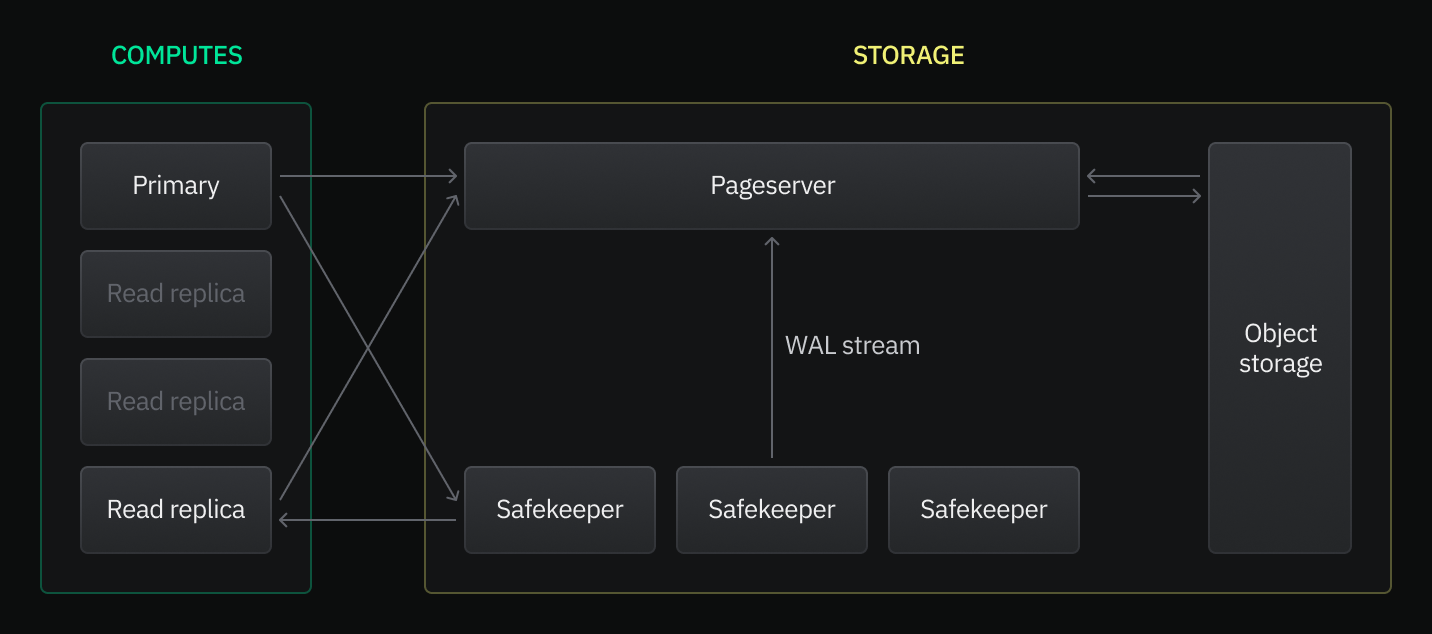
Potential uses for read replicas include:
- **Increasing throughput**: Distribute read requests among multiple read replicas to achieve higher throughput for both read-write and read-only workloads.
- **Offloading read-only workloads**: Assign reporting or analytical workloads to a read replica to prevent impacting the performance of read-write application workloads.
- **Managing data access**: Provide read-only data access to certain users or applications that do not need write access.
- **Customizing resource usage**: Configure different CPU and memory resources for each read replica to cater to the specific needs of different users and applications.
To learn more, refer to our [read replica blog post](https://neon.com/blog/introducing-same-region-read-replicas-to-serverless-postgres) or read the documentation: [Read replicas](https://neon.com/docs/introduction/read-replicas).
---
### 2023-07-10
### Fixes & improvements
- UI: Added keyboard support (**Tab** + **Enter**) for switching between **Explain** and **Analyze** tabs in the **SQL Editor**.
- UI: Fixed calculations in the **Pro Plan Cost Estimation** tool accessible from the **Billing** page on the Neon Free Tier. The issue resulted in incorrect cost estimates.
- UI: Fixed an issue in the **SQL Editor** that caused a page reload when switching between **Explain** and **Analyze** tabs.
### Faster Postgres queries for Vercel Edge Functions
The [Neon serverless driver](https://neon.com/docs/serverless/serverless-driver) now supports for SQL queries over HTTP, providing up to a 40% reduction in query latencies from [Vercel Serverless Functions](https://vercel.com/docs/concepts/functions/serverless-functions) and [Edge Functions](https://vercel.com/docs/concepts/functions/edge-functions) for one-shot queries. The enhanced driver brings same-region query response times down to single-digit milliseconds.
Additionally, we worked with the team at Drizzle to add Neon serverless driver support for [Drizzle-ORM](https://orm.drizzle.team/), an ORM for TypeScript. For an example demonstrating how to use the driver with Drizzle-ORM for type safety, see [How to use the driver](https://neon.com/docs/serverless/serverless-driver#how-to-use-the-driver).
Refer to the blog post to learn more: [Sub-10ms Postgres queries for Vercel Edge Functions](https://neon.com/blog/sub-10ms-postgres-queries-for-vercel-edge-functions).
---
### 2023-07-06
### Pro Plan Cost Estimation tool enhancements
**Typical use cases** and **Custom** tabs were added to the **Pro Plan Cost Estimation** tool that is accessible from the **Billing** page on the Neon Free Tier. This tool helps you estimate what your monthly cost would be if you upgraded to the [Neon Pro plan](https://neon.com/docs/introduction/pro-plan).
- The **Typical uses case** tab provides cost estimates for predefined **Prototype**, **Launch**, and **Scale** use cases.
- The **Custom** tab allows you to estimate costs based on compute and storage usage values that you provide.

### Fixes & improvements
- API: Added a `suspend_timeout_seconds` parameter to the `default_endpoint_settings` object in the [Create project](https://api-docs.neon.tech/reference/createproject) API. This parameter defines the amount of time before the project's default compute endpoint is suspended due to inactivity. The default is 300 seconds (5 minutes).
- API: Deprecated the `autoscaling_limit_min_cu` and `autoscaling_limit_min_cu` parameters in the [Create project](https://api-docs.neon.tech/reference/createproject) `project` object. You can configure these parameters in the `default_endpoint_settings` object instead when creating a project.
- Control Plane: The default password encryption method for roles in Neon was changed to `scram-sha-256`.
- Control Plane: Upgraded PGBouncer to a Bitnami version that does not wait for the Postgres instance to become accessible before starting PgBouncer. Additionally, to optimize compute startup times, the `server_login_retry` setting in PgBouncer's configuration was adjusted to remove any delay between Postgres connection retries.
- Control Plane: Autoscaling minimum and maximum values are now validated to ensure only valid values are permitted.
- UI: Invoices from past months did not appear on the **Billing** page for Neon Pro plan accounts.
---
### 2023-07-05
### Fixes & improvements
- Updated the `pgvector` extension to version 0.4.4. If you installed this extension previously and want to upgrade to the latest version, please refer to [Update an extension version](https://neon.com/docs/extensions/pg-extensions#update-an-extension-version) for instructions.
- Added a check for available memory when creating an Hierarchical Navigable Small World (HNSW) index using the `pg_embedding` extension. HNSW builds indexes in memory. Insufficient memory for the index size could result in out-of-memory errors.
---
### 2023-06-27
### Postgres extension support
- Added support for the [pg_uuidv7](https://github.com/fboulnois/pg_uuidv7) extension, which enables creating [version 7 UUIDs](https://www.ietf.org/archive/id/draft-ietf-uuidrev-rfc4122bis-00.html#name-uuid-version-7) in Postgres.
- Added support for the [pg_roaringbitmap](https://github.com/ChenHuajun/pg_roaringbitmap) extension. Roaring bitmaps are a type of compressed bitmap that generally surpass traditional compressed bitmaps in performance.
For more information about Postgres extensions supported by Neon and how to install them, see [Postgres extensions](https://neon.com/docs/extensions/pg-extensions).
---
### 2023-06-20
### Fixes & improvements
- Control Plane: Improved compute startup and compute availability check times by avoiding unnecessary catalog update steps already performed during initial compute startup.
- UI: Fixed a project creation issue that occurred when specifying a long project name. The **Name** field in the **Project Creation** modal now validates project names to ensure they are no more than 64 characters in length.
---
### 2023-06-13
### Postgres extension support
- Added support for the [pgx_ulid](https://github.com/pksunkara/pgx_ulid) extension, which enables using ULIDs within Postgres.
- Added support for the [rdkit](https://github.com/rdkit/rdkit) extension, which extends Postgres with data types and functions for working with chemical informatics data, turning Postgres into a cheminformatics database.
For more information about Postgres extensions supported by Neon and how to install them, see [Postgres extensions](https://neon.com/docs/extensions/pg-extensions).
---
### 2023-06-08
### Pro Plan Cost Estimation tool
Introduced a **Pro Plan Cost Estimation** tool designed to assist Free Tier users. This tool provides an estimated cost for the Pro Plan based on your current project usage. If you've ever wondered, "How much would my monthly cost be if I upgraded to the Neon Pro plan today?", this tool provides the answer. To access it, go to the **Billing** page via the sidebar of the Neon Console and select **Estimate costs**.
### Fixes & improvements
UI: The code examples accessible from the **Connect Details** widget on the Neon **Dashboard** now include a `-pooler` suffix in the endpoint hostname when the **Pooled connection** tab is selected. You no longer need to add this suffix manually.
UI: - Resolved an issue where the **Time** field on the **Branch** details page incorrectly displayed the date after creating a branch from `main` using the **Time** option. Now, the field correctly displays the time.
---
### 2023-06-02
### Connection pooling support for Autoscaling computes
[Connection pooling](https://neon.com/docs/connect/connection-pooling) can now be used in combination with the Neon [Autoscaling](https://neon.com/docs/introduction/autoscaling) feature. Previously, connection pooling was only available with fixed-size computes.
---
### 2023-05-30
### Documentation updates
- Added a guide for [connecting from Elixir with Ecto](https://neon.com/docs/guides/elixir-ecto).
- Added a guide for [connecting a Python application to Neon using Psycopg](https://neon.com/docs/guides/python).
- Expanded our [Import data from Postgres](https://neon.com/docs/import/migrate-from-postgres) documentation to include instructions for using `pg_dump` with `pg_restore`. The `pg_restore` utility offers additional options that facilitate importing larger or more complex datasets.
- Added a new section describing how to import data from one Neon project to another. These instructions are useful when setting up additional projects or when you need to move data to a project in a different region or with a different Postgres version. See [Import data from another Neon project](https://neon.com/docs/import/migrate-from-neon).
- Added [ILLA Cloud](https://www.illacloud.com/) to the list of applications and clients that support connecting to Neon. See [Tested applications and IDEs](https://neon.com/docs/connect/connect-postgres-gui#tested-gui-applications-and-ides). ILLA Cloud is a no-code platform that enables the rapid development and deployment of internal tools. For more information about ILLA Cloud and how to connect from ILLA Cloud to Neon, refer to this recent post: [ILLA Cloud announces a new partnership with Neon serverless Postgres](https://blog.illacloud.com/illa-cloud-announces-a-new-partnership-with-serverless-db-neon/).
- Added [Appsmith](https://www.appsmith.com/) to the list of applications and clients that support connecting to Neon. See [Tested applications and IDEs](https://neon.com/docs/connect/connect-postgres-gui#tested-gui-applications-and-ides). Appsmith is an open-source framework for building internal tools such as dashboards, database GUIs, admin panels, approval apps, customer support tools, and more.
---
### 2023-05-29
### Support for up to 10,000 simultaneous connections
Neon supports up to 10,000 simultaneous connections when using [connection pooling](https://neon.com/docs/connect/connection-pooling).
### Higher max_connections for larger computes
The Postgres `max_connections` setting is now set according to your compute size. Previously, the `max_connections` setting was 100. The formula that calculates the `max_connections` setting is `RAM in bytes / 9531392 bytes`. For example, a compute with 12 GB of RAM has a `max_connections` setting of 1351. You can check the `max_connections` setting by running `SHOW max_connections;` from the Neon SQL Editor or from a client connected to Neon. When [Autoscaling](https://neon.com/docs/introduction/autoscaling) is enabled, `max_connections` is calculated based on the minimum compute size in your autoscaling configuration.
### Fixes & improvements
UI: Updated the **Request Downgrade** modal on the **Billing** page for Neon Pro accounts. The button label was changed, the screen height was adjusted, and other stylistic changes were applied.
---
### 2023-05-23
### Fixes & improvements
- Compute: Updated Postgres versions to 14.8 and 15.3, respectively.
- Compute: Implemented a `cargo neon` utility to facilitate setting up the Neon project locally. [Setup instructions](https://github.com/neondatabase/neon#running-neon-database) have been updated to reflect this change.
---
### 2023-05-19
### Autoscaling support for fractional compute sizes
Neon's Autoscaling feature now supports fractional (1/4 and 1/2) minimum compute sizes. Previously, the minimum compute size for autoscaling was 1.

Autoscaling is a [Neon Pro plan](https://neon.com/docs/introduction/pro-plan) feature. For configuration instructions, see [Compute size and autoscaling configuration](https://neon.com/docs/manage/computes#compute-size-and-autoscaling-configuration).
### Free Tier "Billing" page
Added a **Billing** page to the Neon Console where Free Tier users can view [Free Tier](https://neon.com/docs/introduction/free-tier) limits and learn about the benefits of upgrading to the [Neon Pro plan](https://neon.com/docs/introduction/pro-plan). The **Billing** page is accessible from the sidebar in the Neon Console.

### Fixes & improvements
- UI: Implemented minor copy, stylistic, and functional improvements for the **Request Downgrade** modal accessed from the **Billing** page.
- API: Disabled `docker` as a compute provisioning option in the Neon [Create project](https://api-docs.neon.tech/reference/createproject) and [Create endpoint](https://api-docs.neon.tech/reference/createprojectendpoint) APIs. This option is not supported with the Neon cloud service.
---
### 2023-05-16
### Fixes & improvements
- Control Plane: Project limit checks are now performed for the Neon project owner rather than the currently logged in user. This change enables project limits to be checked against Pro plan limits rather than Free Tier limits when a Free Tier user accesses a project shared by a Pro plan user.
- Control Plane: Newly created Neon projects in a particular region are now assigned Pageservers through a random selection process, which is weighted according to Pageserver free space.
- Control Plane: Removed an unnecessary fetch of project parameters by the [Activity Monitor](https://neon.com/docs/reference/glossary#activity-monitor).
- UI: Implemented usability improvements for modals. The changes ensure that modals receive focus when opened and that modal buttons are disabled until there is a valid change and while a form is being submitted. New error messages were also added.
- UI: Improved the hover effect when hovering over steps in the onboarding section on the Neon **Dashboard**.
- API: The [Update endpoint](https://api-docs.neon.tech/reference/updateprojectendpoint) API now permits moving an endpoint from one branch to another without specifying `autoscaling_limit_max_cu` and `autoscaling_limit_min_cu` property values, which should not be required when performing this action.
- Control Plane: Neon plan limits are now transmitted when using [passwordless authentication](https://neon.com/docs/connect/passwordless-connect), enabling users logging in via this method to create projects, in accordance with their plan limits.
- UI: Fixed an issue that prevented Free Tier users from creating a compute endpoint for an existing branch. The **Fixed size** compute setting in the **Create Compute Endpoint** modal defaulted to 1 CU, which exceeded the Free Tier compute size limit.
- UI: Fixed the **Scale to zero delay** control on the **Create Compute Endpoint** and **Edit Compute Endpoint** modals to permit values up to 604800 seconds (7 days). The limit was recently increased from 86400 seconds (1 day).
- UI: Fixed issues with how icons were displayed in the **Usage** widget on the **Neon Dashboard**.
### Fixes & improvements
- Proxy: Neon uses compute endpoint domain names to route incoming client connections. For example, to connect to the compute endpoint `ep-mute-recipe-239816`, we ask that you connect to `ep-mute-recipe-239816.us-east-2.aws.neon.tech`. However, the Postgres wire protocol does not transfer the server domain name, so Neon relies on the Server Name Indication (SNI) extension of the TLS protocol to do this. Unfortunately, not all Postgres clients support SNI. When these clients attempt to connect, they receive an error indicating that the "endpoint ID is not specified".
As a workaround, Neon provides a special connection option that allows clients to specify the compute endpoint they are connecting to. The connection option was previously named `project`. This option name is now deprecated but remains supported for backward compatibility. The new name for the connection option is `endpoint`, which is used as shown in the following example:
```txt
postgresql://[user]:[password]@[neon_hostname]/[dbname]?options=endpoint%3D[endpoint_id]
```
For more information about this special connection option for Postgres clients that do not support SNI, refer to our [connection errors](https://neon.com/docs/connect/connection-errors) documentation.
- Pageserver: Branch deletion status was not tracked in S3 storage, which could result in a deleted branch remaining accessible.
- Pageserver: Addressed intermittent `failed to flush page requests` errors by adjusting Pageserver timeout settings.
---
### 2023-05-11
### Fixes & improvements
- UI: Adjusted how autoscaling minimum and maximum compute sizes are displayed in the **Compute endpoints** table on the branch details page.
- UI: Added a **History retention** metric to the **Storage** widget on the Neon **Dashboard**. By default, Neon retains a 7-day history of data changes to support [point-in-time restore](https://neon.com/docs/reference/glossary#point-in-time-restore). History retention will become a configurable setting in a future release.
- UI: Enhanced the **Request Downgrade** modal, which is accessible from the **Billing** page in the console. Downgrading from Neon's [Pro plan](https://neon.com/docs/introduction/pro-plan) back to the [Free Tier](https://neon.com/docs/introduction/free-tier) is now a fully automated and instant process. This change eliminates the previously required step of sending a downgrade request to Neon support.
- Control Plane: Adjusted the time interval for measuring compute utilization in Neon to avoid rounding decisions and ensure accuracy for fractional compute sizes.
- UI: Fixed modals in the console to enable form submission when the **Enter** key is pressed.
- UI: Fixed submission buttons that remained enabled after being clicked and while form data was being submitted.
---
### 2023-05-09
### Fixes & improvements
- Compute: Dockerfile updates for the [neondatabase/neon](https://github.com/neondatabase/neon) repository are now automatically pushed to our [public Docker Hub repository](https://hub.docker.com/u/neondatabase). This enhancement means that you no longer need to manually track and incorporate Dockerfile updates to build and test Neon locally. Instead, these changes will be available and ready to use directly from our Docker Hub repository.
- Safekeepers: Enabled parallel offload of WAL segments to remote storage. This change allows Safekeepers to upload up to five WAL segments concurrently.
---
### 2023-05-05
### Fixes & improvements
- Pageserver: Added WAL receiver context information for `Timed out while waiting for WAL record` errors. The additional information is used for diagnostic purposes.
- Safekeeper, Pageserver: Added Safekeeper and Pageserver metrics that count the number of received queries, broker messages, removed WAL segments, and connection switch events.
- Safekeeper: When establishing a connection to a Safekeeper, an `Lsn::INVALID` value was sent from the Safekeeper to the Pageserver if there were no WAL records to send. This incorrectly indicated to the Pageserver that the Safekeeper was lagging behind, causing the Pageserver to connect to a different Safekeeper. Instead of `Lsn::INVALID`, the most recent `commit_lsn` value is now sent instead.
---
### 2023-05-01
### Fixes & improvements
- Control Plane: Added support for configuring the Postgres [default_text_search_config](https://www.postgresql.org/docs/current/runtime-config-client.html#GUC-DEFAULT-TEXT-SEARCH-CONFIG) configuration parameter, which determines the behavior of text search functions and operators that do not have an explicit configuration. This parameter can be set for the Postgres instance using the `default_endpoint_settings` property in the [Create project](https://api-docs.neon.tech/reference/createproject) or [Update project](https://api-docs.neon.tech/reference/updateproject) API, or using the `pg_settings` property in the [Create endpoint](https://api-docs.neon.tech/reference/createprojectendpoint) or [Update endpoint](https://api-docs.neon.tech/reference/updateprojectendpoint) API. Alternatively, the parameter can be set for a specific database using `ALTER DATABASE` syntax:
```sql
ALTER DATABASE SET default_text_search_config = 'pg_catalog.english';
```
- Control Plane: Implemented a ClusterIP service to be used instead of the existing NodePort service to support a higher number of simultaneously running computes in a single region.
- UI: Added **Pooled connection** and **Direct connection** tabs to the **Connection Details** widget on the Neon **Dashboard**, allowing you to copy a pooled or direct connection string for the selected branch, database, and role.
---
### 2023-04-28
### Fixes & improvements
- API: Enabled checking for the Neon API specification to ensure that examples are updated when the specification is modified.
- API: Added a `history_retention_seconds` property to the [Project](https://api-docs.neon.tech/reference/getproject) response body. Neon retains a 7-day history to support point-in-time restore. History retention will become a configurable parameter in a future release.
- API: Increased the maximum value of the `suspend_timeout_seconds` property in the [Endpoint](https://api-docs.neon.tech/reference/getprojectendpoint) API from 86400 seconds (1 day) to 604800 seconds (7 days). This change affects the maximum scale to zero setting that Neon Pro plan users can configure when creating or editing a compute endpoint. The scale to zero setting defines the number of seconds of inactivity after which a compute endpoint is automatically suspended. The default is 300 seconds (5 minutes). For more information, see [Scale to zero configuration](https://neon.com/docs/manage/computes#scale-to-zero-configuration).
- Control Plane: Added a constraint to ensure that the maximum autoscaling compute size is greater than or equal to the minimum compute size.
- UI: Redesigned the branch details page in the Neon Console. In addition to the information displayed previously, the page now provide usage metrics, including **Active time**, **Compute time**, **Written data**, and **Data transfer**. This information enables you to monitor usage for individual branches. Refer to our [Billing](https://neon.com/docs/introduction/about-billing) page for information about the usage metrics. The compute endpoint information on the branch details page has also been expanded to include **Compute size**, **Scale to zero delay**, and **Last active** information. **Compute size (min)** and **Compute size (max)** values are shown for computes with the [Autoscaling](https://neon.com/docs/introduction/autoscaling) feature enabled. For information about these values, see [View a compute endpoint](https://neon.com/docs/manage/computes#view-a-compute-endpoint).
- UI: Added an **Active time** column to the table on the **Branches** page in the Neon Console. This column shows the number of hours the branch compute endpoint has been active for the current month.
- UI: The **Connection Details** dialog displayed when creating a project or a branch now provides **Pooled connection** and **Direct connection** tabs, allowing you to copy a pooled or direct connection string for the ready-to-use `neondb` database. For information about connection pooling in Neon, see [Connection pooling](https://neon.com/docs/connect/connection-pooling).
- UI: Updated the `prisma.js` code example accessible from the **Connection Details** widget on the Neon **Dashboard**. The connection string now includes a `connect_timeout` parameter to prevent Prisma from timing out due to cold starts, and a `pgbouncer=true` parameter, which is required when using Prisma with a pooled connection string. For more information about using Neon with Prisma, see [Connect Neon to Prisma](https://neon.com/docs/guides/prisma).
- UI: Added icons and hover help to the **Usage** widget on the Neon Console.
### Support for the US East (N. Virginia) region
Added support for the `US East (N. Virginia) — aws-us-east-1` region. For more information about Neon's region support, see [Regions](https://neon.com/docs/introduction/regions).
### Postgres extension support
Added support for the `ip4r` and `pg_hint_plan` extensions. For more information about Postgres extensions supported by Neon, see [Postgres extensions](https://neon.com/docs/extensions/pg-extensions).
### Fixes & improvements
- Compute: Added support for `lz4` and `zstd` WAL compression methods.
- Compute: Added support for `procps`, which is a set of utilities for process monitoring.
- Pageserver: Implemented `syscalls` changes in the WAL redo `seccomp` (secure computing mode) code to ensure AArch64 support.
### Documentation updates
- Added a guide for using [Grafbase Edge Resolvers with Neon](https://neon.com/docs/guides/grafbase). The guide describes how to create a GraphQL API using Grafbase and use Edge Resolvers with the [Neon serverless driver](https://neon.com/docs/serverless/serverless-driver) to access your Neon database at the edge.
- Added a guide for using [WunderGraph with Neon](https://neon.com/docs/guides/wundergraph). WunderGraph is an open-source Backend for Frontend (BFF) framework designed to optimize developer workflows through API composition. The guide describes how you can use WunderGraph with Neon to accelerate application development.
- Added [Segment](https://segment.com/) to the list of applications and clients that support connecting to Neon. See [Tested applications and IDEs](https://neon.com/docs/connect/connect-postgres-gui#tested-gui-applications-and-ides).
- Added a topic describing how to connect to Neon securely. See [Connect to Neon securely](https://neon.com/docs/connect/connect-securely).
---
### 2023-04-14
### Postgres extension support
Added support for the [timescaledb](https://github.com/timescale/timescaledb) extension, which scales Postgres for time-series data. For more information about Postgres extensions supported by Neon, see [Postgres extensions](https://neon.com/docs/extensions/pg-extensions/).
### Fixes & improvements
- UI: Added hover help to the `DEFAULT` branch badge that identifies a branch as the [default branch](https://neon.com/docs/reference/glossary#default-branch) for a project. The help message states that the compute endpoint associated with the default branch remains accessible if you exceed project limits, ensuring uninterrupted access to the data on your default branch.
- UI: Fixed the Neon **Project Creation** dialog to display a value for the **Fixed Size** compute option. A value was not displayed previously.
- UI: Fixed the **Create Compute Endpoint** and **Edit Compute Endpoint** dialogs to enable switching between **Fixed Size** and **Autoscaling** compute options, enabling you to configure the compute size for each compute endpoint individually. For information about Neon's Autoscaling feature, see [Autoscaling](https://neon.com/docs/introduction/autoscaling).
- UI: Fixed the **Edit Compute Endpoint** dialog so that the **Autoscaling** compute provisioning slider does not permit selecting unsupported minimum values. The minimum compute size for **Autoscaling** is 1 CU (4 GB of RAM).
- UI: Fixed an issue that caused text on the Neon **Dashboard** to overflow when reducing the size of the browser window.
### Documentation updates
- Added documentation for Neon's newly released _Autoscaling_ feature. To learn how Neon automatically and transparently scales compute on demand, see [Autoscaling](https://neon.com/docs/introduction/autoscaling). Pro users can enable _Autoscaling_ when creating a Neon project or afterward by editing a compute endpoint. For instructions, see:
- [Create a project](https://neon.com/docs/manage/projects#create-a-project)
- [Edit a compute endpoint](https://neon.com/docs/manage/computes#edit-a-compute-endpoint)
- Added documentation for Neon's `pg_tiktoken` extension. This extension enables fast and efficient tokenization of data in your POstgres database using OpenAI's [tiktoken](https://github.com/openai/tiktoken) library. To learn how to install the extension, utilize its features for tokenization and token management, and integrate the extension with ChatGPT models, see [The pg_tiktoken extension](https://neon.com/docs/extensions/pg_tiktoken).
- Added documentation for `pg_vector` extension. This extension enables vector similarity search and storing embeddings in Postgres. It is particularly useful for applications involving natural language processing, such as those built on top of OpenAI's GPT models. For information about vector similarity and embeddings, how to enable the `pgvector` extension in Neon, and how to create, store, and query vectors, see [The pgvector extension](https://neon.com/docs/extensions/pgvector).
- Reorganized our Prisma documentation into two parts to make it easier for you to get started with Prisma and Neon.
- Added documentation describing default and non-default branches. Each Neon project has a default branch called `main`, by default. The advantage of the default branch is that its compute endpoint remains accessible if you exceed your project's limits, ensuring uninterrupted access to data that resides on the default branch. Any branch not designated as the default branch is considered a non-default branch. To learn more, see:
- [Default branch](https://neon.com/docs/manage/branches#default-branch)
- [Non-default branch](https://neon.com/docs/manage/branches#non-default-branch)
- Added definitions for Neon _operations_ to the [glossary](https://neon.com/docs/reference/glossary). An operation is an action performed by the Neon Control Plane on a Neon object or resource. Operations are typically initiated by user actions, such as creating a branch or deleting a database. Other operations are initiated by the Neon Control Plane, such as suspending a compute endpoint after a period of inactivity or checking its availability. You can monitor operations to keep an eye on the overall health of your Neon project or to check the status of specific operations. When working with the Neon API, you can poll the status of operations to ensure that an API request is completed before issuing the next API request. For more information, refer to our [Operations](https://neon.com/docs/manage/operations) documentation.
---
### 2023-04-11
### Fixes & improvements
- Pageserver: Added `disk_size` and `instance_type` properties to the Pageserver API. This data is required to support assigning Neon projects to Pageservers based on Pageserver disk usage.
- Proxy: Added error reporting for unusually low `proxy_io_bytes_per_client metric` values.
- Proxy: Added support for additional domain names to enable partner integrations with Neon.
- Proxy: The passwordless authentication proxy ignored non-wildcard common names, passing a `None` value instead. A non-wildcard common name is now set, and an error is reported if a `None` value is passed.
- Safekeeper: The `wal_backup_lsn` is now advanced after each WAL segment is offloaded to storage to avoid lags in WAL segment cleanup.
- Safekeeper: Added a timeout for reading from the socket in the Safekeeper WAL service to avoid an accumulation of waiting threads.
- Pageserver: Corrected an issue that caused data layer eviction to occur at a percentage above the configured disk-usage threshold.
### Configurable scale to zero
You can now configure the period of inactivity after which a compute is automatically suspended. For example, you can increase the setting to reduce how often a compute is suspended, or you can disable the feature entirely to ensure that a compute remains active. The maximum scale to zero setting is 86400 seconds (24-hours). A setting of 0 means use the default (5 minutes / 300 seconds), and a setting of -1 means never suspend the compute. You can access the configuration dialog by [editing a compute endpoint](https://neon.com/docs/manage/computes#edit-a-compute-endpoint).

### Monitor storage on the Dashboard
Added a **Storage** widget to the Neon **Dashboard** that shows current project storage size, number of branches, and data size for the default branch. These metrics previously appeared in the **Usage** widget.

### Postgres extension support
Added support for the [pg_stat_statements](https://www.postgresql.org/docs/current/pgstatstatements.html) extension, which provides tracking of plan and execution statistics for SQL statements. For more information about Postgres extensions supported by Neon, see [Postgres extensions](https://neon.com/docs/extensions/pg-extensions/).
## Fixes & improvements
- API: Added `consumption_period_start` and `consumption_period_end` properties to the [Get project details](https://api-docs.neon.tech/reference/getproject) API. These properties provide the date and time when Neon starts and stops measuring usage for the current billing period.
- API: Project limits for shared projects are now checked against the project owner's limits. Previously, limits were checked against the project user's limits, which could prevent a Free Tier user from making full use of a project shared by a Pro plan user.
- Control Plane: Added an option to allow the Neon Control Plane to provide a compute node configuration specification in an API call after a compute node is started.
Integrations: Added information to the Neon Vercel Integration UI to indicate that Neon securely stores passwords. Neon stores a database user's password in a secure storage vault associated with the Neon project.
- UI: Removed the previously deprecated **Pooler enabled** option from the **Edit Compute Endpoint** dialog. Connection pooling is now enabled for individual connection strings instead of compute endpoints. For more information, see [Connection pooling](https://neon.com/docs/connect/connection-pooling).
- UI: The **Usage** widget in the Neon Dashboard now shows the start date for the project usage metrics shown in the widget.
- UI: Added a link to the **Pro** badge that appears in the Neon Console for users that have upgraded to Neon's Pro plan. Clicking the badge directs you to the **Billing** page in the Neon Console.
- UI: Added a documentation link and text to the **Roles** page in the Neon Console explaining the purpose of roles.
- UI: Added hover help to the `DEFAULT` branch badge that identifies a branch as the default branch for a project. The help message states that the compute endpoint associated with the default branch remains accessible if you exceed project limits, ensuring uninterrupted access to the data on your default branch.
- UI: Corrected an issue that directed users to a `Something went wrong` page after creating a branch without a compute endpoint.
- UI: Added missing `endpoint_id` to the connection examples accessible from the **Connection Details** widget on the Neon Dashboard.
---
### 2023-04-03
### Fixes & improvements
- API: Added a `branch` object to the [Create project](https://api-docs.neon.tech/reference/createproject) endpoint that allows you to specify names for the default branch, role, and database created with a project. Previously, specifying non-default names for these objects required additional API calls after creating a project.
- API: Updated the [List project consumption](https://api-docs.neon.tech/reference/listprojectsconsumption) endpoint description to indicate that the pagination maximum is 1000.
- Control Plane: Added an option to enable a foreground deletion policy for Kubernetes clusters, which blocks other operations until cascading resource deletions are finished. The foreground option reduces the amount of polling for operation completion.
- Control Plane: Added the ability to search for branches in S3 storage, enabling identification of branches in storage that have already been deleted in the console.
- Control Plane: Simplified SQL logging to reduce the amount of log write processing.
### Free Tier updates
The _compute active time_ limit of 100 hours per month for non-default branches, introduced on February 24, 2023, now applies to all Neon Free Tier projects. The limit was not applied to projects created before February 24 2023 to give users time to adjust their usage or upgrade to a [paid plan](https://neon.com/docs/introduction/plans). For information about Free Tier limits, see [Free Tier](https://neon.com/docs/introduction/free-tier).
---
### 2023-03-31
### Fixes & improvements
Connections from the [Postgres.js](https://github.com/porsager/postgres) client for Node.js and Deno are now supported. Postgres.js recently added [support for Server Name Indication (SNI)](https://github.com/porsager/postgres/commit/498f2aec9fa2abe7da548865abffb148ba438946), which Neon uses to route incoming connections. Postgres.js connections must pass the `ssl: 'require'` option. For more information about how Neon uses SNI, see [How Neon routes connections](https://neon.com/docs/connect/connection-errors#how-neon-routes-connections).
---
### 2023-03-30
### Deno support for the Neon serverless driver
The [Neon serverless driver](https://github.com/neondatabase/serverless) was verified to work with [Deno](https://github.com/denoland/deno). Where you would install another Postgres driver, run `npm install @neondatabase/serverless` instead, and then import the Neon serverless driver:
```javascript
import { Pool } from 'npm:@neondatabase/serverless';
```
---
### 2023-03-29
### Autoscaling now in Beta
A Beta version of Neon's _Autoscaling_ feature is now available for [Pro plan](https://neon.com/docs/introduction/pro-plan) users in selected regions. Autoscaling allows you to specify a minimum and maximum compute size. Neon scales compute resources up and down within the specified compute size boundaries to meet workload demand. The Autoscaling feature can be enabled when [creating a Neon project](https://neon.com/docs/manage/projects#create-a-project) or by [editing a compute endpoint](https://neon.com/docs/manage/computes#edit-a-compute-endpoint).
### Fixes & improvements
- API: Removed the `quota_reset_at` property from the Project consumption endpoint used by Neon partners. The property did not provide useful data.
- Control Plane: Free Tier compute endpoints are now assigned 0.25 Compute Units (CU) by default.
- Integrations: The Neon Vercel Integration no longer resets the password of the Neon role (the Neon database user). Previously, the password was reset to enable the integration to configure Vercel environment variables that require a password. Neon now stores passwords in a secure storage vault associated with the Neon project, allowing existing passwords to be retrieved.
- UI: Designating a different branch as the default branch of a Neon project is now supported. The compute endpoint associated with the default branch remains accessible if you exceed project limits, ensuring uninterrupted access to data on the default branch. You can designate a new default branch by selecting a branch from the **Branches** page in the Neon console and clicking **Set as default**.
---
### 2023-03-28
### Fixes & improvements
- Compute: Free space in the local file system that Neon uses for temporary files, unlogged tables, and the local file cache, is now monitored in order to maximize the space available for the local file cache.
- Pageserver: Logical size and partitioning values are now computed before threshold-based eviction of data layers to avoid downloading previously evicted data layer files when restarting a Pageserver.
- Pageserver: The delete timeline endpoint in the Pageserver management API did not return the proper HTTP code.
- Pageserver: Fixed an issue in a data storage size calculation that caused an incorrect value to be returned.
- Pageserver: Addressed unexpected data layer downloads that occurred after a Pageserver restart. The data layers most likely required for the data storage size calculation after a Pageserver restart are now retained.
---
### 2023-03-27
### Documentation updates
Added a guide for connecting Neon to [PolyScale](https://www.polyscale.ai/). The PolyScale service makes data-driven apps faster by simplifying global data distribution and caching. You can connect Neon to PolyScale in minutes, providing your database-backed applications with speedy access to your Neon data from anywhere in the world. For more information, see [Connect Neon to PolyScale](https://neon.com/docs/guides/polyscale).
---
### 2023-03-24
### Fixes & improvements
- UI: Adjusted the text in the **Usage** widget on the Neon **Dashboard** that describes the expected delay time for usage metrics.
- UI: Adjusted the **Project storage** metric labels in the **Usage** widget to identify one as **Project storage (usage)**, which is a measure of monthly storage in GiB-hrs, and the other as **Project storage (size)**, which is a measure of the current data size.
- UI: Revised the subscription cancellation warning on the **Billing** page.
- UI: Updated text and links in the **Neon onboarding** banner in the Neon Console.
- UI: Updated the [Docs](https://neon.com/docs/introduction) link in the Neon Console sidebar to point to the new documentation landing page.
---
### 2023-03-22
### Fixes & improvements
- API: Updated the `region_id` description in the Project API to include a link to the list of regions supported by Neon.
- UI: Revised the style of the **Unsubscribe** dialog accessed from the **Billing** page in the Neon Console.
- UI: Updated the metric units in the **Usage** widget on the Neon **Dashboard**
- UI: Fixed an issue that prevented **Usage** widget metrics on the Neon **Dashboard** from displaying data as expected. The API that supports the widget did not provide the required data.
- UI: Fixed an issue that caused Free Tier usage to be included in metrics data displayed in the **Usage** widget on the Neon **Dashboard** after upgrading to the Neon Pro plan. This issue did not affect billing.
---
### 2023-03-21
### Fixes & improvements
- Pageserver: Improved the check for unexpected trailing data when importing a basebackup, which is tarball with files required to bootstrap a compute node.
- Pageserver: Separated the management and `libpq` configuration, making it possible to enable authentication for only the management HTTP API or the Compute API.
- Pageserver: Reduced the amount of metrics data collected for Pageservers.
- Pageserver, Safekeeper: Removed unused Control Plane code.
- Pageserver: JWT (JSON Web Token) generation is now permitted to fail when running Pageservers with authentication disabled, which enables running without the 'openssl' binary. This change enables switching to the EdDSA algorithm for storing JWT authentication tokens.
- Pageserver: Switched to the EdDSA algorithm for the storage JWT authentication tokens. The Neon Control Plane only supports EdDSA.
- Added metrics that enable detection of data layer eviction thrashing (repetition of eviction and on-demand download of data layers).
- Pageserver, Safekeeper: Revised `$NEON_AUTH_TOKEN` variable handling when connecting from a compute to Pageservers and Safekeepers.
- Pageserver: Fixed an issue that resulted in old data layers not being garbage collected.
- Proxy: All compute node connection errors are now logged.
- Proxy: Fixed an issue that caused Websocket connections through the Proxy to become unresponsive.
- Safekeeper: Added an internal metric to track bytes written or read in Postgres connections to Safekeepers, which enables monitoring traffic between availability zones.
---
### 2023-03-17
### Documentation updates
- Added a [Billing](https://neon.com/docs/introduction/about-billing) page describing Neon paid plans, pricing, and related topics.
- Added instructions for using the [Neon Serverless driver](https://neon.com/docs/serverless/serverless-driver) on Vercel Edge Functions and Cloudflare Workers. The driver is a drop-in replacement for [node-postgres](https://node-postgres.com/) that allows you to query data from environments that support WebSockets but not TCP sockets.
- Added an [SDK](https://neon.com/docs/reference/sdk) reference page, which provides links to community-created SDKs for interacting with the Neon API. Community-created SDKs include:
- [Go SDK](https://github.com/kislerdm/neon-sdk-go)
- [Node and Deno TypeScript SDK](https://github.com/paambaati/neon-js-sdk)
Thanks to [Dmitry Kisler](https://github.com/kislerdm) and [Ganesh Prasannah](https://github.com/paambaati) for the contributions.
- Updated the [Neon Docs](https://neon.com/docs/introduction) landing page. The new landing page provides a visual interface for navigating the Neon documentation site.
- Added an [RSS feed](https://neon.com/docs/changelog/rss.xml) for the Neon Changelog.
- Redirected old Neon API reference links to the new [Neon API reference](https://api-docs.neon.tech/reference/getting-started-with-neon-api).
- Updated various [Neon API reference](https://api-docs.neon.tech/reference/getting-started-with-neon-api) style elements to align styles with the [Neon Docs](https://neon.com/docs/introduction) site.
- Updated the query example in the Neon Console onboarding banner and in the [Query with Neon's SQL Editor](https://neon.com/docs/get-started/query-with-neon-sql-editor) topic in the documentation. The `CREATE TABLE` statement did not include a primary key, which prevented the data from being edited when accessed from pgAdmin.
---
### 2023-03-16
### Fractional compute sizes
Added support for fractional Compute Units (CU), enabling configuration of compute endpoints with a quarter or half CU. Each CU allocates approximately 4 GB of RAM.

### Fixes & improvements
- API: Added a `suspend_timeout_seconds` property to the Endpoint API, which specifies the duration of inactivity (in seconds) after which a compute endpoint is automatically suspended.
- UI: Adjusted the labels and text on the **Edit Compute Endpoint** dialog.
- UI: Added support for Pro Plan customers to change payment details. Payment details can be changed by editing the **Payment method** on the **Billing** page in the Neon Console.
- UI: Added a **Request subscription cancellation** button to the **Billing** page in the Neon Console, which opens an **Unsubscribe** dialog. Customers can use the dialog to submit a plan cancellation request.
- UI: Revised the cancellation warning on the **Billing** page in the Neon Console.
- UI: Added a safety limit of 20 active compute endpoints. When the limit is exceeded, an endpoint is created but not activated.
- UI: When creating a branch, a complete connection string with the user name, password, and database name is now provided in the **Connection Details** dialog that is shown after branch creation.
- UI: Added a **Usage** widget to the Neon **Dashboard** for monitoring project usage. The usage widget tracks metrics such as **Active time**, **Compute time**, **Project storage**, **Branches**, and **Current data size**.
- UI: Added more domains to the console's Content Security Policy (CSP) HTTP response headers to enhance Neon Console security. CSP headers provide an additional layer of security for web pages by allowing a website to control what resources (such as scripts, stylesheets, and images) can be loaded and executed on its pages.
---
### 2023-03-15
### Introducing Neon Paid Plans
In addition to the [Free Tier](https://neon.com/docs/introduction/free-tier), Neon now offers the following paid plans:
- **Pro**: A usage-based plan, ideal for small-to-medium teams. With the Pro plan, you get up to 20 projects, unlimited branches, unlimited compute time, up to 200 GiB of storage, and access to paid plan features such as project sharing, autoscaling (_coming soon_), and configurable scale to zero (_coming soon_).
- **Enterprise**: A volume-based plan for medium-to-large teams and database fleets. Includes all Pro plan features plus customized limits and potential for volume discounts.
- **Platform Partnership**: A volume-based plan for large teams, database fleets, and resale. Includes all Enterprise plan features plus resale support.
You can learn more about Neon's paid plans and pricing on the Neon [Pricing](https://neon.com/pricing) page.
---
### 2023-03-14
### Fixes & improvements
- API: Removed the `physical_size` property from the Branch response body in the Neon API.
- Control Plane: Addressed a memory leak that affected Neon Console performance. A memory limit was put in place prevent similar issues.
- UI: Changed the **User** label on the **Connection Details** widget to **Roles**. Database users are now referred to as **Roles** in Neon.
- UI: Added descriptive text and a documentation link to the **Integrations** page in the Neon Console.
- UI: Added support for sharing projects with other Neon users. Project sharing is performed from the **Project settings** page in the Neon Console. The project sharing feature is available only to Neon paid plan users, but projects can be shared with any Neon user, including Free Tier users. For instructions, see [Manage projects](https://neon.com/docs/manage/projects).
- UI: Added an **Upgrade to Pro** option to the Neon Console to enable upgrading from Free Tier to Neon's Pro plan. For information about Neon's paid plans, please refer to [Neon plans](https://neon.com/docs/introduction/plans).
- UI: Fixed the connection examples accessible from the **Connection Details** widget on the Neon **Dashboard**. Examples other than the `psql` example had an extra project name in the connection hostname.
- UI: Fixed the "Manage" link on the **Branches** widget on the Neon Dashboard. The link did not work.
---
### 2023-03-13
### Fixes & improvements
- Autoscaling: Added support for scaling Neon's local file cache size when scaling a virtual machine.
- Compute: Released a new `pg_tiktoken` Postgres extension, created by the Neon engineering team. The extension is a wrapper for [OpenAI's tokenizer](https://github.com/openai/tiktoken). It provides fast and efficient tokenization of data stored in a Postgres database.
The extension supports two functions:
- The `tiktoken_encode` function takes text input and returns tokenized output, making it easier to analyze and process text data.
- The `tiktoken_count` function returns the number of tokens in a text, which is useful for checking text length limits, such as those imposed by OpenAI's language models.
The `pg_tiktoken` code is available on [GitHub](https://github.com/kelvich/pg_tiktoken).
- Compute: Added support for the Postgres `prefix`, `hll` and `plpgsql_check` extensions. For more information about Postgres extensions supported by Neon, see [Postgres extensions](https://neon.com/docs/extensions/pg-extensions/).
- Compute, Pageserver, Safekeeper: Added support for RS384 and RS512 JWT tokens, used to securely transmit information as JSON objects.
- Pageserver: Removed the block cursor cache, which provided little performance benefit and would hold page references that caused deadlocks.
---
### 2023-03-08
### Fixes & improvements
- Released a new version of the [Neon serverless driver](https://github.com/neondatabase/serverless) (v0.2.6), which allows you to query data from [Cloudflare Workers](https://workers.cloudflare.com/), [Vercel Edge Functions](https://vercel.com/features/edge-functions), and other environments that support WebSockets. The updated driver offers:
- Automatic import of the `ws` (WebSocket library) package if required, which makes the driver easier to use on StackBlitz and with Zapatos, for example.
- More helpful error messages when connection details are not provided. For example, a more informative error message is reported if you forget to set an environment variable for the database connection or forget to include a password in your database connection string.
- Added three new example application repositories to help you get started with the Neon serverless driver on Vercel Edge Functions. The example application generates a `JSON` listing of the 10 nearest UNESCO World Heritage sites using IP geolocation (data copyright © 1992 – 2022 UNESCO/World Heritage Centre).

- The [neondatabase/neon-vercel-rawsql](https://github.com/neondatabase/neon-vercel-rawsql) example demonstrates using raw SQL with Neon's serverless driver on Vercel Edge Functions.
- The [neondatabase/neon-vercel-zapatos](https://github.com/neondatabase/neon-vercel-zapatos) example demonstrates using [Zapatos](https://jawj.github.io/zapatos/) with Neon's serverless driver on Vercel Edge Functions. Zapatos offers zero-abstraction Postgres for TypeScript.
- The [neondatabase/neon-vercel-kysely](https://github.com/neondatabase/neon-vercel-kysely) example demonstrates using [kysely](https://github.com/koskimas/kysely) and [kysely-codegen](https://github.com/RobinBlomberg/kysely-codegen) with Neon's serverless driver on Vercel Edge Functions. Kysely is a type-safe and autocompletion-friendly typescript SQL query builder. `kysely-codegen` generates Kysely type definitions from your database.
The `UNESCO World Heritage sites` example is also available for the Neon serverless driver on Cloudflare Workers. See [neondatabase/serverless-cfworker-demo](https://github.com/neondatabase/serverless-cfworker-demo).
---
### 2023-03-07
### Fixes & improvements
- Pageserver: Added logic to handle unexpected Write-Ahead Log (WAL) redo process failures, which could cause a `Broken pipe` error on the Pageserver. In case of a failure, the WAL redo process is now restarted, and requests to apply redo records are retried automatically.
- Pageserver: Added timeout logic for the copy operation that occurs when downloading a data layer. The timeout logic prevents a deadlock state if a data layer download is blocked.
- Safekeeper: Addressed `Failed to open WAL file` warnings that appeared in the Safekeeper log files. The warnings were due to an outdated `truncate_lsn` value on the Safekeeper, which caused the _walproposer_ (the Postgres compute node) to download WAL records starting from a Log Sequence Number (LSN) that was older than the `backup_lsn`. This resulted in unnecessary WAL record downloads from cold storage.
---
### 2023-03-06
### Fixes & improvements
- API: Adjusted the tags in the Neon API specification that assign endpoints to categories. The new [Neon API reference](https://api-docs.neon.tech/reference/getting-started-with-neon-api) displays one endpoint per page. Multiple tags assigned to an endpoint resulted in endpoints not being listed under their primary category.
- UI: Updated the labels, links, and units shown on the **Project limits** widget on the Neon **Dashboard**.
- UI: Fixed the vertical alignment of buttons on authorization dialogs.
- UI: Removed a newline character from the connection string in the connection details dialog that is displayed after creating a new project.
---
### 2023-03-03
### Fixes & improvements
- Compute: Added support for the Postgres `rum` and `pgTAP` extensions. For more information about Postgres extensions supported by Neon, see [Postgres extensions](https://neon.com/docs/extensions/pg-extensions/).
- Pageserver: A system metric that monitors physical data size overflowed when a garbage collection operation was performed on an evicted data layer.
- Pageserver: An index upload was skipped when a compaction operation did not perform an on-demand download from storage. With no on-demand downloads, the compaction function would exit before scheduling the index upload.
---
### 2023-03-02
### Documentation updates
- Added Neon API [Operation endpoint examples](https://neon.com/docs/manage/operations#operations-and-the-neon-api) and a topic describing how to [poll operation status](https://neon.com/docs/manage/operations#poll-operation-status). When working with the Neon API programmatically, it may be necessary to poll operations to ensure that currently running API requests are finished before proceeding with the next request.
- Introduced a new [Neon API documentation](https://api-docs.neon.tech/reference/getting-started-with-neon-api) user interface. The new UI is more user-friendly, easier to navigate, and offers a more intuitive design, making it easier for developers to find what they need and get started with our APIs quickly. The UI can be viewed in light or dark mode and includes a **Try it** feature that allows you execute API requests from your browser.

---
### 2023-03-01
### Fixes & improvements
- API: A new `cpu_used_sec` property was added to the Project response body in the Neon API. This property shows the number of CPU seconds used by a branch's compute endpoints. The value resets to zero at the beginning of each billing period.
- Control Plane: By default, Neon suspends a compute endpoint after five minutes of inactivity. A custom configuration option was added to enable configuring or disabling the suspension threshold for compute endpoints. Disabling the threshold allows a compute endpoint to remain active indefinitely, which avoids latencies associated with restarting idle compute endpoints. This feature is not yet generally available. You can expect it to be introduced with Neon paid tiers.
- UI: New Neon projects now store role passwords in a secure storage vault associated with the project, allowing passwords to be retrieved from the **Connection Details** widget on the Neon **Dashboard**. Secure password storage reduces the need for password resets and facilitates the use of Neon features that require a password. The stored passwords feature is not yet available for existing Neon projects.
- UI: New Neon projects no longer include the system-managed `web_access` role. This role was used by the Neon **SQL Editor** and _passwordless auth_ feature. With the introduction of stored passwords, the `web_access` role is no longer required. Removal of the `web_access` role also addresses permission issues encountered when attempting to perform actions as the `web_access` role on objects owned by other roles or vice versa.
---
### 2023-02-28
### Postgres extension support
Added support for the following Postgres extensions:
- `pg_graphql`
- `pg_jsonschema`
- `pg_hashids`
- `pgrouting`
- `hypopg`
- Server Programming Interface (SPI) extensions:
- `autoinc`
- `insert_username`
- `moddatetime`
- `refint`
For more information about Postgres extensions supported by Neon, see [Postgres extensions](https://neon.com/docs/extensions/pg-extensions).
### Fixes & improvements
- Compute: Updated supported Postgres versions to [14.7](https://www.postgresql.org/docs/release/14.7/) and [15.2](https://www.postgresql.org/docs/release/15.2/), respectively.
- Pageserver: Optimized the log-structured merge-tree (LSM tree) implementation to reduce [write amplification](https://en.wikipedia.org/wiki/Write_amplification).
---
### 2023-02-27
### Documentation updates
- Added a [guide](https://neon.com/docs/guides/koyeb) for using Neon with [Koyeb](https://www.koyeb.com/), which is a serverless platform designed to easily deploy applications globally.
- Added [Retool](https://retool.com/) to our list of [GUI applications and clients](https://neon.com/docs/connect/connect-postgres-gui#tested-gui-applications-and-ides) that support connecting to Neon.
- Updated the [Vercel](https://neon.com/docs/guides/vercel-overview) guide to include the following topics:
- [Add the Neon Vercel Integration to another Vercel project](https://neon.com/docs/guides/vercel-overview)
- [Use the Neon integration](https://neon.com/docs/guides/vercel-overview)
- [Connect Vercel and Neon manually](https://neon.com/docs/guides/vercel-manual)
- Updated the [How to use connection pooling](https://neon.com/docs/connect/connection-pooling#how-to-use-connection-pooling) documentation with information about how to enable pooling by adding a `-pooler` suffix to the compute endpoint ID in your connection string. This feature allows you to connect to the same database with pooled and non-pooled connections.
- Added descriptions for `Operation`, `Project`, `Branch`, and `Endpoint` properties to the [Neon API reference](https://api-docs.neon.tech/reference/getting-started-with-neon-api).
- Updated the Neon documentation to reflect the renaming of **Users** to **Roles** in the Neon Console.
---
### 2023-02-24
### Fixes & improvements
- API: The `connection_uris` property in the [Create branch](https://api-docs.neon.tech/reference/createprojectbranch) response is no longer a required property, meaning that the field is not included in the response if the value is empty. The `connection_uris` property is now returned only in cases where a branch has only a single database and role.
- API: Added property descriptions for `Project`, `Branch`, `Endpoint`, `Database`, `Role`, and `Operation` endpoints.
- Control Plane: A compute endpoint now remains in an active state after resetting a password, creating a role, or creating a database. Previously, a compute endpoint was suspended following those actions. This behavior caused unnecessary latency when accessing the compute endpoint immediately afterward. The latency was due to the few seconds required to restart the compute endpoint.
- Integrations: Improved text and fixed a documentation link in the [Neon Vercel Integration](https://vercel.com/integrations/neon) UI.
- UI: The [Neon Free Tier](https://neon.com/docs/introduction/free-tier) now includes a compute endpoint with each branch. Previously, there was a limit of 3 endpoints per project. This limit was removed based on user feedback indicating that it was not conducive to developer workflows that create a branch for each preview deployment.
Instead of limiting the number of endpoint computes in the Neon Free Tier, there is now a limit of 100 compute active time hours per month. Currently, the compute hour limit applies to newly created projects only. The limit does not yet apply to existing projects. We expect to apply the limit to all projects later this quarter. Regardless of the compute hour limit, you are always able to connect to the compute endpoint associated with the default branch of your Neon project. For more information, see [Free Tier](https://neon.com/docs/introduction/free-tier).
If you have any questions about how this change to Neon's Free Tier limits might impact your existing project, please reach out to us on our [Discord Server](https://discord.gg/92vNTzKDGp).
- UI: With the removal of the endpoint limit, endpoints no longer appear in the **Project limits** widget on the Neon **Dashboard**.
- UI: With the introduction of pooled connections strings (see [How to use connection pooling](https://neon.com/docs/connect/connection-pooling#how-to-use-connection-pooling)), enabling pooling for a compute endpoint is deprecated. With this change, the **Pooler enabled** toggle on the **Edit Compute Endpoint** dialog is now disabled and will be removed in a future release.
- UI: Changed a column heading in the table on the **Operations** page from **ID** to **Action**. The items listed in the column are operation actions rather than IDs.
- UI: Renamed the **Users** page in the Neon Console to **Roles**. This change aligns Neon's terminology with Postgres, which uses the concept of "roles" to refer to database users. (See [Database roles](https://www.postgresql.org/docs/current/user-manag.html), in the _PostgreSQL documentation_.) All UI elements in the Neon Console were updated to reflect this change.
---
### 2023-02-21
### Fixes & improvements
- Compute: Added support for the Postgres `xml2` and `pgjwt` extensions. For more information about Postgres extensions supported by Neon, see [Postgres extensions](https://neon.com/docs/extensions/pg-extensions).
- Compute: Updated the versions for the following Postgres extensions:
- Updated the `address_standardizer`, `address_standardizer_data_us`, `postgis`, `postgis_raster`, `postgis_tiger_geocoder`, `postgis_topology` extensions to version `3.3.2`.
- Updated the `plv8`, `plls`, `plcoffee` extensions to `3.1.5`.
- Updated the `h3_pg` extension to `4.1.2`.
Updating an extension version requires running an `ALTER EXTENSION UPDATE TO ` statement. For example, to update the `postgis_topology` extension to the newly supported version, run this statement:
```sql
ALTER EXTENSION postgis_topology UPDATE TO '3.3.2';
```
- Pageserver: Corrected the storage size metrics calculation to ensure that only active branches are counted.
- Proxy: Enabled `OpenTelemetry` tracing to capture all incoming requests. This change enables Neon to perform an end-to-end trace when a new
connection is established.
---
### 2023-02-17
### Fixes & improvements
- API: The Neon API specification now shows the default (`10`) and maximum (`100`) pagination values for the [List projects API endpoint](https://api-docs.neon.tech/reference/listprojects). These settings were enforced previously but were not included in the Neon API specification.
- API: Updating a project name resulted in the loss of values defined in `default_endpoint_settings` property, which defines custom settings for project's compute endpoints.
- Control Plane: Increased the PgBouncer maximum client connection setting from 1000 to 10000, enabling Neon to support up to `10000` simultaneous connections. For more information about connection pooling in Neon, see [Connection pooling](https://neon.com/docs/connect/connection-pooling).
- Control Plane: Added an internal retry mechanism for connections to the Neon proxy, which improves the success rate for connection attempts. The Neon proxy is a service that accepts and handles connections from clients that use the Postgres protocol.
- Control Plane: A chain of operations failed to run in the expected order due to a lock related issue. In addition to operations running out of sequence, some operations were executed more than once.
- UI: Added Content-Security-Policy (CSP) HTTP response headers to enhance Neon Console security. CSP headers provide an additional layer of security for web pages by allowing a website to control what resources (such as scripts, stylesheets, and images) can be loaded and executed on its pages.
---
### 2023-02-14
### Fixes & improvements
- Compute: Added support for the Postgres `pgvector`, `plls` and `plcoffee` extensions. For more information about Postgres extensions supported by Neon, see [Postgres extensions](https://neon.com/docs/extensions/pg-extensions).
- Pageserver: Added an experimental feature that automatically evicts layer files from Pageservers to optimize local storage space usage. When enabled for a project, Pageservers periodically check the access timestamps of the project's layer files. If the most recent layer file access is further in the past than a configurable threshold, the Pageserver removes the layer file from local storage. The authoritative copy of the layer file remains in S3. A Pageserver can download a layer file from S3 on-demand if it is needed again, to reconstruct a page version for a client request, for example.
- Proxy: Significantly reduced network latencies for WebSocket and pooled connections by implementing caching mechanism for compute node connection information and enabling the `TCP_NODELAY` protocol option. The `TCP_NODELAY` option causes segments to be sent as soon as possible, even if there is only a small amount of data. For more information, refer to the [TCP protocol man page](https://linux.die.net/man/7/tcp).
---
### 2023-02-10
### Fixes & improvements
- API: Added a `quota_reset_at` property to the `Project` response schema in the Neon API. This property displays a future date indicating when a resource consumption quota will be reset. For example, the Neon Free Tier offers 100 compute hours per month. The `quota_reset_at` property shows when that quota will be set back to 100 hours.
- API: Added a `compute_seconds_limit` property to the `CurrentUserInfoResponse` schema in the Neon API. This property defines the monthly compute limit in terms of compute seconds.
- Integrations: The [Neon integration with Vercel](https://vercel.com/integrations/neon) did not create branches for preview deployments when the Vercel user ID differed from the one specified when adding the Neon integration to Vercel. This issue was encountered when using the Neon integration from a [Vercel Teams](https://vercel.com/docs/teams-and-accounts/create-or-join-a-team) account.
---
### 2023-02-08
### Fixes & improvements
- API: The `default_endpoint_settings` property in the `Project` schema was split into `default_endpoint_settings` and `settings`. The `default_endpoint_settings` property is now used exclusively for Postgres specific settings applied to a project's compute endpoints. The `settings` property is used for general project settings such as the compute `quota`. If you have been using `createProject` or `updateProject` API requests in your code, you may need to update those requests to account for this change.
- UI: Updated various UI elements in the Neon Console to rename **Endpoints** to **Compute endpoints**. The term _Endpoint_ was not specific enough to accurately reflect the resource being referred to. A **Compute endpoint** in Neon refers the compute instance that runs Postgres.
- UI: Added a `DEFAULT` badge to identify the default branch of a Neon project. The badge is visible on the **Branches** page in the Neon Console and in other UI elements that show a project's branches.
---
### 2023-02-07
### Postgres extension support
Added support for the Postgres `postgis-sfcgal` extension. For more information about Postgres extensions supported by Neon, see [Postgres extensions](https://neon.com/docs/extensions/pg-extensions).
### Fixes & improvements
Compute: Added support for [International Components for Unicode (ICU)](https://icu.unicode.org/), which permits defining collation objects that use ICU as the collation provider. For example:
```sql
CREATE COLLATION german (provider = icu, locale = 'de');
```
---
### 2023-02-06
### Fixes & improvements
- Integrations: You can now integrate Neon with your Vercel project directly from your Vercel account. The new integration, which is currently in Beta, is available from the [Vercel Integration Marketplace](https://vercel.com/integrations/neon). The integration allows you to connect your Vercel project to a new or existing Neon project. It also enables creating a database branch for each Vercel preview deployment and for your Vercel development environment. For more information about the Neon-Vercel integration, see [Connect Vercel and Neon](https://neon.com/docs/guides/vercel-overview).
- Control Plane: You can now enable connection pooling in Neon for individual connections. Pooling is enabled by adding a `-pooler` suffix to the endpoint ID in the Neon hostname. For example:
```text
postgresql://alex:AbC123dEf@ep-cool-darkness-123456-pooler.us-east-2.aws.neon.tech/dbname?sslmode=require&channel_binding=require
```
Connections that do not specify the `-pooler` suffix connect to the database directly. The ability to enable pooling for individual connections supports workflows that require both pooled and non-pooled connections to the same database. For example, serverless applications that use Prisma Client require a pooled connection, while Prisma Migrate requires a direct connection to the database. For more information, see [How to use connection pooling](https://neon.com/docs/connect/connection-pooling#how-to-use-connection-pooling).
The previous method of enabling connection pooling for a compute endpoint is deprecated. When switching to the new per-connection method, be sure to disable connection pooling at the compute endpoint. You can do so by [editing the compute endpoint](https://neon.com/docs/manage/computes#edit-a-compute-endpoint).
- Console: Added validation to ensure that emails are provided in the expected format when creating a Neon account.
- Control Plane: Added validation for the Log Sequence Number (LSN) provided when creating a branch from a particular LSN value to prevent the possibility of creating a branch from an unrelated parent branch. An appropriate error is now reported when an invalid LSN value is provided.
- UI: With the removal of the endpoint limit, endpoints no longer appear in the **Project limits** widget on the Neon **Dashboard**.
---
### 2023-02-02
### Fixes & improvements
- API: The response body for projects, branches, and endpoints now exposes a `creation_source` property. Currently, the `creation_source` property identifies the `console` as the creation source in all cases but will eventually identify other sources, such as the Neon API.
- API: Listing projects with the Neon API now supports cursor-based pagination. Pagination enables limiting the number of responses displayed at one time, which is useful when a response includes a large number of projects. By default, the first 10 projects are returned. You can set the `limit` parameter to request up to 100 projects.
- API: Fixed a race condition that occurred when creating a project and attempting to fetch information about branch in the same project.
- Control Plane: Added support for OpenTelemetry for a number of operations. OpenTelemetry is an observability framework that assists in generating and capturing telemetry data from cloud-native software.
- Control Plane: Removed the `stop_compute` operation, which is no longer used. It was replaced by `suspend_compute`.
- Control Plane: Fixed a `cannot execute GRANT in a read-only` error that occurred when a database owner enabled the `default_transaction_read_only` setting, preventing the Control Plane from configuring the compute instance.
- UI: Revised the layout of the Neon Console to improve navigation. The following enhancements were implemented:
- A new sidebar with icons replaces the navigation bar that was located at the top of the console.
- **Operations**, **Databases**, and **Users** pages, previously accessed from the **Project settings** page, are now directly accessible from the sidebar.
- Links to **Community**, **Feedback**, **Docs**, **Release notes**, and **Support**, previously located in a **Help** menu in the navigation bar, were moved to the sidebar for easier access.
- The Neon account avatar was moved from the top right corner of the console to the sidebar.
- UI: Fixed the positioning of selection menus in the console to avoid scrolling outside intended boundaries.
---
### 2023-01-31
### Postgres extension support
Added support for the Postgres `unit` extension. For more information about Postgres extensions supported by Neon, see [Postgres extensions](https://neon.com/docs/extensions/pg-extensions).
### Fixes & improvements
- Compute: Removed logic that updated roles each time a Neon compute instance was restarted. Roles were updated on each restart to address a password-related backward compatibility issue that is no longer relevant.
- Pageserver: Reimplemented the layer map used to track the data layers in a branch. The layer map now uses an immutable binary search tree (BST) data structure, which improves data layer lookup performance over the previous R-tree implementation. The data required to reconstruct page versions is stored as data layers in Neon Pageservers.
- Pageserver: Changed the garbage collection (`gc`) interval from 100 seconds to 60 minutes. This change reduces the frequency of layer map locks.
- Pageserver: Implemented an asynchronous pipe for communication with the Write Ahead Log (WAL) redo process, which helps improves OLAP query performance.
---
### 2023-01-23
### Fixes & improvements
Compute: Fixed a compute instance restart error. When a compute instance was restarted after a role was deleted in the console, the restart operation failed with a "role does not exist" error while attempting to reassign the objects owned by the deleted role.
---
### 2023-01-17
### Postgres extension support
Added support for several Postgres extensions. Newly supported extensions include:
- `bloom`
- `pgrowlocks`
- `intagg`
- `pgstattuple`
- `earthdistance`
- `address_standardizer`
- `address_standardizer_data_us`
For more information about Postgres extensions supported by Neon, see [Postgres extensions](https://neon.com/docs/extensions/pg-extensions).
### Fixes & improvements
- Compute: Updated the list of Postgres client libraries and runtimes that Neon tests for connection support. The `pg8000` Python Postgres driver, version 1.29.3 and higher, now supports connecting to Neon.
- Compute: Added statistics to `EXPLAIN` that show prefetch hits and misses for sequential scans.
- Proxy: Updated the error message that is reported when attempting to connect from a client or driver that does not support Server Name Indication (SNI). For more information about the SNI requirement, see [Connection errors](https://neon.com/docs/connect/connection-errors). Previously, the error message indicated that the "Project ID" is not specified. The error message now states that the "Endpoint ID" is not specified. Connecting to Neon with a Project ID remains supported for backward compatibility, but connecting with an Endpoint ID is now the recommended connection method. For general information about connecting to Neon, see [Connect from any application](https://neon.com/docs/connect/connect-from-any-app/).
---
### 2023-01-10
### Fixes & improvements
Pageserver: Added support for on-demand download of layer files from cold storage. Layer files contain the data required reconstruct any version of a data page. On-demand download enables Neon to quickly distribute data across Pageservers and recover from local Pageserver failures. This feature augments Neon's storage capability by allowing data to be transferred efficiently from cold storage to Pageservers whenever the data is needed.
---
### 2022-12-28
### Fixes & improvements
- API: Added a `branch_logical_size_limit` attribute to the Neon API [Project](https://api-docs.neon.tech/reference/getproject) response body, which shows the logical data size limit for project branches. This attribute replaces the `logical_size_limit` attribute, which was shown in the [Branch](https://api-docs.neon.tech/reference/getprojectbranch) response body. The [Neon Free Tier](https://neon.com/docs/introduction/free-tier/) limits the logical data size of a branch to 3072 MiB (3 GiB).
- API: Added the ability to delete or reassign the endpoint associated with a project's root branch. Previously, these actions could not be performed on the endpoint associated with a project's root branch. You can edit or delete an endpoint by selecting **Edit** or **Delete** from the kebab menu in the table on the **Endpoints** page.
- API: Updated descriptions and examples in the [Neon API v2 reference](https://api-docs.neon.tech/reference/getting-started-with-neon-api).
- API: Added validation to ensure that the name specified when creating a role does not exceed 63 bytes. Role names longer than 63 bytes caused compute startup issues.
- Control Plane: Migrated older branches that were created using the Neon API v1 to their parent project. Branches created with Neon API v1 existed as separate Neon projects. After the migration, the branches exist as Neon API v2 branch and endpoint objects that belong to a parent project. Connection strings for migrated branches, which use the old `project_id` in the hostname, are no longer valid. Instead of the `project_id`, an `endpoint_id` must be specified in the hostname. For information about constructing a valid connection string, see [Connect from any application](https://neon.com/docs/connect/connect-from-any-app/). An email with migration instructions was sent to affected users.
- UI: Added a **Pooler enabled** toggle control to the **Edit endpoint** dialog to permit enabling or disabling connection pooling for endpoint compute instances. The same control is available on the **Create endpoint** dialog. Previously, connection pooling was enabled or disabled for a project, and the control was located in **Settings > General**. Connection pooling is disabled, by default. For more information about Neon's connection pooling feature, see [Connection pooling](https://neon.com/docs/connect/connection-pooling/).
- UI: Completed the migration of the Neon Console from Neon API v1 to [Neon API v2](https://api-docs.neon.tech/reference/getting-started-with-neon-api). The Neon API v1 is deprecated.
- UI: Added a **Region** column to the **Projects** dialog in the Neon Console to show the region where a Neon project resides.
- UI: Improved WebSockets integration with the Neon Console, and added Websocket support for endpoint updates.
- UI: Passwords are now temporarily displayed in the **Connection Details** widget on the project **Dashboard** after project creation and password reset operations. The password is displayed until you navigate away from the Neon Console or refresh the browser.
---
### 2022-12-14
### Fixes & improvements
- API: The request body for the create branch API is now optional. Previously, a request body with `branch` or `endpoints` attributes was required. Without a request body, the default behavior is to create a branch from the project's root branch (`main`) without an endpoint, and the branch name is auto-generated.
- Control Plane: Neon now attempts to deploy compute resources in the same availability zone as the [Pageserver](https://neon.com/docs/reference/glossary#pageserver).
- UI: Removed the password from the connection string that is displayed in the **Connection Details** widget on the Neon **Dashboard** after project creation. A connection string and `.env` file with the password are provided in a pop-up dialog after creating a project.
- UI: Neon's passwordless auth feature no longer requires selecting an endpoint for projects with a single endpoint.
---
### 2022-12-08
### Fixes & improvements
- Compute: Added support for sequential scan prefetch, which reduces round trips between Computes and Pageservers. Sequential scan prefetch allows fetching numerous pages at once instead of one by one, improving I/O performance for operations such as table scans.
- Compute: Added support for the `pg_prewarm` Postgres extension, which utilizes the above-mentioned sequential scan prefetch feature. The `pg_prewarm` extension provides a convenient way to load data into the Postgres buffer cache after a cold start. For information about Postgres extensions supported by Neon, see [Postgres extensions](https://neon.com/docs/extensions/pg-extensions).
- Compute: Updated supported Postgres versions to 14.6 and 15.1, respectively.
- Pageserver: Updated the `storage_sync` operation to make it more robust and reliable while syncing files between Pageservers and S3.
- Safekeeper: Replaced [etcd](https://etcd.io/) subscriptions with a custom Neon [storage broker](https://github.com/neondatabase/neon/blob/main/docs/storage_broker.md). The storage broker allows Safekeepers and Pageservers to learn which storage node holds a timeline and the status of a timeline while avoiding too many connections between nodes.
---
### 2022-12-06
### Fixes & improvements
- API: Added request and response body examples to the Neon API v2 specification.
- API: Disabled deleting or changing the endpoint compute instance associated with a project's root branch.
- API: Added a `logical_size_limit` attribute to the branch schema, which shows the data size limit for a branch.
- API: Renamed the `max_project_size` attribute in Neon API v1 specification to `branch_logical_size_limit`.
- API: Removed the `max_project_size` attribute from Neon v2 API schema.
- API: Fixed a project duplication issue in the list projects method in the Neon API v1.
- Control Plane: Implemented a forced suspension of endpoints that are unresponsive for more than 2 hours.
- Control Plane: Improved the reliability of the passwordless auth feature.
- Control Plane: Fixed an issue that caused an endpoint to be created in a region other than the project's region.
- UI: Removed the Neon invite gate. An invitation is no longer required to try Neon. It is available to everyone. For more information, refer to the [Neon is Live!](https://neon.com/blog/neon-serverless-postgres-is-live/) blog post.
- UI: Released the Neon database branching feature. Branching is now available to all users. For more information, refer to the [Database Branching for Postgres with Neon](https://neon.com/blog/database-branching-for-postgres-with-neon/) blog post.
- UI: Added new and improved popup dialogs for project, branch, and role creation.
- UI: Added an **Endpoints** page to the Neon Console for creating and managing endpoints, which are the compute resources in your Neon project. For more information about endpoints, see [Endpoints](https://neon.com/docs/manage/computes/).
- UI: Enabled creating branches with data up to a specified [Log Sequence Number (LSN)](https://neon.com/docs/reference/glossary#lsn).
- UI: Updated the passwordless auth feature to show the branch name on the browser page that is displayed during authentication.
- UI: Updated the **Create branch** page to display the local timezone when selecting the **Time** option during branch creation.
- UI: Removed branches without endpoints from the branch selector in Neon SQL Editor. To query a branch, the branch must have an associated endpoint through which a connection can be established.
- UI: Added a **Free tier** widget to the Neon **Dashboard**, which shows how many branches and endpoints you have created and the status of your free tier limits. The widget also shows the data size limit per branch, which is 3 GiB. For information about Free Tier limits, see [Free Tier](https://neon.com/docs/introduction/free-tier/).
- UI: Enabled reset password functionality for non-root branches.
---
### 2022-12-01
### Fixes & improvements
- API: Creating branches using the Neon API v1 is now deprecated.
- API: Added support for cursor pagination when listing operations.
- API: Added validation for empty names to branch and project endpoints.
- API: Added LSN validation to the create branch endpoint.
- API: Made the `parent_id` and `name` attributes optional when creating a branch.
- API: Added a complete endpoint hostname value in the endpoint response body.
- API: Added support for changing the branch of an endpoint.
- API: Added an `allow_connections` flag for endpoints to permit disabling connections to the endpoint.
- API: Added support for creating a branch without an endpoint, which is now the default if the `endpoints` attribute is not specified. Creating a branch without an endpoint supports backup uses cases and useful in scenarios where the number of branches exceeds the number of available endpoints due to endpoint limits.
- API: Added response examples to the API specification.
- API: Create project and create endpoints now treat the `region_id` parameter as `region.id`. The attribute was previously treated as `region.handle`. Code that uses these endpoints may need to be updated.
- API: Fixed the ordering of operations and projects.
- API: Corrected the error reported when a duplicate branch name is used.
- Control Plane: Added handling for ID collisions when creating a branch or endpoint.
- Control Plane: Renamed the ready-to-use database created in the root branch of a Neon project from `main` to `neondb`.
- Control Plane: Added new autoscaling limits.
- Control Plane: Added a project maintenance flag.
- Control Plane: Added a region maintenance and testing flag.
- UI: Added a branch ID value and **Create branch** button to the branch details page in the console.
- UI: Updated the Neon Free Tier limits. See [Free Tier](https://neon.com/docs/introduction/free-tier/) for details. The new Neon Free Tier limits apply to both new and existing projects, but the previous 10 GiB storage limit will be honored for existing projects that currently have more than 3 GiB of data.
- UI: Added a **Delete endpoint** button to the **Endpoints** page.
- UI: Updated the Neon [passwordless auth](https://neon.com/docs/connect/passwordless-connect/) feature to select an endpoint to connect to instead of a project.
- UI: Fixed an endpoint polling issue.
- UI: Stopped polling when deleting a project.
- UI: Added handling for errors that occur when polling endpoint status.
- UI: Removed visibility of internal service roles.
- UI: Added handling for sign-in during passwordless auth.
- UI: Fixed the NodeJS connection string example in the **Connection Details** widget on the **Dashboard**.
---
### 2022-11-17
### Fixes & improvements
- Control Plane: Introduced a maintenance mode for Neon projects. When a project is placed into maintenance mode, its endpoints are forcibly suspended and modifications are not permitted until maintenance is completed.
- Control Plane: Added support for Cross-Origin Resource Sharing (CORS) to the Neon API v1 and v2.
- Control Plane: Added descriptions for endpoint categories to the Neon API v2, and changed the `ApiKey` tag to `API Key`.
- Control Plane: Added the ability to fetch all endpoints for a specified branch to the Neon API v2. Thank you to our Neon community member for the [feature request](https://community.neon.tech/t/api-route-feature-request-suggestion-get-v2-projects-project-id-branches-branch-id-endpoints/246).
- Control Plane: Added the ability to create endpoints without specifying an instance ID to the Neon API v2.
- Control Plane: Added the ability to retrieve information about the current user to the Neon API v2. User details such as login, email, and other parameters specified in the OpenAPI specification can now be retrieved.
- Control Plane: Added a `"Content-Type"` header with an `"application/json"` value to Neon API v2 error responses.
- Control Plane: Fixed a memory leak that occurred when handling SQL requests.
- Control Plane: Improved diagnostic information by extracting error messages from Pageserver responses during project creation.
- Control Plane: Stopped manually rolling back the current transaction when the user cancels the context. The Go driver [ConnBeginTx](https://pkg.go.dev/database/sql/driver#ConnBeginTx) interface performs this operation automatically.
- UI: Postgres 15 is now the default version when creating a Neon project.
- UI: Added support for renaming branches. To rename a branch, select the branch on the **Branches** page in the Neon Console and click **Rename branch**.
- UI: Added `TIME` and `LSN` fields to the branch details page for child branches. The `TIME` field shows the time value selected when creating a branch with data up to a specified point in time. The `LSN` field shows a Log Sequence Number (LSN), indicating that the branch was created with data up to that LSN.
- UI: Added a branch icon to the branch selection menu on the **Databases** and **Users** pages in the Neon Console.
- UI: Added badges for various elements on the branch details page in the Neon Console.
- UI: Fixed an issue that prevented project and endpoint statuses from being updated when making changes.
---
### 2022-11-16
### Fixes & improvements
- Pageserver, Safekeeper, Compute, and Proxy: Reduced the size of Neon storage binaries by 50% by removing dependency debug symbols from the release build.
- Pageserver: Moved the Write-Ahead Log (WAL) redo process code from Neon's `postgres` repository to the `neon` repository and created a separate `wal_redo` binary in order to reduce the amount of change in the `postgres` repository codebase.
- Compute: Updated prefetching support to store requests and responses in a ring buffer instead of a queue, which enables using prefetches from many relations concurrently.
- Pageserver and Safekeeper: Removed support for the `--daemonize` option from the CLI process that starts the Pageserver and Safekeeper storage components. The required library is no longer being maintained and the option was only used in our test environment.
- Pageserver: Added a tenant sizing model and an endpoint for retrieving the tenant size.
---
### 2022-11-04
### Support for more regions
Added support for the US East (Ohio), Europe (Frankfurt), and Asia Pacific (Singapore) regions, allowing you to create Neon projects closer to your application servers. For more information about Neon's region support, see [Regions](https://neon.com/docs/conceptual-guides/regions/).
### Branching enhancements
Updated Neon's branching capabilities. The following enhancements were introduced:
- Added a **Branches** page to the Neon Console for creating and managing branches.
- Each project now has a root branch called `main`.
- Branches now belong to a project. You can create a branch from your project's root branch (`main`) or from another branch in the project.
- You can now define the data to include in a branch. You can include all data up to the current point in time or up to a past point in time.
- Each branch is now created with a named endpoint, which is the compute instance associated with a branch. Connecting to a branch requires connecting to the branch's endpoint. You can obtain a connection string for a branch endpoint from the **Connection Details** widget on the Neon **Dashboard**.
For more information about Neon's branching capabilities, see [Branching](https://neon.com/docs/introduction/branching), and [Manage branches](https://neon.com/docs/manage/branches).
_Neon Branching capabilities are not yet publicly available. If you would like to try this feature, contact us at [iwantbranching@neon.tech](mailto:iwantbranching@neon.tech), describing your use case and requesting that Neon enable branching for your account._
### Connection string changes
With the addition of support for new regions and updates to Neon's branching capabilities, changes were made to the hostname in Neon connection strings. Previously, a hostname had this format: `.cloud.neon.tech`. With the introduction of new regions, a `` and `` value were added to the hostname for projects created in newly supported regions. With the update to branching capabilities, `` was replaced by ``. As a result of these changes:
- Projects created in the original Neon region, US West (Oregon), have this hostname format: `.cloud.neon.tech`.
- Projects created in the newly supported regions, have this hostname format: `...neon.tech`.
The old hostname format continues to be supported for projects created before these changes were introduced.
### Postgres keyword highlighting
Added highlighting support for [Postgres 15 SQL Keywords](https://www.postgresql.org/docs/15/sql-keywords-appendix.html) to Neon's SQL Editor. Keywords are highlighted when entered in the SQL Editor.
### Fixes & improvements
- Control Plane: Improved handling of OAuth consent challenges. A user is now directed to the destination URL to complete the login or consent request instead of receiving a `410 Gone` error when resubmitting an OAuth consent challenge.
- Control Plane: Fixed memory leaks that could occur for background operations started in a context that does not expire. An operation failure could have resulted in resources not being cleaned up.
- UI: Added the ability to display the navigation bar at the top of the Neon Console as a side drawer menu on small screens.
- UI: Fixed an issue in the SQL Editor that prevented errors from being reported when rerunning multi-statement queries.
- UI: Updated the `.pgpass` configuration instructions provided after creating a project or resetting a password. The instructions did not include the required Postgres port number.
---
### 2022-10-25
### Fixes & improvements
- Compute: Added support for Postgres 15.0 and its Postgres extensions.
For information about supported extensions, see [Available Postgres extensions](https://neon.com/docs/extensions/pg-extensions).
- Compute: Disabled the `wal_log_hints` parameter, which is the default Postgres setting. The Pageserver-related issue that required enabling `wal_log_hints` has been addressed, and enabling `wal_log_hints` is no longer necessary.
- Pageserver: Added a timeline `state` field to the `TimelineInfo` struct that is returned by the `timelines` internal management API endpoint. Timeline `state` information improves observability and communication between Pageserver modules.
---
### 2022-10-21
### Fixes & improvements
- Compute: Fixed an issue that prevented creating a database when the specified database name included trailing spaces.
- Pageserver: Fixed an `INSERT ... ON CONFLICT` handling issue for speculative Write-Ahead Log (WAL) record inserts. Under certain load conditions, records added with `INSERT ... ON CONFLICT` could be replayed incorrectly.
- Pageserver: Fixed a Free Space Map (FSM) and Visibility Map (VM) page reconstruction issue that caused compute nodes to start slowly under certain workloads.
- Pageserver: Fixed a garbage collection (GC) issue that could lead to a database failure under high load.
- Pageserver: Improved query performance for larger databases by improving R-tree layer map search. The envelope for each layer is now remembered so that it does not have to be reconstructed for each call.
---
### 2022-10-07
### Fixes & improvements
- Compute: Added support for a future implementation of sequential scan prefetch, which improves I/O performance for operations such as table scans.
- Compute: Moved the backpressure throttling algorithm to the Neon extension to minimize changes to the Neon Postgres core code, and added a `backpressure_throttling_time` function that returns the total time spent throttling since the system was started.
- Compute: Added support for the `h3_pg` and `plv8` Postgres extensions. For information about Postgres extensions supported by Neon, see [Postgres extensions](https://neon.com/docs/extensions/pg-extensions).
- Pageserver: Increased the default `compaction_period` setting to 20 seconds to reduce the frequency of polling that is performed to determine if compaction is required. The frequency of polling with the previous setting of 1 could result in excessive CPU consumption when there are numerous tenants and projects.
- Pageserver: Added initial support for online tenant relocation.
- Pageserver: Added support for multiple Postgres versions.
- Proxy: Improved error messages and logging.
---
### 2022-10-04
### Fixes & improvements
- Control Plane: The availability checker now waits for the project operations queue to clear before starting.
- Control Plane: Operations for redo are now selected based on the correct status.
- Control Plane: The V2 branch creation endpoint is now accessible using an OAuth token.
- Integrations: Added OAuth support for Hasura users, enabling seamless authentication with Neon from Hasura Cloud. To learn more about connecting from Hasura Cloud to Neon, see [Connect from Hasura Cloud to Neon](https://neon.com/docs/integrations/hasura).
- UI: The Database drop-down menu in the **Connection Details** widget on the Dashboard and in the Neon SQL Editor now permits selecting any created database.
---
### 2022-09-28
### Fixes & improvements
- API: Added a `protected: boolean` flag to the roles public API response.
- API: Changed region and platform ids from serial numbers to strings in the public API.
- API: Changed the operations id from a serial number to a UUID type in the public API.
- Control Plane: Added an internal mechanism for relocating projects between Pageservers.
- Control Plane: Stopped sending metrics to Grafana Cloud.
- Control Plane: Removed usage of the obsolete `zenith_ctl` binary.
- Control Plane: Split the monolithic project object into project, branches, and endpoints in the internal database schema.
- Control Plane: Fixed a [passwordless auth](https://neon.com/docs/connect/passwordless-connect) issue that occurred when creating a new project using the project selection interface.
- Integrations: Added `read`, `update`, `delete` project access scopes for OAuth applications.
- Integrations: Added the ability to select access scopes and projects on the OAuth consent page.
- UI: Fixed a failure that occurred after receiving an empty response in the SQL Editor.
- UI: Fixed an issue to ensure that table names are reset when switching between schemas on the **Tables** page in the Neon Console.
---
### 2022-09-02
### Fixes & improvements
- Control Plane: Fixed authentication of concurrent proxy connections to an idle compute node. Previously, one of the concurrent proxy connection attempts would fail with a `Failed to connect to the compute node` error.
- UI: Added functionality that enables providing an OAuth app name to a client.
- UI: Fixed the title on the 'Sign in' page.
- UI: Changed the Postgres version displayed on the project dashboard to 14.5.
---
### 2022-09-01
### Fixes & improvements
- Compute: Updated the Postgres version to 14.5.
- Compute: Added support for the `PostGIS` extension, version 3.3.0. For information about Postgres extensions supported by Neon, see [Postgres extensions](https://neon.com/docs/extensions/pg-extensions).
- Proxy: Added support for forwarding the `options`, `application_name`, and `replication` connection parameters to compute nodes.
---
### 2022-08-31
### Fixes & improvements
- Control Plane: Implemented OAuth backend support and OAuth consent screens, which enable granting OAuth applications permission to create projects on behalf of users. Services interested in OAuth integration with Neon should contact [partnerships@neon.tech](mailto:partnerships@neon.tech).
- UI: Fixed the syntax highlighting for Golang snippets.
- UI: Fixed styles for smaller screens.
---
### 2022-08-30
### Fixes & improvements
- UI: Added a **Submit Feedback** feedback form to the Neon Console. The form is accessible from the **Help** menu.
- UI: Fixed a CORS error for API requests in the Swagger UI. The error occurred when using the 'Try it out' feature.
---
### 2022-08-25
### Fixes & improvements
- Control Plane: Added the ability to select Safekeepers from different availability zones for new projects.
- UI: Added a **Tables** page to the Neon Console for viewing database schemas and tables. Drop-down menus permit navigating between project databases. Table data can be viewed by selecting the table from the sidebar.
- UI: Added a **Help** menu to the Neon Console which provides links to various user assistance resources.
- UI: Fixed the `.pgpass` password file instructions that are presented when resetting a password [#1825](https://github.com/neondatabase/neon/issues/1825).
- UI: Added validation messages to the Project Creation dialog.
- UI: Fixed broken links in the **Neon onboarding** section of the Neon Console.
---
### 2022-08-15
### Fixes & improvements
- Control Plane: Set `max_replication_write_lag` to `15 MB` to tune the backpressure mechanism and improve PostgresSQL responsiveness under load.
- Control Plane: Improved the ability to investigate performance issues by collecting and saving more detailed compute node startup time metrics.
- UI: The Neon SQL Editor now maintains a history of previously executed queries and permits saving queries. For more information about these capabilities, see [Query with Neon's SQL Editor](https://neon.com/docs/get-started/query-with-neon-sql-editor/).
- UI: Added token-based authorization to [Neon's public API](https://api-docs.neon.tech/reference/getting-started-with-neon-api).
- UI: Changed the display status of operations waiting in the queue from `In progress` to `Scheduling`.
- UI: Disabled controls that incorrectly remained enabled while the Neon project was in a transitive state.
- UI: Fixed incorrect encoding when switching between code samples in the **Connection Details** widget on the project Dashboard, and added descriptions to connection string examples.
- UI: Fixed various typos and errors.
---
### 2022-08-08
### Fixes & improvements
UI: Fixed an issue that prevented project status updates from being communicated to the Neon Console. Prior to this fix, the previous project status was reflected in the Neon Console until the page was reloaded.
---
### 2022-08-04
### Fixes & improvements
- Control Plane: Added a new version of the operations executor that includes various stability and observability improvements.
- Control Plane: Compute node logs are now dumped if the startup process fails.
- Control Plane: Added support for deleting timeline data from all storage nodes (Safekeepers and Pageserver) after project deletion.
- UI: Added validation to ensure that the API key **Name** field is not left blank when creating a new API Key on the **Developer Settings** page. For information about API keys, see [Manage keys](https://neon.com/docs/get-started/using-api-keys/).
- UI: Added a **Create branch** button to the project Dashboard for selected users. To request early access to Neon branching capabilities, send an email to [iwantbranching@neon.tech](mailto:iwantbranching@neon.tech).
- UI: Added a detailed error message to the Neon SQL Editor for failed queries.
---
### 2022-08-02
### Fixes & improvements
- Compute: Installed the `uuid-ossp` extension binaries, which provide functions for generating universally unique identifiers (UUIDs). `CREATE EXTENSION "uuid-ossp"` is now supported. For information about extensions supported by Neon, see [Available Postgres extensions](https://neon.com/docs/extensions/pg-extensions).
- Compute: Added logging for compute node initialization failure during the 'basebackup' stage.
- Pageserver: Avoided busy looping when deletion from cloud storage is skipped due to failed upload tasks.
- Pageserver: Merged the 'wal_receiver' endpoint with 'timeline_detail', in the internal management API.
- Pageserver: Added reporting of the physical size with the tenant status, in the internal management API.
---
### 2022-07-20
### Fixes & improvements
- API: Changed the error reported when a concurrent operation on a project prevents acquiring a project lock. Error `423 Locked` is now reported instead of `409 Conflict`.
- Control plane: Implemented the usage of several instances for serving the public API and web UI to enable zero-downtime deployments.
- UI: Added an **Enable pooling** toggle to the project **General setting** page, which permits enabling or disabling connection pooling for a project. For more information about Neon connection pooling support, see [Connection pooling](https://neon.com/docs/get-started/connection-pooling/).
---
### 2022-07-19
### Fixes & improvements
- Compute: Enabled the use of the `CREATE EXTENSION` statement for users that are not database owners.
- Compute: Updated the Postgres version to 14.4.
- Compute: Renamed the following custom configuration parameters:
- `zenith.page_server_connstring` to `neon.pageserver_connstring`
- `zenith.zenith_tenant` to `neon.tenant_id`
- `zenith.zenith_timeline` to `neon.timeline_id`
- `zenith.max_cluster_size` to `neon.max_cluster_size`
- `wal_acceptors` to `safekeepers`
- Control Plane: Renamed `zenith_admin` role to `cloud_admin`.
- Pageserver: Implemented a page service `fullbackup` endpoint that works like basebackup but also sends relational files.
- Pageserver: Added support for importing a base backup taken from a standalone Postgres instance or another Pageserver using `psql` copy.
- Pageserver: Fixed the database size calculation to count Visibility Maps (VMs) and Free Space Maps (FSMs) in addition to the main fork of the relation.
- Pageserver: Updated the timeline size reported when `DROP DATABASE` is executed.
- Pageserver: Decreased the number of threads by running gc and compaction in a blocking tokio thread pool.
- Pageserver: Switched to per-tenant attach/detach. Download operations of all timelines for one tenant are now grouped together so that branches can be used safely with attach/detach.
- Proxy: Added support for propagating SASL/SCRAM Postgres authentication errors to clients.
- Safekeeper: Added support for backing up Write-Ahead Logs (WAL) to S3 storage for disaster recovery.
- Safekeeper: Added support for downloading WAL from S3 storage on demand.
- Safekeeper: Switched to [etcd](https://etcd.io/) subscriptions to keep Pageservers up to date with the Safekeeper status.
- Safekeeper: Implemented JSON Web Token (JWT) authentication in the Safekeeper HTTP API.
- Safekeeper: Fixed the walreceiver connection selection mechanism:
- Reconnecting to a Safekeeper immediately after it fails is now avoided by limiting candidates to those with the fewest connection attempts.
- Increased the `max_lsn_wal_lag` default setting to avoid constant reconnections during normal work.
- Fixed `wal_connection_attempts` maintenance, preventing busy reconnection loops.
---
### 2022-07-11
### Fixes & improvements
- API: Added a `pooler_enabled` property to the [project update API call](https://api-docs.neon.tech/reference/updateproject) to indicate whether or not connection pooling is enabled.
- API: Fixed several bugs that could cause intermittent 409 responses, which indicate a request conflict with the current state of the target resource.
- Control Plane: Implemented connection pooling support for Neon projects, allowing Neon to support a greater number of connections. For information about enabling connection pooling for a Neon project, see [Connection pooling](https://neon.com/docs/connect/connection-pooling/).
---
### 2022-06-08
### Fixes & improvements
- API: Changed the `user_id` type from `int64` to `uuid`.
- API: Implemented a unified JSON error response where possible, in the format of `{ "message": "error text" }`.
- API: Made `platform`, `region`, and `instance_type` ids optional during new project creation.
- Control Plane: Fixed an issue that allowed the `web_access` system role to be modified or deleted, which could affect the functioning of the Neon SQL Editor.
- UI: The Neon Technical Preview invite code is now requested only at the first login.
- UI: Added a cover to password fields to protect passwords from view. Passwords are presented to users after performing actions such as creating a project, creating a user, or resetting a password.